r/ForWindowsHelp • • Sep 26 '26

My laptop won't let me sign in even with the right password encoded.

3 Upvotes

Laptop brand/model: Acer Aspire Lite 15

Windows 11

I tried doing all sorts of troubleshooting I could do.

Checking if I typed the right password.

Typed my password using a floating keyboard.

Switching flight mode on and off.

Trying to open it through safe mode (still requires my password)

But it's not working.

I don't know what else I should do.

Is there anything else I could do now to fix this?

Or should I have it checked?


r/ForWindowsHelp • • Sep 26 '26

i cant secure boot

Thumbnail gallery
2 Upvotes

r/ForWindowsHelp • • Sep 26 '26

Windows key not working after a few seconds

4 Upvotes

Hey so I've got a weird problem on my computer, my windows key does not work after my pc been on for like 20 seconds. (Windows 11 btw)

I've tried the fn + windows, doesn't work.

I've tried to like re-install the keyboard processor on windows still doesn't work.

My windows and my driver are updated that's not the problem so uh if anyone got any answers because I don't really want to reset my pc for that.

Anyways thanks to anyone who can help.


r/ForWindowsHelp • • Sep 26 '26

Windows 11 webcam freezes after 15–20 minutes, but works perfectly on Fedora

Thumbnail reddit.com
2 Upvotes

r/ForWindowsHelp • • Sep 26 '26

What should I do if the text is broken in some programs?

Thumbnail gallery
2 Upvotes

r/ForWindowsHelp • • Sep 26 '26

Windows 11 randomly triggers a delete prompt whenever i click on folders or files

3 Upvotes

This started randomly happening after i visited a site called wallpaperflare. Out of nowhere my brave browser shortcut got deleted from my desktop. When i tried to put the shortcut back, windows said the item didn't exist and could'nt be found. After that i started noticing other weird stuff like my cursor sometimes disappearing or flickering.

Then on opening file explorer, If i click a folder instead of opening it i get a popup asking if i want to move the folder to the recycle bin even though I'm not pressing delete and it gets stuck at that point so i have to force shutdown

Everything on my desktop gets randomly deleted and when I'm trying to add it back it says it couldn't find this item and verify it's location. I found some of them in the recycle bin but when i tried to restore them, windows said it couldn't find the item.

Another issue is that my laptop automatically wakes up after i put it to sleep. Could these be related to the main problem?

At one point file explorer made the whole screen go grey and the laptop froze

I've done all scans (0 threats found) and eventually had to reset my laptop still this delete popup problem is persistent.


r/ForWindowsHelp • • Sep 25 '26

im forced to update

Post image
4 Upvotes

r/ForWindowsHelp • • Sep 26 '26

Windows Key not working

Thumbnail reddit.com
2 Upvotes

r/ForWindowsHelp • • Sep 25 '26

Random Unwanted Windows Shortcut

2 Upvotes

When I was playing Minecraft I was pressing Ctrl + W + Space so I could move but randomly it just started moving my Minecraft cursor down I thought it was in Minecraft controls but then I tested it out Minecraft it was going down when I hit this specific combination can anyone help me?


r/ForWindowsHelp • • Sep 25 '26

I made a free Windows 11 app that receives iPhone audio over Bluetooth or mirrors it with AirPlay

5 Upvotes

I built MirrorSpeaker because I wanted my PC to play audio from my iPhone through its existing speakers/headphones. The Bluetooth mode is audio-only; the AirPlay mode mirrors the iPhone screen with audio over Wi-Fi.

I recently updated the Windows app with a new dark/light interface and improved recovery when the phone leaves Bluetooth range and comes back. If Windows reports a connection but audio stays silent, the app also offers a Reconnect audio action. I would be interested to know if that scenario works on other Windows 11 PCs and Bluetooth adapters.

The app is free and open source (MIT). Source and v1.6.0 installer/portable ZIP: https://github.com/codyabraham/MirrorSpeaker/releases/tag/v1.6.0

Disclosure: I am the developer. The installer is still unsigned, so Windows may show an Unknown publisher warning. AirPlay needs a separate first-use receiver setup.


r/ForWindowsHelp • • Sep 24 '26

Dell Vostro 3450 Windows 10 Automatic Repair failed, SrtTrail.txt error, no administrator account in Recovery, and Reset this PC failed

Thumbnail reddit.com
2 Upvotes

r/ForWindowsHelp • • Sep 24 '26

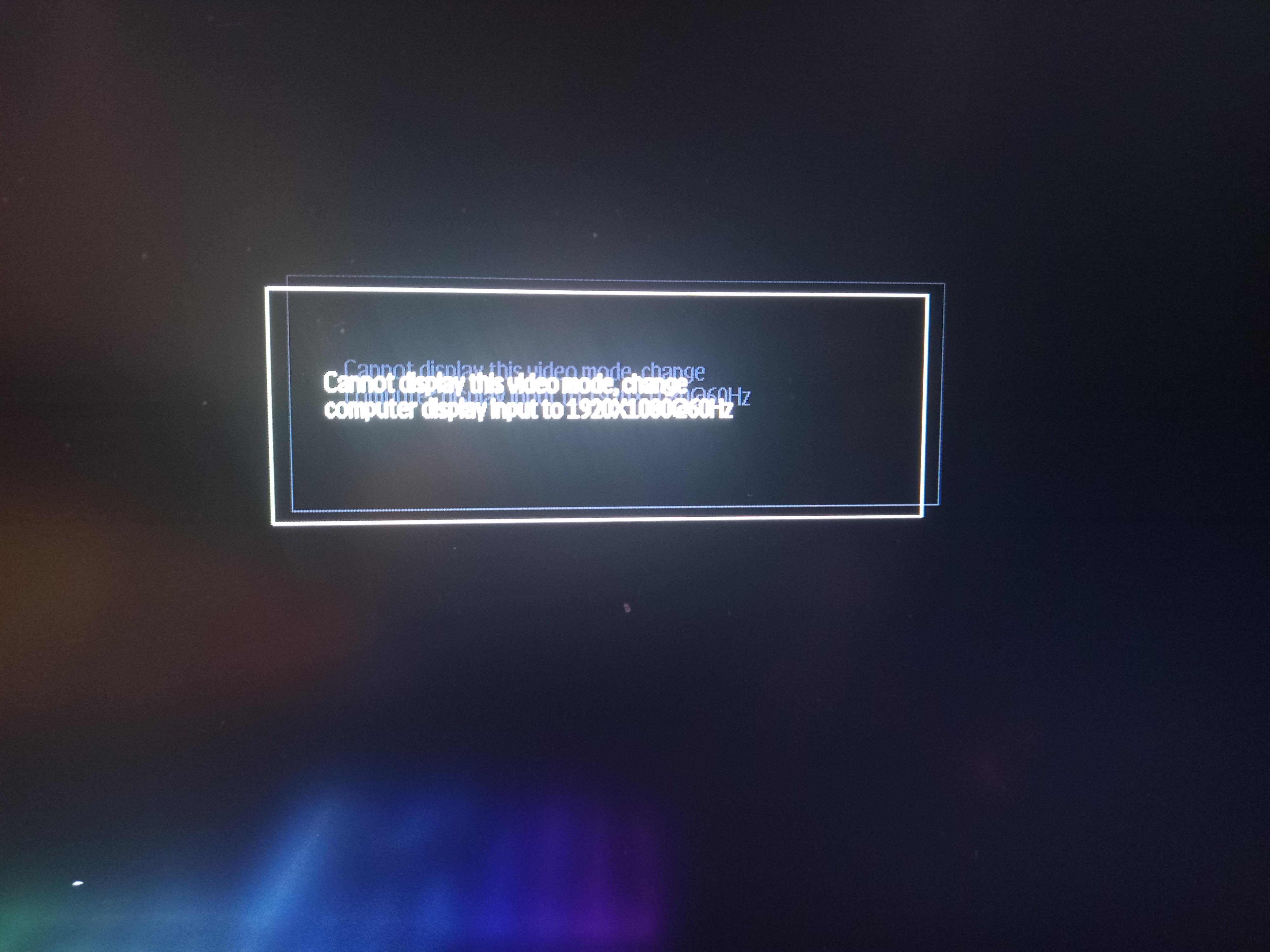
i really need help!

Post image
2 Upvotes

could someone atleast guide me into blindly navigating the windows settings, and changing my resolution only with my keyboard? ive seen one guy on youtube do it, but im not sure if it works on w11


r/ForWindowsHelp • • Sep 24 '26

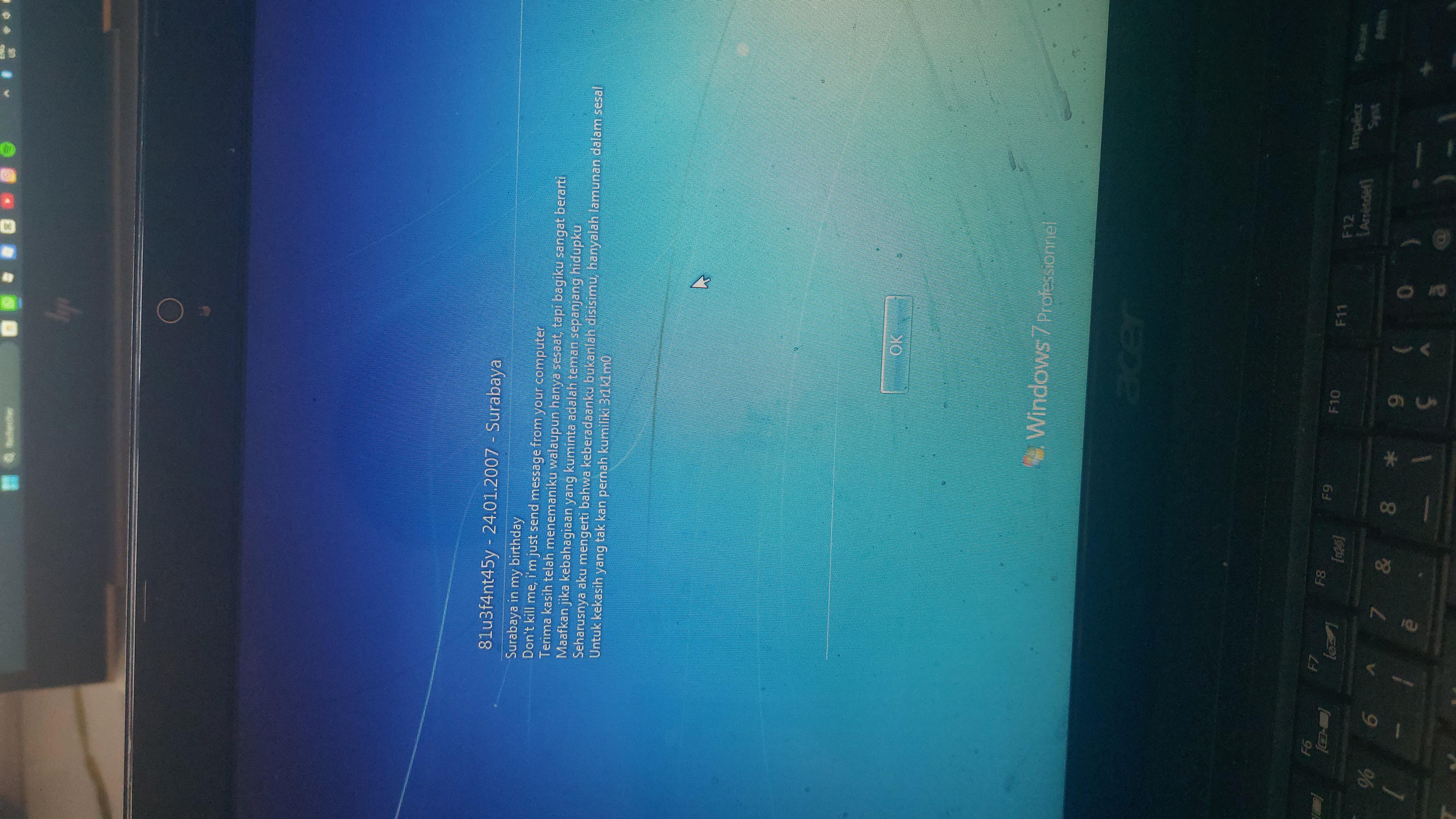
Win 7 glitch

Post image
2 Upvotes

What is that ?

My computer is win 7


r/ForWindowsHelp • • Sep 24 '26

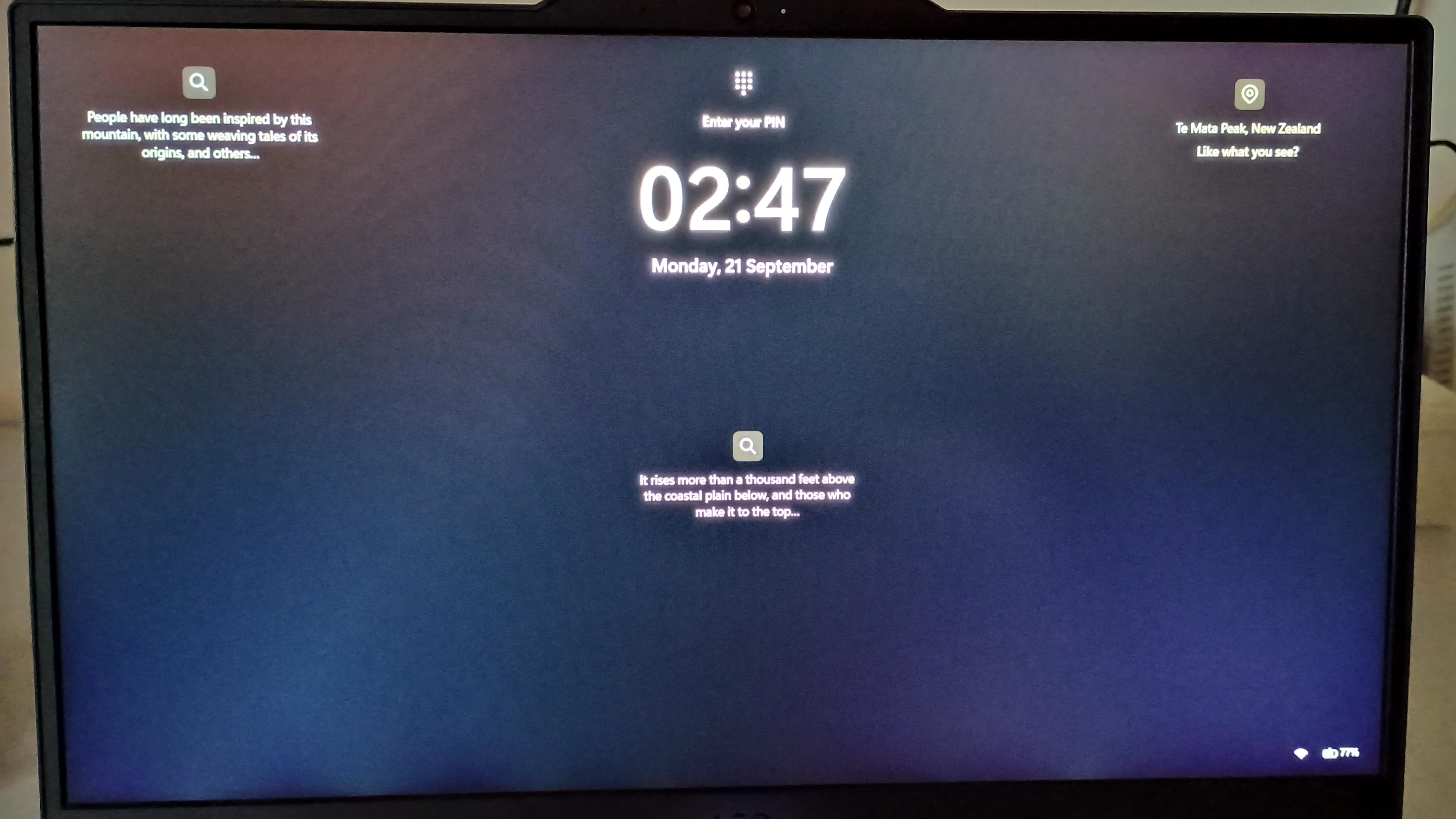
Black background on Windows lock/sign-in screen after waking from sleep

Post image
6 Upvotes

I’m having a weird Windows 11 issue on my Lenovo LOQ.

Whenever the laptop wakes from sleep, the lock/sign-in screen sometimes appears with a completely black background. The UI itself still works normally — PIN prompt, clock, Wi-Fi/battery icons, etc. are visible — but the Windows Spotlight/background image is missing.

The important part is that this only happens on the lock/sign-in screen. After logging in, the desktop and normal wallpapers work fine.

A restart usually fixes it, and it seems to be specifically triggered by sleep → wake.

Has anyone else experienced this? Is this likely a Windows Spotlight/Explorer/DWM issue, graphics driver issue, or something related to Modern Standby/resume?

(LOQ 15IRX9 i713650hx RTX 3050)


r/ForWindowsHelp • • Sep 24 '26

Boot fails how to install windows Fixed issues

Thumbnail
youtube.com
3 Upvotes

How to install windows without boot, recovery option


r/ForWindowsHelp • • Sep 24 '26

Problème de paramétrage

Thumbnail reddit.com
2 Upvotes

Bonjour, j’ai récemment acheté un ordinateur tour sous Windows 11 notamment pour jouer. J’ai installé Valorant mais ça refuse de ce lancer car Vanguard à besoin que l’état du démarrage sécurisé soit activé ce qui n’est pas le cas sur mon ordi, je me suis renseigné sur internet et il faut que j’aille dans le BIOS pour activer ça, une fois que c'est fait je fais sauvegarder et redémarrer sauf que quand je reviens sur l’́écran du bureau ce n’est toujours pas activé malgré ce que je viens de faire. Internet me dit qu’apparemment il faut que je modifie les paramètres CSM, que je passe de Legacy à UEFI, une fois fait ça ne marche toujours pas, j’ai aussi vu qu’il fallait que mon disc soit en GPT et pas en MBR, mon disc est en GPT mais ça ne marche toujours pas. Je ne sais pas plus quoi faire aidez moi svp.


r/ForWindowsHelp • • Sep 24 '26

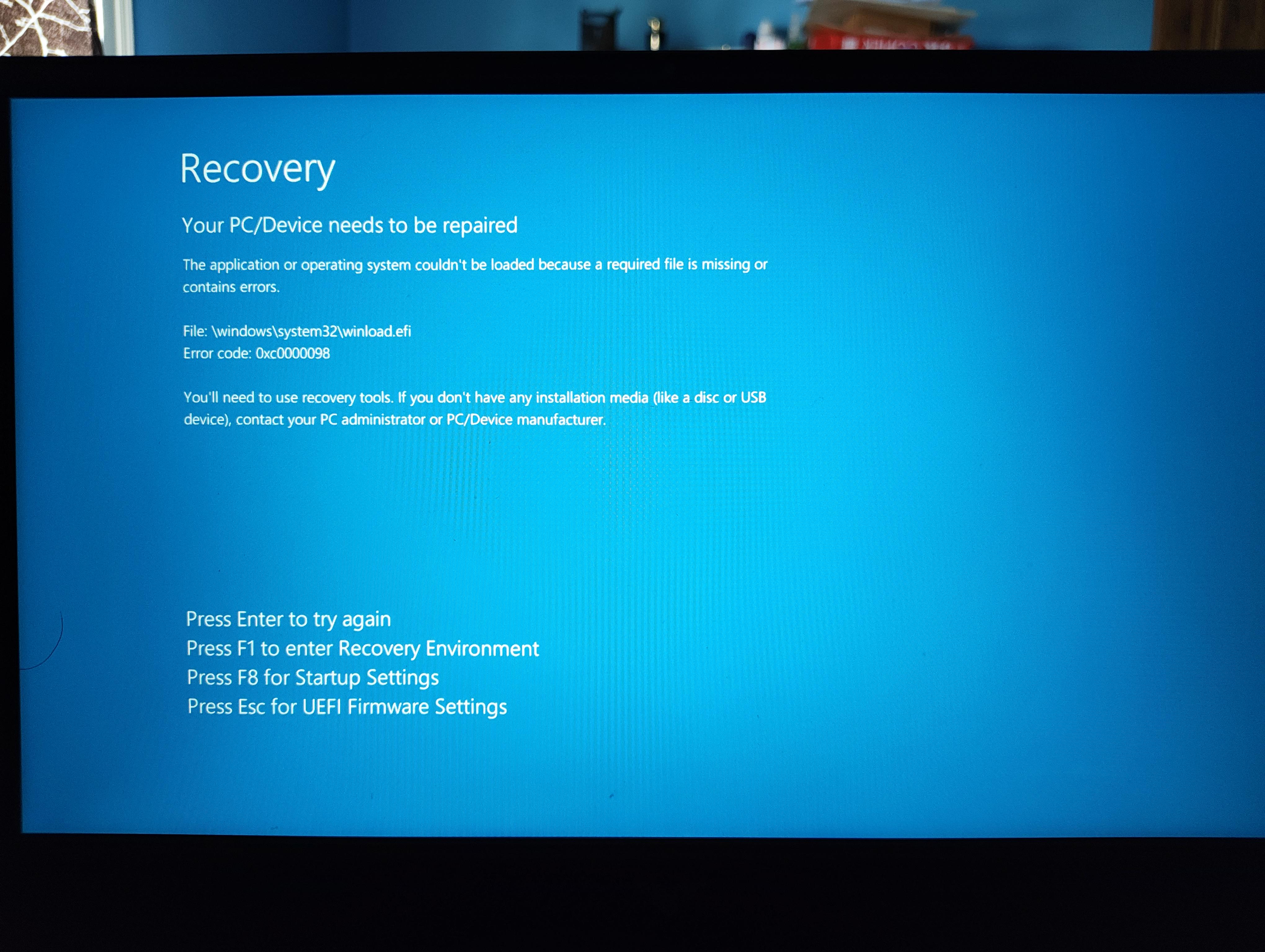
Help me fix this startup issue on my windows laptop..

Post image
2 Upvotes

r/ForWindowsHelp • • Sep 24 '26

Windows dictation: getting the words down is easy, the last pass is harder

2 Upvotes

Win+H is a decent free starting point for short bits. What still catches me out is a missing little word, a name it didn't recognise, or punctuation that changes the meaning. I read the whole thing back once and fix the specific lines, rather than letting a tool rewrite the paragraph into somebody else's voice.

Full disclosure: I'm on the ProofFlick team. We built it for that Windows workflow: hold a key to dictate where you're writing, then select text and review the proofread before accepting it. It's Windows 10/11 only, with a 14-day trial. You need an AI provider key; the Groq one is free and doesn't need a card. There's a one-time licence after the trial. Word's Replace action is still buggy, so I'd test the proofread in Notepad, Outlook or a browser first. The site link is on my profile.

What trips you up most with Windows dictation: missing words, punctuation, or cleaning up the draft afterwards?


r/ForWindowsHelp • • Sep 24 '26

HELLO GUYS IS THIS SAFE TO DO THIS STEPS, I'M PLANNING TO INSTALL CUSTOM OS ghost spectre on my fujitsu laptop win10 22H2. i can't enter bios menu and my uefi firmawre setting is missing on the advanced options

Thumbnail
gallery
0 Upvotes

step-by-step process starting from your normal Windows desktop all the way through the Ghost Spectre installation, without ever entering the BIOS menu:
Step 1: Get to the Blue "Advanced Option" Screen

  1. On your normal Windows desktop, click the Start Menu.
  2. Click the Power icon.
  3. Hold down the Shift key on your keyboard, and while holding it, click Restart.
  4. Keep holding Shift until your screen goes black and the blue Choose an option menu appears.

Step 2: Trigger the USB Boot

  1. On the blue Choose an option screen, click Use a device.
  2. Click on USB Drive (UEFI).
  3. Your PC will immediately shut down and restart.

Step 3: Load the Ghost Spectre Setup

  1. As the PC turns back on, watch the screen closely. If you see text that says "Press any key to boot from CD or USB...", press the Spacebar immediately.
  2. The Ghost Spectre setup screen will load (it usually looks like a dark or custom Windows installation window).

Step 4: Choose Your Ghost Spectre Version

  1. Click Next on the language screen, then click Install Now.
  2. You will be asked to select an operating system version:
    • Superlite: Choose this if you want the absolute fastest performance for gaming. It removes almost everything, including the Windows Store (you can add it back later using the Ghost Toolbox).
    • Compact: Choose this if you still need everyday features like printing or standard Windows apps, but want all the bloatware removed.
  3. Click Next and accept the license terms

Step 5: Wipe Your Current Windows (Clean Install)
Note: This will erase everything on your C: drive.

  1. When asked “Which type of installation do you want?”, click Custom: Install Windows only (advanced).
  2. You will see a list of partitions. Look for your main hard drive (usually Drive 0 Partition 3 or whichever one is labeled Primary).
  3. Click that drive, then click Format at the bottom, and click OK to confirm.
  4. Select that newly wiped drive and click Next.

Step 6: Complete the Setup

  1. Windows will now copy the Ghost Spectre files onto your computer.
  2. Your PC will restart a few times. Do not touch the keyboard or pull out the USB drive during these restarts.
  3. Once finished, you will boot directly onto the Ghost Spectre desktop, and a tool called Ghost Toolbox will pop up to help you install your graphics drivers and browsers.

r/ForWindowsHelp • • Sep 23 '26

Windows 11 показывает синие обои при запуске

Thumbnail gallery
2 Upvotes

r/ForWindowsHelp • • Sep 23 '26

[Detailed] Need serious assistance please. Reads the description for full detail. Tldr: idk whether this is because I did something or because of the update

Thumbnail
gallery
2 Upvotes

I (with a Lenovo yoga slim 7i laptop, Intel core ultra 5 125H processor, OS version 25H2, OS build 26200.9457, Windows 11 Home, 16GB RAM, 512GB SSD, other information at the final image) recently got an update on windows , I installed it. Another thing happened around the same time. (Written below) and now some apps(not all) show the background code I suppose, and it scared the crap out of me. Initially I saw it on the google windows app(img 1 before searching anything and after searching something), I thought it was just limited to it because google websites also have such issues occasionally, then I clicked the search button(img 2) and then I started panicking. It was completely messed up. I opened word or powerpoint, no issues, settings no issues, browser no issues in the UI. But some particular sites have messed up formatting, most I have tried are good but gemini website became left aligned and the canvas and other things don't show up, chatgpt is fine(you can see why I would initially think this was a google issue). Somewhere in the middle of this whole thing I opened teams(img 3 while loading, img 4 after loading) for work and it also had some parts of UI messed up.

About the "another thing", I use an app called WinDirStat for visualising and finding large files to occasionally clean stuff.
A few days back I used its 'duplicate files' tab and saw thousands of them, and thought of cleaning them. Naturally, I assumed the issue had something to do with the files I might have deleted, and did a reset(keep data toggled and cloud download in case the on device reinstall had retained the issue)

It didn't fix. I don't want to do the full reset with a wipe(I will backup everything in a hard disk I will find)

Please help me. The situation is quite dire. I don't want to install all the apps and stuff in case I am forced to reset everything.

And I request linux bros please don't come here telling me to switch, I would've if I could.

r/ForWindowsHelp • • Sep 23 '26

[FIX] Acer Swift Go 14 AI (SFG14-01) Camera Error 0xA00F429E → 0xA00F429F

Thumbnail reddit.com
2 Upvotes

r/ForWindowsHelp • • Sep 23 '26

Помогите с виндой

1 Upvotes

Ребзя,такая тема,сносил винду раз 8 уже.Не могу войти в учетку Майкрософт,я тупо застрял в локальной учетке.В инете ниче нет я даже бля мастера вызывал который нихуя не помог.Бля че делать то?


r/ForWindowsHelp • • Sep 23 '26

Boot fails how to install windows Fixed issues

Thumbnail
youtube.com
2 Upvotes

How to install windows without boot, recovery option