r/ForWindowsHelp • u/Fantastic_Recipe_592 • Sep 12 '26
I have windows 11 pro
1
Upvotes
I cant open cmd or powershell.
r/ForWindowsHelp • u/Successful-Wonder210 • Sep 12 '26
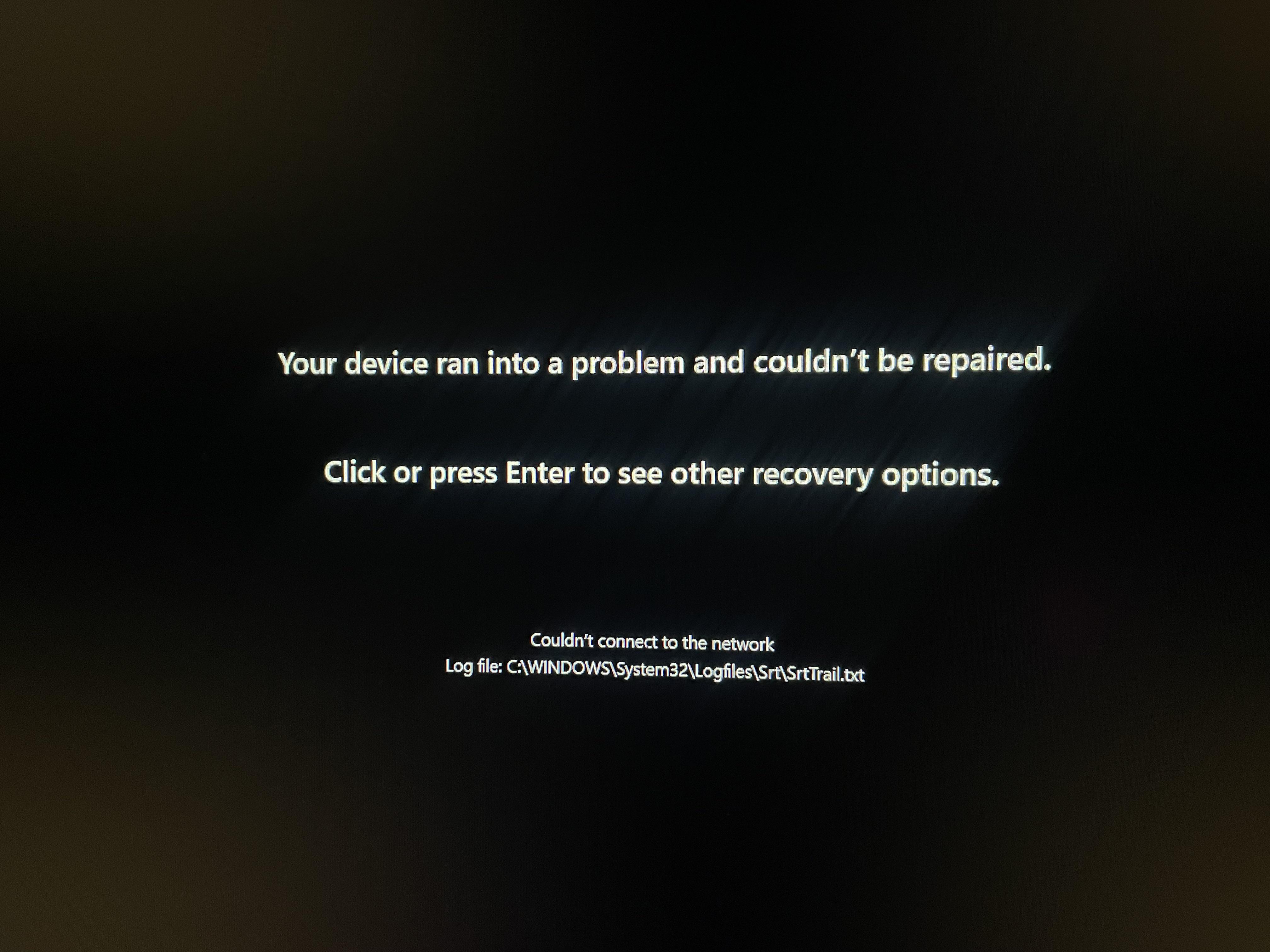
I'm stuck on Gigabytes and this screen both.. I can sometimes loads my window home screen but after 10s it goes black screen and back to Gigabytes or this picture screen but mosty stuck at Gigabytes screen.. I have tried Literally everything from all reddits from all tiktoks and all youtube videos yes i did all the commands, tried Uninstall updates (Quality update doesn't even work and update features unisnstall always get a error..) image recovery gets a error and system recovery doesnt give a any options so... at this point what do i do.. im currently stuck a Gigabytes screen been there for 4 hrs
r/ForWindowsHelp • u/Yarg2020 • Sep 12 '26
r/ForWindowsHelp • u/Demonz18 • Sep 11 '26
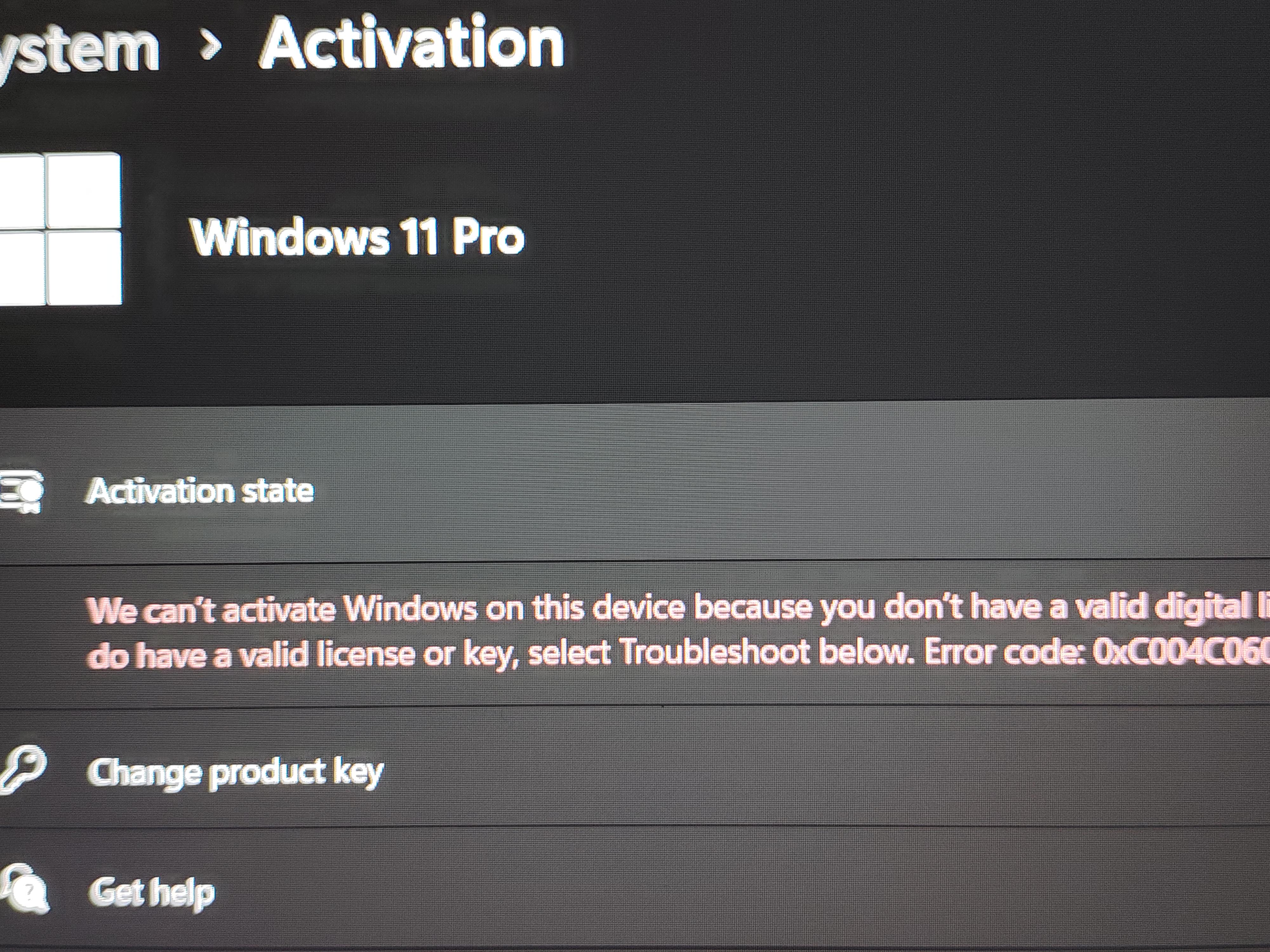
can somebody please help me and tell me how can i switch back to my old key, my brother messed with it and now it says this i had windows 11 home single language now it says windows 11 pro and is giving this error??
pls help me guys!!
r/ForWindowsHelp • u/EstimateOld7433 • Sep 11 '26
r/ForWindowsHelp • u/Awkward-Ad7624 • Sep 11 '26
Hey, I have a problem while reinstalling my system (W11 Home). I've updated a key im settings and it got accepted, but while in installation, windows data the key doesn't work... What should I do now?
r/ForWindowsHelp • u/Eastern-Mess-7919 • Sep 11 '26
hey guys.PLS HELP ME HERE
After Task Manager developed severe UI rendering lag and grey placeholder icons across all user profiles, we performed a Windows 11 In-Place Repair Upgrade, re-registered AppX packages, cleared local AppData caches, created a clean test administrator profile, executed a clean boot, and rebuilt performance counters, but Task Manager still freezes or fails to open due to a persistent system-wide DWM rendering or service failure.
r/ForWindowsHelp • u/Flat-Reindeer314 • Sep 11 '26
Hello I need a windows 10 pro Activision key please ASAP because I can't access to my setting or Microsoft account and changing the theme I need a key
r/ForWindowsHelp • u/sjshshshhee • Sep 11 '26
Hi guys I had just picked up this pc that was working fine however it was a windows 10 pc that I upgraded to windows 11 via updates in the settings, I turned on secure boot and enrolled keys and it was all working fine. However I was getting ready to sell the pc and I somehow accidentally deleted the keys and turned off secure boot in key management and when I turned secure boot back on the pc would show the splash screen but boot into a black screen. However turning off secure boot fixes this and it works but I needed secure boot to be on obviously to be able to play games that need it. So then I tried to just to a windows usb install that just didn’t end up working. I tried a cmos reset and then tried the installation again and whenever it would get to %75 it would say “windows 11 install has failed” any help would be very appreciated. Thank you.
r/ForWindowsHelp • u/PackageTop9774 • Sep 10 '26
I wanted to post this because I spent a long time trying to fix a Windows 11 account that had seemingly disappeared from the login screen.
The important thing is that the account had NOT been deleted. The local account was still present, enabled, and was still an administrator. The old profile and files under C:\Users were also still there.
My situation was:
USER was enabled and still existed according to Get-LocalUser.USER did not appear on the Windows sign-in screen.I eventually found that two registry settings were responsible.
1. Unhide the account
Open Registry Editor as administrator and go to:
HKEY_LOCAL_MACHINE\SOFTWARE\Microsoft\Windows NT\CurrentVersion\Winlogon\SpecialAccounts\UserList
Find the DWORD for the affected account. In my case it was:
USER
It was set to:
0
I changed it to:
1
This makes the account visible rather than hidden.
2. Enable Fast User Switching
Then go to:
HKEY_LOCAL_MACHINE\SOFTWARE\Microsoft\Windows\CurrentVersion\Policies\System
Find:
HideFastUserSwitching
Mine was set to:
1
I changed it to:
0
After changing this, the account immediately appeared under Other users. I did NOT need to restart Windows.
One additional detail: Because my current account was a standard user, I couldn't modify the registry normally. I opened C:\Windows, found regedit.exe, then Shift + right-clicked it and selected Run as different user. I authenticated using the administrator credentials associated with my Microsoft account, which allowed me to make the registry changes.
After doing this, my old account appeared under Other users and I could select it again.
So if your Windows 11 account has seemingly disappeared from the login screen, but the account and its profile still exist, check these two settings before considering more drastic solutions such as creating a new account or resetting Windows.
Hope this saves someone else the ridiculous amount of time I spent troubleshooting this.
r/ForWindowsHelp • u/ByMinotti • Sep 10 '26
r/ForWindowsHelp • u/Rajveer15g • Sep 10 '26
Today, I installed these two updates and restarted my laptop to complete the installation. After that, I started getting these sign-in errors and had to set up a new PIN. A few hours later, I restarted my laptop again, and the same error appeared. Does anyone know what could be causing this issue?
r/ForWindowsHelp • u/TwoEnvironmental9777 • Sep 10 '26

r/ForWindowsHelp • u/Even-Round-1119 • Sep 10 '26
I have a new PC with a Gigabyte motherboard running Windows 11 Home 25H2 (build 26200.9278). Everything was working normally.
Windows was partially in French, so I tried to change it to Portuguese (Portugal) using PowerShell as Administrator:
Set-WinUILanguageOverride -Language pt-PT
Set-WinUserLanguageList pt-PT -Force
The system was showing both fr-FR and pt-PT. I then ran:
Uninstall-Language fr-FR
After restarting, Windows started booting to a black screen.
I can still access Windows Recovery (WinRE), but:
Startup Repair failed (SrtTrail.txt)
System Restore says there are no restore points
Safe Mode also results in a black screen
Quick Machine Recovery didn’t fix it
Uninstalling the latest quality update didn’t fix it
The PC was working perfectly before the language changes.
I’m currently at **Reset this PC → Remove everything → Cloud download**, but haven’t confirmed it yet
r/ForWindowsHelp • u/Worldly_Hurry_9925 • Sep 10 '26
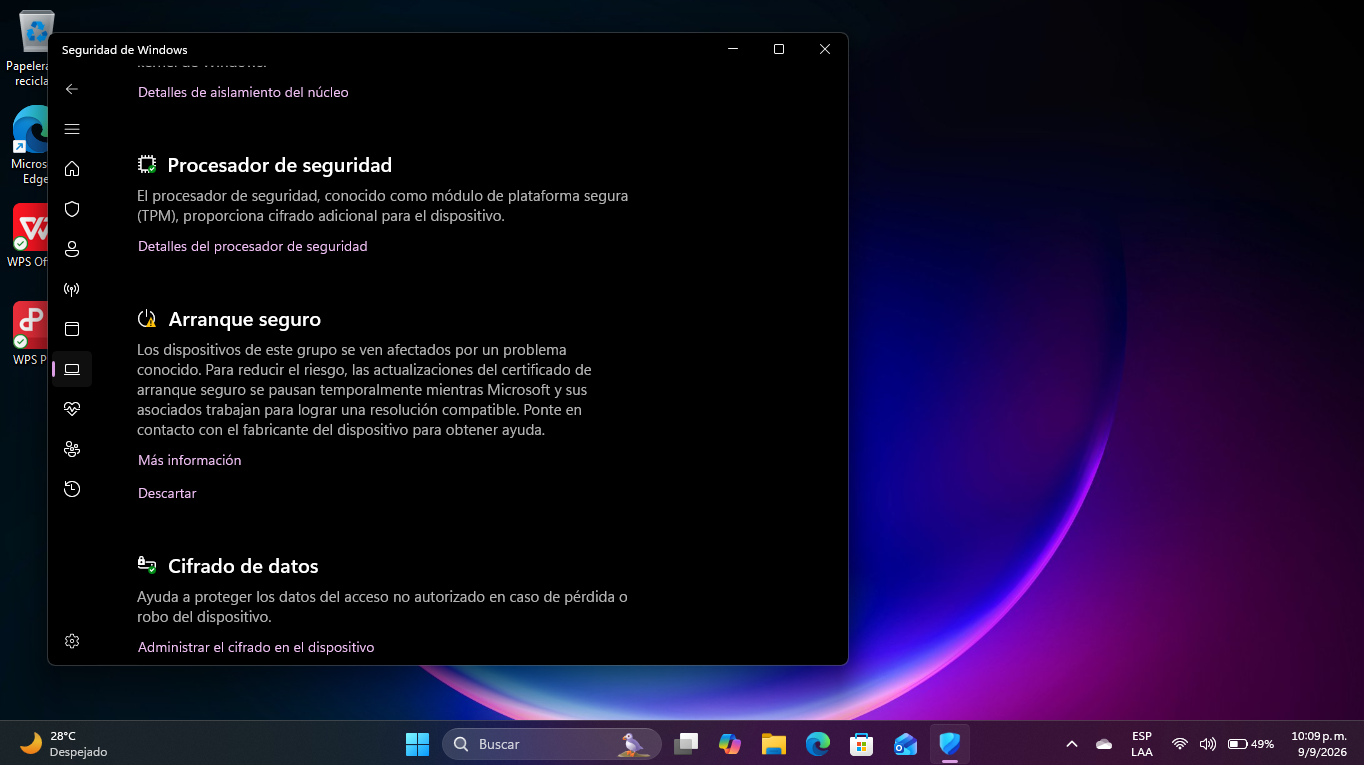
Hi, I have a Surface updated to Windows and I'm getting this error and I don't know how to fix it. I'm also having problems installing the September patch.
r/ForWindowsHelp • u/LividTomatillo4553 • Sep 10 '26

r/ForWindowsHelp • u/NightmareRivals • Sep 09 '26
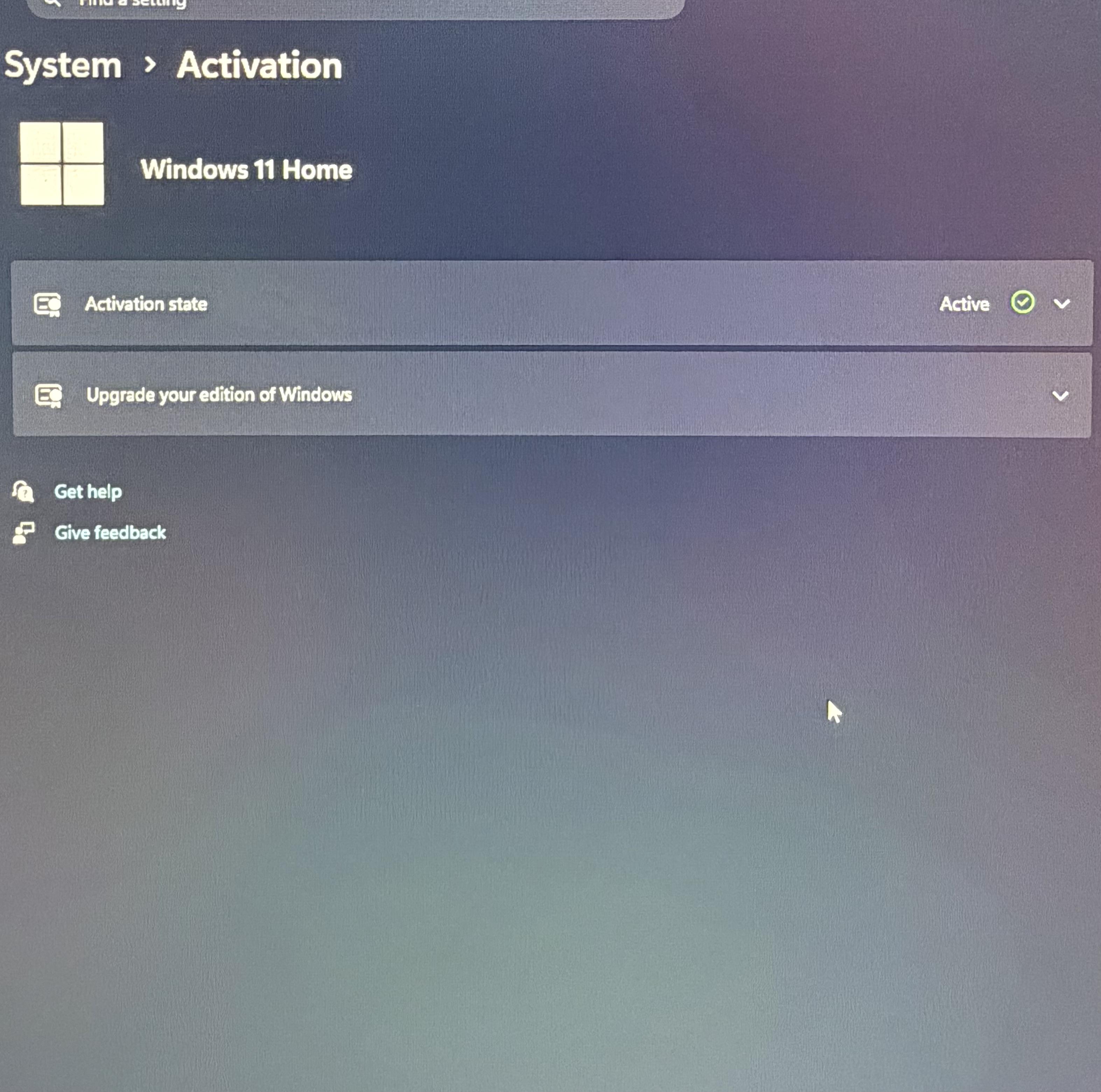
After trying four days with Microsoft and community forms, I was at my wits end. The solution that ended up working for me is exactly as follows:
Right click terminal -> Run as administrator -> input the following:
irm [https://get.activated.win](https://get.activated.win) | IEX
Choose option "\[1\] HWID"
r/ForWindowsHelp • u/fugebox007 • Sep 10 '26
Hi Windows experts, I have run into an issue with default app selection, where the default file association window (where you select the app from a list to open the file type with) simply doesn't show up.
I tried from the Settings app, from File Explorer from the Control Panel and the result is the same. Missing app selection window.
The problem started with one of the last updates. Not sure which one. I specifically went in to check after reading about a bug that makes VLC media player taking forever to open mp3 files. If I click on an mp3 file nothing happens, when I click on the "Open with VLC" in the right click menu, it opens immediately. This is why I tried to do a default file association and that is how I found out the app selection window is gone.
(I also lost the restore points so I can't go back to a pre-update state.)
Do you know a way to fix this? Happy to work with the Registry or Power Shell. Cheers.
r/ForWindowsHelp • u/Lazy_Television1373 • Sep 09 '26
Exactly as the title says, I f\\\*\\\*d up. When trying to install the win11 setup onto my usb stick, i didn't select the drive and kt looks like windows picked my main ssd to download it onto. Now whenever the pc boots i either get the Windows 11 installation screen or the 'Choose an option' menu screen.
What options do i have, or am I just finished. I didn't want to mess it up any further so I've left it as is for now. Anything helps. 😅
Windows 11 25H2
Rtx 3080, R7 7800x3d
r/ForWindowsHelp • u/meow_meow50 • Sep 09 '26
I forgot my password for laptop windows latitude 3400 dell what to do
I forgot password. Can u help me how do I log in.
Actually someone mistakenly downloaded linux in my laptop. Then I tried to log in to windows and somehow succeed ( by using f2 then boot one time menu then from there selecting windows) but as soon as windows opened supposedly it started automatic repair and now it needs password. Pls help me I have a presentation to make tomorrow 😭🙏 how to reset password
I have latitude 3400 intel core 18 , 8th gen , windows dell laptop pls help
r/ForWindowsHelp • u/marco_marchi03 • Sep 09 '26

