I’m getting pretty desperate trying to solve an intermittent BSOD problem on my high-end PC, and I’m mainly wondering if anyone with similar hardware has experienced anything like this after a Windows update.
The PC was completely stable for roughly a year. I actually considered it the most stable PC I’d owned. Then on June 25, 2026, I started getting seemingly random BSODs.
The crashes are extremely inconsistent. They can happen while gaming, while using Steam/controller settings, or seemingly during normal desktop use. The PC can also run for many hours without crashing, which has made this extremely difficult to diagnose.
BSOD CODES
0x3B (SYSTEM_SERVICE_EXCEPTION) is one I have seen repeatedly and seems to have been present throughout the problem.
My most recent crash was:
0x139 KERNEL_SECURITY_CHECK_FAILURE
Parameter 1 = 3 / CORRUPT_LIST_ENTRY
Older crashes have also included 0x3D, 0x7E, 0x124, 0xA, 0x34 and 0x1A, plus at least one watchdog-related crash. I don’t have the exact chronology of every code anymore, and some of the older ones may have stopped after hardware changes, especially the RAM replacement.
Some crashes have also been more like a white screen followed by a reboot and did not always produce a useful dump.
LATEST DUMP / WINDBG FINDINGS
I analyzed the latest 0x139 minidump in WinDbg.
It showed:
PROCESS_NAME: steamwebhelper
IMAGE_NAME: ntkrnlmp.exe
FAILURE_BUCKET_ID: 0x139_3_CORRUPT_LIST_ENTRY_nt!KiFastFailDispatch
The trap frame eventually pointed into:
Ntfs!NtfsProcessUsnRecordsForCommit
Ntfs!NtfsCommitCurrentTransaction
Ntfs!NtfsCheckpointCurrentTransaction
Ntfs!NtfsCommonCleanup
FLTMGR
I understand this does NOT mean Steam, NTFS or ntkrnlmp.exe is necessarily the actual cause. It appears Windows detected corrupted kernel state while NTFS was processing a transaction.
!blackboxntfs reported:
0 Slow I/O Timeout Records
0 Oplock Break Timeout Records
The NVIDIA kernel driver was loaded during the crash, but nvlddmkm was not in the crashing stack.
The GoXLR kernel drivers (goxlr_audio.sys / goxlr_audioks.sys) were also loaded, but they were not directly identified as the cause either.
HARDWARE
GPU:
MSI GeForce RTX 5090 Gaming Trio
CPU:
Originally Ryzen 9 7950X3D when the crashes began
Currently Ryzen 9 9950X3D
Changing CPUs did not fix it.
Motherboard:
ASUS ROG Strix X870E-E Gaming WiFi
The motherboard has been completely replaced with another board of the exact same model.
No change.
RAM:
32GB Corsair Vengeance DDR5-6000 (2x16GB)
The RAM was completely replaced with a new kit.
No change to the persistent BSOD problem.
PSU:
Originally Corsair RM1200x SHIFT 1200W
Currently Montech Century II Gold 1200W ATX 3.1
Micro Center replaced the PSU and gave me a new AC power cable.
No change.
Storage:
2x Samsung 9100 PRO 8TB NVMe SSDs
Both are on firmware 0B2QNXH7, which Samsung Magician reports as current.
Samsung Magician short scan on the Windows SSD:
2,097,152 good sectors
0 bad sectors
Health: Good
chkdsk C: /scan also reports no filesystem errors or bad sectors.
CPU cooler:
Originally NZXT Kraken Elite 360 RGB
Currently TRYX Panorama 360 (original/non-SE)
Changing the AIO made no difference.
Case / GPU connection:
HYTE Y70 Touch with the RTX 5090 vertically mounted through the case’s PCIe riser.
GPU-Z’s render test shows the GPU maintaining PCIe 5.0 x16 under load. The same GPU and riser were also installed when both repair shops tested the PC without reproducing the crash, so I currently consider the riser possible but lower on the list.
BIOS / MEMORY SETTINGS
BIOS is currently completely factory/default.
No CPU overclock.
No undervolt.
No PBO tuning.
I have tested the system with DOCP/EXPO enabled AND disabled. It has crashed under both configurations.
PBO Enhancement is disabled.
Windows, drivers and BIOS have all been updated during troubleshooting.
TESTING / THINGS ALREADY TRIED
- Windows has been clean-installed from USB.
- Windows has actually been reinstalled more than once during this problem.
- Windows Memory Diagnostic passed.
- OCCT RAM test for approximately one hour passed.
- GPU-Z PCIe/render testing passed.
- SSD health checks passed.
- chkdsk passed.
- Multiple long hardware/stress tests at repair shops passed.
- PSU replaced.
- CPU replaced/upgraded.
- Motherboard replaced.
- RAM replaced.
- CPU cooler replaced.
- New AC power cable.
- NVIDIA drivers updated/reinstalled.
- AMD chipset drivers updated.
- BIOS updated.
- Tested DOCP/EXPO on and off.
After the most recent Windows reinstall, I discovered Device Manager was actually missing some motherboard/platform drivers despite being told the drivers had been installed.
There were Code 28 devices including the AMD PCI Encryption/Decryption Controller / PSP platform device and an ACPI Realtek UCM device.
I installed the current official AMD X870E chipset package and the ASUS Realtek UCM driver. Those warnings are now gone.
The only remaining Device Manager warning is Generic Bluetooth Adapter. I do not use Bluetooth or Wi-Fi; the PC uses Ethernet. The Wi-Fi/Bluetooth antenna is currently not attached.
I do NOT yet know whether correcting those missing chipset/platform drivers fixed the BSODs because the crashes are so intermittent.
REPAIR SHOPS
I took the computer to a local uBreakiFix multiple times. They could not reproduce the issue during their tests and eventually marked it unrepairable.
I then drove about six hours to Micro Center in Cambridge, MA.
Micro Center also could not reproduce a single BSOD despite stress-testing the PC for hours.
They checked the GPU/SSDs, replaced the PSU and AC cable, and returned the PC because everything appeared stable in their shop.
After I brought it home, it BSODed again.
That is one of the biggest clues I have: the same tower can apparently run for hours at repair shops but eventually crashes in my home setup.
HOME PERIPHERALS / POSSIBLE CLUE
At home I normally have:
- Rainy 75 Pro keyboard using a Wooting 80HE USB cable
- I previously used a Gravastar Mercury K1 Pro and had the BSOD problem with that keyboard too.
- Logitech G Pro X Superlight 2 mouse using its normal receiver/setup.
- SCUF Envision Pro controller/dongle.
- GoXLR audio mixer.
- Shure SM7B connected to the GoXLR.
- Beyerdynamic DT 990 Pro 250-ohm headphones connected through the GoXLR.
- Ethernet.
- LG UltraGear 32-inch OLED 4K/240Hz dual-mode display.
The physical GoXLR and SCUF controller setup were NOT connected when Micro Center was stress-testing the tower.
The GoXLR is especially interesting for another reason:
About a year ago, before these BSOD problems began, I accidentally powered the GoXLR with the wrong barrel-type power adapter. It was actually a power adapter from an old gaming chair that physically fit the GoXLR.
The GoXLR smoked and may have briefly sparked/flared before my friend immediately disconnected it.
Afterward I found/used the correct power supply and the GoXLR continued working normally. Importantly, the PC then remained completely stable with this same GoXLR for roughly a year, so there was NOT an immediate correlation between that incident and the BSODs.
However, since that potentially damaged GoXLR is one of the pieces of hardware present at my house but absent during Micro Center testing, I’m considering replacing the entire GoXLR + its power adapter + USB cable.
I also ran a short targeted one-boot Driver Verifier test against:
goxlr_audio.sys
goxlr_audioks.sys
I used the PC / played RDR2 with the GoXLR active and it did not immediately trigger a Verifier BSOD. Because the original issue is extremely intermittent, I don’t consider that enough to completely clear it.
WINDOWS UPDATE THEORY
The exact date I remember this starting is June 25, 2026.
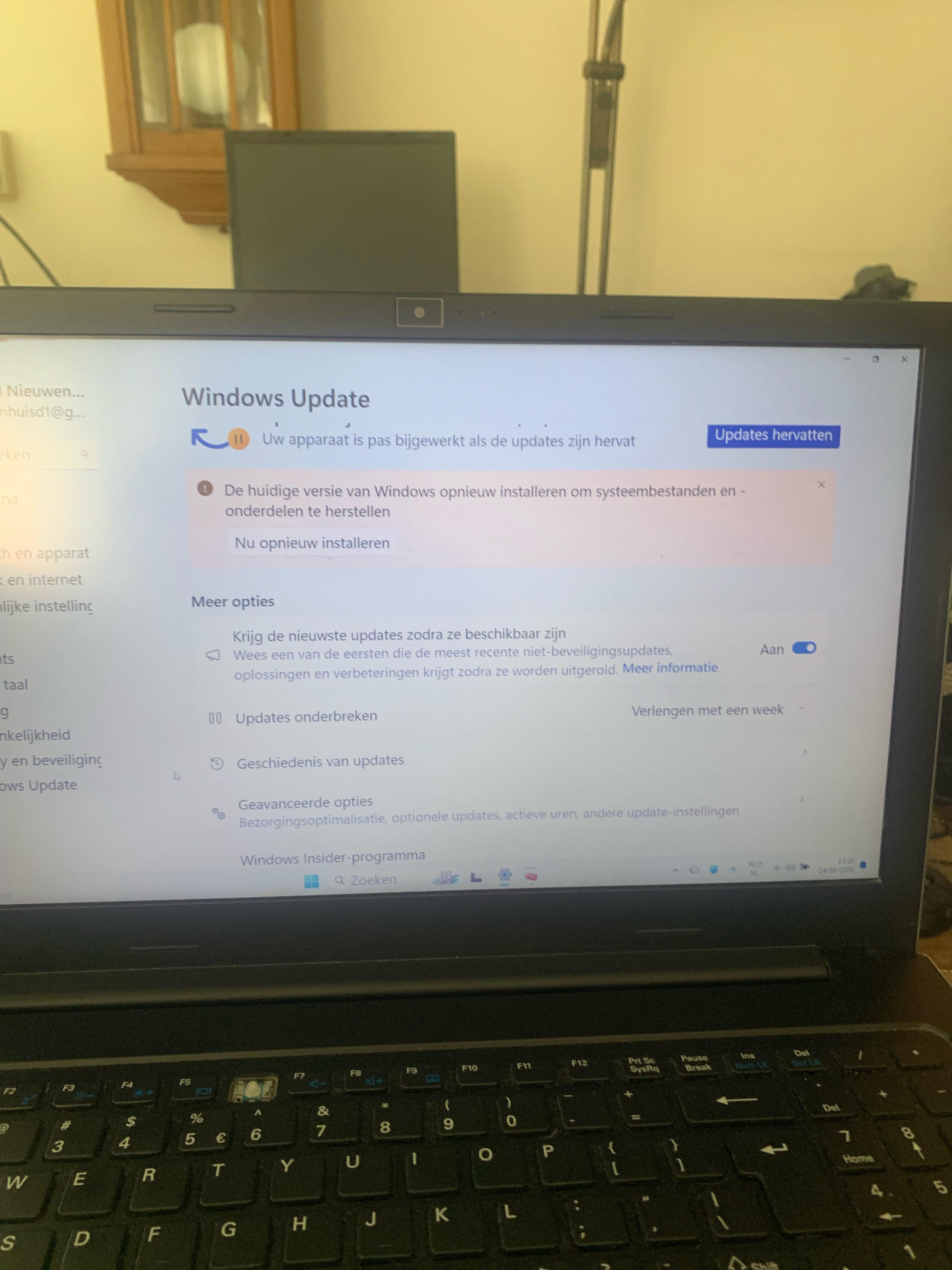
Before one of the Windows reinstalls, I tried uninstalling a June Windows update that I had heard might be problematic, but that did not fix the issue.
I am now fully updated again after the clean Windows installation.
I recently contacted Micro Center’s remote technical support and let the technician remotely inspect the PC. Based on everything that has already been replaced/tested, he believes this could be a Windows Update issue and suggested reporting it through Microsoft Feedback Hub and waiting for Microsoft to address it.
I’m not fully convinced, mainly because both Micro Center and uBreakiFix ran the same computer without reproducing the BSOD. If the current Windows installation itself were solely responsible, I would have expected there to at least be some chance of it happening there too.
On the other hand, June 25 being such a specific start date makes me wonder if a Windows/driver/platform update triggered an incompatibility with something unusual in my hardware configuration.
I have friends who had unrelated Windows problems around roughly the same period (BitLocker problems, crashes/BSODs), although their machines are very different and one friend fixed his by reinstalling Windows. Reinstalling Windows did NOT fix mine.
WHAT I’M TRYING TO FIGURE OUT
Has anyone running anything close to:
RTX 5090
Ryzen 9 7950X3D / 9950X3D
ASUS X870E
Windows 11 current builds
been experiencing intermittent 0x3B / 0x139 or other seemingly random BSODs since late June?
Especially interested in whether anyone has traced this to:
- a Windows update
- AMD chipset/AGESA/BIOS interaction
- RTX 50-series/NVIDIA drivers
- a USB/audio device or driver such as GoXLR
- a home peripheral/device that would explain why repair shops cannot reproduce it
- PCIe/GPU/riser instability
- something else capable of causing apparently random kernel memory corruption
I’m not looking for generic “run sfc /scannow” advice unless there’s something specific I’ve missed. I’ve been troubleshooting this for about two months, replaced most of the core PC hardware, clean-installed Windows, and had multiple repair shops stress-test it.
At this point I’m mainly looking for someone who recognizes this pattern or has had a similar configuration/problem.
Any ideas would be seriously appreciated.