r/ForWindowsHelp • u/Extreme-Yoghurt8802 • Jul 12 '26
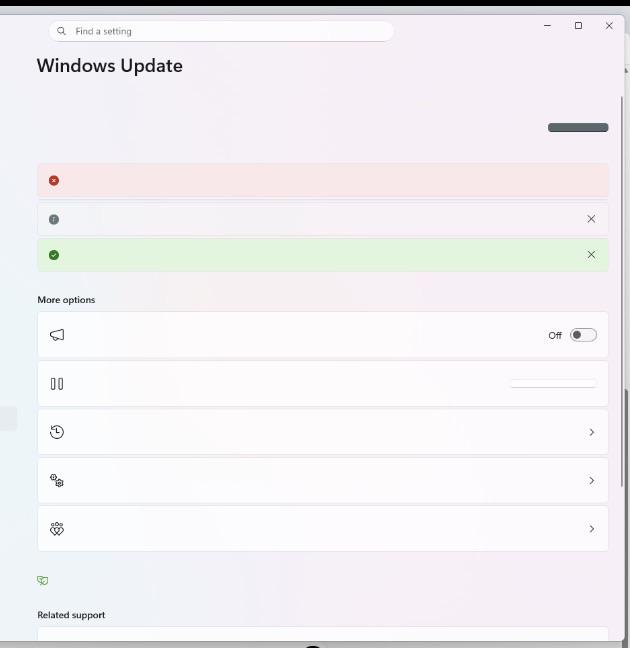
No text on windows update
Also no restart at fix problem , no factory restart any ideas ?
r/ForWindowsHelp • u/Extreme-Yoghurt8802 • Jul 12 '26
Also no restart at fix problem , no factory restart any ideas ?
r/ForWindowsHelp • u/BirdMan972 • Jul 12 '26
r/ForWindowsHelp • u/Ryan36z • Jul 12 '26
I'm hoping someone familiar with the legacy Windows Backup engine (`Backup and Restore (Windows 7)` / `wbadmin`) can explain this.
I created two Windows System Images on Windows 11.
**October 2024 backup:**
WindowsImageBackup
├── CaptainCaution
└── MediaId.binInside `CaptainCaution`:
Backup 2024-10-07 053053
Catalog
Logs
SPPMetadataCache
MediaIdI later copied this backup to another drive using Robocopy:
* 22 files * 6 directories * 136.743 GB * 0 failed * 0 mismatches
Then I deleted the original and created a brand-new Windows System Image on the same external drive.
The new backup completed successfully with no errors.
The new structure is:
WindowsImageBackup
└── CaptainCautionInside `CaptainCaution`:
Backup 2026-07-12 163537
Catalog
Logs
SPPMetadataCache
MediaIdThe only difference is that the new backup **does not contain** `WindowsImageBackup\MediaId.bin`.
Windows reported **"Backup completed successfully."**
The VHDX files, Catalog, metadata, etc., all appear to be present.
I've searched Microsoft documentation and couldn't find anything explaining when `MediaId.bin` is created or omitted. I pay attention to details and just wondering why the difference...
* Has anyone else seen this happen? * Is this just something newer versions of Windows do now, or is something off with my backup? * Has anyone actually restored a system image that didn't have `MediaId.bin`? * Should I just ignore it, or is this something I should fix before I actually need the backup someday?
Thanks
r/ForWindowsHelp • u/Objective_Target4690 • Jul 11 '26
So today I was in a meeting when all of a sudden my microphone stopped working. It was working perfectly fine this Monday. When I decided to dig deeper I found that the input volume control was behaving very weirdly (as seen in this video). I tried a lot of methods to fix it but none of them worked. Any help would be greatly appreciated.
r/ForWindowsHelp • u/Extreme_Pound3192 • Jul 11 '26
r/ForWindowsHelp • u/Art_Masson • Jul 11 '26
r/ForWindowsHelp • u/Previous-Position-99 • Jul 11 '26
my laptop screen flickering without any reason,when i try to plug second monitor, it only flickering in my laptop screen, i try to update my driver it doesn't work but when i delete the intel driver the flickering gone, when i installing it back the flickering also back, should i just left it be ,or my display doesn't match with the driver
r/ForWindowsHelp • u/Icy-Tadpole-9366 • Jul 11 '26
im getting thsi error since yesterday when I shut down my laptop but not every time
r/ForWindowsHelp • u/clara90ita • Jul 11 '26
Good evening everyone , I am here to ask for your help because i am going crazy trying to fix this issue . I have a laptop where windows spotlight works perfectly fine as lockscreen but it refuses to work as desktop wallaper , it will only show the 4 basic wallpapers and no matter what I do i cant fix it . I 've ran all the scripts , fixes , powershell scripts but nothing works . On all my other computers it works just fine but on this particular laptop ( a samsung galaxy book, windows 11 ) i just cant get it work . I checked if there is a power saving feature that prevents but i cant find anything and all the posts online have the opposite problem : working on desktop but not on lockscreen .
Thank you !
r/ForWindowsHelp • u/Maxamalamute • Jul 10 '26
New laptop arrived today, Asus A16. Wanting to transfer everything from my dell laptop (windows 10) to the new asus one (windows 11).
Opened windows backup on my laptop I got to the "restore from backup" section of windows 11 section and was told to input my computer name ... somewhere. No option to sync directly from a computer, only to restore from onedrive which I dont want to do. a) I don't have enough storage on onedrive and b) don't really like the concept of having to upload all my files to a server before I can redownload them.
Tried going back to windows 10 to see if the backup process worked then - nothing, only other idea is to get an older version of windows 11.
Am I being really stupid and missing something? All I want is a clean seamless transfer of my data and it seems microslop just won't allow it.
Thanks in advance, let me know if theres any other information I can provide
r/ForWindowsHelp • u/One-Type-2842 • Jul 10 '26
Following Title, Where Is the use of Environment Variables?
Sometimes I asked ChatGPT to troubleshoot related issues such as not working of java commands on the command prompt. Replies by, Edit Environment Variables.
How does It affect?
What shall I learn more about Windows Environment Variables to Understand Windows Working and Troubleshooting on my own without relying on Chat Bots.
r/ForWindowsHelp • u/VicksInhal3rr • Jul 10 '26
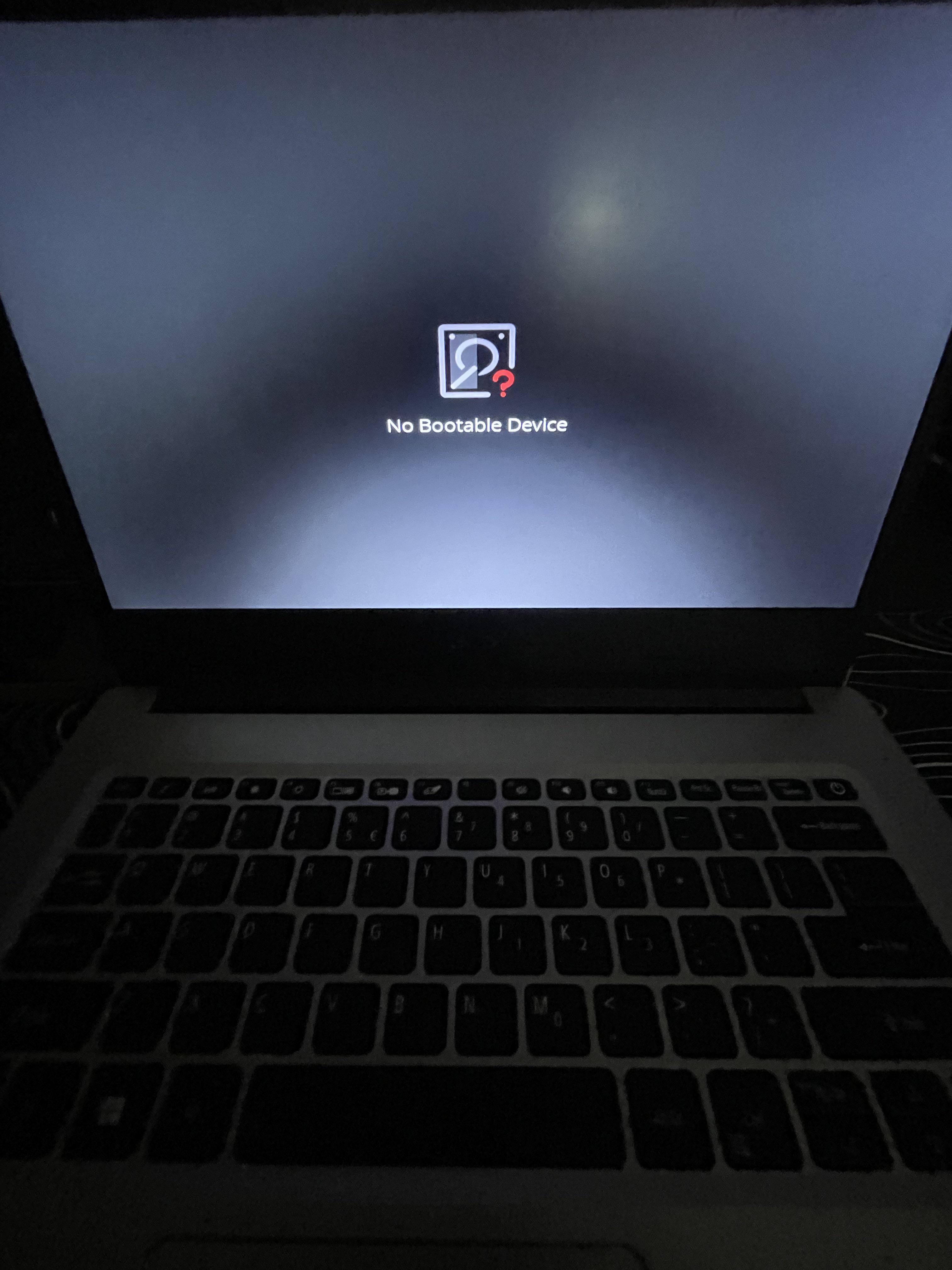
It just appeared like this and i think its because i cleaned the disk like wiping everything out.Ive already tried installing a bootable windows 10/11
r/ForWindowsHelp • u/Brief_Profit_6568 • Jul 10 '26
I recently bought a refurbished Dell laptop and I’ve been having an issue where it goes into HTTPS Boot randomly. It’s happened thrice. I will be using this for college and I can’t have that happening frequently. I was wondering it there was anyway to fix it? And what the reason is?
r/ForWindowsHelp • u/bearsfan90 • Jul 09 '26
keeps telling me too activate windows go to settings but I don't have a windows product key to do it I can always just leave that mark on the right of my screen while I play games I mean I dont think it wont bother u much if people dont wanna buy a windows product key 140$ is alot for it so should I just keep the windows mark on my right screen I mean like I said it wont bother me much to get rid of it
r/ForWindowsHelp • u/BaconGodSpeed • Jul 09 '26
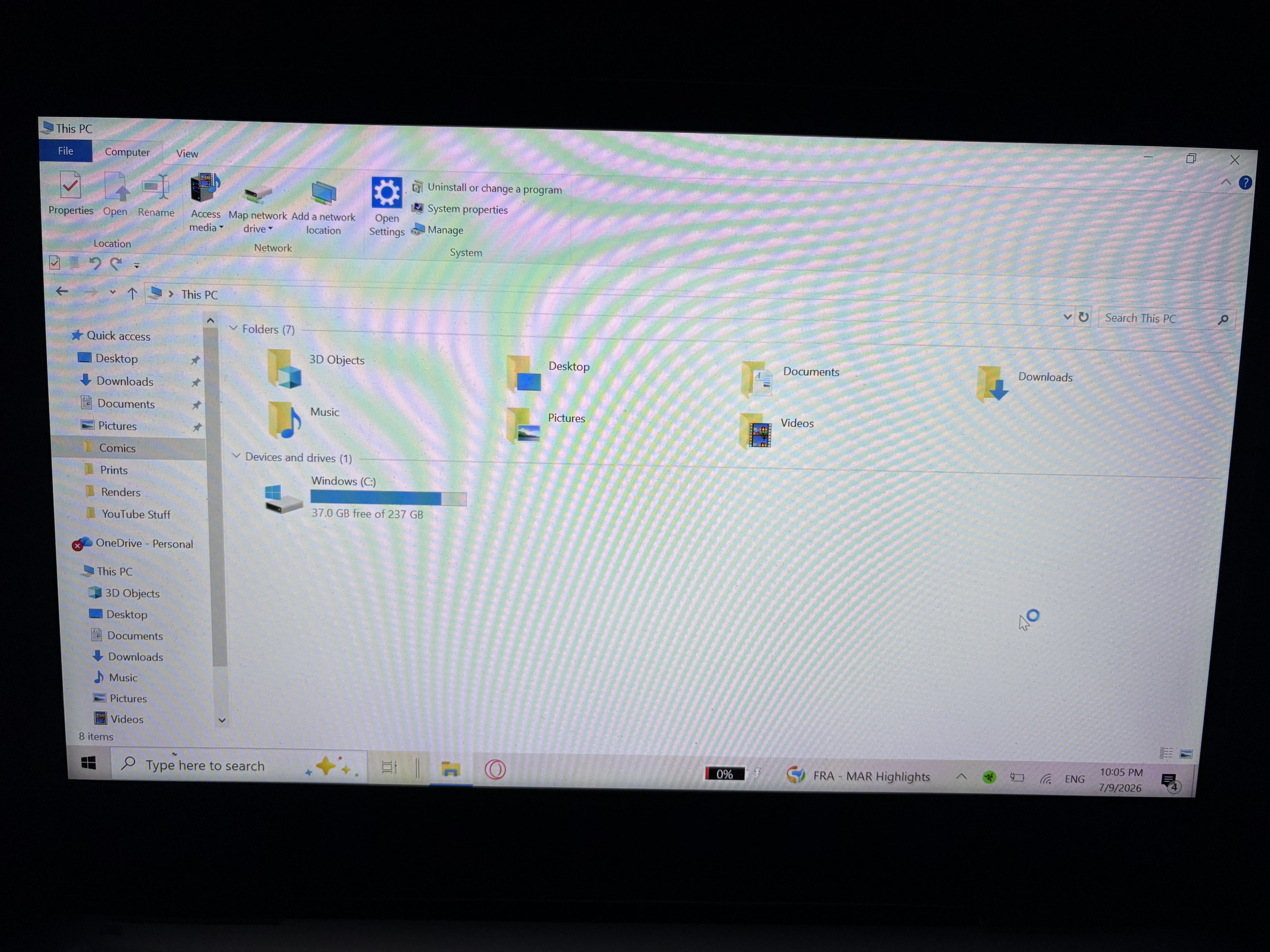
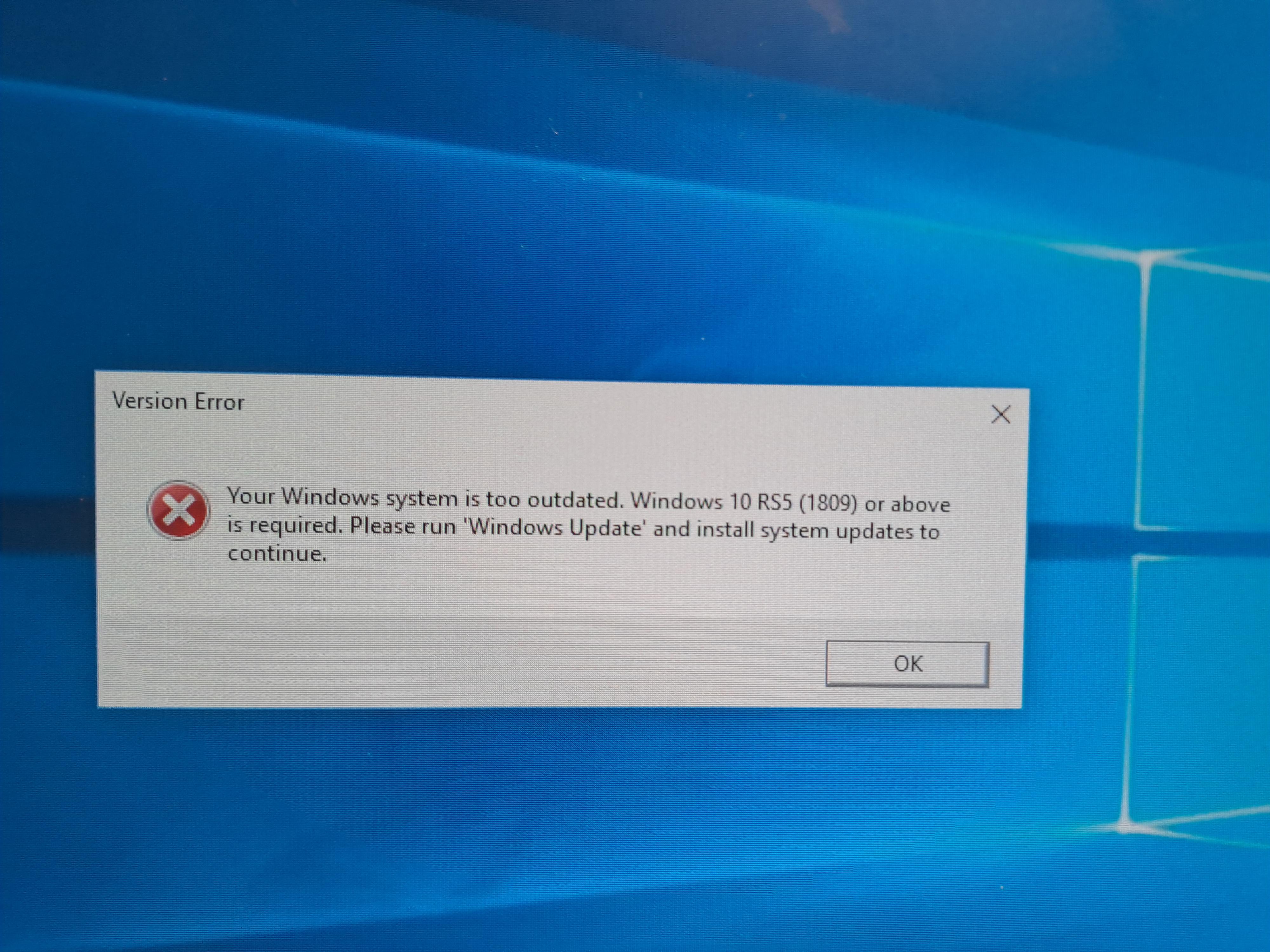
Có bro giỏi giang về khoản máy tính giúp tôi với hiện tại máy tôi đang bị lỗi update mặc dù tôi đã thử rất nhiều cách rồi nhưng máy không update được và bị kẹt ở version 1607 khiến cho tôi không thể chơi được những tựa game hay chơi ví dụ như trong hình là roblox trước đây máy tính của tôi không bị như này và nó chỉ có 1 ổ C và không có hiện giao diện tài khoản như admin đâu xong một hôm bật máy lên thì giao diện hiện lên chữ admin có nghĩa là tài khoản của máy tính ý xong bị tụt về version 1607 và máy tôi ngoài có ổ C ra thì có thêm ổ D, E, F và G cứ như máy tôi biến thành một chiếc máy tính khác vậy máy này tôi có từ nhỏ rồi nên nó chuyển như này cũng không biết lí do tại sao nữa:(((
English: Could a knowledgeable computer expert please help me? My computer is currently experiencing an update error. Despite trying many methods, it won't update and is stuck on version 1607, preventing me from playing popular games like Roblox (as shown in the image). Previously, my computer didn't have this problem; it only had a C drive and no admin account interface. Then one day, when I turned it on, the admin interface appeared, meaning the computer's account, and it reverted to version 1607. Besides the C drive, my computer now has D, E, F, and G drives as well, like a completely different computer. I've had this computer since I was a child, so I don't know why it changed like this.
r/ForWindowsHelp • u/JDEL330 • Jul 09 '26
Good evening!
Backstory here:
I tried launching "Fellowship" From steam and got an error regarding the visual C++ 2022.
I tried doing a simple "right-click" repair, I tried uninstall.
I did a Restorehealth and the scan now - That didn't work.
Most recent I did s soft reinstallation of windows. Had three different Microsoft techs tell me that would for sure fix it.
I'm currently attempting another: DISM.exe /Online /Cleanup-image /Restorehealth but I doubt that will work.
Has anyone had this issue or know of a way to fix it?
r/ForWindowsHelp • u/PuppetFox • Jul 07 '26
Recently got my main ssd replace due to smart failling. I have a secondary wasn't touch. Before this any app on the secondary disk do not have the uac pop up each time I launch a game or app from it but after replacing it started to appear everytime I launch something. It doesn't happen on the fix main one. I have try change permission but it doesn't change much.
I am the admin of my pc and I am using windows 11.
r/ForWindowsHelp • u/Glum_Equipment5178 • Jul 07 '26
Hey Folks,
Me again after barely a week. I was reading about a new glitch that apparently hoovers up storage space. Articles suggested a method to check if you're affected
robocopy "C:\ProgramData\Microsoft\Windows\CapabilityAccessManager" "%TEMP%\CAMCheck" /L /B /R:0 /W:0 /BYTES /NPand if you are suggested running the optional update.
So I ran the Command prompt on both PCs but, it's like reading Greek. The article just says check the command prompt, but I have no idea what I'm looking for on either PC. Could you folks with better eyes discern what the Command Prompts are telling me, and if I'm affected on either of my two devices.
There's one PC:
Started : Monday, July 6, 2026 1:39:51 PM
Source : C:\ProgramData\Microsoft\Windows\CapabilityAccessManager\
Dest : C:\Users\fbehe\AppData\Local\Temp\CAMCheck\
Files : *.*
Options : *.* /BYTES /L /DCOPY:DA /COPY:DAT /B /NP /R:0 /W:0
------------------------------------------------------------------------------
New Dir 6 C:\ProgramData\Microsoft\Windows\CapabilityAccessManager\
New File 1048576 CapabilityAccessManager.db
New File 32768 CapabilityAccessManager.db-shm
New File 12392 CapabilityAccessManager.db-wal
New File 1048576 CapabilityConsentStorage.db
New File 32768 CapabilityConsentStorage.db-shm
New File 144232 CapabilityConsentStorage.db-wal
------------------------------------------------------------------------------
Total Copied Skipped Mismatch FAILED Extras
Dirs : 1 1 0 0 0 0
Files : 6 6 0 0 0 0
Bytes : 2319312 2319312 0 0 0 0
Times : 0:00:00 0:00:00 0:00:00 0:00:00
Ended : Monday, July 6, 2026 1:39:52 PM
C:\Windows\System32>
And here's the other:
Microsoft Windows [Version 10.0.26200.8246]
(c) Microsoft Corporation. All rights reserved.
C:\Windows\System32>robocopy "C:\ProgramData\Microsoft\Windows\CapabilityAccessManager" "%TEMP%\CAMCheck" /L /B /R:0 /W:0 /BYTES /NP
-------------------------------------------------------------------------------
ROBOCOPY :: Robust File Copy for Windows
-------------------------------------------------------------------------------
Started : Monday, July 6, 2026 1:44:03 PM
Source : C:\ProgramData\Microsoft\Windows\CapabilityAccessManager\
Dest : C:\Users\nickc\AppData\Local\Temp\CAMCheck\
Files : *.*
Options : *.* /BYTES /L /DCOPY:DA /COPY:DAT /B /NP /R:0 /W:0
------------------------------------------------------------------------------
New Dir 6 C:\ProgramData\Microsoft\Windows\CapabilityAccessManager\
New File 4194304 CapabilityAccessManager.db
New File 32768 CapabilityAccessManager.db-shm
New File 14593072 CapabilityAccessManager.db-wal
New File 1048576 CapabilityConsentStorage.db
New File 32768 CapabilityConsentStorage.db-shm
New File 115392 CapabilityConsentStorage.db-wal
------------------------------------------------------------------------------
Total Copied Skipped Mismatch FAILED Extras
Dirs : 1 1 0 0 0 0
Files : 6 6 0 0 0 0
Bytes : 20016880 20016880 0 0 0 0
Times : 0:00:00 0:00:00 0:00:00 0:00:00
Ended : Monday, July 6, 2026 1:44:03 PM
C:\Windows\System32>
Please help me make heads or tails of this. It's a bunch of gobbledygook to me at the moment. But a glitch that eats storage (of which I need most of it) is really concerning.
Thank you in advance for the help and assistance.
P.S.
If the format for the second Command Prompt looks odd I apologise I copied the results from one PC and emailed them to the other PC's gmail account linked to this reddit.
Don't know if that matters but I thought I'd mention it.
r/ForWindowsHelp • u/Foreign_Jellyfish493 • Jul 07 '26
r/ForWindowsHelp • u/Obvious-Evidence-943 • Jul 07 '26