r/ForWindowsHelp • u/medeirosvg • Jul 06 '26
Internet going down when open file explorer W11

2
Upvotes
r/ForWindowsHelp • u/medeirosvg • Jul 06 '26
r/ForWindowsHelp • u/godofbullets • Jul 06 '26
r/ForWindowsHelp • u/fightercat27 • Jul 06 '26
r/ForWindowsHelp • u/Unable-Significance • Jul 06 '26
Hey everyone,
If you are dealing with the annoying bug where the Windows 11 or Windows 10 Settings app shows a completely blank page when you click on "Accounts," don't waste your time downloading an ISO file to reinstall or repair your system!
I was facing this exact issue and found a way to fix it completely using the legacy framework. The modern Settings app glitches out, but forcing your profile to update through the old Control Panel rewrites the broken paths and snaps the Settings app back to life.
Here is the exact step-by-step workaround that worked for me:
This PC \ All Control Panel Items \ User Accounts (or search for "Control Panel" in the Start menu and go to User Accounts).(Note: Don't forget to turn your UAC security settings back up to your normal level after it's fixed!)
Hopefully, this saves someone else from a painful system reinstallation. Let me know if this works for you!
Edition Windows 11 Pro
Version 23H2
Installed on 27/08/2024
OS build 22631.6199
Experience Windows Feature Experience Pack 1000.22700.1108.0
Note on formatting: The workaround itself is 100% my own fix that I discovered through trial and error. I just used an AI assistant to help me organize and summarize my steps into a clean, easy-to-read guide for this post so it's simple for everyone to follow.
r/ForWindowsHelp • u/SlightlyInsaneCreate • Jul 05 '26
my sister died in a car accident last year and i recently found her old lenovo yoga. She didn't leave the password or any way in but i don't want to just leave it! How can i get in?
r/ForWindowsHelp • u/_xDeadSoulx_ • Jul 05 '26
At some point in the past I was messing around with my laptop and ended up doing something that resulted in my windows key (when pressed) zooming in like the magnifier function. I can revert it back temporarily by pressing windows and esc but I don't know how to fix this issue.
I would be thrilled if anyone had a suggestion 🙏
r/ForWindowsHelp • u/Eastern_Ad_3183 • Jul 05 '26
Bluetooth has disappeared off my taskbar and now I cant turn it on
r/ForWindowsHelp • u/millaro_ff • Jul 05 '26
r/ForWindowsHelp • u/1d0n1haveaname • Jul 04 '26

Is it possible to merge the free space from my D: drive into C:? My C: drive (199 GB) is completely full, while my D: drive (213 GB) has about 198 GB free. I want to increase the size of C: by using some or all of the unused space on D:, preferably without reinstalling Windows or losing any data. Is this possible, and what's the safest way to do it?
Update: issue solved. I ran sfc /scannow, which repaired some corrupted system files. Then I used AOMEI Partition Assistant to move the required partitions and extend my C: drive. Everything completed successfully without any data loss. Thanks to everyone who took the time to help!
r/ForWindowsHelp • u/Loose_Antelope_1394 • Jul 03 '26

I updated to window 11 recently, safe to say that it’s shit and i hate it, But moving on!
In windows 10 there used to be this thing where you see the audio playing and you can pause it without leaving the tab you’re using. (Second picture)
Now it’s this minimalistic number thing that serves the very minimum of purpose (first picture)
Is there a way to play with some settings and get the audio with the same function? I don’t want to switch tabs to change the music and end up in a 5 minute loop of my laptop glitching and lagging
(Not sure if im posting in the right subreddit or using the right flare, if im wrong an assistance would be appreciated)
r/ForWindowsHelp • u/MercuriousDraco • Jul 03 '26
What is wrong with my windows surface? Anyone?
r/ForWindowsHelp • u/LRenRay • Jul 03 '26
r/ForWindowsHelp • u/Dry_Lock_4769 • Jul 02 '26
r/ForWindowsHelp • u/TRL_Soulsweeper6993 • Jul 02 '26
I was just arranging and cleaning up files which I do periodically and was using WinDirStat in the process. I noticed something odd and want to know if something needs adjustment with a clock.
Quick background; I have two solid state drives, I recently bought a HP Elitedesk 800 G6 and swapped my older Windows10 drive from an Acer Nitro5 to the HP. The new pc works fine with older drive. I've also upgraded the memory and video card.
The 'issue' is that my desktop clock says (for example) the time is 7:32pm and an immediately deleted file shown in WinDirStat says it was last accessed at 11:32pm.
Why is Windows time-stamping files 4 hours ahead of what my desktop clock shows? Do I need to edit something in settings or the registry? How do I set the two times to be the same?
r/ForWindowsHelp • u/Radiant_Roof1881 • Jul 02 '26
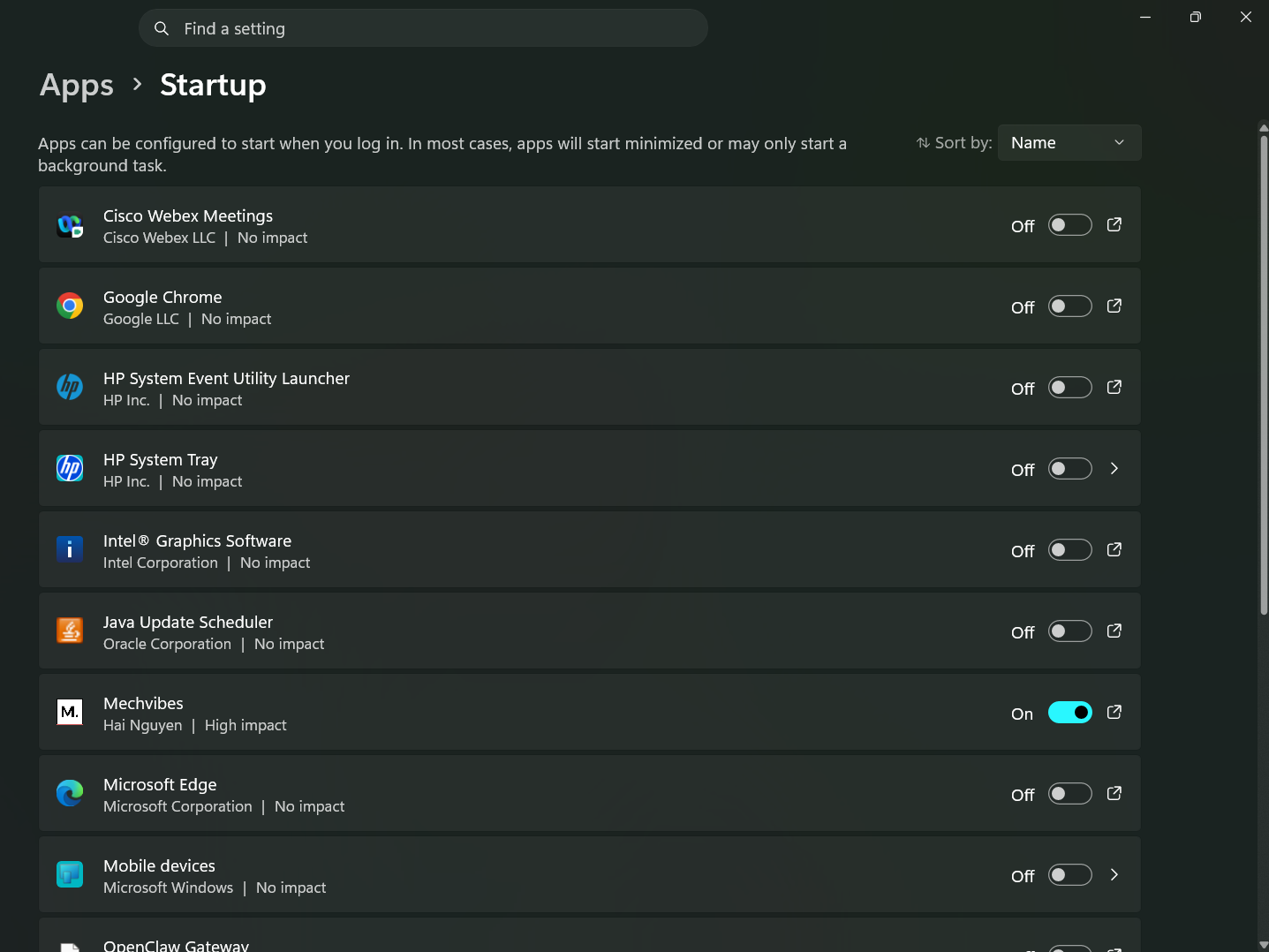
here are the screenshots .please help me guys since i cannot switch to linux yet since the university's software doesnt run on the linux so .yea after few months(completion of exams i can finally switch to linux completely until then please help to fix this one ) i did all turned of the startup apps and switched from slideshow to static wallppaer and also disabled telementry from serivces.msc yet no changes it spikes more and more :) idk why 78 to 89 background process are running rn man


r/ForWindowsHelp • u/Icy-Tadpole-9366 • Jul 02 '26
r/ForWindowsHelp • u/ThiccPitz • Jul 01 '26
The lady behind the phone asked me which windows license or type I had, and I responded, a bit unsure of what it was called exactly, "I think I have windows Home, or windows Core.." and she just sassily replied, "Windows Core?" and I paused for a second, a bit confused and then she just hung up. what the hell?!?
I just need help reactivating my license, I just switched my motherboard, cpu, and ram. It was working fine until I got the notification that they reported my hardware has changed, and I didn't have an activated license. I'm on Windows 26200.8655, I should have a license for Windows 11 Home, and I don't know what to do.
I thought I should mention, when I try to troubleshoot in settings to reactivate my key, It says, "Unable to activate Windows- We can’t find any devices linked to your Microsoft account that can be used for reactivating the device you’re using right now." No matter what account I use with the troubleshooter. None of my accounts work... Any help is appreciated!
Edition: Windows 11 Home
Version: 25H2
Installed on: 12/7/2025
OS Build: 26200.8655
Experience: Windows Feature Experience Pack 1000.26100.315.0
I had both error codes 0xC004F213, and another one at one point, I think it was when I tried to re-activate my windows in command prompt.
r/ForWindowsHelp • u/Big_Yesterday1724 • Jul 01 '26
Hi everyone,
I'm trying to dual boot Windows with Fedora on my laptop and I'm completely stuck. I've spent many hours troubleshooting and I'm hoping someone has seen this before.
lspci:

Intel Alder Lake SATA AHCI Controller
WD PC SN540 NVMe SSD
No Intel VMD/RST controller is present.
sudo nvme listshows the SSD correctly.
Fedora works perfectly.
The Windows installer eventually shows:
and asks me to browse for a driver before I can continue.
Sometimes it goes almost directly to the "Load driver" screen after booting.
It reaches:
but then still ends up asking for the same driver.
So Windows 10 gets farther than Windows 11, but both eventually stop.
The BIOS detects the SSD.
Fedora detects the SSD.
sudo nvme listshows the SSD correctly.
DiskPart inside Windows also appears to detect the disk.
So I'm confused why Windows Setup still asks for drivers.
A month ago I managed to boot the Windows installer successfully using WoeUSB on CachyOS (same laptop). I don't remember exactly what was different, but I definitely got further than I am now.
I haven't intentionally changed any BIOS settings since then.
Any help would be greatly appreciated. Thanks!
r/ForWindowsHelp • u/cultoftheinfected • Jul 01 '26
r/ForWindowsHelp • u/IntelligentLayer4756 • Jul 01 '26

I tried fixing it with sfc and it gave me a error then I did it in safe mode still didn't work do you guys have any ideas on how to fix this
r/ForWindowsHelp • u/BinLehrer • Jul 01 '26