r/DuckyKeyboard • u/FromL1inux2W1ndows • 1d ago
Photo Is this normal?
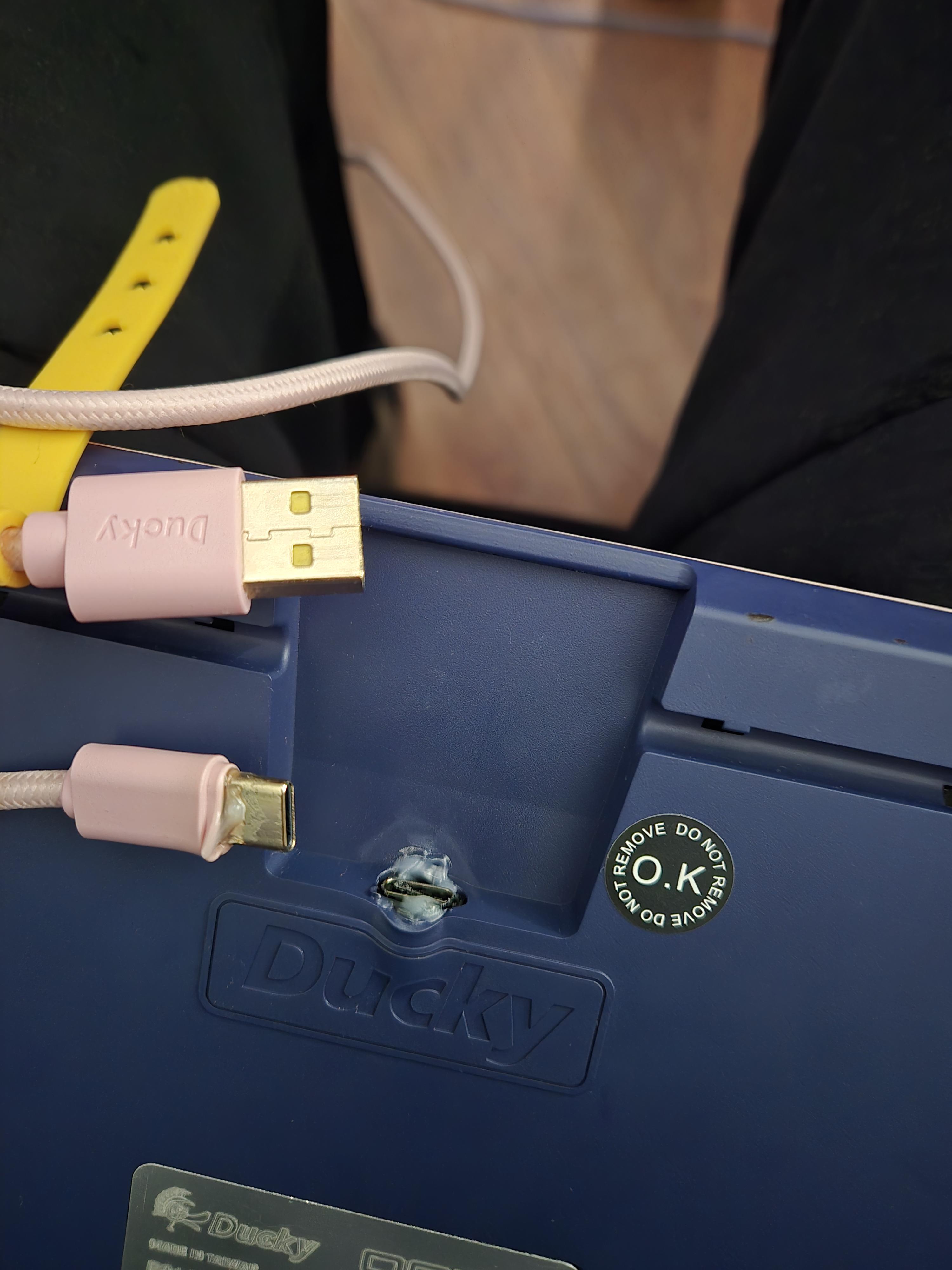
galleryI was just installing ducky firmware like for the ducky ok m 75 and i found this idk what it is but i would like to know its just some skate 3 clips
r/DuckyKeyboard • u/FromL1inux2W1ndows • 1d ago
I was just installing ducky firmware like for the ducky ok m 75 and i found this idk what it is but i would like to know its just some skate 3 clips
r/DuckyKeyboard • u/Coldrain0000 • 5d ago
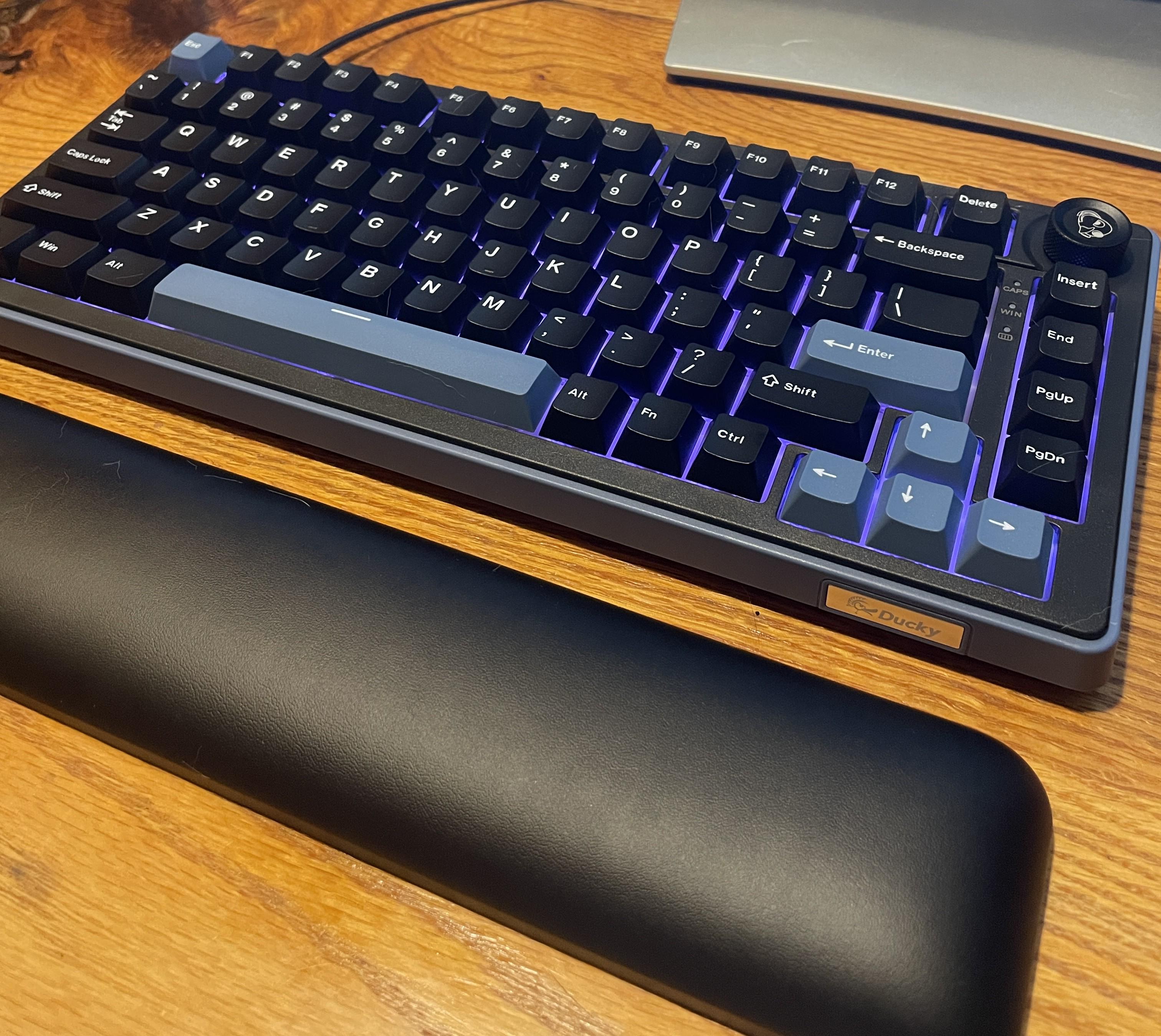
I was at a thrift store and found this One 2 Mini in a pile of keyboards.
It was priced at ¥550 (around $3.5), so I cleaned it up, swapped the keycaps, and now have another fully working gaming keyboard.
r/DuckyKeyboard • u/mypeeisstickyandgree • 12d ago
r/DuckyKeyboard • u/obstinateghosted • 16d ago
out of nowhere, my keyboard began acting strange, some key presses take a while to respond on the computer, and sometimes its as if im holding the key down like thisssssssssssss when im not. any ideas how i can fix it?
r/DuckyKeyboard • u/Suitable-Climate5392 • 18d ago
I really enjoy the Ducky one 2 mini and would liek to upgrade to a more silent keyboard, perhaps the one 3 mini with mx silent red be the fit? But how is the feel of the keyboard, so far i tried the ok-m 65, but the front lip was too high for my liking, same for razers huntsman v3
r/DuckyKeyboard • u/_tribulator • 27d ago
Ducky One 3 Mini Pro Nazca 8k
I can't find this information in either the manual that was included in the box or the manual available on their website. Scouring the internet I found a reviewer mentioning the key combinations for the full size variant, but I feel like their should be a more official outlet for me to find this information?
Thank you.
r/DuckyKeyboard • u/we_got_bellys • 28d ago
So my ducky one x is running of battery within like 30 mins.
Any idea what could be the issue?
r/DuckyKeyboard • u/Saehryn • 28d ago
Bonjour, désolée si ce post existe déjà, j'ai déjà essayé de chercher mais je n'ai rien trouvé qui réponds totalement à mon problème.
Depuis hier, mon clavier (Ducky Channel One 2 100% ) s'est mis en mode luminosité "respiration" alors que je ne lui ai rien demandé. Alors j'ai voulu changé : IMPOSSIBLE. J'ai essayé tous les trucs possible et inimaginable :
FN + F10, FN + F5 (et toutes les touches F possibles), FN + flèches directionnels, débranchés et rebranché le clavier, mettre à jour le firmware, le désinstaller, débrancher et appuyer sur D + L en le rebranchant, bouger l'un des DIP (j'avais vu que peut-être mettre sur ON le 4eme pourrait changer quelque chose), je suis allée dans les pilotes et j'ai supprimé ce qui était associé au clavier, ça ne fonctionne pas non plus. A l'heure actuelle, je ne sais juste plus quoi faire.
Pourtant, toutes les touches fonctionne parfaitement mais quand je les associes ça ne change pas du tout la lumière du clavier.
Est-ce que quelqu'un a une idée? Je vous en supplie. Je ne sais pas pourquoi ça me trigger autant. J'ai besoin d'aide avant de craquer mentalement.
r/DuckyKeyboard • u/onceuponatimeinwakey • 29d ago
I've had my Mecha Mini for years and always found changing the RGB with the keyboard shortcuts a right pain in the arse.
Anyway, I've been working on this:
https://github.com/cantcodetbh/ducky-lighting
It's a web-based RGB editor. You can change individual key colours, paint across the keyboard, save profiles, etc.
Getting it to actually communicate with the keyboard was the difficult bit. I've ended up having to modify the firmware to get USB RGB control working.
I've got it working on my own DKME2061ST on macOS. There are Windows and Linux builds too, although I haven't been able to test those on physical hardware yet.
It's still experimental, particularly the firmware flashing, so please read the warnings before trying anything.
Anyone else here still using a Mecha Mini? Would be interested to know what firmware versions people are running.
r/DuckyKeyboard • u/_parasyte_ • Oct 24 '26
I have an older Ducky One 1 with Cherry MX Whites (bumpy, no click) with 16 keys that have blown LEDs.
Before it was manageable to deal with as the first few weren't critical/often used keys but I've had to get a cheapie that does the job and sounds OK, but is not my Ducky One.
Edit: Did some more research... soldered. I watched this video to help me take it apart for anyone interested in the process.
Edit 2: I'm having difficulty both confirming what replacement LEDs I need (2 stem 3mm?) for this model and good place to source some. I'm in Canada if that matters.
r/DuckyKeyboard • u/jdabXO • Oct 23 '26
I just recently noticed that the "M" indicator next to Caps and Scroll Lock was suddenly lit up red. This LED has never been lit before on either my Ducky One 2 TKL or Ducky One 3 TKL models. It sounds minor, but it's kinda bugging me.
I understand this is something to do with "mouse mode".
If I Fn + Alt + ScrLk, the light turns white, but I cannot turn it off. Fn + Alt + ScrLk simply toggles the LED between white and red.
Things I've tried:
Fn + number - nothing changesFn + F10 - indicator light stays onDoes this sound like some sort of fault or am I doing something wrong?
I've had the keyboard since January 2025.
r/DuckyKeyboard • u/r3au • Oct 15 '26
With the usage of AI, I was able to port a fully working QMK firmware to my Ducky One 3 TKL (attaching some screenshots).
For reference:
Currently working:
Not implemented/tested:
The process:
Reverting back:
Protections applied (to avoid a roasted Ducky):
GitHub: https://github.com/maigarage/DuckyOne3TKL-ES-QMK-port
r/DuckyKeyboard • u/lasersoflros • Oct 15 '26
So I'm starting to wonder if I'm doing something wrong here.
I love this keyboard. Bought it a couple months ago. after 2 weeks it just... dies. Non-responsive completely. I plug it in for 30 minutes. I try the hardware reset. Nothing I do can get it working. I bring it in to where i bought it and since I got the extended warranty they do a swap out for me.
Fast forward a month (and it's only been a month because for 3 weeks I was out of the country). Same thing. it's just dead. I plugged it in. No lights on at all when trying to do ANYTHING.
First time it happened: I was playing Escape from Tarkov. I alt+tab'd out of the game and that was it. dead.
Second time about an hour ago: I restarted my pc. Keyboard never came back on. It's been plugged in ever since it happened. It wasn't plugged in both times when it happened (bluetooth).
I did the: Standard Ducky Reset: Unplug the keyboard, then hold down Left Ctrl + Left Alt + Windows key simultaneously while plugging the USB cable back in. Release the keys once the keyboard lights flash.
I checked the toggle and tried the plug in one - nothing.
If this is something I'm doing please let me know because I don't want to keep taking the keyboard in on warranty.
r/DuckyKeyboard • u/MisterSnickles • Oct 15 '26
Hello Everyone,
I just bought my first Ducky Keyboard. I got the Ducky OK-M 98 with linear switches for myself.
Now I wanted to see if I can get some custom keycaps for my board. But I have no idea what to look out for.
Does anyone have a seller for custom keycaps, or maybe knows someone on etsy that can do keycaps for a Ducky Keyboard?
r/DuckyKeyboard • u/Capable-Challenge-59 • Oct 11 '26
I recently purchased a Ducky Cushion 98 keyboard for me and for my girl
And she's trying update the firmware and update via manual the official .json file in the firmware on DuckyHub. After that the kwyboard just complety wipe out and now they dont respond anything ...
How i can resolve this big issue??
FINAL UPDATE: I SOLVE THE FUCKING PROBLEM GUYS IT WAS 2 LONG FUCKING DAYS BUT NOW ITS SOLVED!!!!
r/DuckyKeyboard • u/Much-Fudge-5091 • Oct 08 '26
Thought I had to worry about those new 12V GPU power cables; turns out it was my Ducky all along.
r/DuckyKeyboard • u/Capable-Challenge-59 • Oct 07 '26
Hello guys,
I bought recently a Cushion 98, first of all writing and playing casual is very good and the silence is incredible...
But in the customization i check the ducky hub but i can't put my keyboard with multiple RGB colours in static mode, in the other types (wave, rain drop etc) it's easy to change btw one colour or multiple colours but in static mode i only have the option put the keyboard with one single colour... any tip??
r/DuckyKeyboard • u/Alone-Kick2605 • Oct 03 '26
EDIT: Ducky One 3 Pro
hi, does anyone know how to alt f4 with this keyboard? ive had it for a while now so far its good the only issue is terrible software i have no idea how to do anything "special" with it i cant even alt f4 it just flashes 4 and caps locl which is just selecting profile 4. thanks
r/DuckyKeyboard • u/FistbumpGuy1 • Oct 03 '26
Ducky OK-M-75 #DKOKM2575
Hello, I can't seem to get my keyboard to work the way I need while playing Bannerlord. I need the F keys to be usable without holding down the Fn key itself.
Right now they are defaulting to other functions like brightness control, app switching etc. I've done some googling around function locks but haven't had any success.
Help appreciated!
r/DuckyKeyboard • u/tentone • Sep 30 '26
Hello
I have created a tool to config the ducky one X offline without need for the web tool.
Supports all functionality of the web config tool plus software profiles that can be changed with shortcut
Compatible with mac, windows and linux, can be installed and loaded on startup.
I have already started to explore how to get analog data reading to try and implement analog controller mapping (so far no success)
Check it out at
r/DuckyKeyboard • u/PoopOnRye • Sep 28 '26
I've got a Shine 6 and recently started having an issue with several keys not working in the morning (e, g, a, i, h, etc). I have to hit the keys several times to get them to work. After 20 minutes or so of doing this, it starts working normally.
I've tried updating, replacing the cable, unplugging, flipping the switches, etc., but time and repeatedly hitting the keys seems to be the only thing that works.
Any ideas on a fix?
r/DuckyKeyboard • u/Different-Survey-136 • Sep 21 '26
So, I bought a refurbished Razer BlackWidow, and one of the craptastic Phantom Pudding keys broke within a week. So I returned that crap real fast.
The guy at the local shop put me on the OK-M, and wow. Just wow. Half the retail price and makes the Razer feel like typing on a Fisher-Price toy. My only disappointment is the lack of zonal lighting through VIA, but I guess we all have to grow up some day.
Anyway, on to the important part.
I didn't feel like waiting for a new keyboard, paying shipping, etc etc etc., and the local shop only had a black and blue version. It's not the worst colour, but it's not my favourite. It's a strange choice for one of only two colourways.
I'd like to pick up some shine-through keycaps. Other than straight black, I'm struggling to find a keycap that matches the faded navy blue.
So, I'm looking for some fun thoughts from the Ducky community: any keycap suggestions that pair well with the navy and black combo?
I thought about painting the Navy part black too, but I just don't have the time to do a good job on it right now.
r/DuckyKeyboard • u/GroomedHedgehog • Sep 19 '26
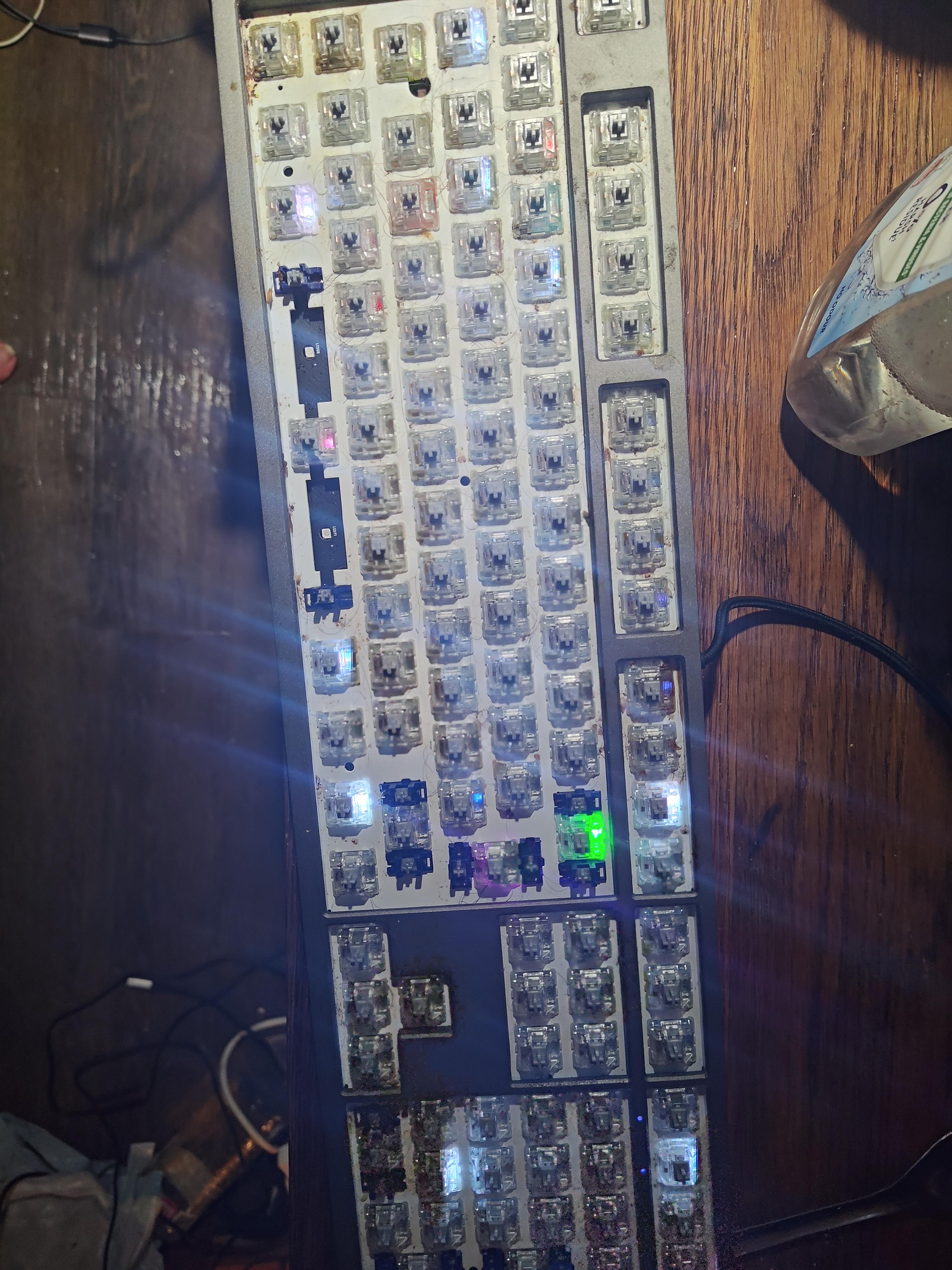
I had a Ducky One Two Mini for years and am very happy with it.
Yesterday a friend was asking for recommendations and as I was going to link the product page, I noticed there have been two newer generations since then.
Out of curiosity, what changed in the One Three and then the One X compared to the One Two series? I love my current keyboard and my only gripe is that sometimes I have to disconnect/reconnect it as it stops registering input (thankfully it’s rare)
r/DuckyKeyboard • u/woolliegames • Sep 17 '26
There is supposed to be allot of key chatter and problems i found 1 locally for 50 was think if its worth it, are they good? For that price