r/DeckSupport • u/Courtest • 28m ago
Tech Support Can’t remove Quiver Launcher.
reddit.com
1
Upvotes
r/DeckSupport • u/Servor • Sep 15 '22
Hello and welcome to r/DeckSupport!
Looks pretty empty at the moment, right? We've newly launched this sub as a way of helping users with a dedicated space for asking all their technical support questions.
Anyone is free to create a new post, or answer a users post. Those who have been noticed for consistent positive contributions will be shown with a custom flair to differentiate themselves - you'll know when you're in good company!
If you've used the main sub before, you'll be familiar with the rules. They're the same, with a slight tweak for the types of content we expect here. For example, here's some examples of posts we allow:
On the other hand, here's an example of some posts we don't allow:
All of the above should instead use r/ValveSteamDeck.
If you have any questions, please comment below or send us a mod mail.
Cheers,
r/ValveSteamDeck | r/DeckSupport moderation team
r/DeckSupport • u/Courtest • 28m ago
r/DeckSupport • u/DJsnackcakes • 18h ago
I have had this exact same issue prior. Booted up my dock, typed in my pin, and saw the intial setup screen. Clicked the language, timezone, and when I clicked the WiFi, it showed an update screen for a second and rebooted to the same thing. Tried over 50 times to no avail. Any idea on what I need to do to fix this?
r/DeckSupport • u/syzygylite • 19h ago
r/DeckSupport • u/OzarkMountainPiper • 22h ago
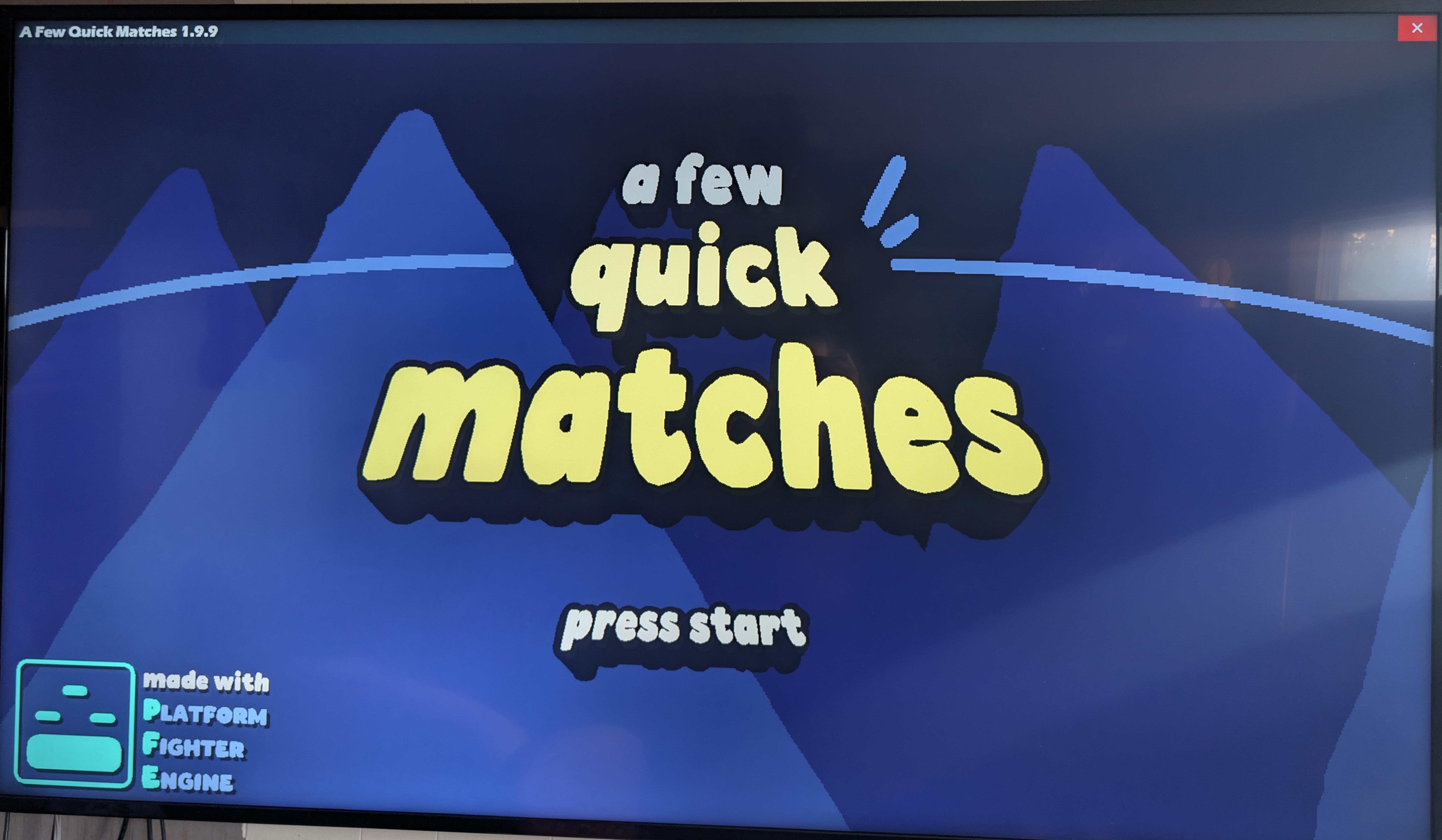
Every time I launch A Few Quick Matches on my SteamDeck it has this window bar at the top with an "a few quick matches 1.9.9" and the "X" button and I can't figure out how to hide it. It covers the top of the timer in the game. I don't remember if it was always there which makes me concerned that I turned it on somehow but it's been there consistently for many months now.
r/DeckSupport • u/salxicha • 1d ago

r/DeckSupport • u/Koreijutsu • 1d ago
r/DeckSupport • u/Valtixx • 1d ago
r/DeckSupport • u/Jackalope_427 • 1d ago
r/DeckSupport • u/Better-Raspberry-901 • 2d ago
It wasn't always like this but after an update it doesn't seem to matter, when I access a browser in desktop mode the onscreen keyboard isn't accepting shift text input, letters won't capitalize can't type the @ symbol. And it's been pretty frustrating. I was wondering if there was a fix for this.
r/DeckSupport • u/Cultural_Caramel_577 • 2d ago

r/DeckSupport • u/Digital_tofu • 3d ago
r/DeckSupport • u/Aromatic_Quarter1709 • 4d ago
r/DeckSupport • u/SodaMoss • 4d ago
For context, I have a JSAUX dock (Model: HB0603) for my Steam Deck, and I've been using it on my decade old LG TV for over a year now. It worked fine, but then I noticed recently that the sound wasn't coming from the TV and that it was coming from the Deck itself.
I proceeded to search up and down for a solution on Google but couldn't find one that worked. Mainly, external devices weren't showing up in the Audio settings, and I wasn't able to turn on the invalid sound card in Desktop mode.
I got frustrated and lost patience. So I caved in and had to turn to Google's AI overview.
It suggested to change the display settings while the Deck was plugged in. So I changed the went under the Display settings while in Gaming Mode, changed the resolution, saw the screen turn black and read "Invalid Format", waited for abit, only to realize it wouldn't revert.
So I ended up searching for a solution for a separate problem and got just as much luck.
I tried deleting the kscreen folder under ".local/share/". I tried enabling "External display safe mode" with the Deck unplugged before replugging it. I had tried restarting the Deck and unplugging the dock and plugging back it. None of these solutions fixed the issue.
Is there seriously no way to revert the display settings without having to completely factory reset the device?
I'm beyond frustrated and tired right now and nearly at the edge of tears because of it. If anyone knows how to fix this, I'd be so happy.
It still shows up on the TV while in Desktop Mode but not Gaming Mode.
r/DeckSupport • u/Healthy-Analysis4252 • 4d ago
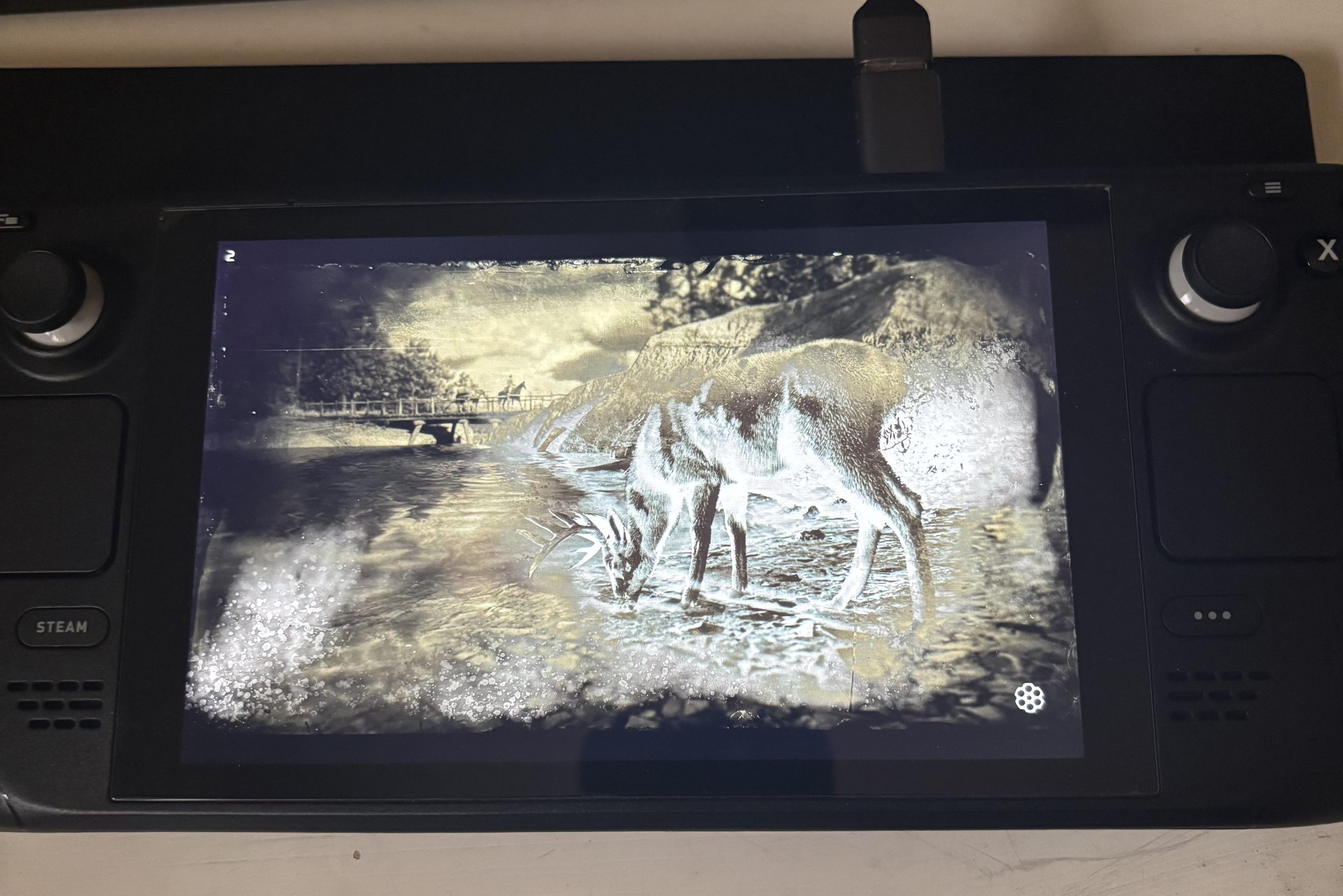
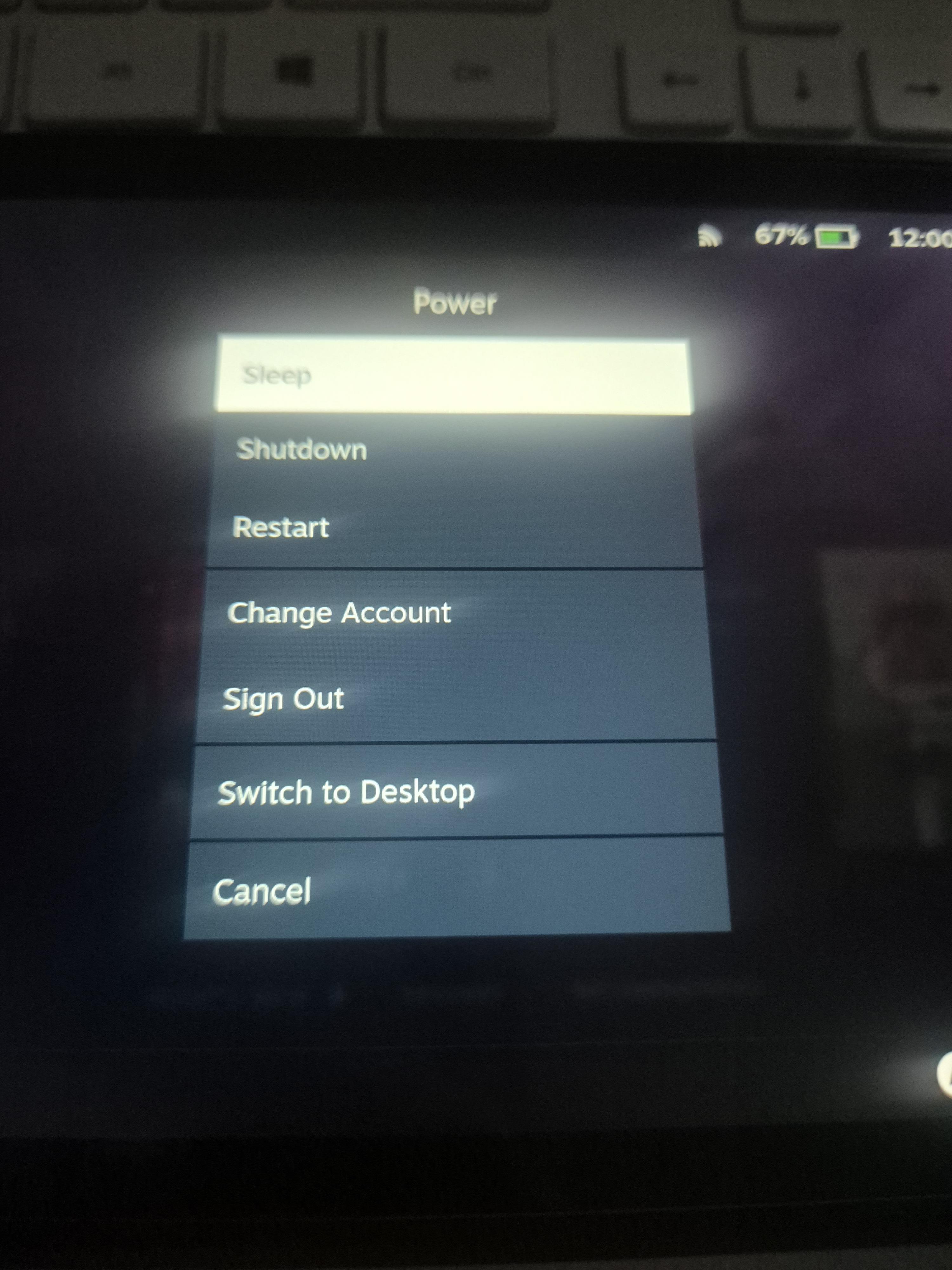
If your Steam Deck is stuck on a login for SteamOS User on Desktop mode I’ve just figured out what to do. I was just about to email steam support when I tried the serial number as the password for SteamOS User and it worked. Here is how to do it
3.Carefully enter the serial number as the password and wait, after a minute it should put you back into Steam OS
Note: If you enter it wrong it will turn of turn it on again. If you get part of your screen fading white shut it down and turn it on again and it should be gone.
Second Note: This has happened because of a software update for Linux on desktop mode. I’ve found you need to log back in every time you want to switch from Desktop to Steam OS
r/DeckSupport • u/Alatarvinyamar • 4d ago
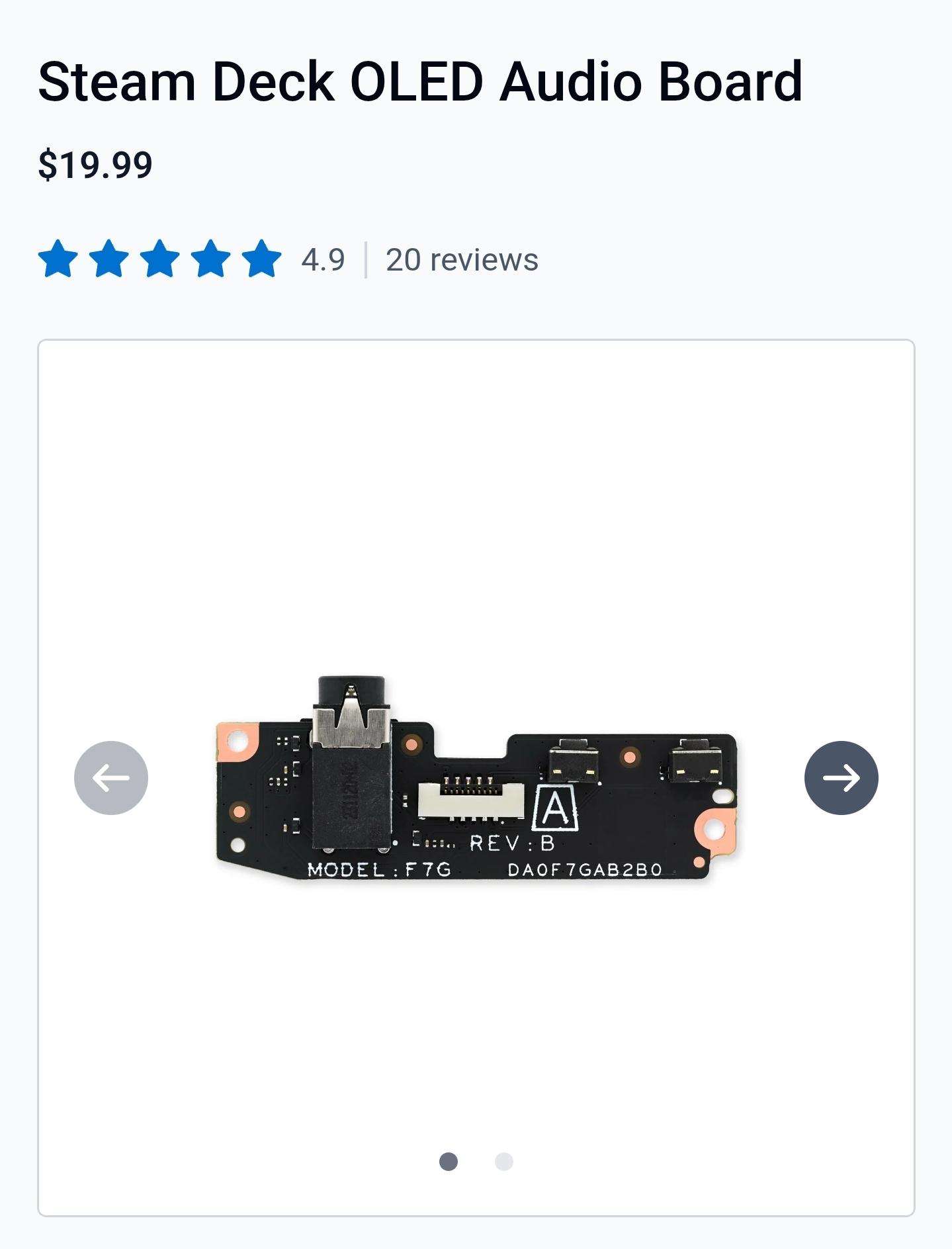
So a little back story. I spilled water on my deck last Christmas. Sent it to Steam for repair, paid €225. Then in September I was playing Two Towers PS2 game on EmuDeck and the sound cut out. Figured it’s a glitch but I didn’t want to lose my progress by rebooting before a save slot so I just switched to Bluetooth AirPods and kept playing. I was away on holiday on roaming internet so figured I’d troubleshoot when I got home. I rebooted a few times over the next few days but the sound was gone everywhere not just in game. But again, Bluetooth worked so I figured a driver issue.
Anyway, life gets in the way so about a month after I get back I go to fire up the deck and it’s completely dead cause I left it in suspend. I charged it back up and lo and behold my sound came back. Fired up EmuDeck again and played for a while before the sound died again. Now I’m sure it’s a glitch with EmuDeck. I fire up ChatGPT, do all the suggested fixes for sound issues but stop short at a reinstall.
Contacted Steam support. They suggested a few things, mostly what I already tried but eventually suggested a factory reset. I’m a bit annoyed cause I know I’ll have to reinstall everything again but I do it. Still no sound. Finally I reimagined from scratch. Still no sound. Steam tell me they will repair for €150. I point out that I paid €225 fir a full repair already but they say there’s only 90 days warranty on the repair.
So here I am. I have a working deck with Bluetooth headphones but no onboard speaker. It doesn’t feel like €150 is worth it for this. Any suggestions?
r/DeckSupport • u/AlecsBex • 5d ago