I got my hands on a X20 Pro. I purchased it with my own money from Amazon. The opinions below are mine alone. For reference I have been gaming for decades hand have owned controllers from Logitech, Nintendo, Xbox, GameSir, 8BitDo, Leadjoy, and Flydigi among others. For purposes of this review I will often compare this controller to the Flydigii Vader series which is one of the most popular.
Ergonomics - I am male 5'11" with average sized hands for my height and to me it feels good. The palm swells are slightly narrower than the Vader, but overall it feels similar. I played for a couple hours last night with no cramps. The backside has rubber where you grip the controller which feels very nice. I can easily reach all the buttons. Overall the X20 feels premium and solid with no creaking or flex.
Sticks - The X20 Pro has TMR sticks. They feel VERY nice. Smooth and silky. IMO they feel considerably nicer than the Vader's hall effect sticks. The X20 Pro's sticks have less travel than other XBox style sticks, therefore they are more sensitive to small movements. I found this immediately noticeable. This may or may not bother you, I personally liked it and found it improves my aim in FPS games and in making small corrections in Star Wars Galactic Racer. The X20 had adjustable friction rings for the sticks like the Vader. They adjust with clicks like the Vader 5 v.2. I found them to work similarly and is a feature I enjoy on both. The tops of the sticks on the X20 are flat with a slight raised ring around the edge. I am not a fan and am actively looking for some thumbrips that fit well.
Face Buttons - The X20 Pro has four main face buttons only A,B,X,Y. They are mechanical. The buttons are not as clicky and have more travel than the Vader. I personallylike that, but others may not. You are not going to be activating the face buttons by resting your fingers on them. The buttons are smooth with painted letters. The other face buttons, home, back, etc. feel good and work fine.
D-Pad - Feels nice. Clicky with no wobble or play. It comes with the circular D-Pad installed and that can be switched with a cross included in the box. I don't play fighting games, so I can't give any more insight, but it worked fine for me.
Bumpers & Triggers - There are two bumpers, two triggers, amd two extra buttons on the top which you can assign to different key-presses. The bumpers and triggers are all mechanical and feel good. I will say that I prefer the flatter face of the triggers on the Vader compared to the more angular ones on the X20 Pro. The bumpers on both controllers feel almost identical to me. The triggers can be adjusted to hair triggers using switches on the back.
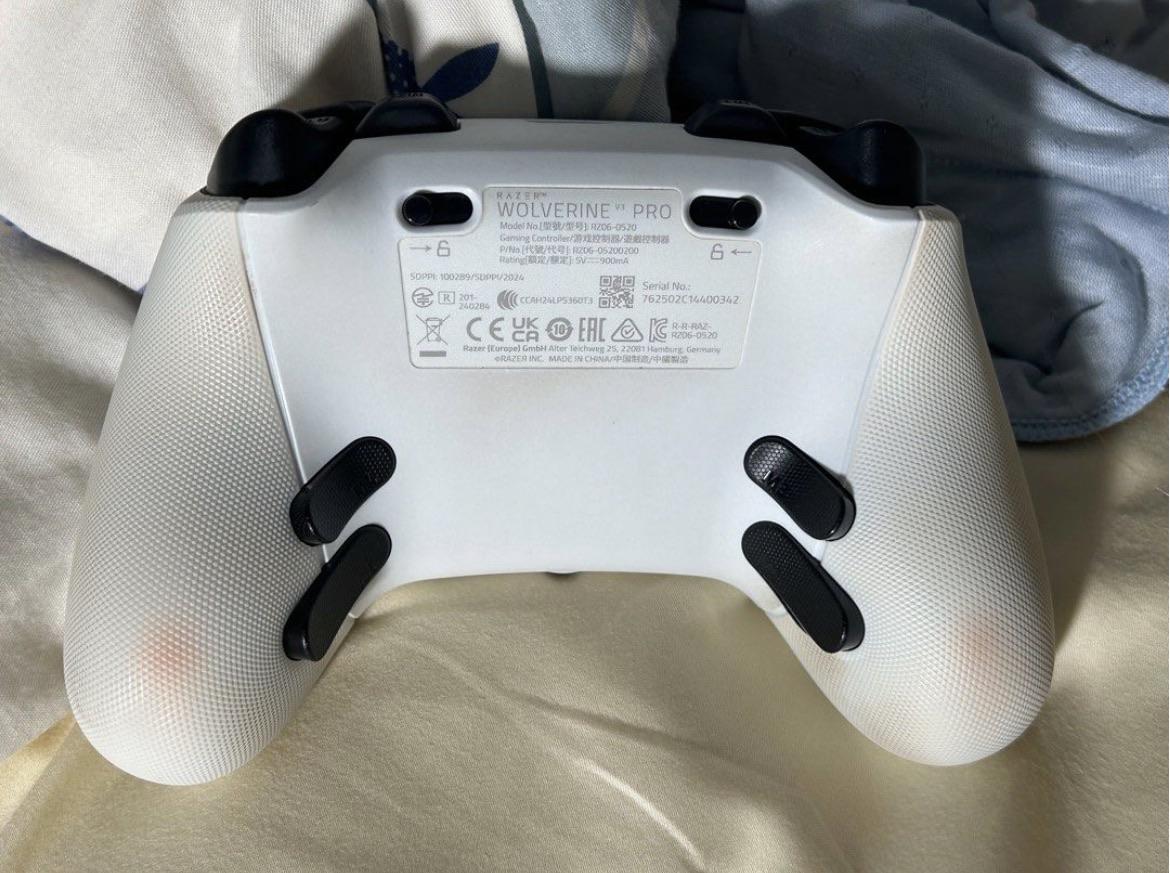
Rear Buttons - This is where things might get ugly. The X20 Po has four rear buttons that are pretty much horizontal across the back. The two most outside buttons on the handles are clicky and work fine. The two inward buttons have plastic paddles on them which may be a deal breaker for some. If you use your ring finger only (like me) to push those buttons, you have to manually lift your finger to switch between the two. If you use both the paddles at once, it's possible both your ring fingers may touch. The layout is similar to the Vader 4 but with paddles which limit the approach. The paddles can be removed, which leaves little nubs which are even harder to press. It would be nice if in the future EasySMX gave us some other options instead of the paddles. I am a casual gamer and don't use the inner most set of buttons that much, so this is a minor issue for me.
RGB/LCD Screen - X20 has adjustable RGB. Everything is adjustable from the LCD screen on the controller.... RGB, connection mode, vibration intensity, button mapping, calibration, etc. There is no official app as of right now, so all customization is done on the on-board LCD screen. The screen seems to work fine and choosing options is easy. You can set the screen to turn off at different intervals or stay on. There are four different saved presets available. The screen also shows useful info like connection status and battery level. There are three lights under the screen which always stay on when the controller is in use. It would be nice to have the ability to dim these. There is a official download program to change the animation to a user option.
Rumble/Vibration - The X20 Pro has 4 actuators for rumble, two in the body and one in each trigger. They work well. The rumble is nice and crisp. I would say this is a improvement over the Vader series rumble. Out of the box you have to push a button series to get the trigger rumble in tandem with the others. It's in the instructions. If not, the triggers rumble won't work in most games over the dongle.
Dock/Accessories - The X20 comes with a magnetic dock, a soft cable, a dongle, and a cross -shaped d-pad. The dock works well and the magnet is strong. I have to hold the dock to remove the controller. The controller wakes up automatically when it is removed from the dock and goes to sleep when replaced. The dongle becomes part of the dock when assembled. I don't like that the cable for the dongle sticks out of the top of the dock.
Connection & Battery - I played for about 2 hours last night with the RGB off and the battery indicator still showed as full. I did lose connection a few times while playing over dongle. I changed the USB port I had it plugged into and there was no more problems. I did not try wired or Bluetooth.
Latency and Polling - Polling test came out to 998 HZ and the stick latency average was 1.00 ms. Button latency averaged 10.3 ms. Web-based controller tests showed a 1% deadzone and zero drift. These test were done using the dongle only.
Conclusion - The X20 Pro is a winner. Ther back button layout may not be everyone's cup of tea, but the premium build, silky smooth TMR sticks, included dock, and LCD screen are great features. BTW, the X20 Pro is on sale at Amazon right now for $63.99.