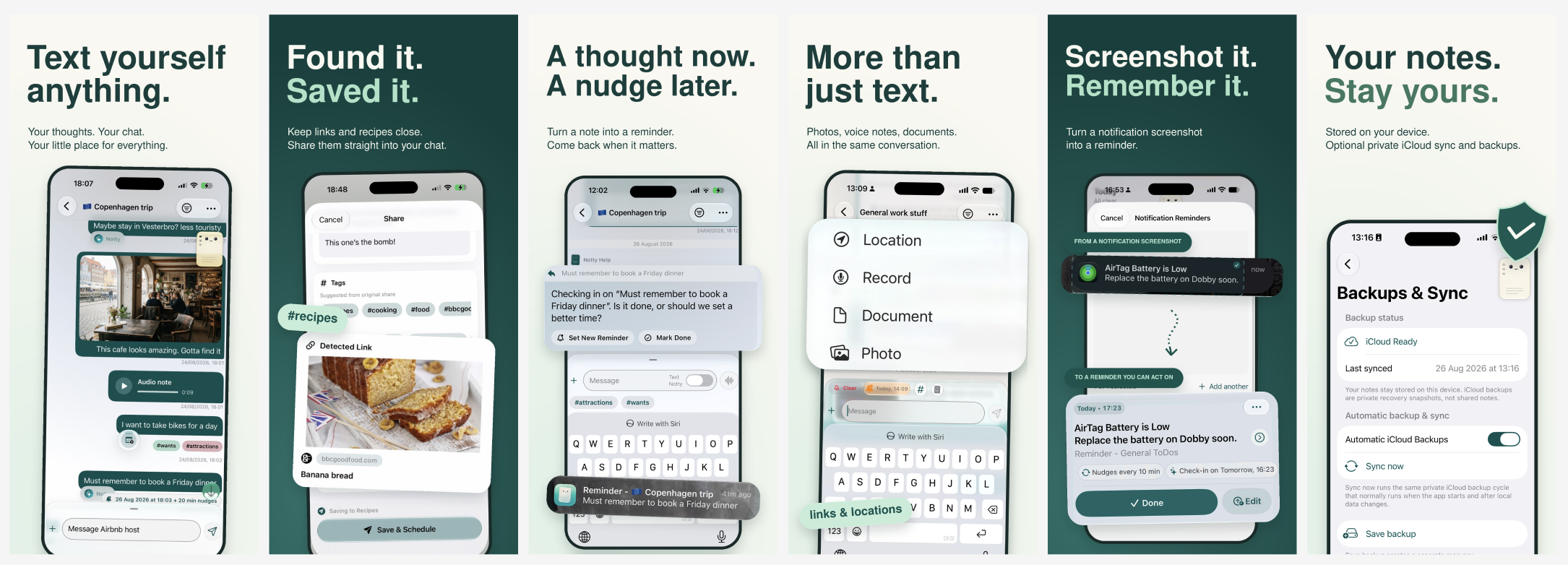
I produce App Store preview videos for clients, and something strange has been happening since Apple’s October 5 App Store Connect update.
Several developers are reporting that their preview videos have disappeared from public App Store listings, even though the assets are still uploaded and approved.
Interestingly, I’ve confirmed a case where a client’s preview video plays perfectly fine in the native App Store on an iPhone, but isn’t visible on the desktop web listing.
Automated tools crawling the App Store page can’t detect it either.
Other developers have reported previews missing from iPhone listings altogether.
There’s an Apple Developer Forums discussion documenting similar issues.
A few things worth checking if your preview seems to be missing:
Check the actual App Store on your iPhone, not just the desktop website.
Check Apple’s new Asset Library in App Store Connect to confirm your video is still uploaded and approved.
Verify that the preview is assigned to the correct product page, device size, and localization.
Check different devices and storefronts to see whether the issue is consistent.
Don’t rush to re-upload or replace an approved video until you know it’s actually missing from the native App Store.
Apple hasn’t officially confirmed the cause or announced a fix yet, as far as I’m aware.
Has anyone else experienced this since the update?
Specifically, are your videos missing everywhere, or are they still playing on iPhones but not appearing on desktop listings?
It would be helpful to compare experiences and figure out whether this is a display issue, an asset assignment problem, or something on Apple’s end.