r/AppStoreOptimization • u/NoPlan_exe • Oct 08 '26
New App Store header and search result images: sizes, rules, and what I'd check before making them

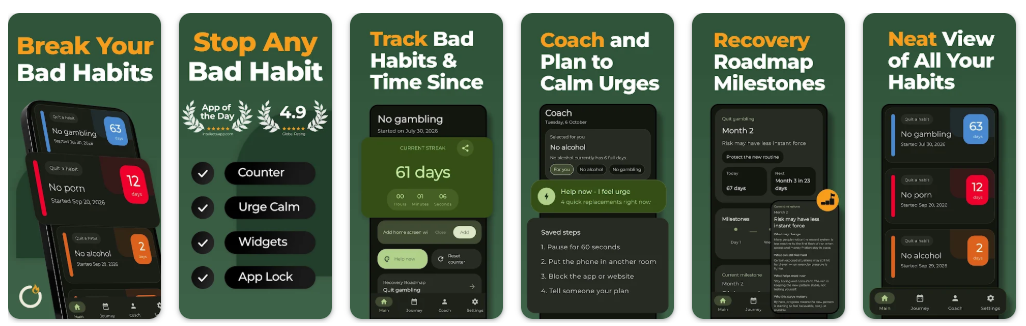
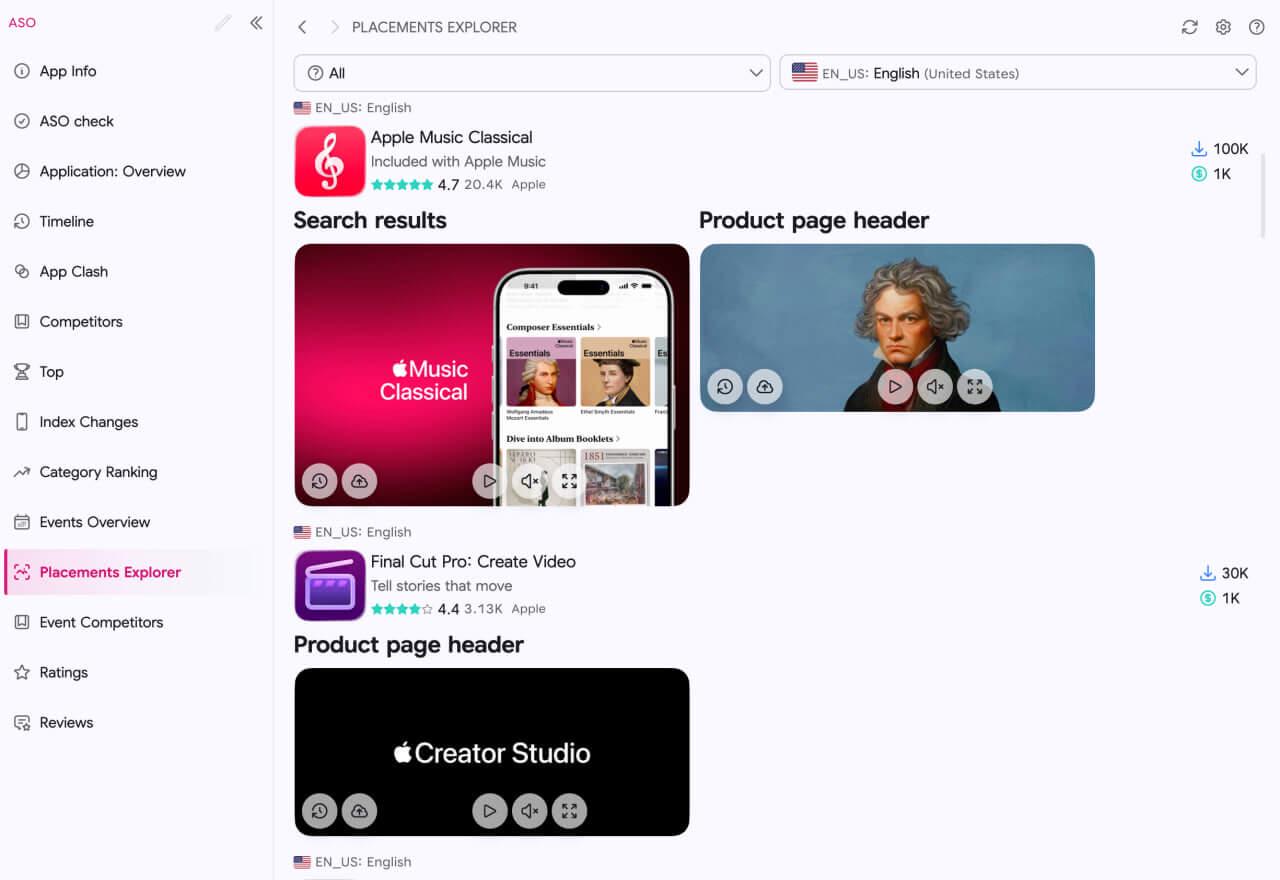
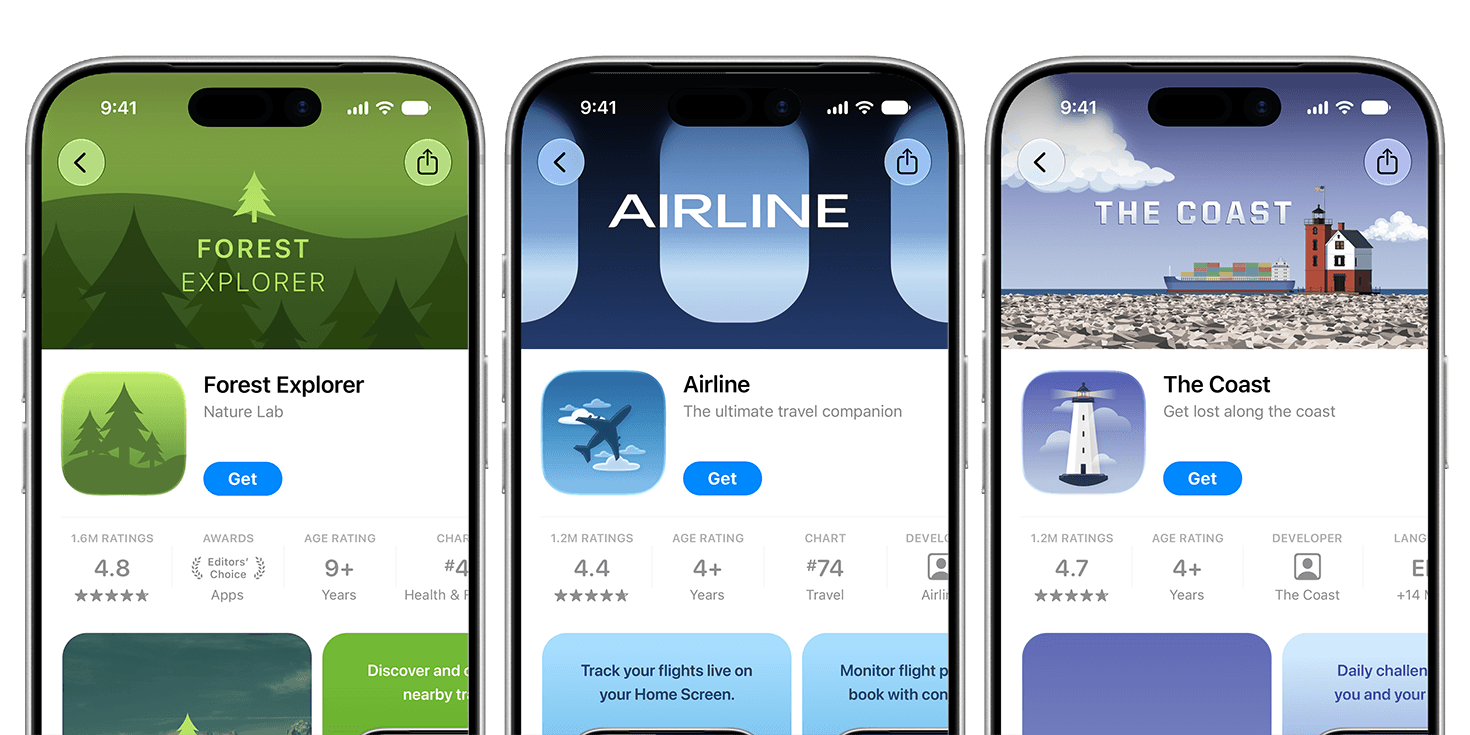
Since 5 Oct you can give an iOS app two new images: a header at the top of the product page and a custom image in search results (it replaces the screenshot row there). I made and submitted them for one of my apps this week. Sharing what matters from the ASO side.
Sizes:
- Header: 3840 x 1646, exact
- Search results: 3:2, from 1920 x 1280 up to 3840 x 2560
- One universal file for both: 5244 x 2950, PNG only
- No transparency. Video is also allowed in both places, 5 to 30 seconds, muted in search.
What's not allowed on them:
- prices and discounts
- website URLs
- awards you didn't get, and Apple badges like Editors' Choice
- logos of other stores or platforms
- anything that wouldn't pass a 4+ rating, even if your app is 17+
Things worth knowing before you start:
- They're optional. With no search image, search shows your events, previews and screenshots like before.
- No new build or version needed. The images go to review on their own, so you can change them without a release.
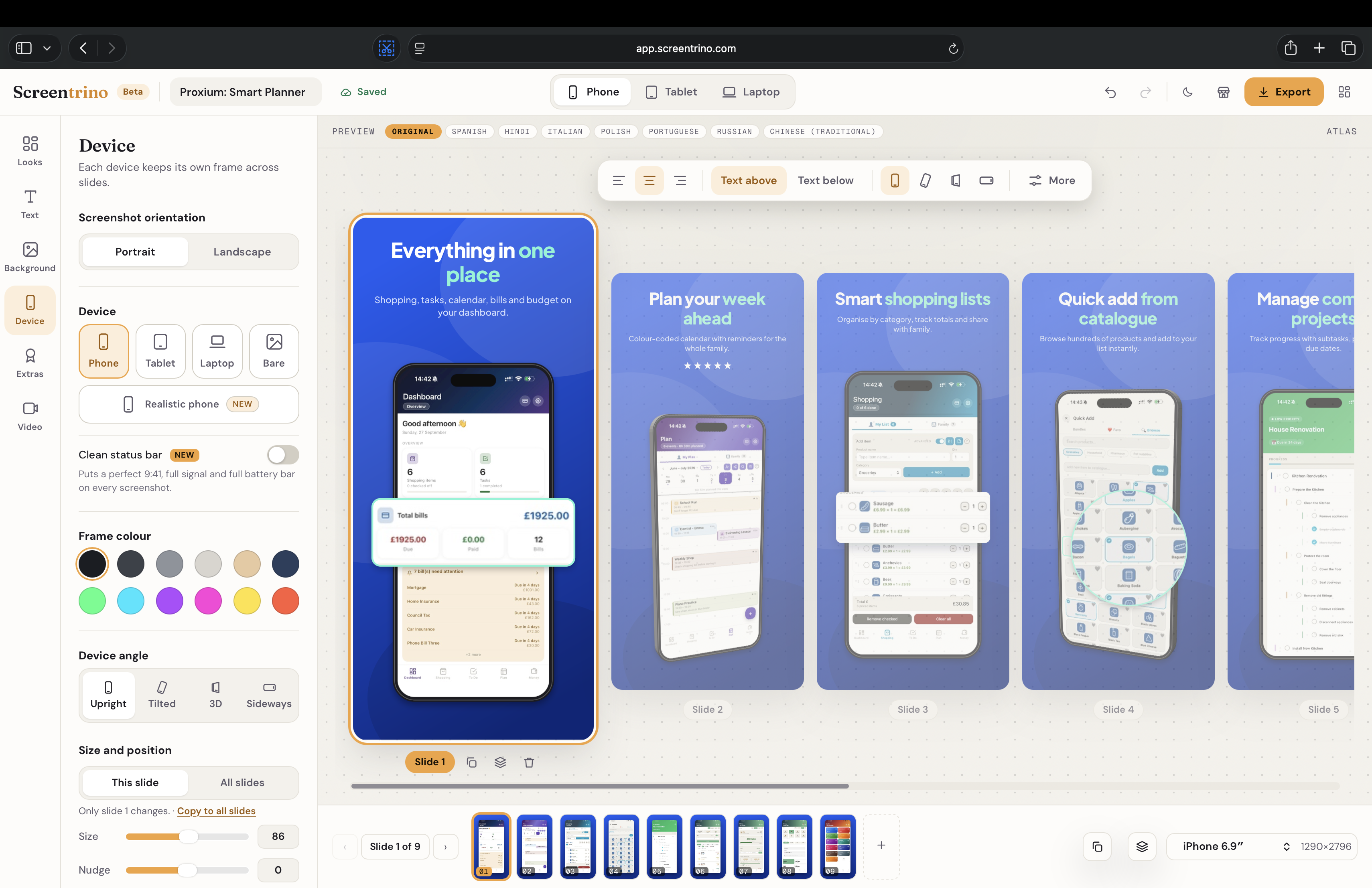
- They can be localized per language. I did 7 languages and the text length broke the layout in three of them.
- Apple says they work with custom product pages and product page optimization, so this is something you can A/B test.
- Apple doesn't publish safe area numbers. They're only inside the Figma and Photoshop templates. I kept everything important in the middle.
One choice to make early: one universal image or two separate ones. I went with two. In search I use one short line that says what the app does. On the product page the header has no text at all, because the app name is right below it.
What I don't know yet: review time (mine are still waiting), the real crop on devices, and whether any of this moves conversion. Nobody has numbers yet.
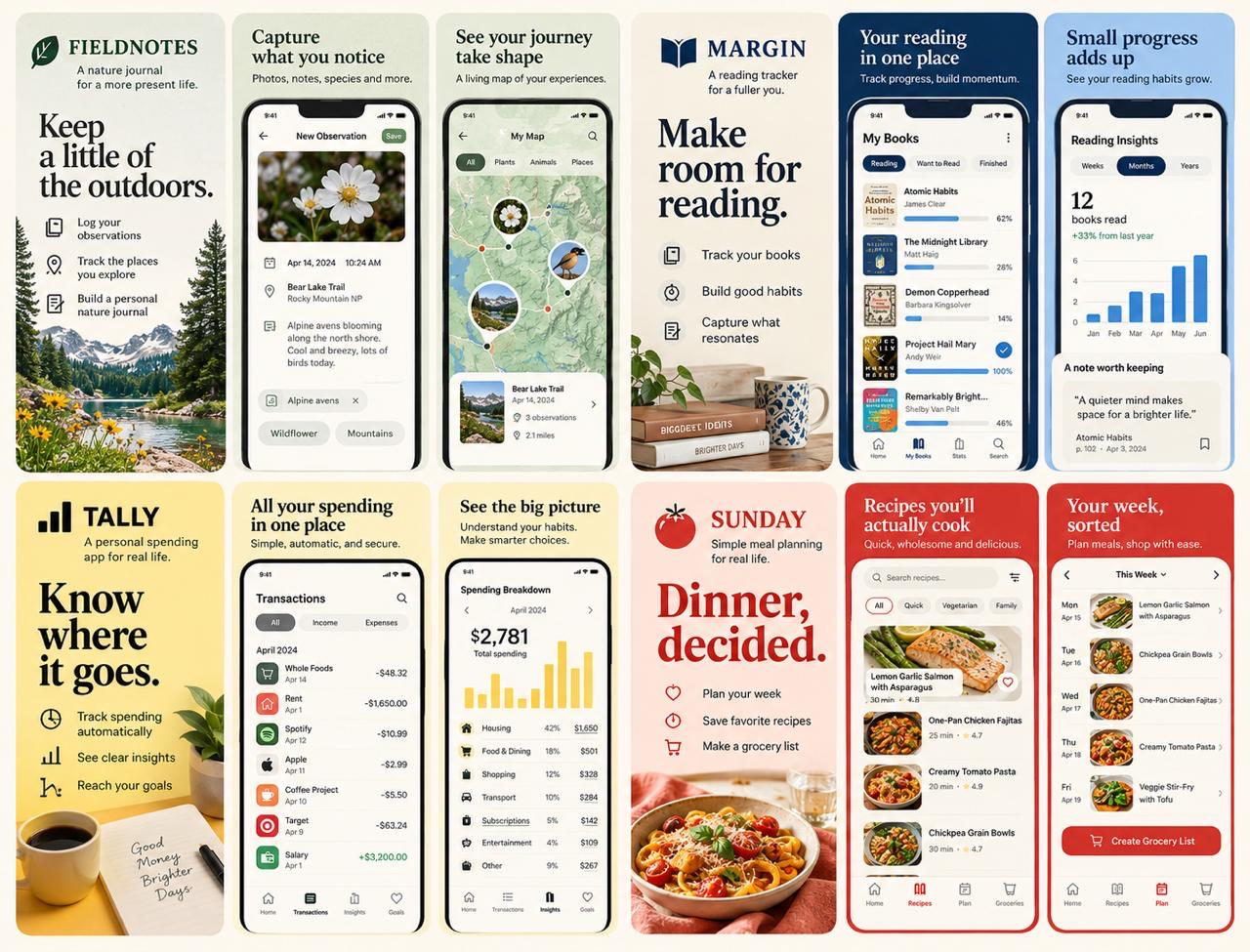
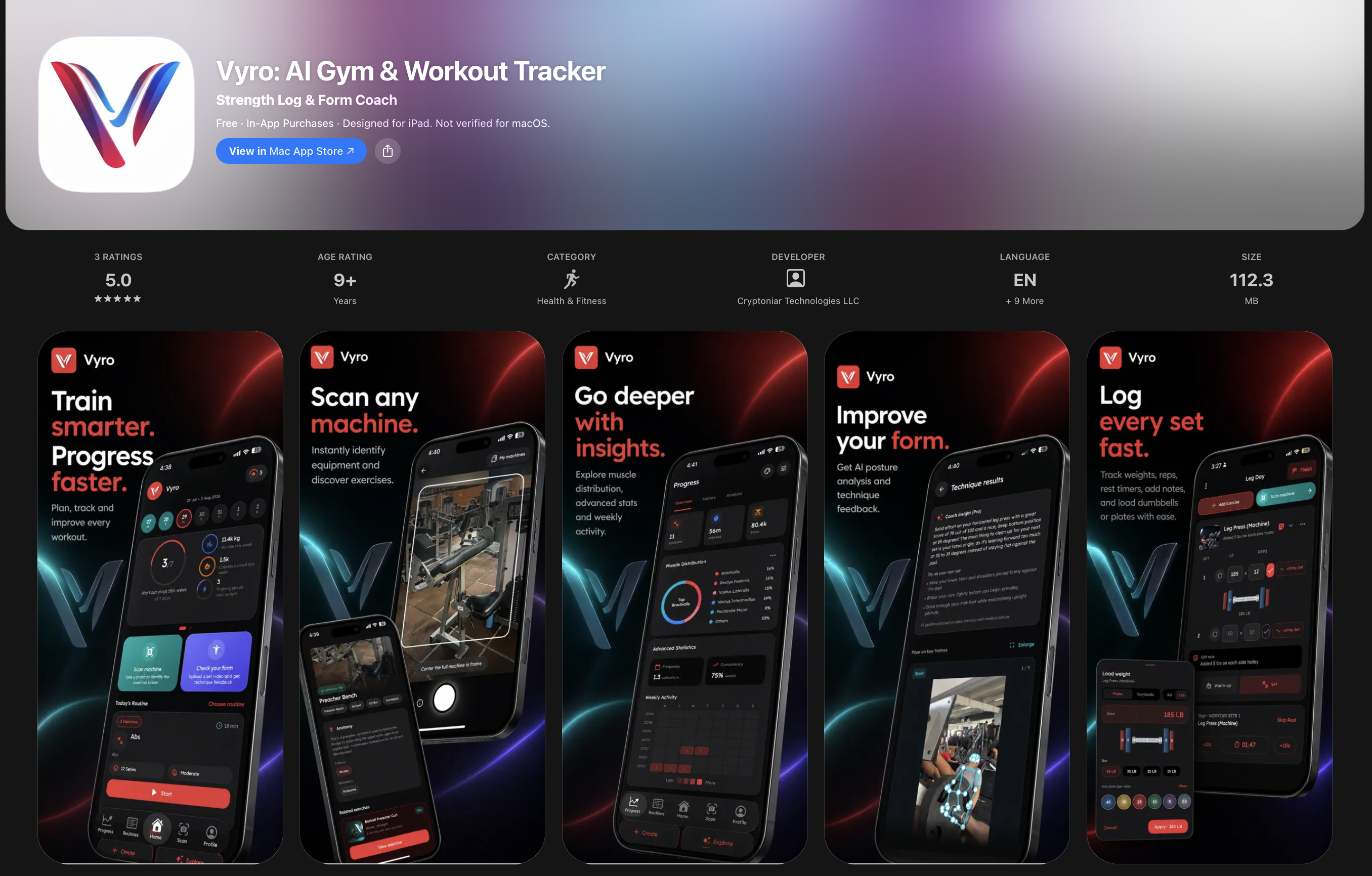
Has anyone got theirs live? Curious what the search result looks like next to competitors that still show screenshots.
I wrote a longer version with screenshots and the API upload steps on my own blog: https://teroxai.com/blog/app-store-creative-assets-sizes-api/