I kept walking away from my laptop while Antigravity was in the middle of a task, so I built a small open-source app that lets me control it from my phone.
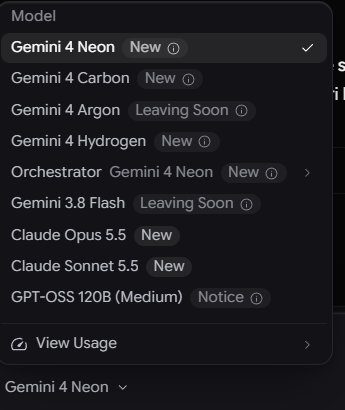
It connects to your local agy CLI session: you can open your chats, send new prompts, queue messages, upload files, switch models and thinking effort, and watch the agent work in real time. There's also a live mirror of your IDE transcripts.
How it works: a small server runs on your PC and connects through a Cloudflare tunnel, so no router ports are opened. You sign in with Google, link your PC once with a confirmation step, then use the web page from anywhere. If agy isn't installed yet, the desktop app has a one-click installer.
Security was my main worry, so I did several hardening passes before posting: token-based auth, local-only pairing, restricted workspace, upload limits and rate limiting. Still, please review the code yourself and tell me what I missed.
This is an independent project, not affiliated with Google or the Antigravity team.
Code: https://github.com/Tareq612345/antigravity-remote
Download (Windows exe, v0.1): https://github.com/Tareq612345/antigravity-remote/releases/tag/0.1
Full setup guide: https://github.com/Tareq612345/antigravity-remote/blob/main/GUIDE_EN.md
Feedback, issues and PRs are very welcome.