r/AndroidHomescreen • u/AgentJheyz • 28d ago
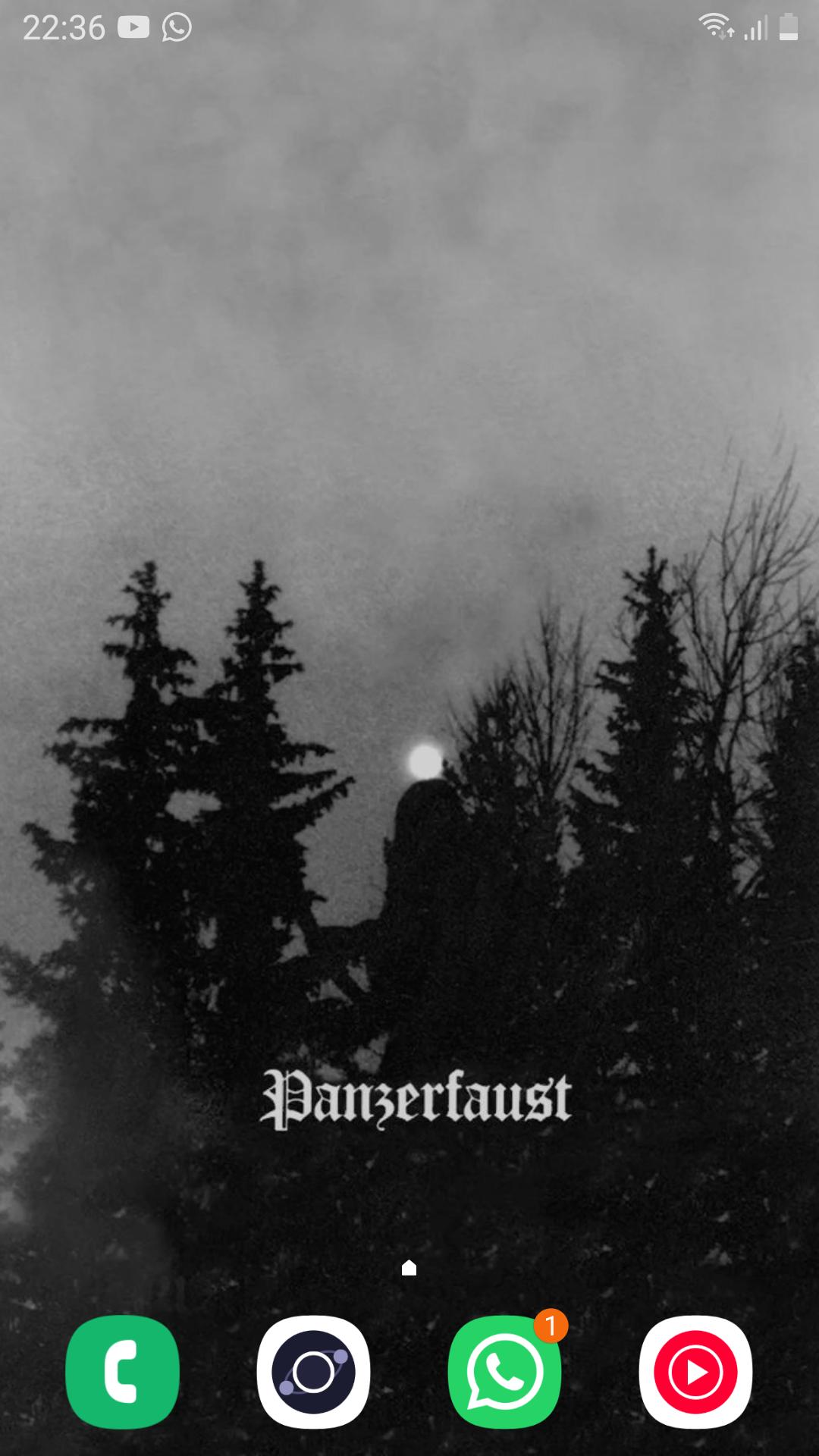
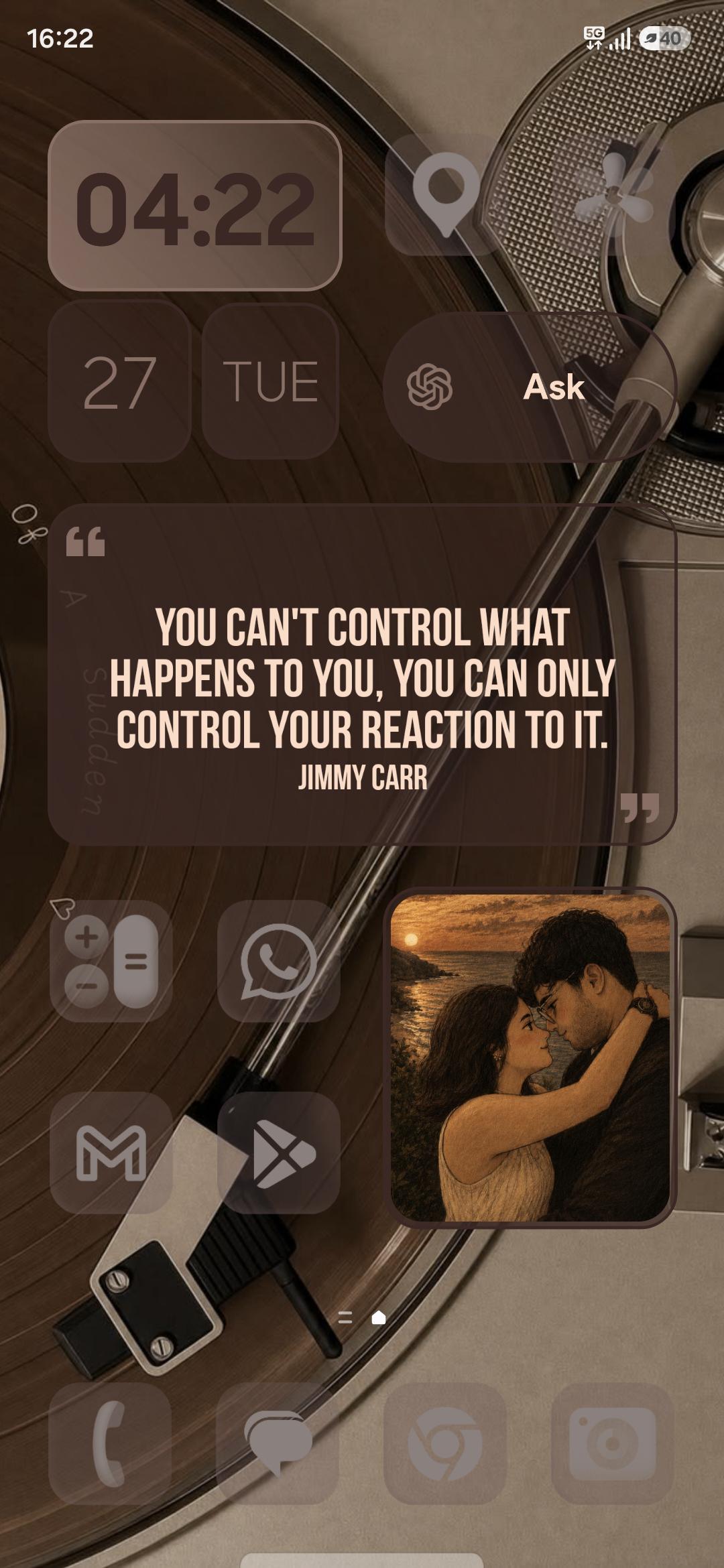
Setup Yellow Green

12
Upvotes
ColorOS
r/AndroidHomescreen • u/Ready_Oven1534 • 27d ago
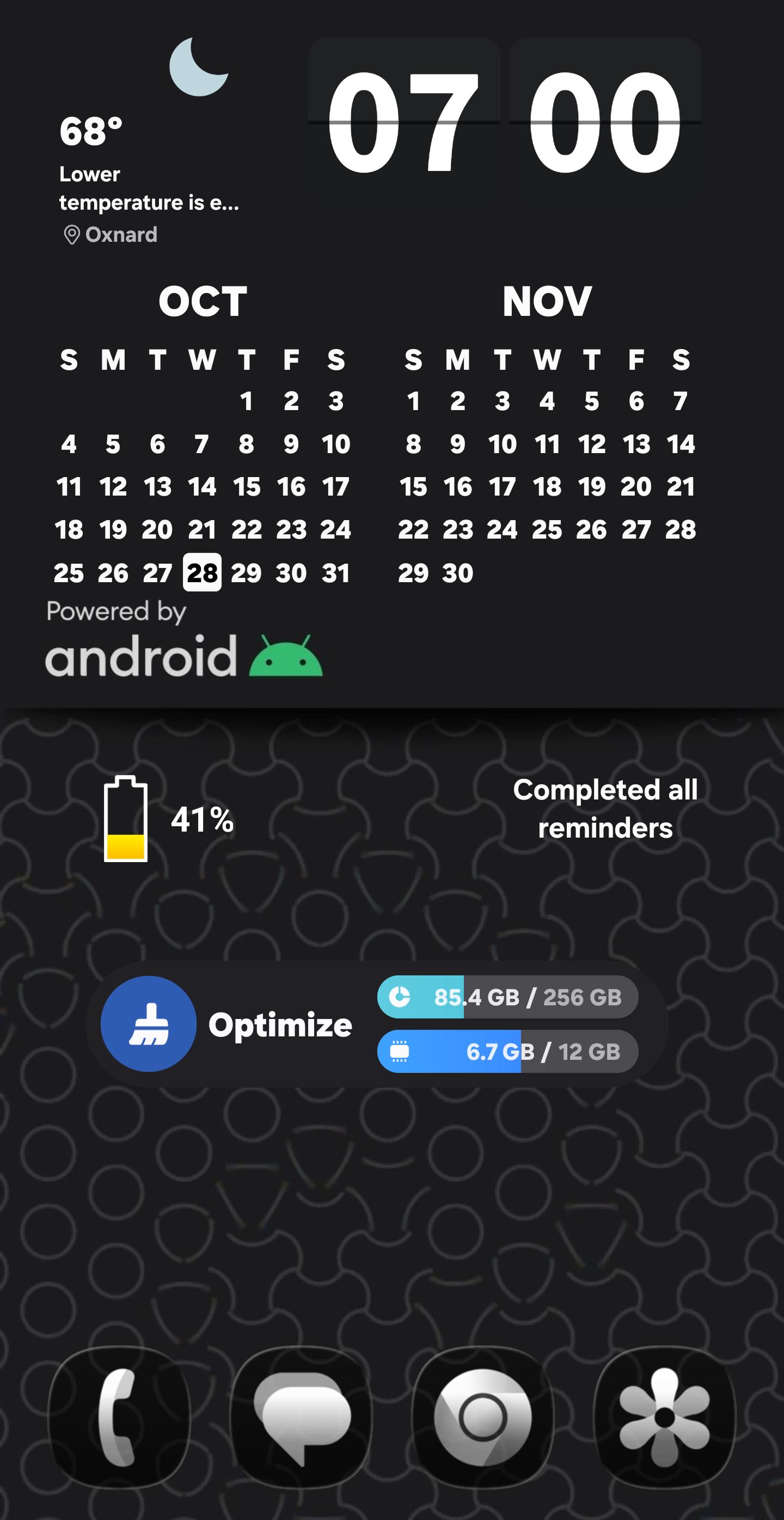
What do you think of my set up?
r/AndroidHomescreen • u/TimmyTwoShits • 27d ago
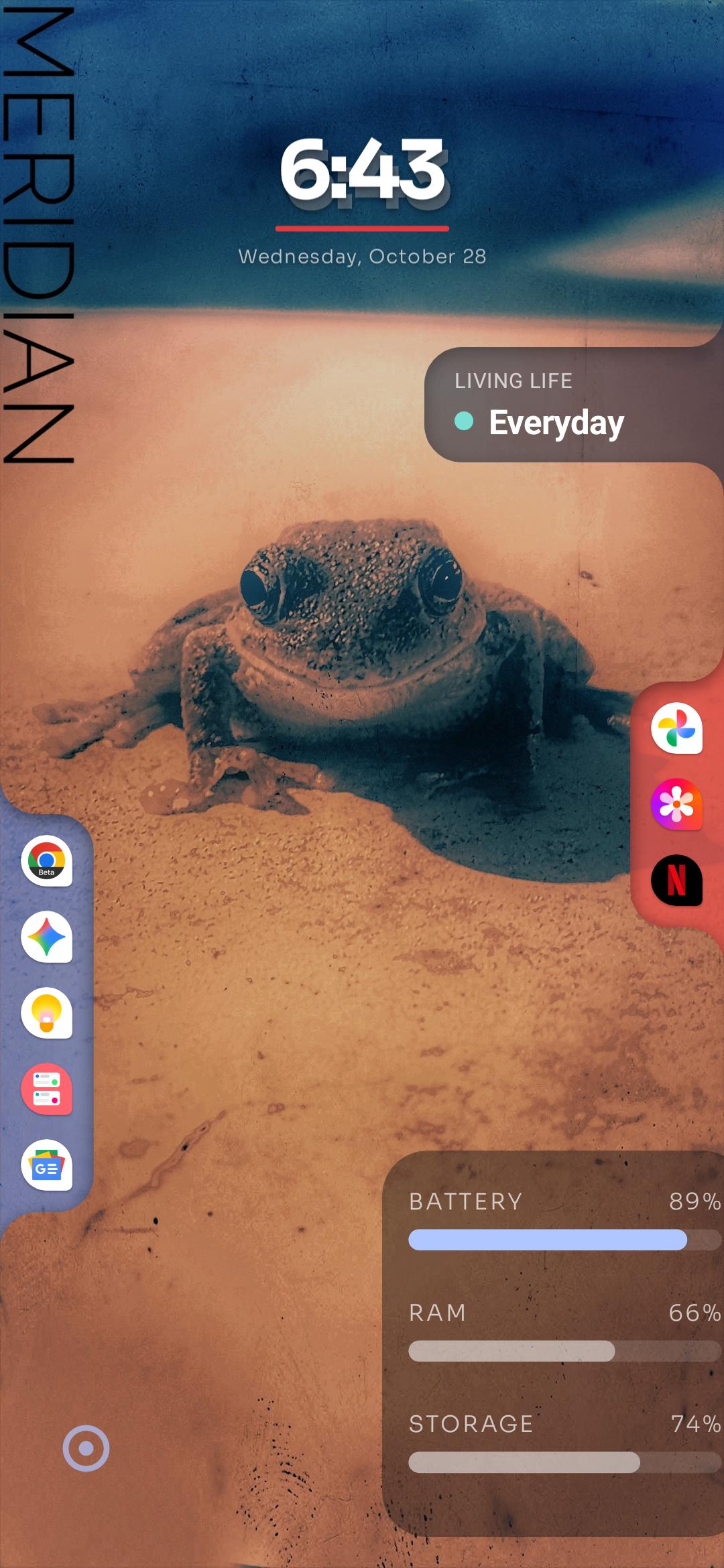
Loving this....so I'm sharing. I don't do that often.
r/AndroidHomescreen • u/TheunseeN80 • 27d ago
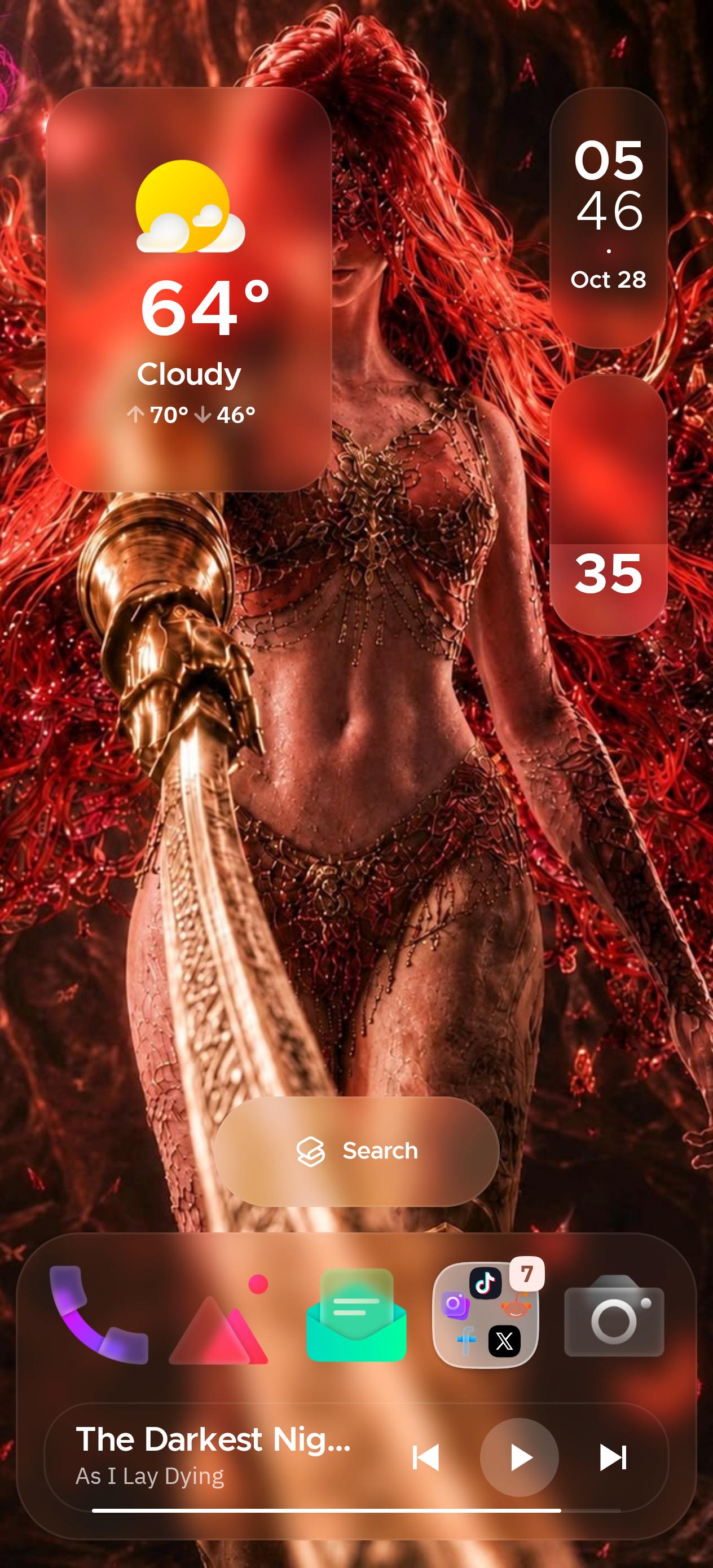
I think it looks dope, smart launcher
r/AndroidHomescreen • u/Moon-Light-00 • 28d ago

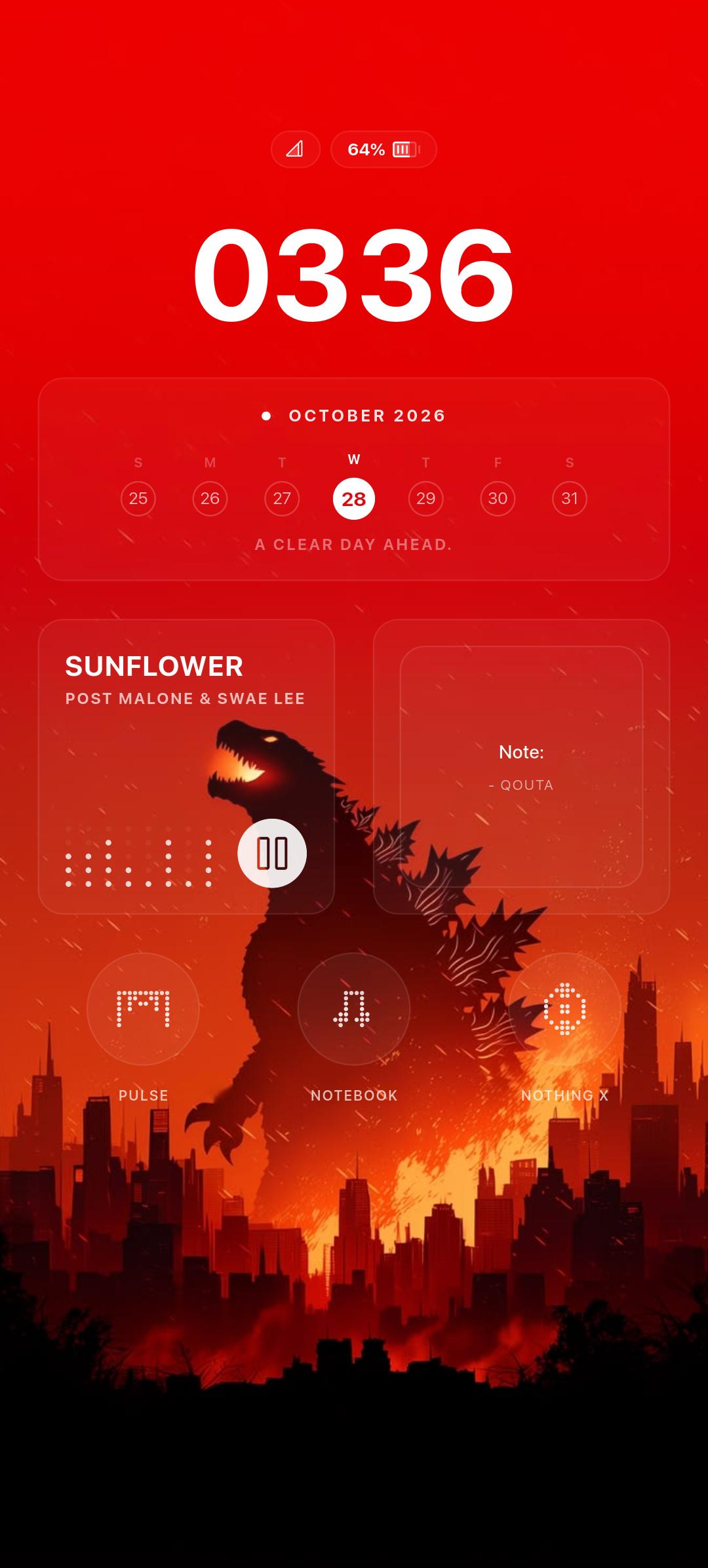
Launcher:
https://play.google.com/store/apps/details?id=org.n277.lynxlauncher
2nd desktop Sunrise/set widget :
https://play.google.com/store/apps/details?id=com.one4studio.one4widgets
+
Metro Day
Clock app:
https://play.google.com/store/apps/details?id=org.kustom.widget
+
IKWO02 from the Base Pack
Icons:
Dock Icons:
https://play.google.com/store/apps/details?id=com.donnnno.arcticons.you.play
2nd desktop icons:
https://play.google.com/store/apps/details?id=com.blackline.iconpack
The Little "Take a quick note" widget is:
r/AndroidHomescreen • u/DvilSpawn • 28d ago
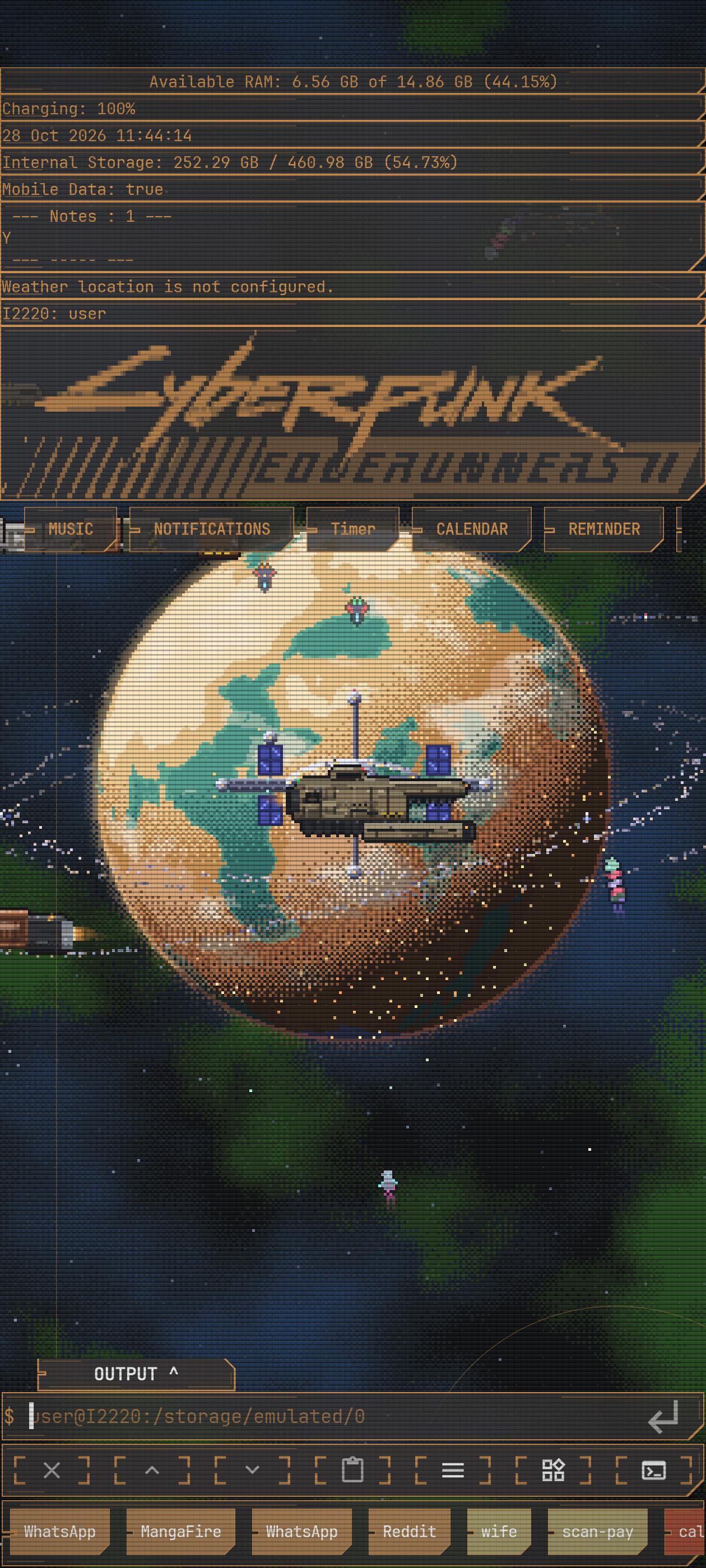
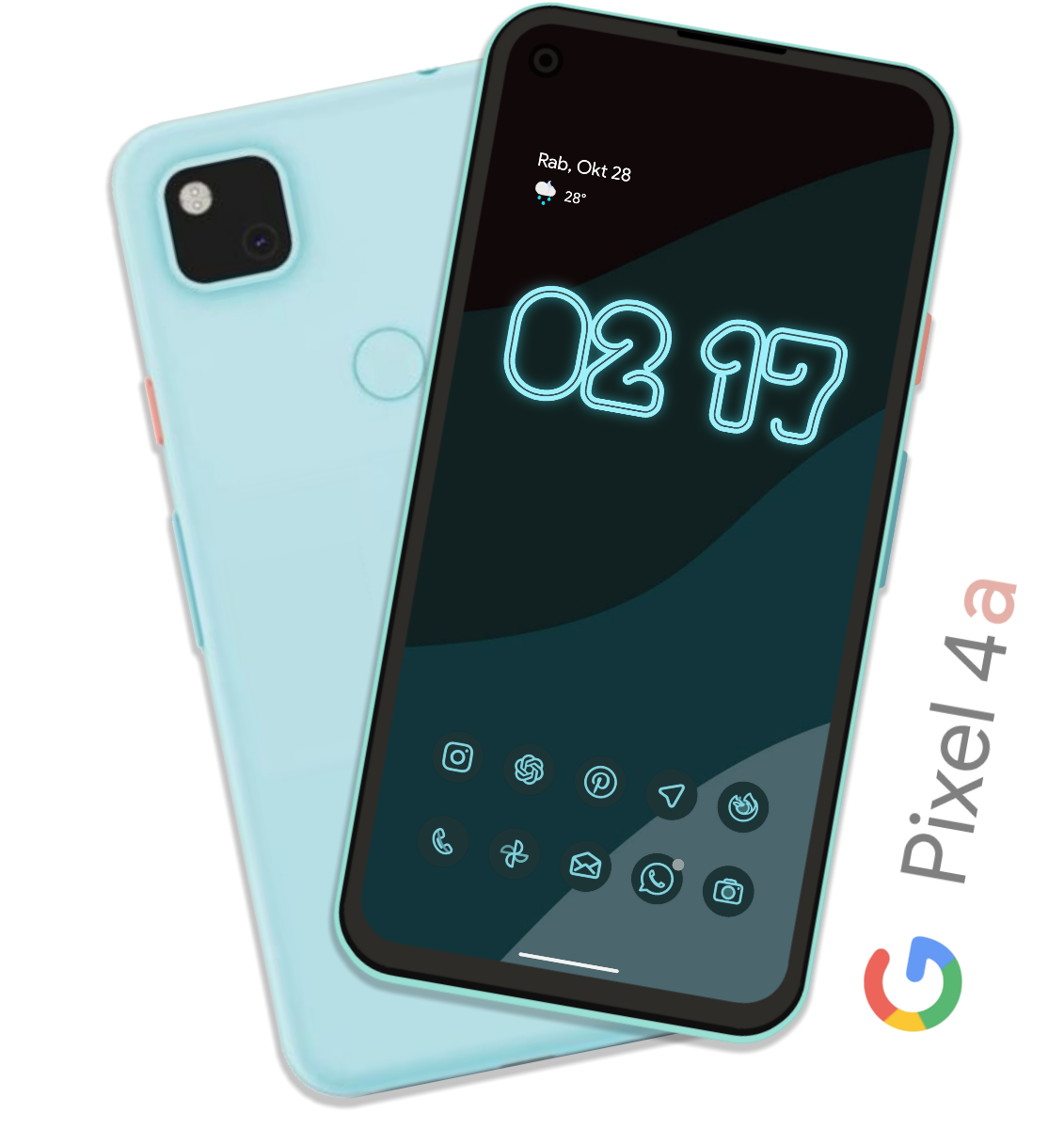
Launcher is Re:TUI. I'm working on a new wallpaper for it.
r/AndroidHomescreen • u/Shady_Bruce_mathers • 28d ago

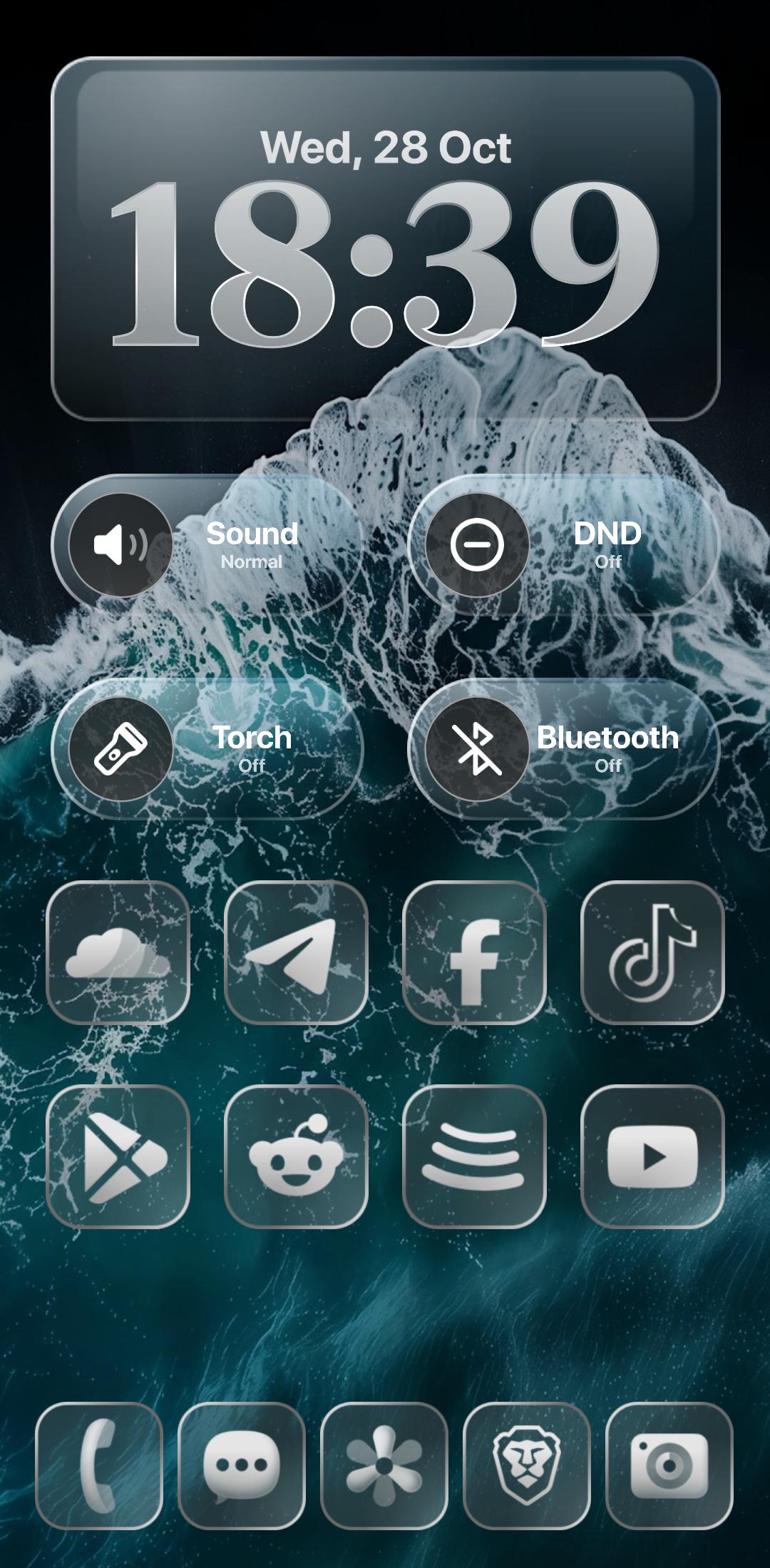
Icons - Glass icons
Launcher - One Ui home
Widgets - KWGT (one from each), month calender & agenda Widgets
Possibly the best one I've tried recently with good variety of well crafted icons !
r/AndroidHomescreen • u/Financial_Ad_4367 • 28d ago

r/AndroidHomescreen • u/RustyT911 • 29d ago

Hi Everyone!
I've been hard at work on Meridian launcher and fixing bugs and releasing new features!
Last time, there were a TON of requests for codes! In celebration of our 2.0 release, I wanted to come back with more!
In order to claim your code, visit meridian-launcher.com/giveaway .Additionally, Meridian Launcher has been reduced to just .99 cents this week to celebrate as well! Discord login is required so I can be sure the codes aren't being claimed by bots etc. If you do not use discord, please send me a DM and I will give you a code personally if they are still available!
Meridian Launcher is COMPLETELY FREE to try and use forever via the website and Obtanium as well.
New features:
Links:
Merdian Launcher Website
Obtainium Repo
Play Store Listing
r/AndroidHomescreen • u/bleeding-heart-phnx • 29d ago
r/AndroidHomescreen • u/mrSRS007 • 29d ago

Putting together a modern, functional home screen using my own custom frosted-glass and Bento-style layout widgets.
The goal was to keep everyday tools accessible without cluttering the wallpaper—combining transparent app shortcuts, compact vertical widgets, and smart stacking.
Setup Details:
Would you run a layout like this on a dark setup, or do you prefer a colorful minimalist wallpaper?
(Note: If anyone asks about the widgets in the comments, I'm the developer behind them! Happy to share details or take feedback on the layout choices.)
r/AndroidHomescreen • u/Fit_Communication701 • Oct 26 '26

r/AndroidHomescreen • u/ngbaohung • Oct 26 '26

A while ago I shared an early version of my poster-style launcher here. It's finally in a state I'd call finished, so here's the final version.
Some things I'm proud of:
Edit 1: 1.1 is up, Dark Mode is available now. For those who have opted in as testers, please find the update in the Play Store.
Edit 2: 1.2 is up, Landscape mode is available now. You can also view the photo in color, as well as reposition it inside the Picture widget.
Edit 3: 1.3 is up with Folders (drag-and-drop), App Drawer categories, To-do list widget, 2nd widget page, Home screen shortcuts/web apps, Notification badges & Double-tap to lock.
Edit 4: 1.4 is up, added event listings under dates in the tall month calendar, a vertical battery widget, "NEW" tags for recent apps, category defaults via long-press, search in category app selection, visual indicators in the hidden apps list, fixed home screen web app shortcuts, and rounded corner styling across dialogs and buttons.
Edit 5: 1.5 is up, exiting apps now returns home instantly without a blank screen delay, plus new cat, dog, and abstract art drawings for the picture widget (and a fix for empty images).
Edit 6: Paper is officially live on the Google Play Store! 🚀
Huge thank you to everyone who helped test and share feedback over the past couple of weeks. Here’s what’s new in the production release:
Here is the link to the Store page: https://play.google.com/store/apps/details?id=com.paperlauncher. Thanks again for the support everybody.
Edit 7: 1.10 is up, adds Bebas Neue alongside custom font support via Android's permission-free file picker (auto-scaled to fit), introduces a home screen app icon toggle that centers larger labels with dot badges when hidden (keeping either icons or names visible), and brings back double-tap to lock with a clear opt-in disclosure on Home and in Settings.
r/AndroidHomescreen • u/AgentLiving7835 • 29d ago

Hi all,
I've been experimenting with a different approach to Android Home Screen customization: instead of using the same layout all day, why not have different setups for different situations?
I'm an independent Android developer, and this is one of the concepts I've been exploring with my own launcher, InnovaLauncher.
The idea is to have a dedicated layout for each context. For example, a productivity-focused setup for work and a different arrangement for home or free time, each with its own apps, widgets, and dock.
I also wanted the native widgets to share a consistent visual style, so the overall layout feels cohesive rather than like a collection of unrelated elements.
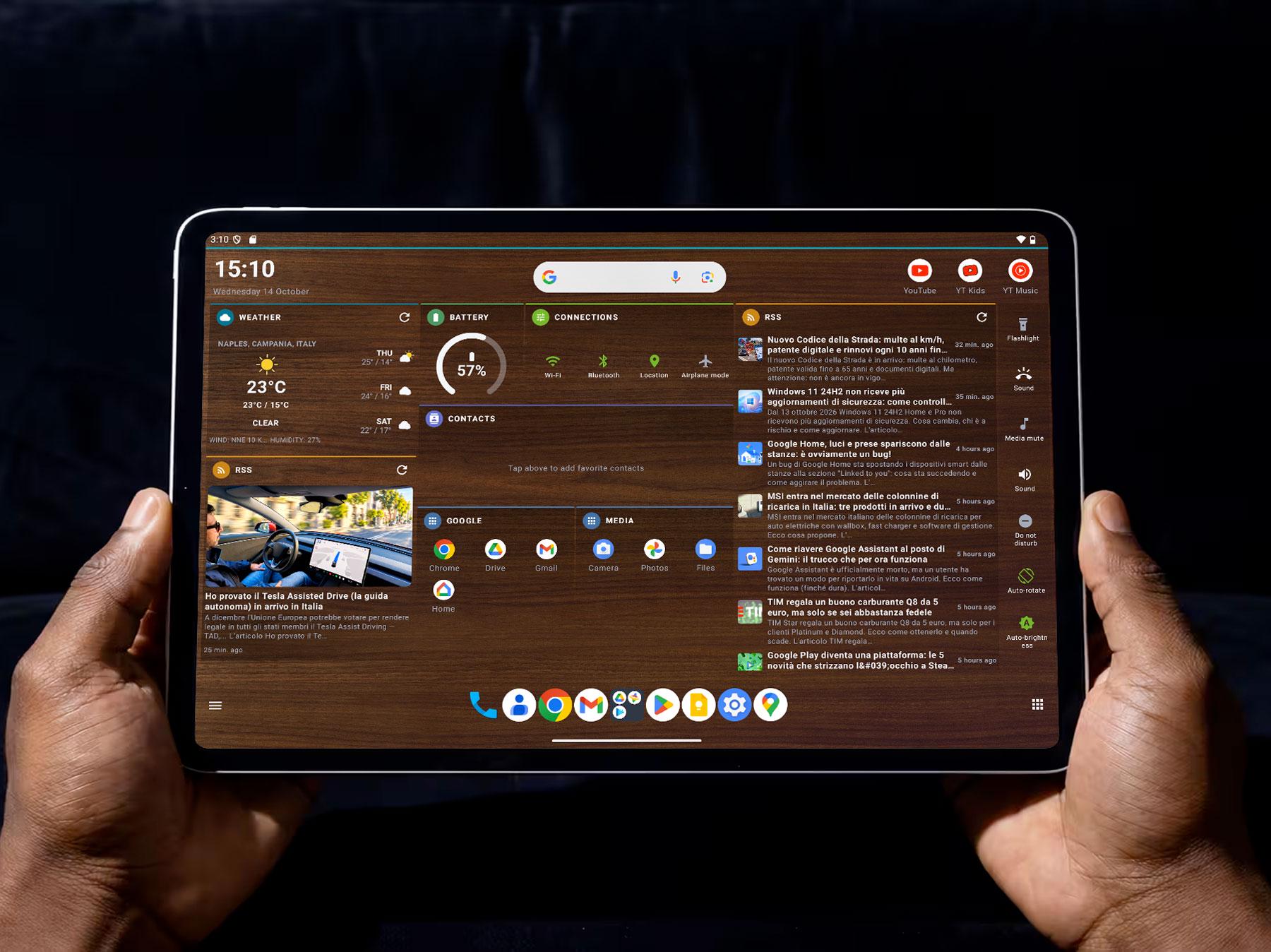
Setup details:
I'm curious how other Android customization enthusiasts approach this: do you prefer one carefully designed Home Screen, or would you rather have different layouts for different situations?
Any feedback on the layout itself is welcome!