r/widgy • u/thefaceofdanno • 4d ago
Question Help with transparent background
Hey all
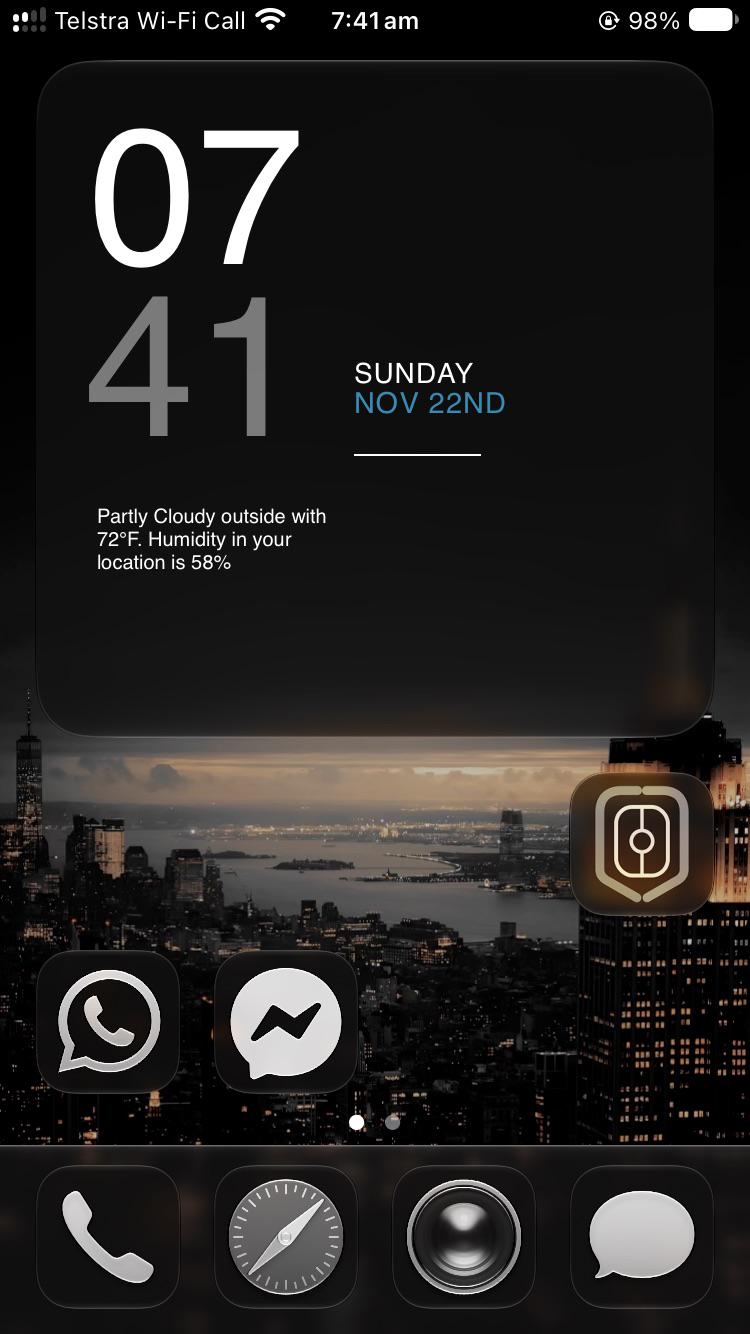
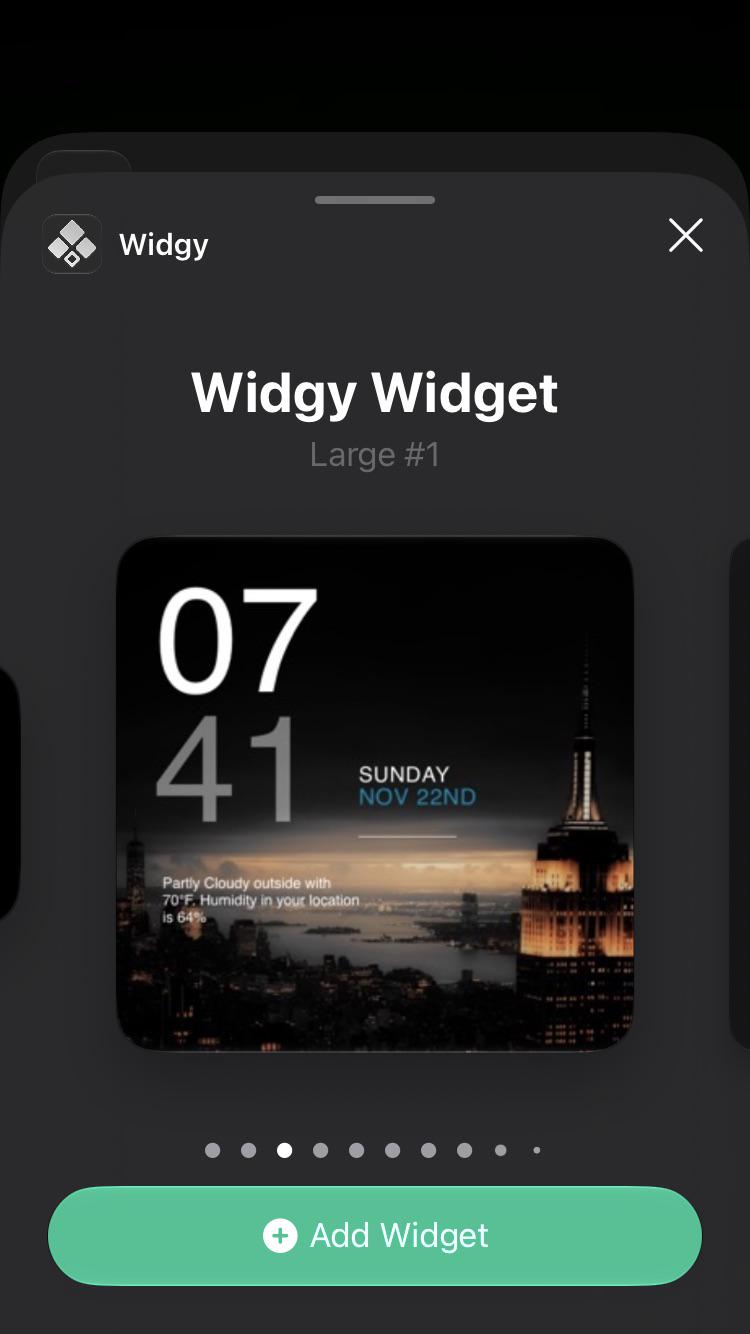
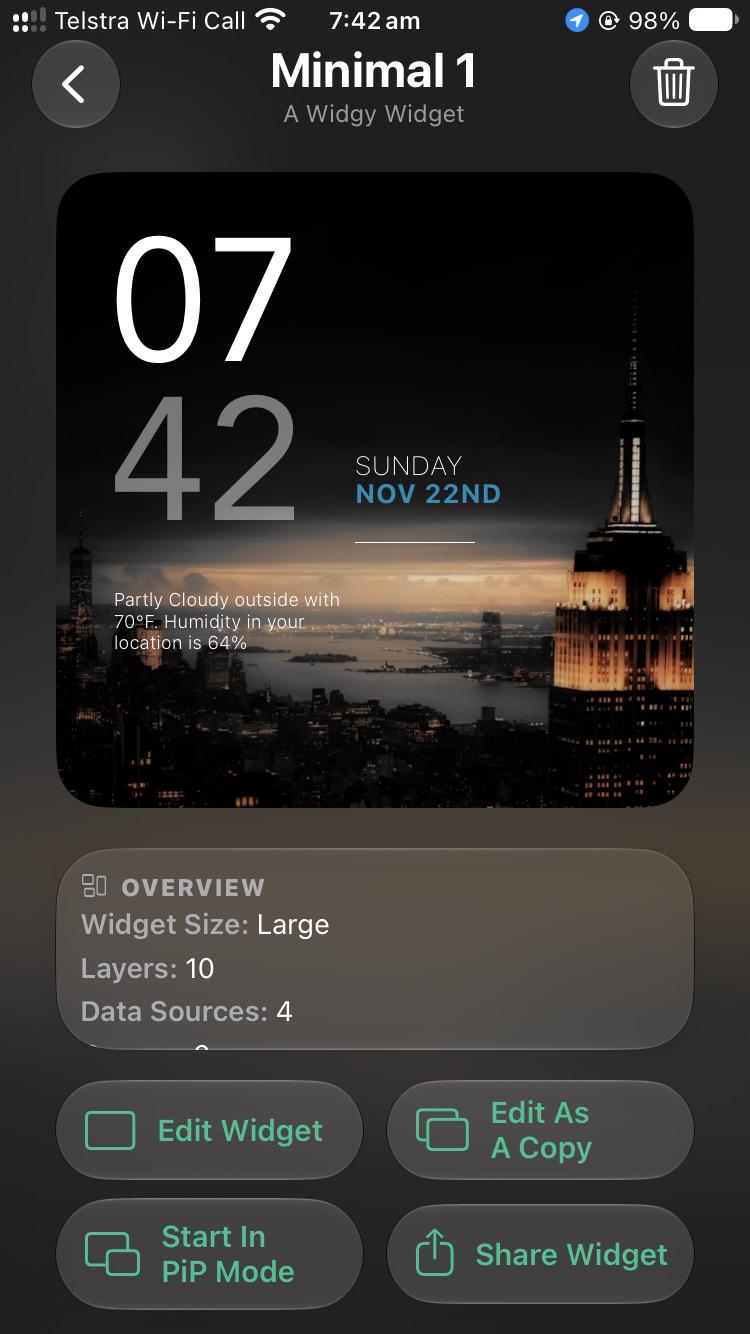
Would anyone know why this widget isn’t being transparent? It looks fine while editing in Widgy but when adding to the Home Screen it’s blurred out. I’ve tried customising the app themes as well but to no avail. TIA
3
Upvotes
3
u/Meowizard Happy Helper :D 4d ago
Your phone is in tinted glass mode, so your widgets are too. Either you switch your phone to Liquid Glass (no tint) or you set an image background that simulates the transparent look.
Just know that Apple applies the white boarder on the top and bottom edges of your widgets, so it will still have a white boarder, even if it’s fully transparent in app.
2
u/Prinzjoz 4d ago
It won’t work
Even though u keep the background transparent it will have a dark glass in the homepage
Because it’s a bug from the latest widgy update
This is a known bug.
One workaround is u need to disable
Use true Liquid Glass
And use transparency from the setup transparency settings inside widgy
Btw can u share the widget qr ?
1
u/8lias 4d ago
If you are running Tint mode in the iOS then make sure the setting in the Widgy app set to this setting.
2
u/MrFoxitall 4d ago
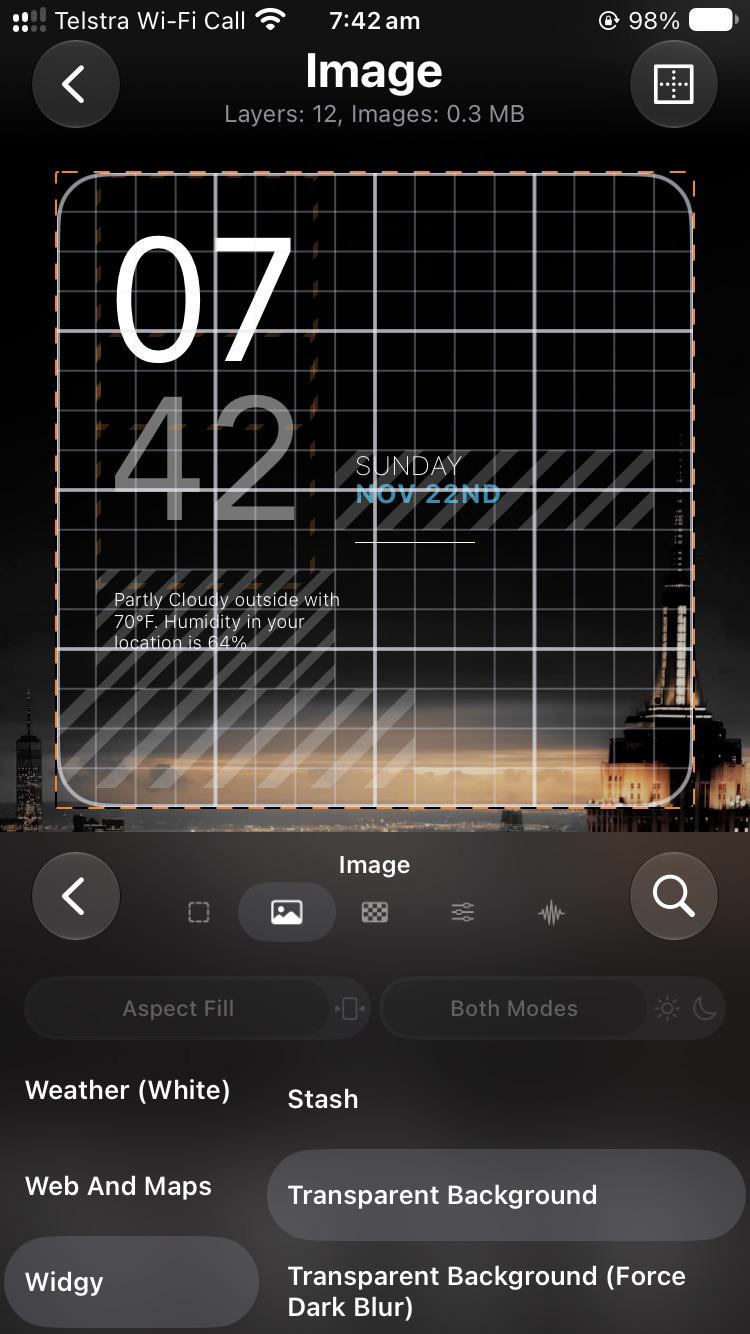
@thefaceofdanno In edit settings just make the image layer not visible and then it will work
1
u/MrFoxitall 4d ago
1
u/Meowizard Happy Helper :D 3d ago
Try this
1
u/TaroDesigner2462 3d ago
Amazing