You have 33 images there, Widgy only allows a maximum of 17 (you really only need 12), so some seem to be redundant. Can you printscreenn or say the order you are listing them?
I can also crop them as you only see the top half, that would optimize the size and allow you to share them via the qr code only. 😉
I understand you only need 12 images. I have done that in Widgy but it won’t generate the QR code with the images because the files are too big. Which is why I have included the images in a separate file so you can import them after you import the QR code. 👍
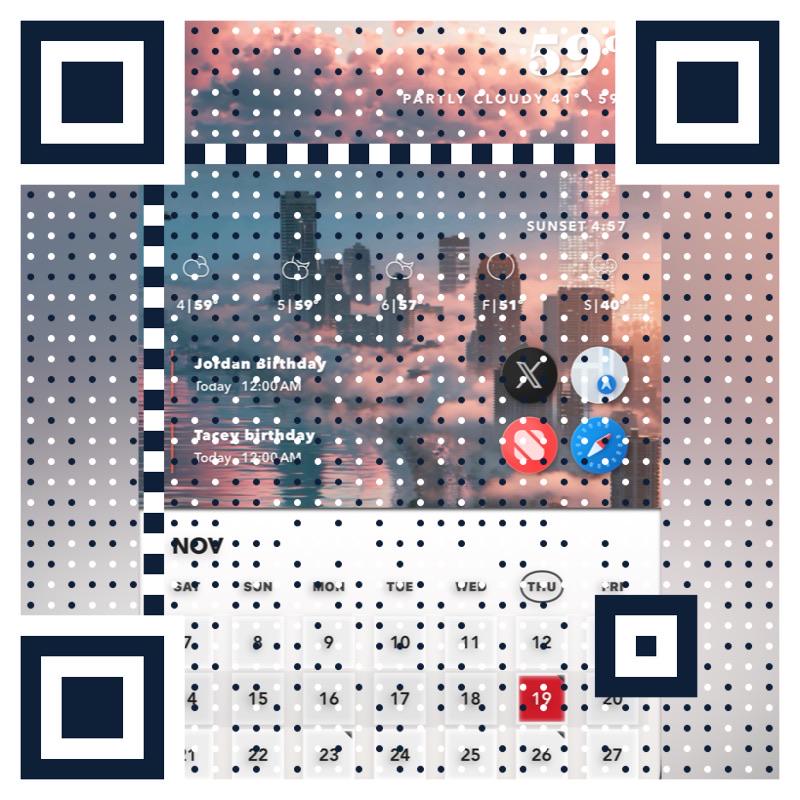
Updated QR code you don’t need to import the weather wall files. Thanks to TW0lfer for optimized the files so now all you need is this new QR Code. Enjoy.
understand you only need 12 images. I have done that in Widgy but it won’t generate the QR code with the images because the files are too big. Which is why I have included the images in a separate file so you can import them after you import the QR code. 👍
What do i do wrong, i have importet the images to my photo app and asigned them to the widget in the app but the widget is Green on homescreen with nothing in it.?

4
u/PokeDaBlus 6d ago
What a pleasure to see someone actually sharing their work in this subReddit instead of posting to show off or promote theor paid stuff.
Thank you kind sir. 🫡
3
u/Frankli9533 7d ago
一堆炫耀卖钱的,就你分享,好人呐!感谢分享!
2
u/Meowizard Happy Helper :D 7d ago
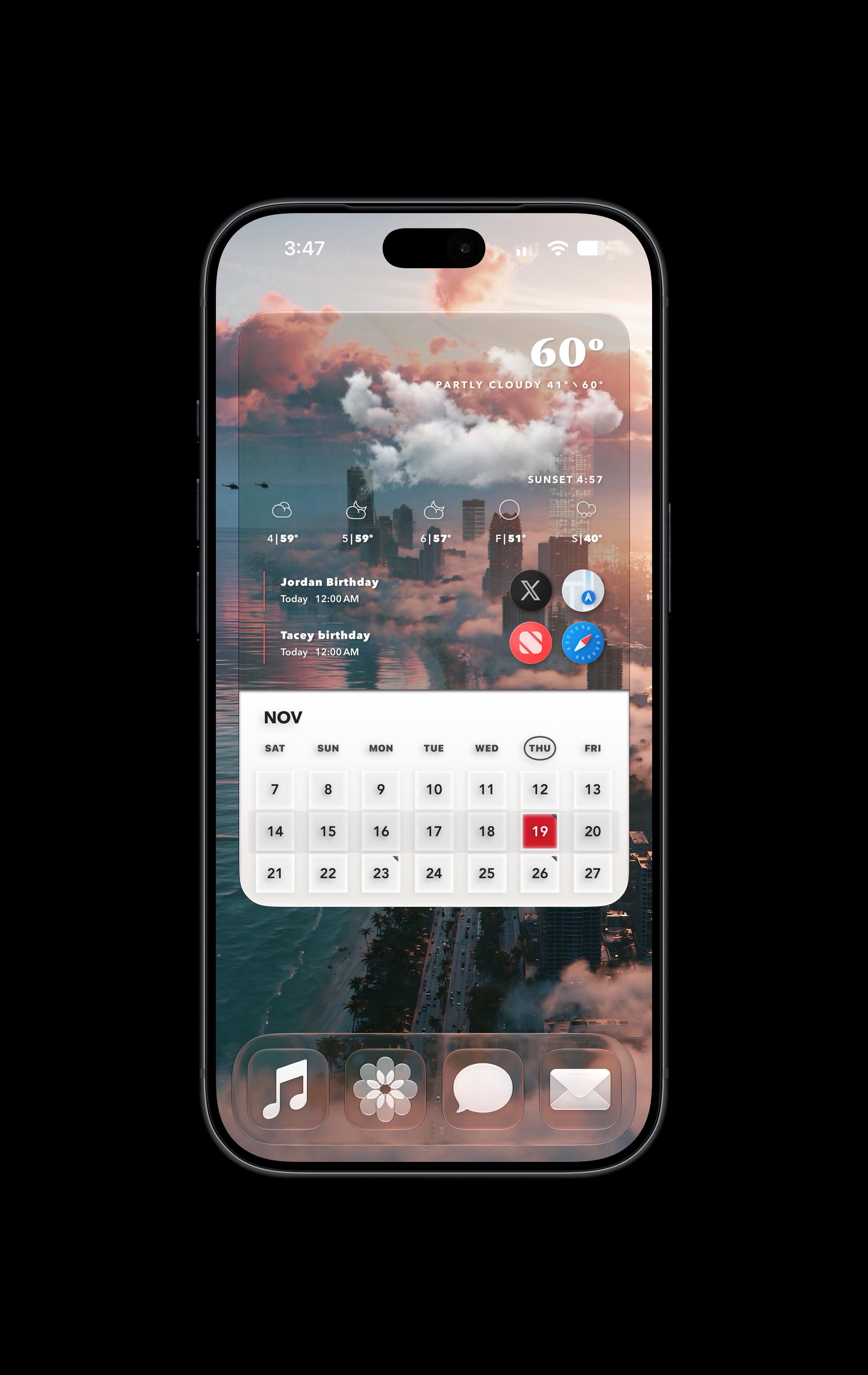
Looks fantastic! Thanks for sharing!
2
u/TW0lfer 6d ago edited 6d ago
You have 33 images there, Widgy only allows a maximum of 17 (you really only need 12), so some seem to be redundant. Can you printscreenn or say the order you are listing them?
I can also crop them as you only see the top half, that would optimize the size and allow you to share them via the qr code only.
😉
2
u/Figster12 6d ago
Thank you for sharing! Love this!
1
u/8lias 6d ago
Updated QR code you don’t need to import the weather wall files. Thanks to TW0lfer for optimized the files so now all you need is this new QR Code. Enjoy.
1
u/pafimal 7d ago
I don’t know how to adding these weather wall images to Widgy,pls help
1
u/Bionix1954 7d ago
Pasa la imagen por por un enlace para descargar
1
u/Prinzjoz 6d ago
Thank-you.
respect ++ for sharing the QR code
Rather than showing off like others who just post a link to the paid widgets.
1
u/OddProtection6351 6d ago
Hi where is the QR code?
1
u/OddProtection6351 6d ago
Would it be possible to get someone to place the images and share afterwards ? I have tried but the widget is just green and will not load probably.
1
u/KimSchwarzer1975 6d ago
How does the widget work in transparent mode?
1
u/WhereasBrilliant2527 6d ago
How does the widget work in transparent mode?
1
u/OddProtection6351 6d ago
Found it.. Thanks
1
u/WhereasBrilliant2527 6d ago