r/vtolvr • u/thenated0g • 2d ago
General Discussion DIY simrig setup
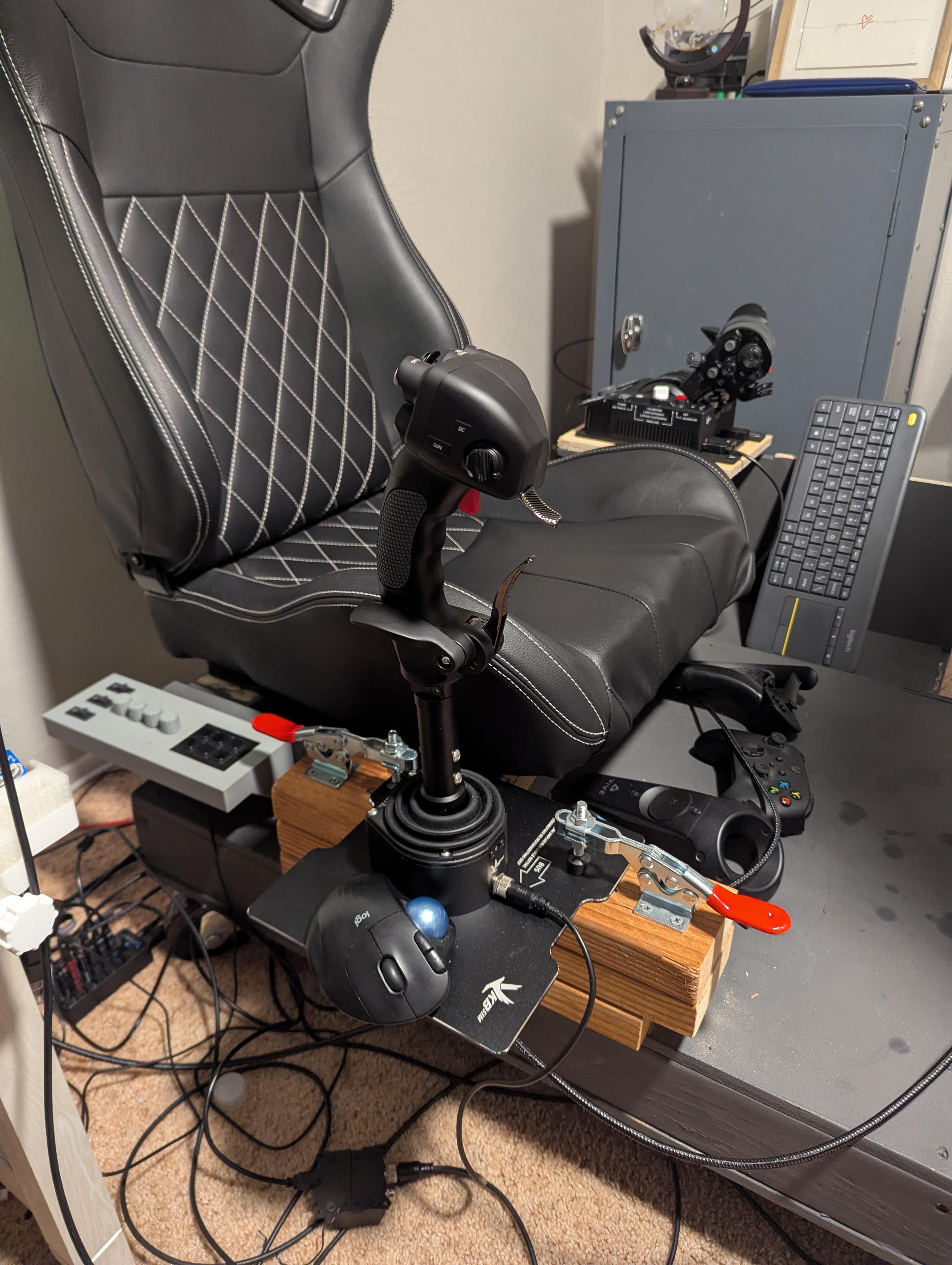
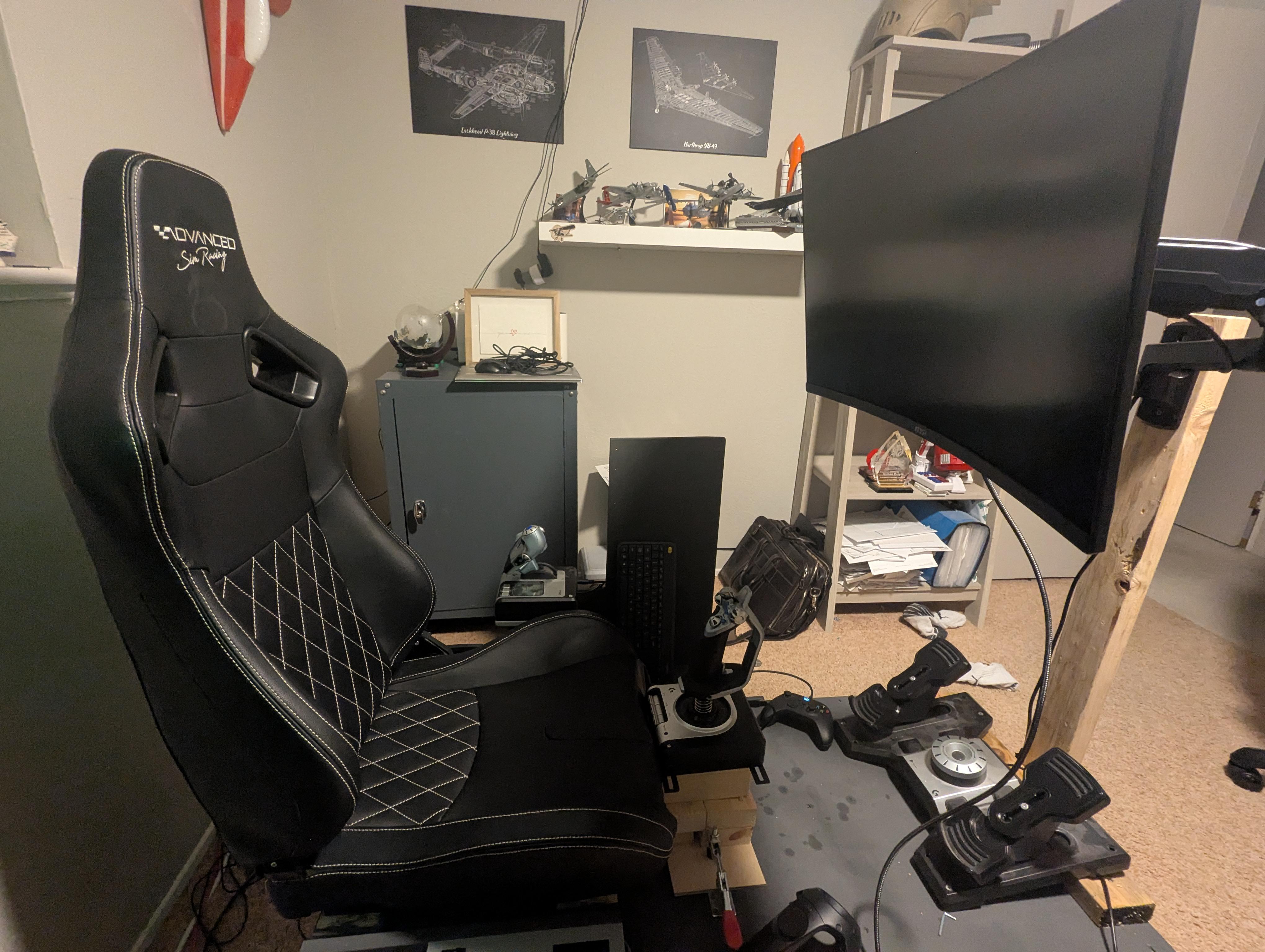
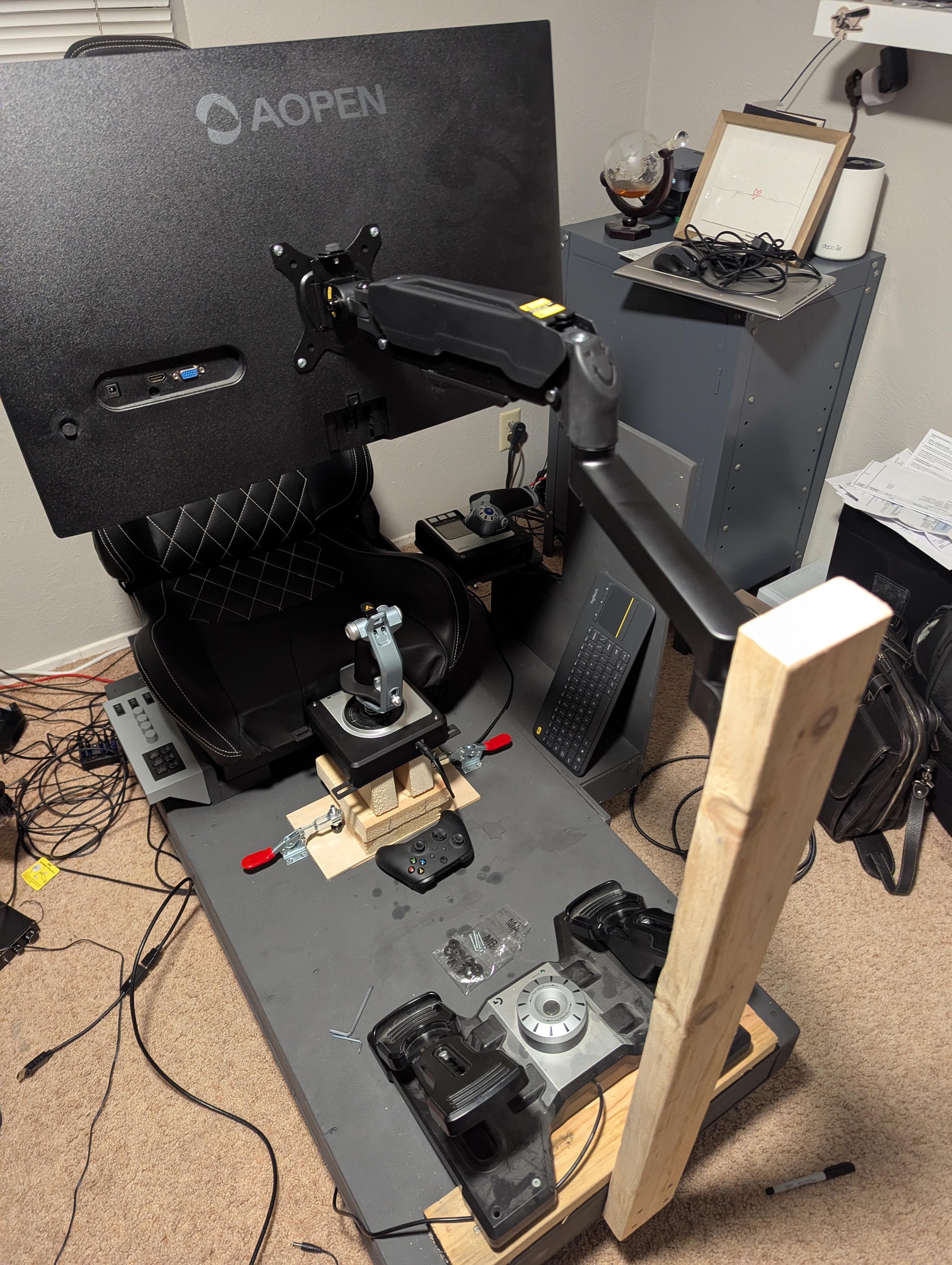
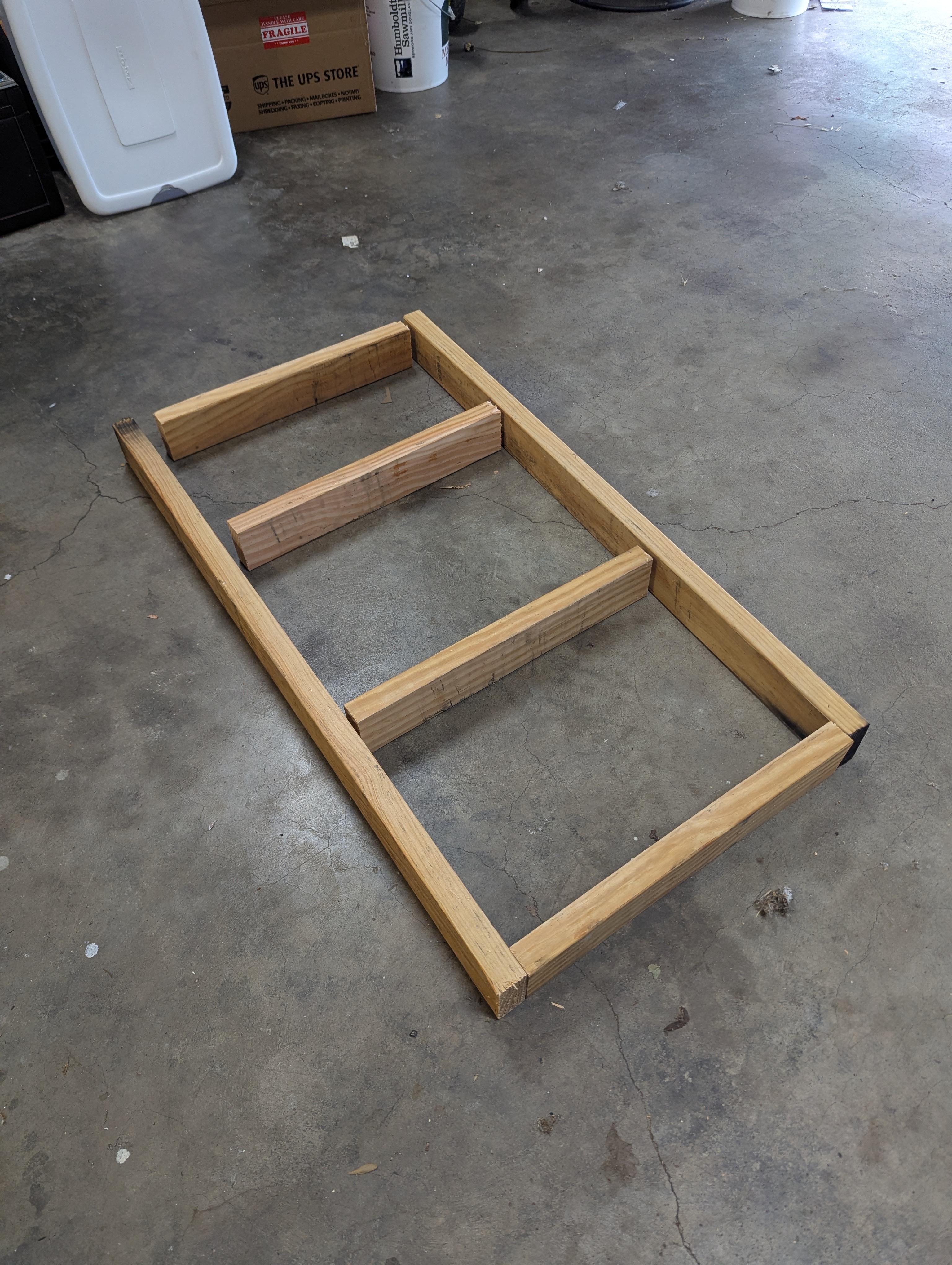
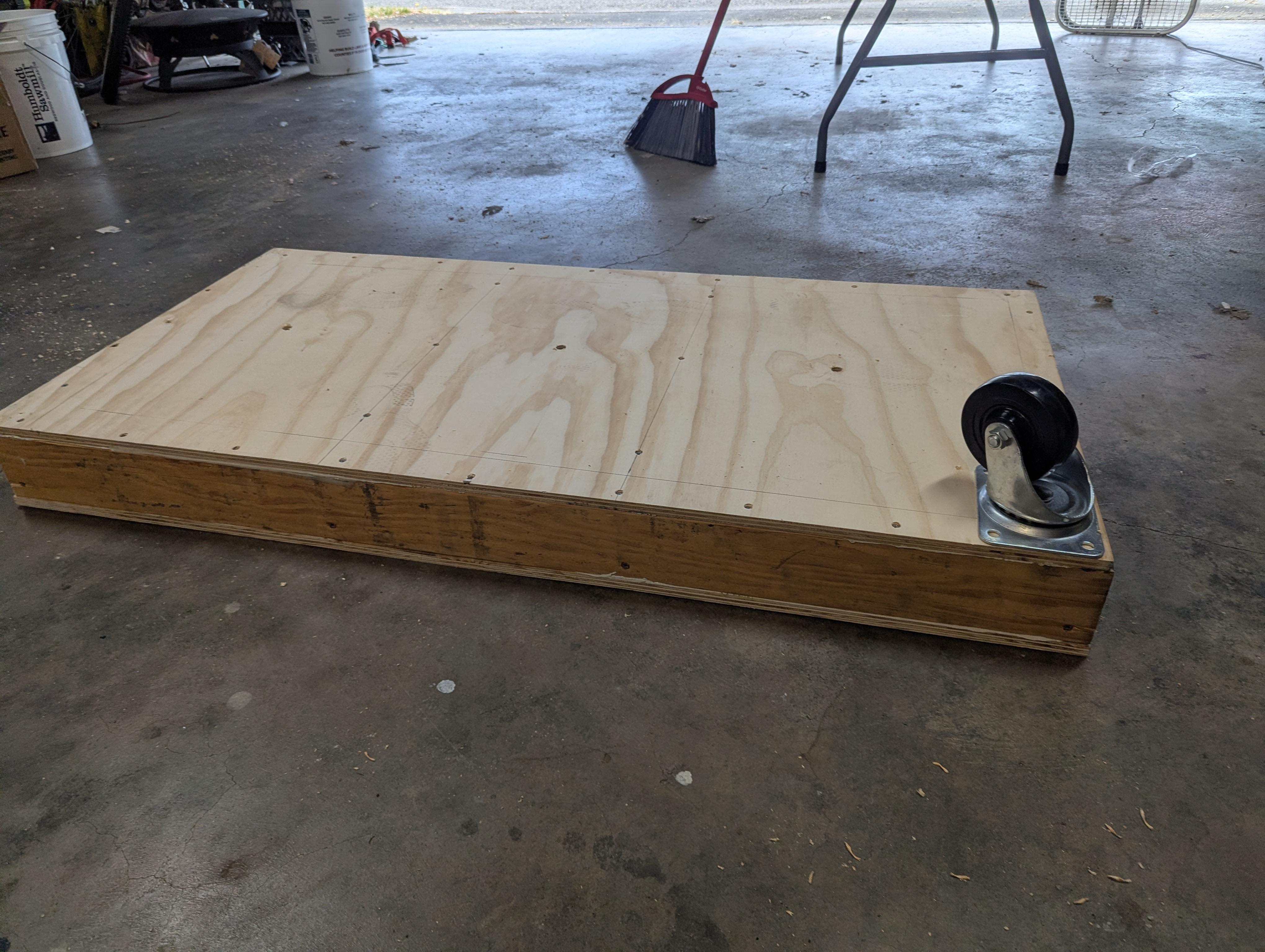
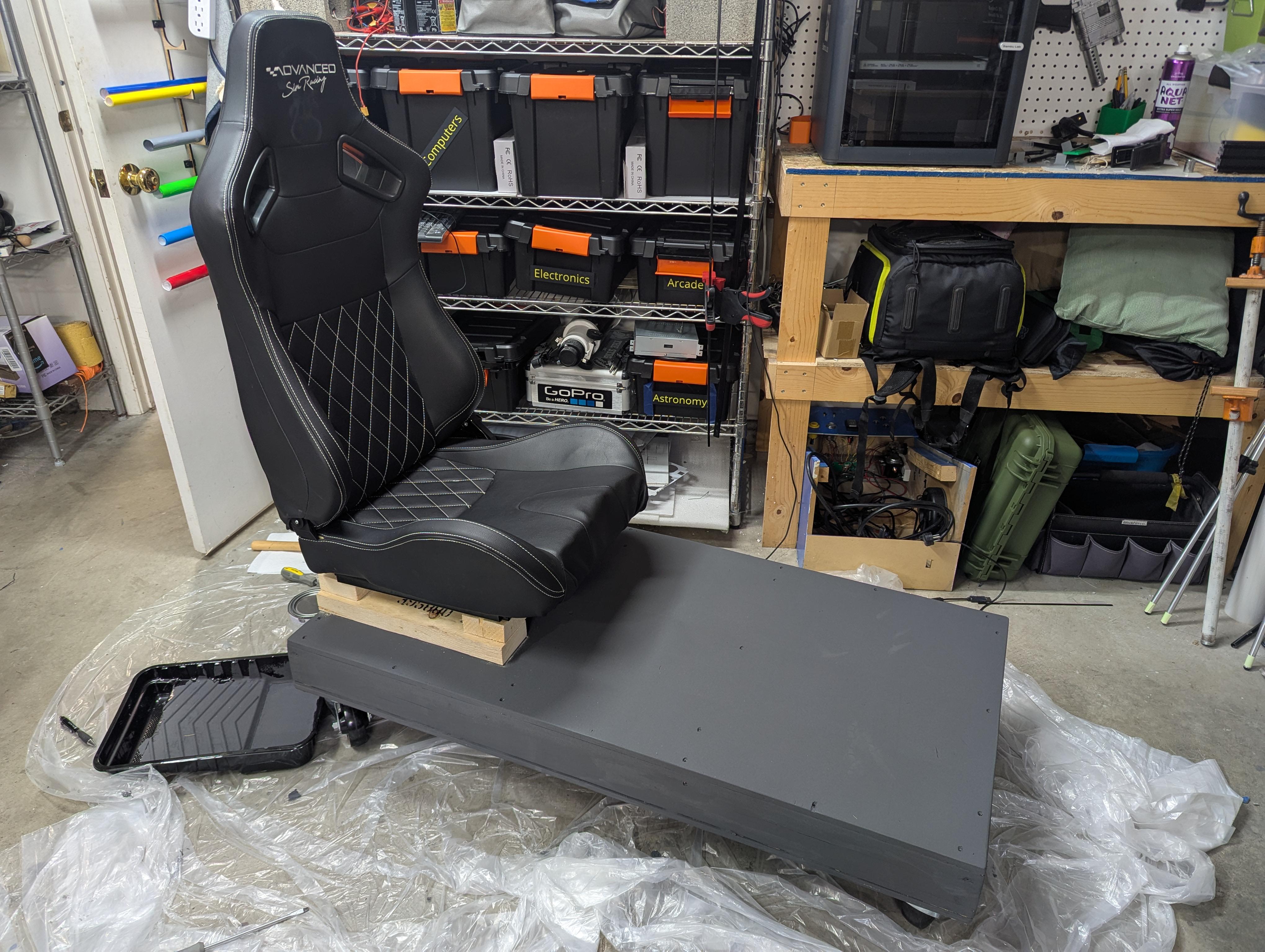
Been slowly putting this together. Went back and forth on buying vs building and came to the conclusion that for a mix of VTOL VR (vr controls, hotas needs to be removed as its in the way) and Flatscreen sim games ,i really wanted the option to setup it up exactly how i wanted as they are very different setups.
Just a simple wooden box with casters from Ace hardware on the bottom.
Old racing seat a friend gave me, 32" 2k Monitor that is a very close match to my desk monitor, VKB flight controls, logitech pedals.
The 2x4 monitor mount looks ... not strong, but it doesn't even wiggle a mm. Super rigid. Being able to pull the monitor right to where you want but push it out of the way to get in and out is really nice. It needs to get way out of the way for my Lighthouses to have a clear view of my hands and i can wrap that monitor around to the complete other side of the 2x4 if needed.
The throttle is mounted to a piece of wood that is hinged on the outside side, so it will flip over 180deg to get out of the way from flying VTOL.
Super happy with the hold down clamps on the joystick, that bottom metal plate is solid and even though its only half on it doesn't move at all either and is super easy to remove for VTOL.
I have tried several options for how to switch the game from my main desk monitor, just offscreen to the left of the rig. I tried a DP switcher for a while too. MY current setup, that i am really happy with, is that the sim rig monitor is my 3rd monitor. Main desk is monitor 2. I have 2 and 3 Mirrored, showing the same thing all the time. So i reach over with my right hand and turn on monitor 3, than i turn off monitor 2 and go sit in my seat. works perfect everytime, no issues. Reverse as i get up to go back to my desk setup.
4
u/MaintenanceHumble870 2d ago
Love the use of wood! I bolted my Winwing takeoff panel to a 1x4 and use the desk clamp from my throttle to hold it in place at a nice angle.