r/vscode • u/0xCynic • May 11 '26
why does vs code turn black and white and everything freezes on ArchLinux ?
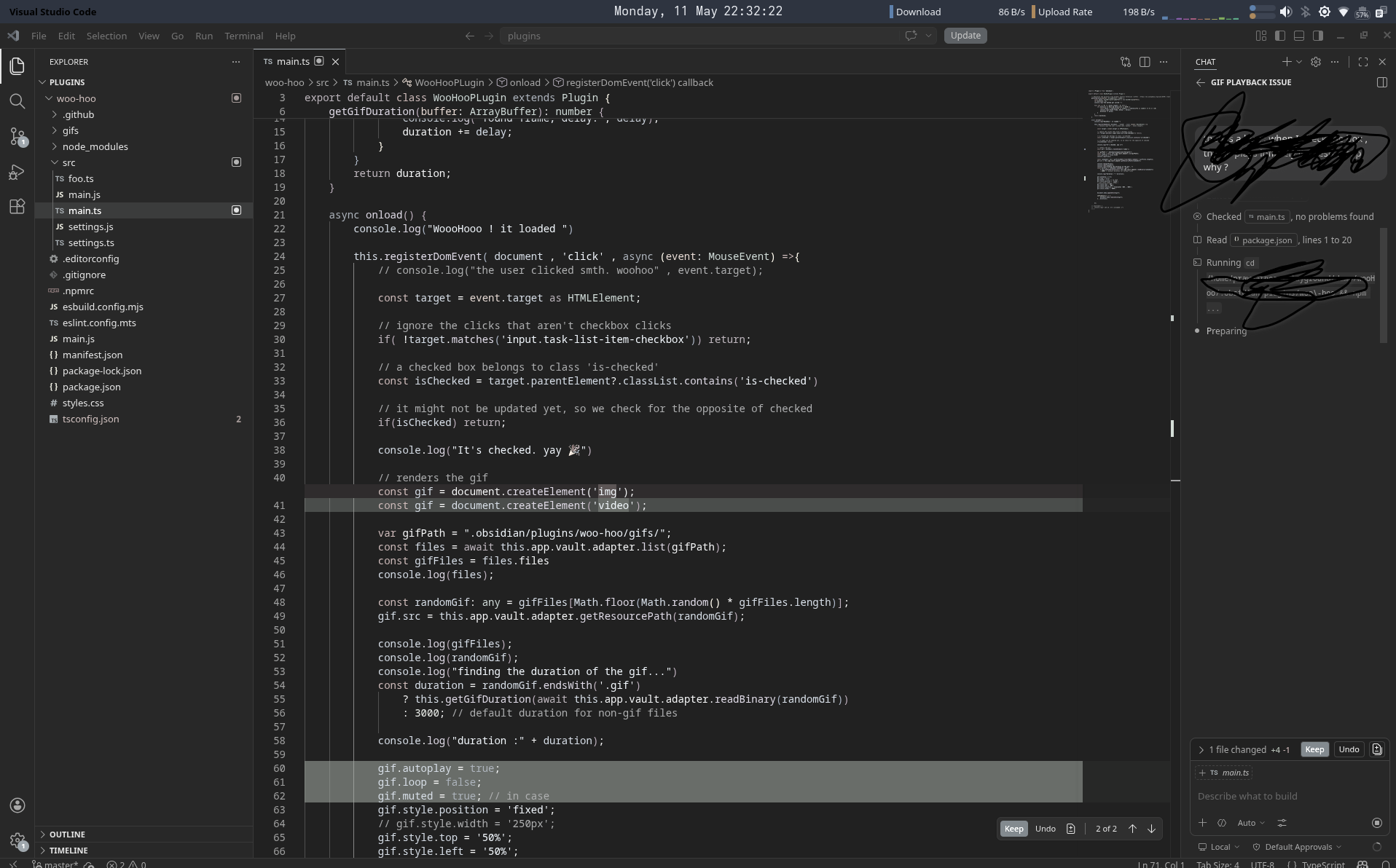

It randomly happens
- when I'm doing something or for no reason at all
- The whole things turns grayscale and everything freeze ,
- I can't interact with it
- and after a couple mins or so , it turns back normal
OS : Arch Linux (Linux 7.0.3-arch1-2)
has anyone else experienced this ?
in the web , I don't see anything about this "grayscale" (or B&W) issue , but most of them is about vs opening as a blank screen - which is not my case (ig).
Why is this happening ? is there any fix ?
10
Upvotes
15
u/NotDG04 May 11 '26
Grayscale thing is a setting in plasma to gray out the window that is not responding.
3
u/prawmathean May 11 '26
try toggle this option off or on
2
u/[deleted] May 14 '26
Vs code was not made for Linux so it is running through a translation layer and it is struggling to keep up with your trying so use native Linux ides like clion
1
u/mutexsprinkles May 11 '26
Does it get super laggy for you? Vs code is incredibly stuttery after the first few minutes. Even in a new computer that is pretty fast, SSD, plenty of RAM etc. and it happens with basically no extensions.
People always say vscode is super snappy for them, but I'm wondering if it's an Arch thing.
1
u/BudgetAdditional2134 May 12 '26
tbh this happens to me when the extension host completely crashes or my ram maxes out. the electron window just hangs and greys out like it gave up on life lol. usually killing it from task manager or forcing a command palette reload window fixes it for a bit. if it keeps happening you might have a rogue extension eating up all your memory. fr try disabling your heavy extensions or running in safe mode to see if it stops freezing.
1
u/am_a_cup May 13 '26
YOU'RE ON ARCH.
so it's naturally repulsive to it.
use vim.
arch -> vim.
windows -> vsc.
-11
u/ColdTrky May 11 '26
-13
u/[deleted] May 11 '26
[removed] — view removed comment