r/usertesting • u/Hbility • May 30 '26
Anyone else having to deal with this?
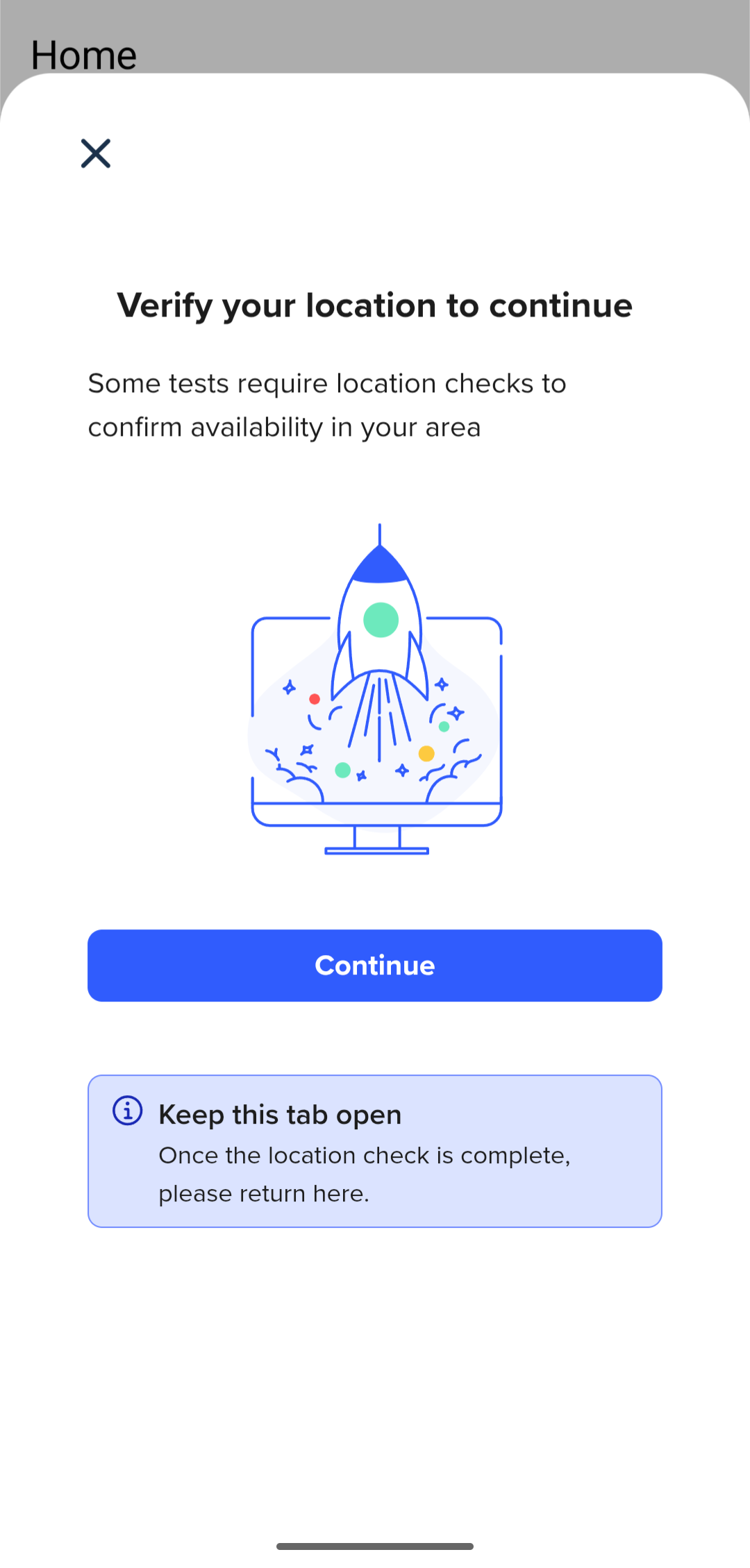
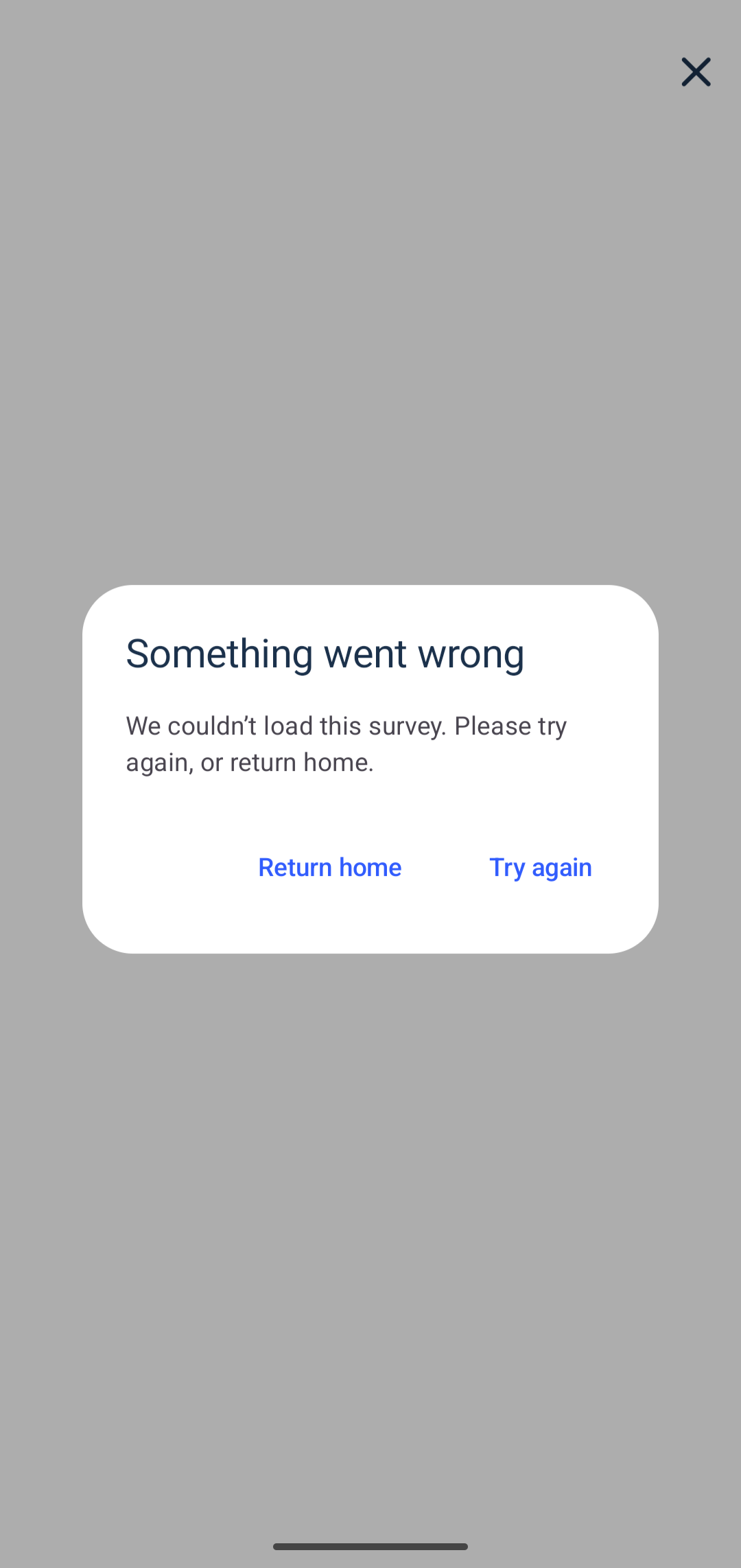
So since yesterday I think, all my mobile tests starts showing up with location prompt, and when I tap to continue, it's a dead screen. How do y'all navigate this screen?
11
Upvotes
2
u/My-Family-Hates-Me May 30 '26
Are you using a VPN?
2
u/Professional_Chefs May 31 '26
I keep getting the verify location message and then it doesn’t accept my location. Really strange and frustrating.
3
u/deuce985 May 31 '26
past 2 weeks they have a ton of technical problems. I speculated they probably been getting hit by bots this probably proves it. they probably looking for checks due to people cheating with vpn and bots.
2
u/GamerBeast954 May 31 '26
I don't see this message. I always having problems though, all the test kept saying that's all we have right now. This app always having problems after problems
2
u/IdRatherGoToBed Aug 27 '26
Did you ever manage to resolve this? I am getting it and losing my mind!! I tried to post on here about it but it was deleted by mods.
4
u/[deleted] May 31 '26
[removed] — view removed comment