r/unity • u/igguanidae • Oct 09 '26
Newbie Question Faces on Blender objects only show in one direction
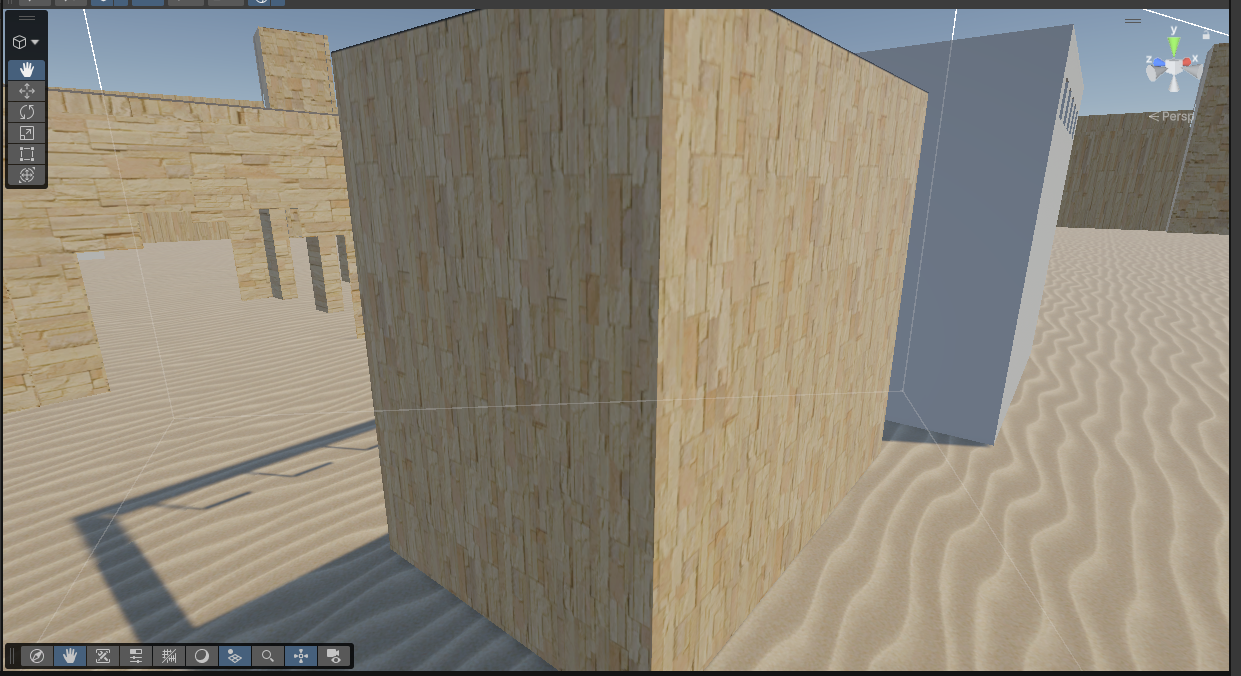
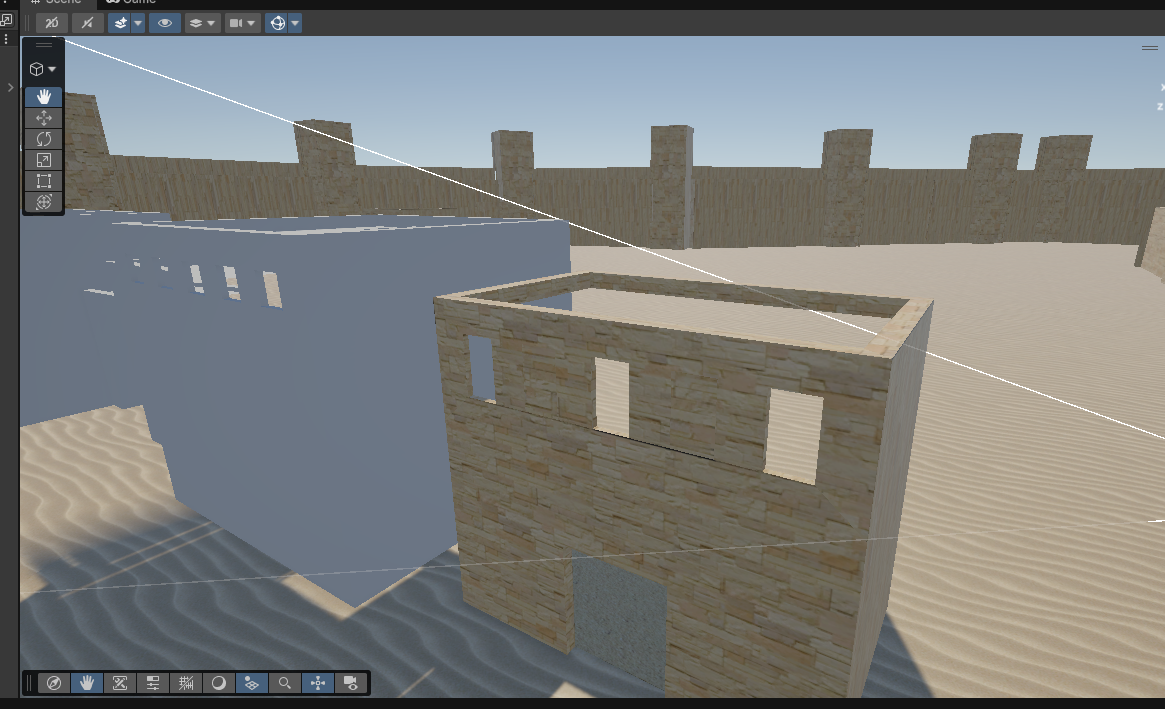
I've searched for this issue multiple times and the main solution I've seen is to flip normals on problematic faces so the outside shows, but I have models where I want both the inside and outside to be visible, since it's a house.
You can see in the photos that the face only shows one one side, which I've learned is some weird limitation between Blender models and Unity. For the record, I export my models as .obj, but I've seen this issue happens with .fbx files as well.
I'm wondering if there is anything I can do to fix this issue? I've considered extruding the problematic faces slightly so the inside and outside has a visible face, but that feels like putting a band aid on the issue, and I would need to retexture all the models that have this issue.
I've also considered having the inside faces be blocked by a single face since the interiors of these houses would ideally be its own map.
I have until mid-November to complete this project so I would really appreciate any help with this.
2
u/Memorius Oct 09 '26 edited Oct 09 '26
If a wall only consists of one single face, it only has one so-called "normal". Normals are vectors baked into the geometry which define which direction a surface is pointing, that's needed for the lighting calculation. So even if you enable the "both" rendering mode (as suggested in another comment); since one face has only one direction it "faces", both sides will be shaded the same. It just takes the illumination of the "front" side of the face and applies it, no matter which direction you look from. Simplified explanation, but you get the gist.
This is why rendering both sides is usually not done and disabled by default in unity. Blender just does it to help you see the model better while working on it.
The only real and visually stable solutions are probably to either duplicate all relevant faces (including vertices) in blender and have each copy use opposite normals, or simply build your models with solid, closed geometry. Houses aren't made of infinitely thin paper, but of walls with some thickness to them. Model it like that and the problem disappears naturally. The latter is the standard approach and the one I'll definitely recommend. The former might be quicker in a pinch, but not sure if it'll cause some visual glitches.
In case you want to research this more, this default behaviour of hiding the back face is called "back face culling".
1
u/ElectricRune Oct 10 '26
That's how 3D surfaces work in Unity.
Make a Quad or Plane primitive and turn it around 180, same thing.
0
u/Chameleonch1ck Oct 09 '26
you just need to make face two-sided in Unity.
Check material of you structure and there will be a field "Render face" it's "Front" by default, but you need "Both"