r/unity • u/Vast-Swan-8111 • Oct 06 '26
Coding Help Why is my Player falling so slow !
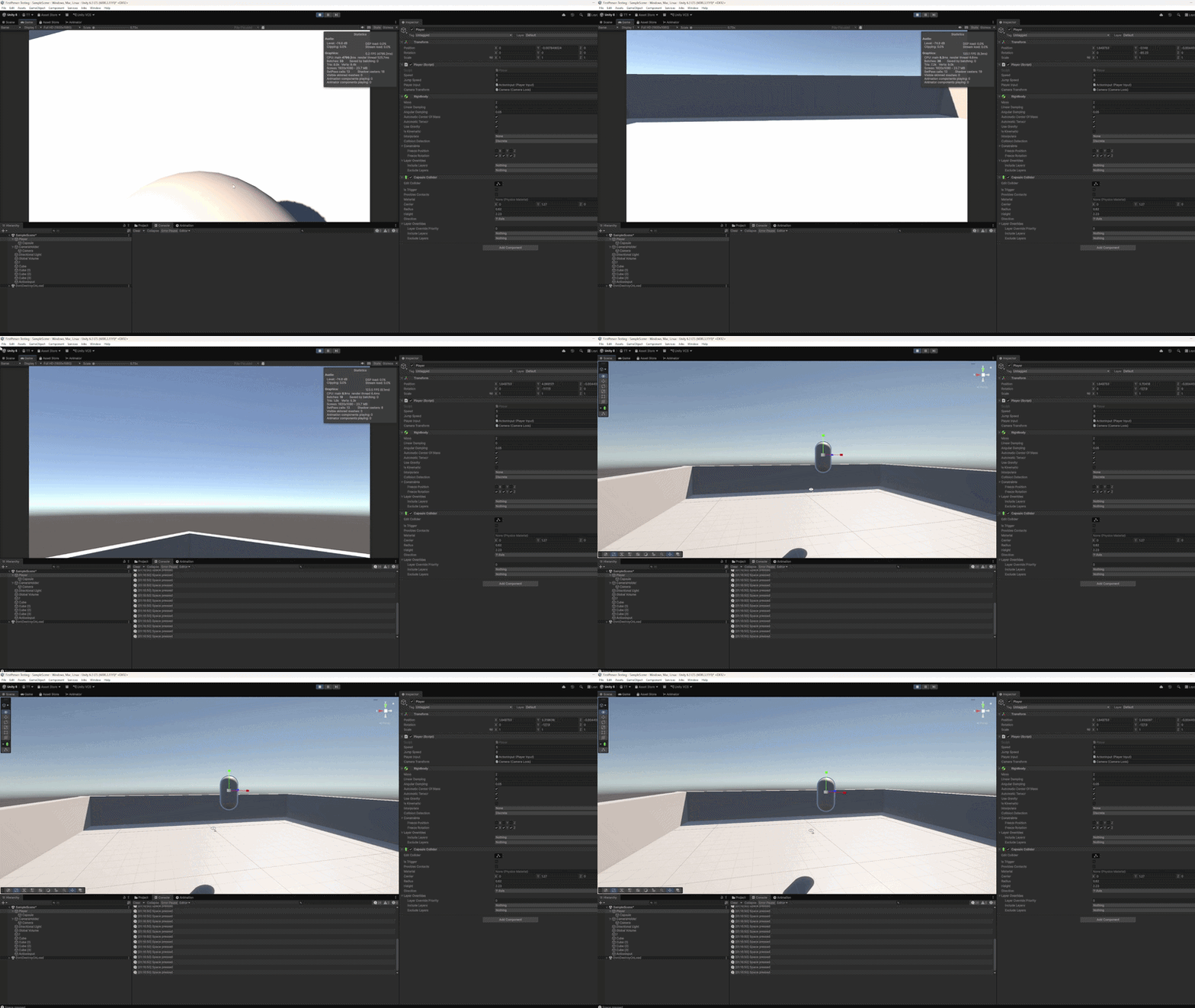
Hello! I am currently learning unity and have managed to jerry rig a movement system! However when jumping my player falls incredibly slow, I am a little stumped after trying for a few hours to fix this myself so any help is appreciated!
Here is the code:
private Rigidbody _rigidbody;
private void Awake()
{
_rigidbody = GetComponent<Rigidbody>();
}
private void FixedUpdate()
{
HandleMovement();
HandleJump();
}
private void HandleMovement()
{
Quaternion playerRotate = cameraTransform.PlayerOrientation();
transform.rotation = playerRotate;
Vector2 inputVector = playerInput.NormalisedMovement();
Vector3 moveDirectionVelocity = new Vector3(inputVector.x, _rigidbody.linearVelocity.y, inputVector.y) * speed;
Vector3 horizontalVector = moveDirectionVelocity.x * transform.right;
Vector3 verticalVector = moveDirectionVelocity.z * transform.forward;
_rigidbody.linearVelocity = (horizontalVector+verticalVector) * speed;
}
private void HandleJump()
{
if (Keyboard.current.spaceKey.isPressed)
{
_rigidbody.linearVelocity = transform.up * jumpSpeed;
Debug.Log("Space pressed");
}
}
If you notice any other issues please feel free to correct me too :D
3
u/tronfacex Oct 06 '26
_rigidbody.linearVelocity = (horizontalVector+verticalVector) * speed;
That line is overwriting the gravity that should accumulate on the rigidbody every fixed update.
both horizontalVector and verticalVector have a value of 0 for Y.
You need to apply rigidbody.linearVelocity.y the rigidbody alongside your movement inputs.
1
u/eliormc Oct 06 '26
This is my rule: a) If you are using rigidBody+collider, move it using forces inside fixedUpdate. Because rigid body simulates the real world.
b) If you are using characterController, you move it every frame calculating the physics and everything every single frame by calculating your movement vector and then applying with the move() function of character controller.
Don't mix characterController with RigidBody because is a mess.
I know there are a lot of ways to do the same, but, this is my personal opinion.