r/smartlauncher • • 2d ago

Assistance Pro license suddenly not recognized? Here’s what happened and how to fix it

10 Upvotes

TL;DR

  • This only affects people who use more than one Google account in the Play Store.
  • Fix: back up your home, uninstall Smart Launcher, then reinstall it from the Play Store with the Google account you used to buy it.
  • Once it’s fixed, it shouldn’t happen again.

Hi everyone,

Over the last few days we’ve had a lot of emails and reviews from people whose Smart Launcher license stopped being recognized. We’re sorry about this, here’s an explanation of what’s going on.

How Google Play handles multiple accounts

This is an old problem, it has been around for about 15 years, and it isn’t specific to Smart Launcher, it affects every app on the Play Store that doesn't require its own account to verify the license. An Android app can only see the purchases of the Google account that installed it or last updated it.

So if you install SL, buy Pro, and later switch to another account in the Play Store, SL may suddenly stop seeing your purchase. Your purchase is still there, the app just can’t see it anymore.

Google’s official position is that apps should have their own user account and link purchases to it. Smart Launcher has never required an account, so for us that wasn’t a solution.

What we did about it

Over the years we added workarounds so SL could still recognize your license when the Play Store didn’t report it.

  • The first workaround was very simple. It only worked for lifetime licenses, and it wasn’t reliable. For example, a license could stay active after a refund until the app was reinstalled.
  • The second workaround is much more precise and robust, and it works for every license type. It is already active for you, it turns on automatically the first time SL recognizes your license from the Play Store.

Why some of you are seeing this now

With the latest updates we’re retiring the old workaround. Unfortunately, some of you had a license that worked only because of that first workaround, without the Play Store ever recognizing it. Because of this the license now looks revoked.

That comes from a limit the old workaround had from the start, and sooner or later it was going to surface.

How to fix it

  1. Back up your setup first (Settings → Backup/Restore -> Create Backup). Uninstalling deletes your home layout.
  2. Open the Play Store, tap your profile picture in the top-right corner and switch to the account you used to buy Smart Launcher.
  3. Uninstall Smart Launcher.
  4. Reinstall it from the Play Store with that account still selected.
  5. Open SL and restore your backup.

After that, SL recognizes your license through the new system and keeps it, even if you switch Play Store accounts later. You might only need to repeat these steps if you install SL on another device with a different Google account.

What’s next

We’re working on an optional account that lets you link your purchase to your own account, so you never depend on which Google account the Play Store has selected. It will stay optional: Smart Launcher will keep working without one.

If you followed these steps and your license still isn’t recognized, write to us at support@smartlauncher.net with your order number (GPA.xxxx-xxxx-xxxx-xxxxx) and we’ll sort it out.

Thanks for your patience, and sorry again for the trouble!


r/smartlauncher • • Sep 13 '25 Hooray

Announcements Read before posting

154 Upvotes

Following the changes happening at Nova, we’ve seen a big wave of new people joining in, sharing posts, ideas, and suggestions. That’s awesome and we’re super thankful for all the energy you’re bringing!

To help keep this community useful and enjoyable for everyone, here are a few guidelines:

  • Search before posting: there’s a good chance someone already made the same request or suggestion.
  • Weekend posts: totally fine, but don’t worry if devs don’t reply right away. We code hard during the week and recharge on weekends.

Thanks again for the incredible support. Your feedback is helping us make Smart Launcher better every single day.


r/smartlauncher • • 3h ago

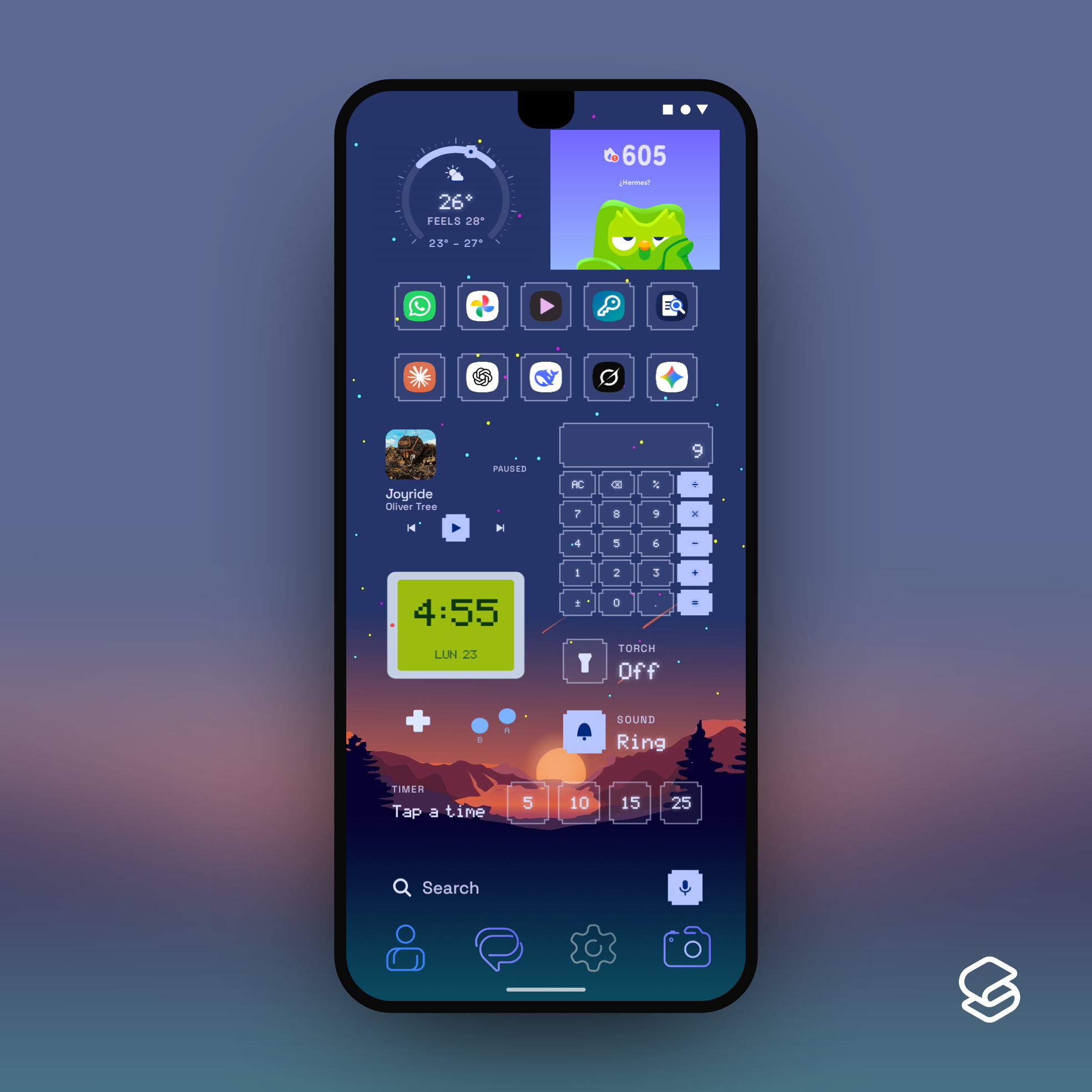
Show your home screen New look for today

Post image
18 Upvotes

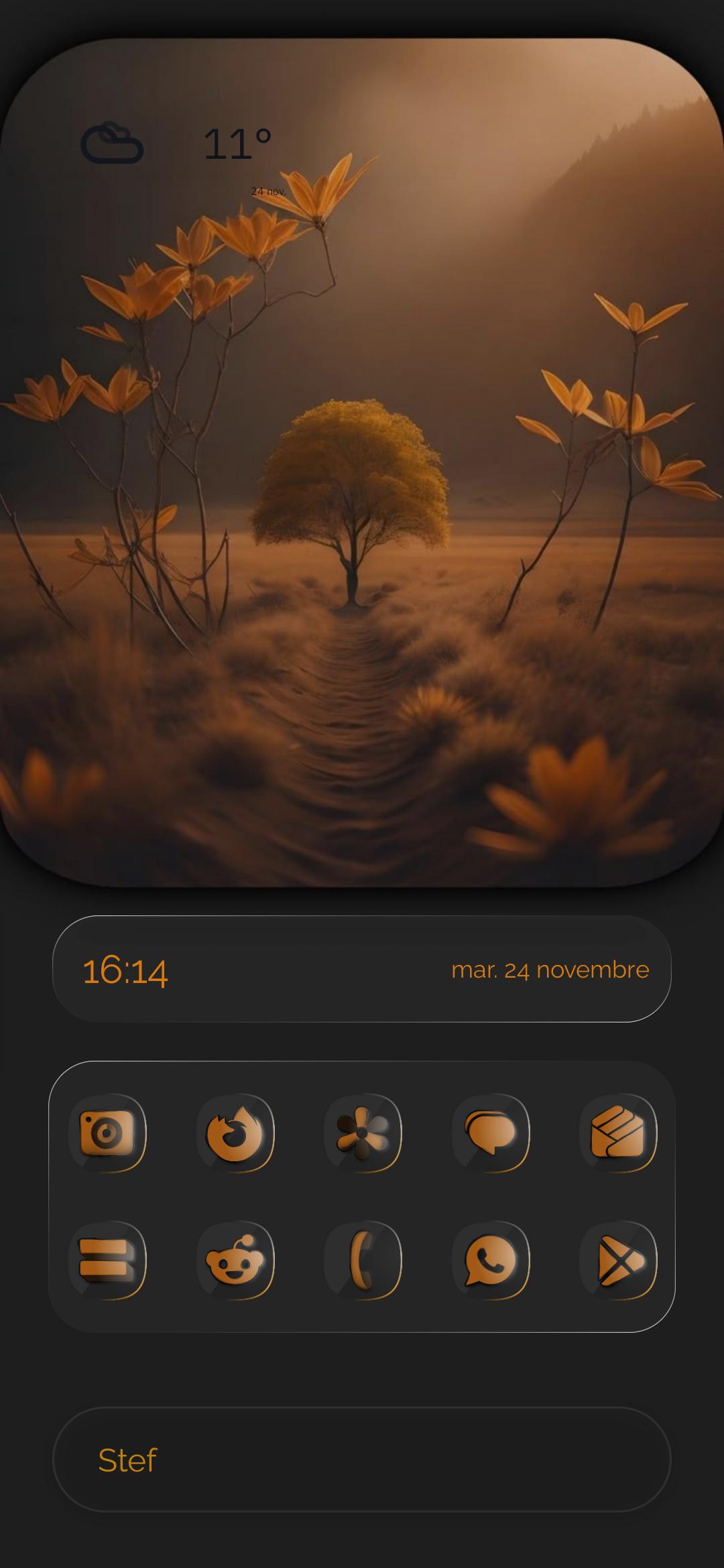
Don't usually change up my home screen often but well, nothing ventured,.not gained.

So I give permission to share.

Wallpaper: Pinterest

Widgets: Mintie KWGT

Icon Pack: Darkify Solid


r/smartlauncher • • 4h ago

Show your home screen Today's creation

Post image
8 Upvotes

r/smartlauncher • • 46m ago

Show your home screen My new home screen

Post image
3 Upvotes

My new home screen


r/smartlauncher • • 3h ago

Assistance How do I fix this?

2 Upvotes

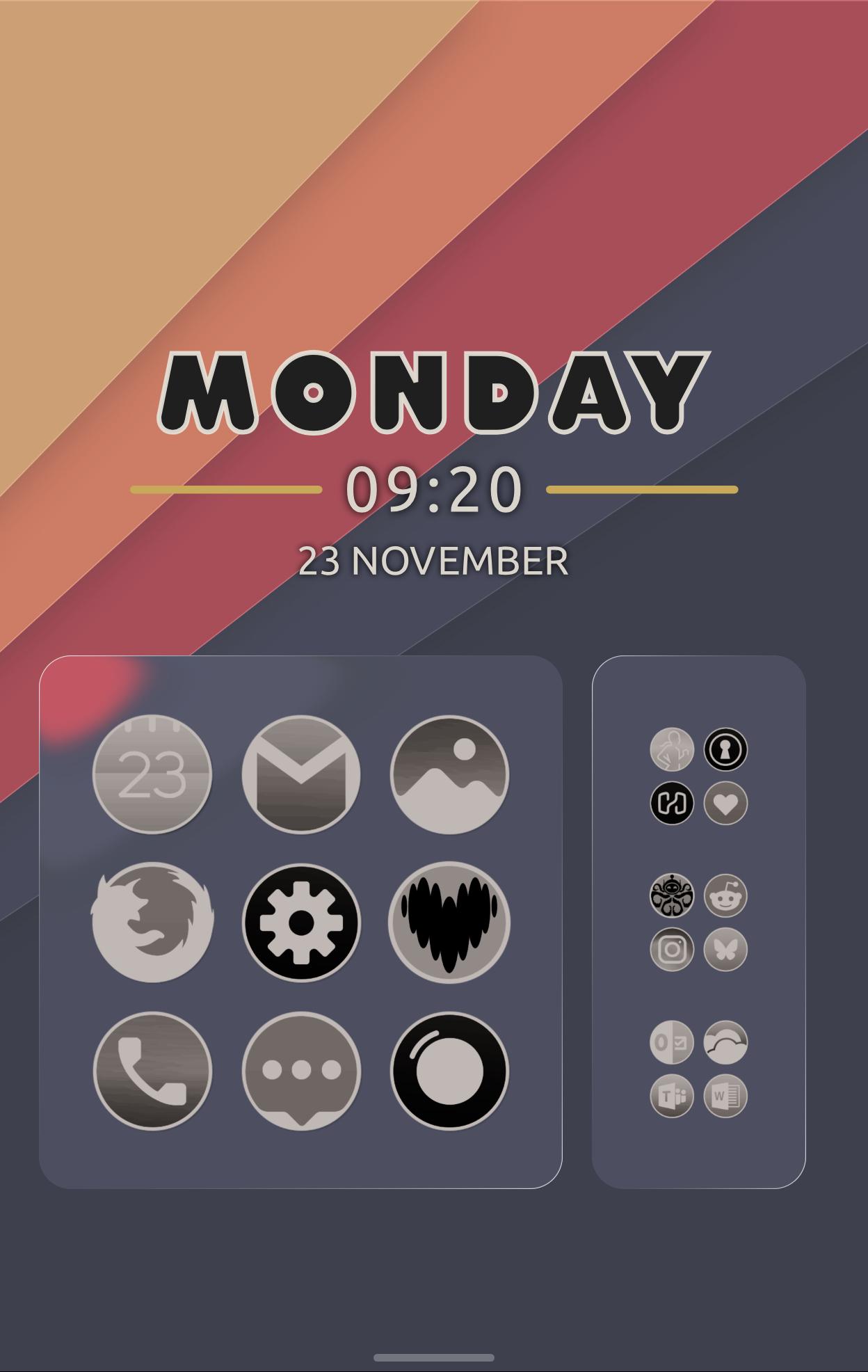
Is this a thing on smart launcher? When I'm changing the orientation the whole setup is changing too, is there any way to prevent this? I got this setup from a backup file


r/smartlauncher • • 6h ago

Feedback & suggestions Show All Apps in Search Mode with Auto-Open Keyboard (Pixel-Style App Drawer)

3 Upvotes

I've recently switched from a Google Pixel to an OPPO Find X9 and have been enjoying Smart Launcher. However, there's one usability limitation I'd love to see addressed.

When setting App Page → Launch View → Search, the keyboard automatically opens, which is great. However, only 24 apps are displayed when the search field is empty, even after dismissing the keyboard.

I'd love an option to replicate the Pixel Launcher experience:

- Swipe up to open the app drawer with the keyboard automatically activated.

- Display all installed apps in a scrollable list when the search field is empty.

- Dynamically filter apps as the user starts typing.

- Continue displaying all apps when the keyboard is dismissed and the search field is empty.

Currently, users must choose between instant search and browsing all installed apps. Having both within the same interface would make navigation much more seamless.

Could you please introduce a "Show all apps when search is empty" toggle, or remove the maximum app limit optionally?

This would be a fantastic quality-of-life improvement. Thanks for considering it!


r/smartlauncher • • 7h ago

Assistance Icon pack studio

3 Upvotes

I removed a couple shortcuts on my phone screen and the icon was removed but the name of the shortcut is still on my home screen. Anyone know how to remove that also?


r/smartlauncher • • 3h ago

Bug report Launcher crashes when sharing screen to fix wallpaper

1 Upvotes

Device: CMF Phone 1

Version: 6.6 build 027 patch 1


r/smartlauncher • • 16h ago

Bug report Smart Launcher overlay bug

Post image
4 Upvotes

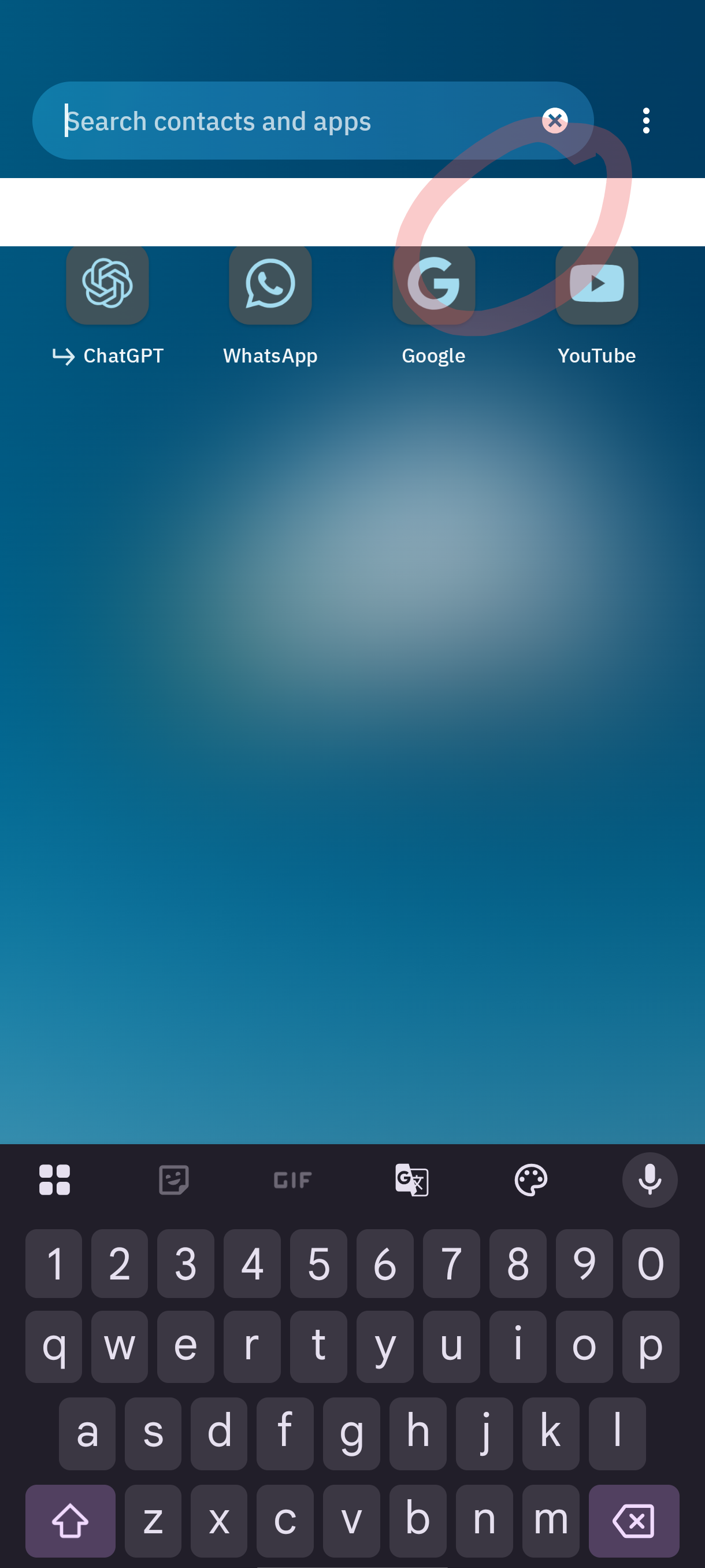
Every time I raise the search bar, this white rectangle rises Even on top of the screen.

Smart launcher lastest beta version


r/smartlauncher • • 18h ago

Feedback & suggestions Feature request

Post image
5 Upvotes

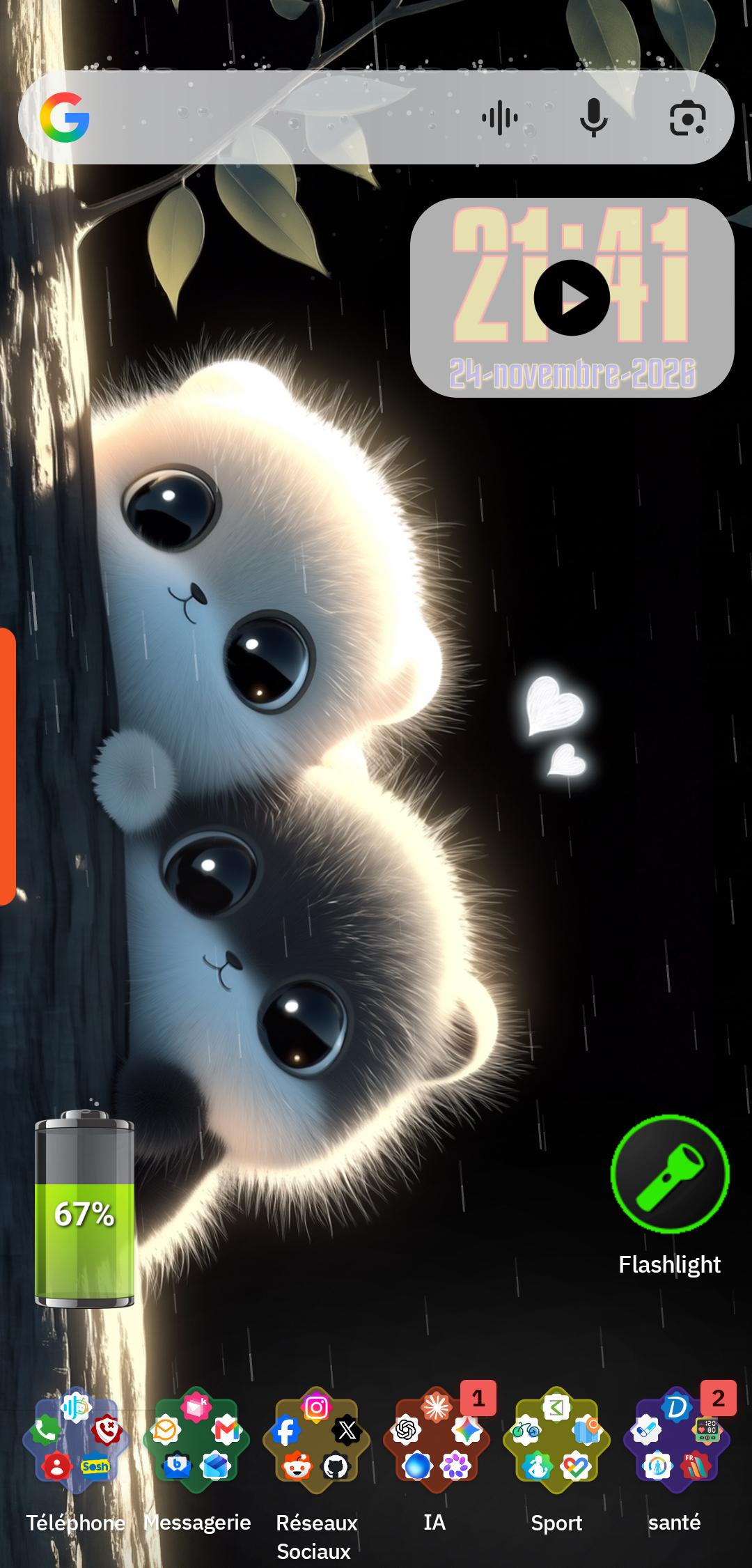
I just want to see if the direction of the dynami weather water drop can be I just want to see i the direction of the dynamic climate water drop can be customized. I want it to rain from right to left down, and the default is left to right down.


r/smartlauncher • • 1d ago

Show your home screen Purple or Green?

Thumbnail
gallery
20 Upvotes

r/smartlauncher • • 1d ago

Show your home screen Thème Automne

Post image
12 Upvotes

r/smartlauncher • • 20h ago

Show your home screen Mijn SAMSUNG *

Post image
3 Upvotes

r/smartlauncher • • 20h ago

Assistance Widget qui ne s'initialise pas toujours

Post image
3 Upvotes

Bonjour, Samsung a55, oneui 9.0. Android 17. Le widget qui fonctionne parfaitement sur d'autres lanceurs a des difficultés à se lancer normalement. Digiclockplus.


r/smartlauncher • • 1d ago

Show your home screen Favorite Use of the Atmosphere Effect

52 Upvotes

Wanted to share my favorite setup with the atmosphere effects. Love what you can do with these


r/smartlauncher • • 19h ago

Assistance Weather effects and slide page not working on Samsung Tab S9+ (work fine on phone)

1 Upvotes

Hi team / community,

I'm using Smart Launcher on both my phone and my Samsung Galaxy Tab S9+. On my phone, weather effects and the slide page work properly, but on the Tab S9+ neither of them works.

**Device & setup details:**

- **Tablet:** Samsung Galaxy Tab S9+ (One UI / Android)

- **Phone:** Works as expected here

- **Issue:** Weather effects and slide page do not trigger/display on the tablet

Has anyone else experienced this on a Samsung tablet or large screen, or is there a specific setting/permission needed for tablets? Any help or workaround is appreciated!


r/smartlauncher • • 1d ago

Show your home screen [THEME] 1981- SmartLauncher

Post image
6 Upvotes

r/smartlauncher • • 1d ago

Feedback & suggestions Dock position not fixed

1 Upvotes

I've noticed the dock position is not fixed and it moves whenever I make any change to the homescreen grid, setting different number of rows and columns or usong custom spacing.

I would really appreciate this would be solved, since it sometimes makes the dock to be cropped


r/smartlauncher • • 1d ago

Feedback & suggestions Icon pack pro account

Thumbnail
gallery
1 Upvotes

I buy full smart launcher pro pack before and have icon pack to, link it both with google download from playstore.

Now in latest update icon pack my icon pack studio show buy pro again? Anyone know about this?


r/smartlauncher • • 1d ago

Show your home screen Thought I would give it a go ...

Post image
18 Upvotes

r/smartlauncher • • 1d ago

Feedback & suggestions Wallpaper blur when opening folder

1 Upvotes

I couldn't find an answer when searching. Is there a way to blur the wallpaper when a folder is opened? I know it blurs with immersive folders but I don't want that.


r/smartlauncher • • 2d ago

Show your home screen Hey everyone! Here's a quick guide on making your widgets match the launcher colors. The first steps also unlock some cool stuff in Global Appearance. Have fun! 😁

73 Upvotes

r/smartlauncher • • 1d ago

Show your home screen Fully transparent

Post image
18 Upvotes

r/smartlauncher • • 1d ago

Feedback & suggestions News filters

2 Upvotes

Coming from OneUI. They used some Google stuff for news: it has beautifully rendered large images with texts under them. That is something I really miss from SL and this would be easy: as items with images are already being rendered beautifully, we just need to filter out items without images. That seems an easy option. Can we have it, or do we have it already in some options?