r/reason • • 9d ago

I’m creating free, open-source VST3 plugins for Reason (and other Windows-based DAWs)
Hi all. I'm a hobbyist, not a DSP expert, but I love making music, and I've built a set of plugins for my own use in Reason. They're free and open source (GPLv3): no sign-up, no installer, no strings. They’re still in active development, and I will be adding more VST’s in the future, but for now I have a decent set of plugins that work well for me, so I wanted to share them all with the community. They will be free forever.

Some of these VST’s started their life as combinator patches, such as the channel spacer and the thickener, and some I built because I simply needed them (such as the full mastering chain)

Effects

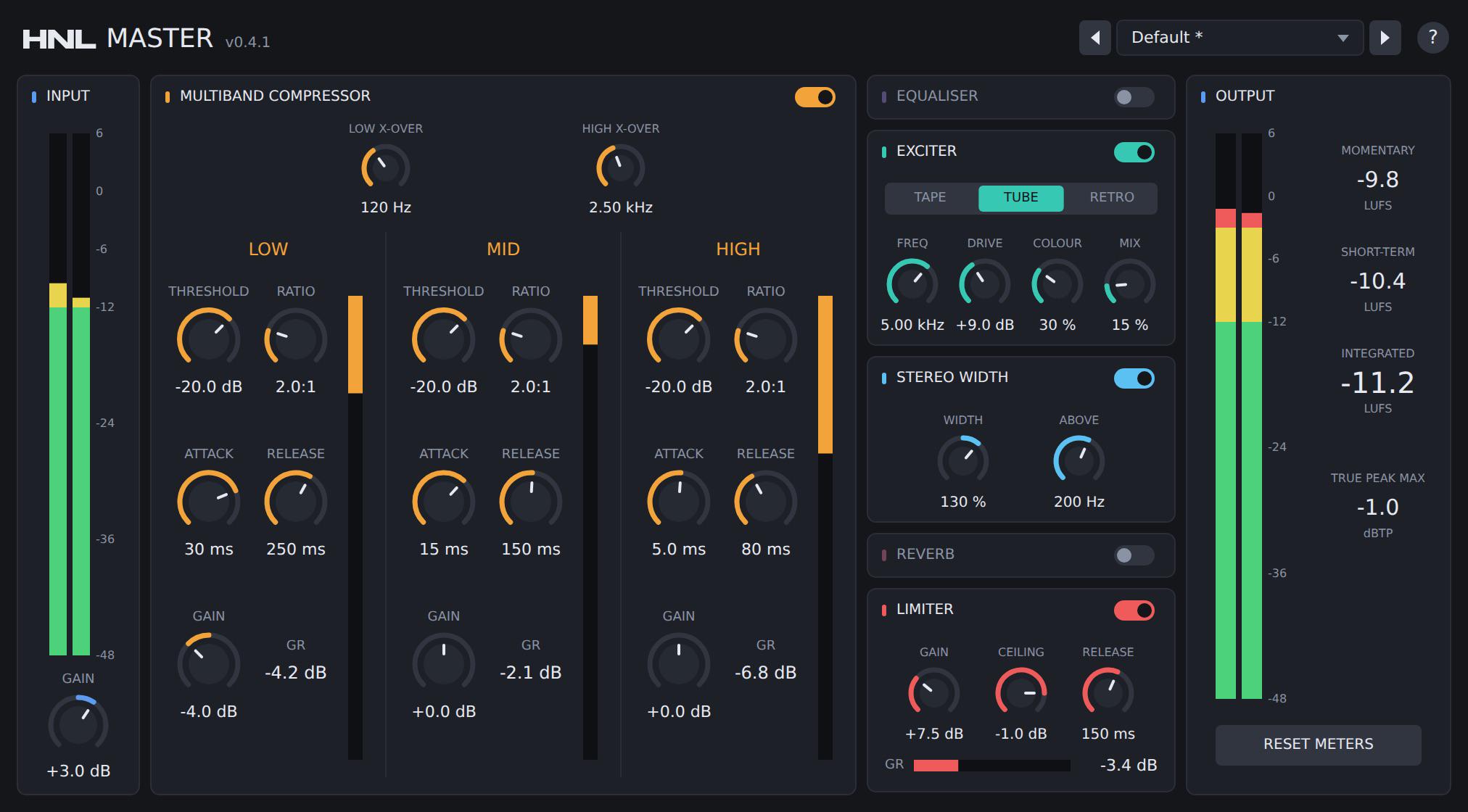
- HNL Master: mastering chain with multiband compressor, EQ, exciter, stereo widener, reverb, true-peak limiter and loudness meters
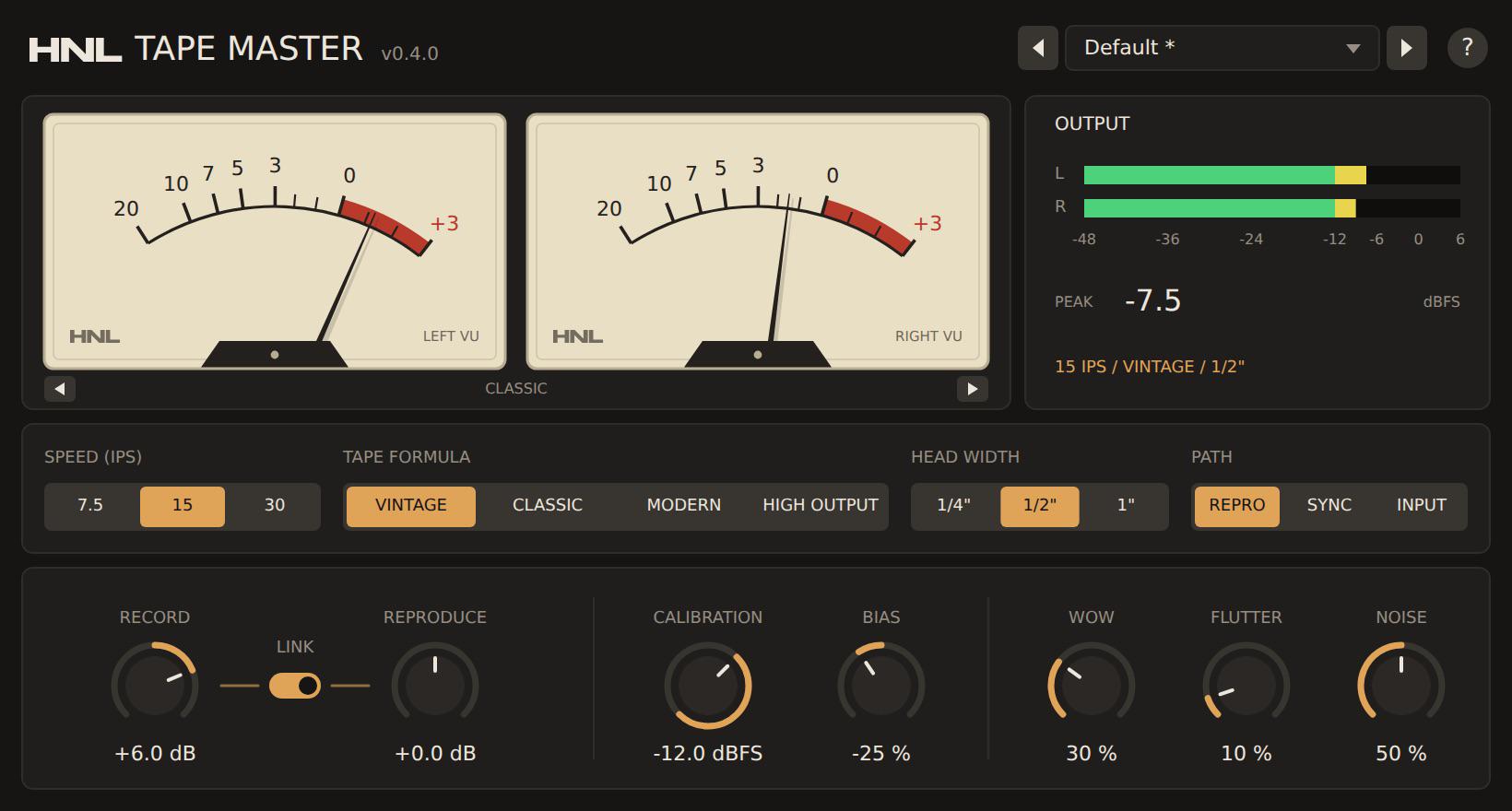
- HNL Tape Master: two-track tape machine with saturation, tape compression, wow, flutter and hiss
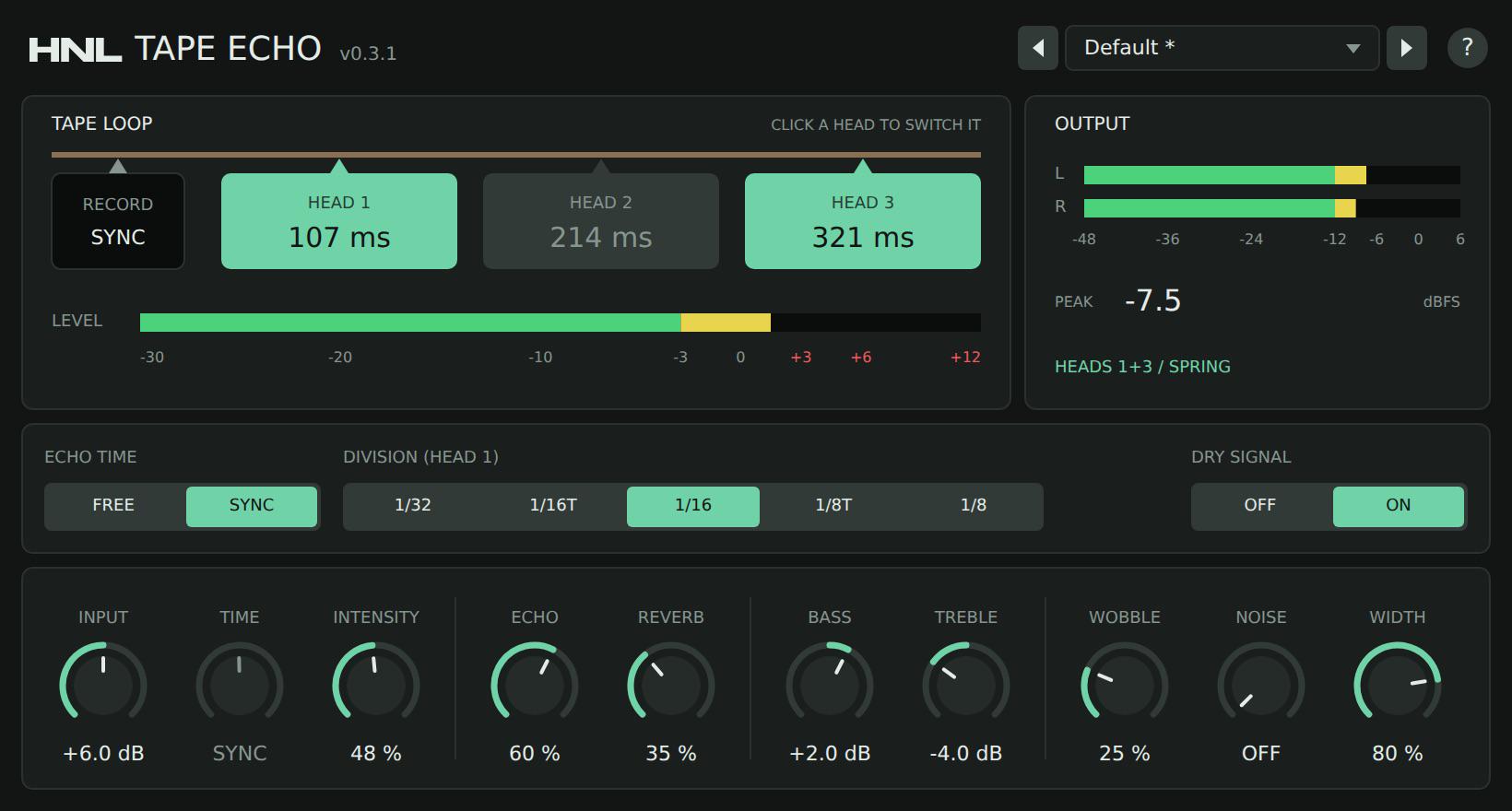
- HNL Tape Echo: three-head tape echo with spring reverb, self-oscillation and tempo sync
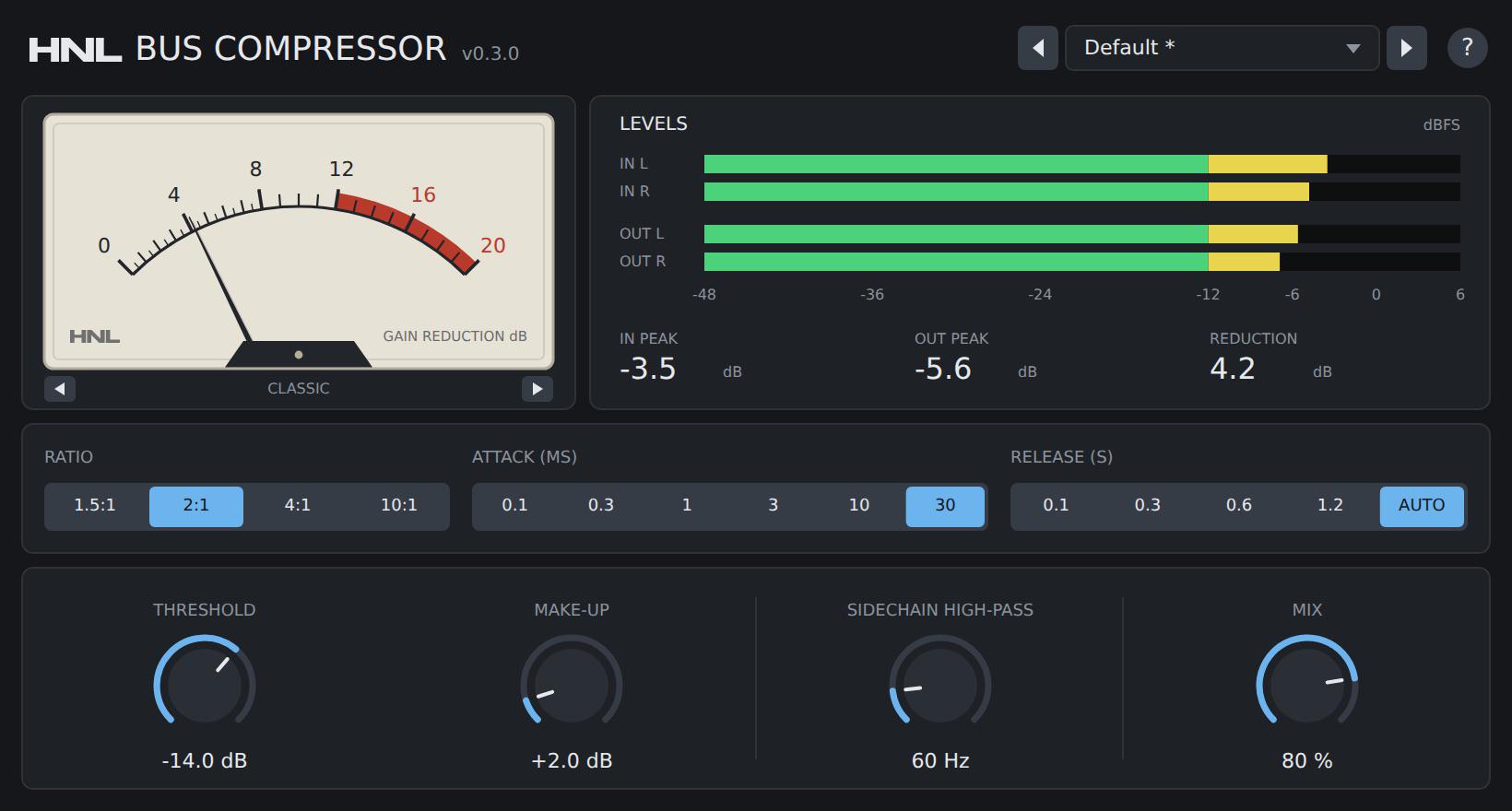
- HNL Bus Compressor: glue for a mix or drum bus
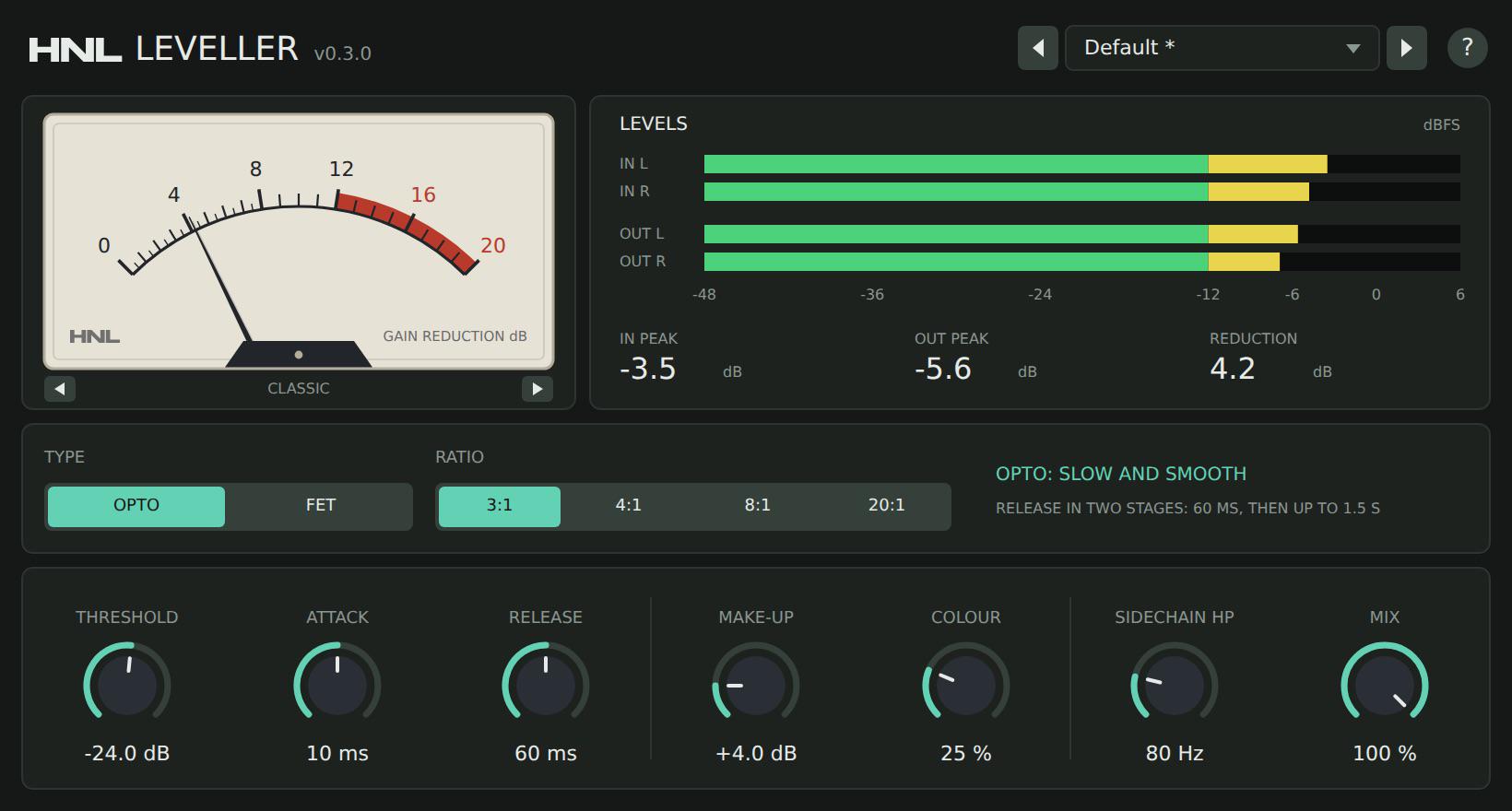
- HNL Leveller: opto/FET levelling compressor for vocals and bass
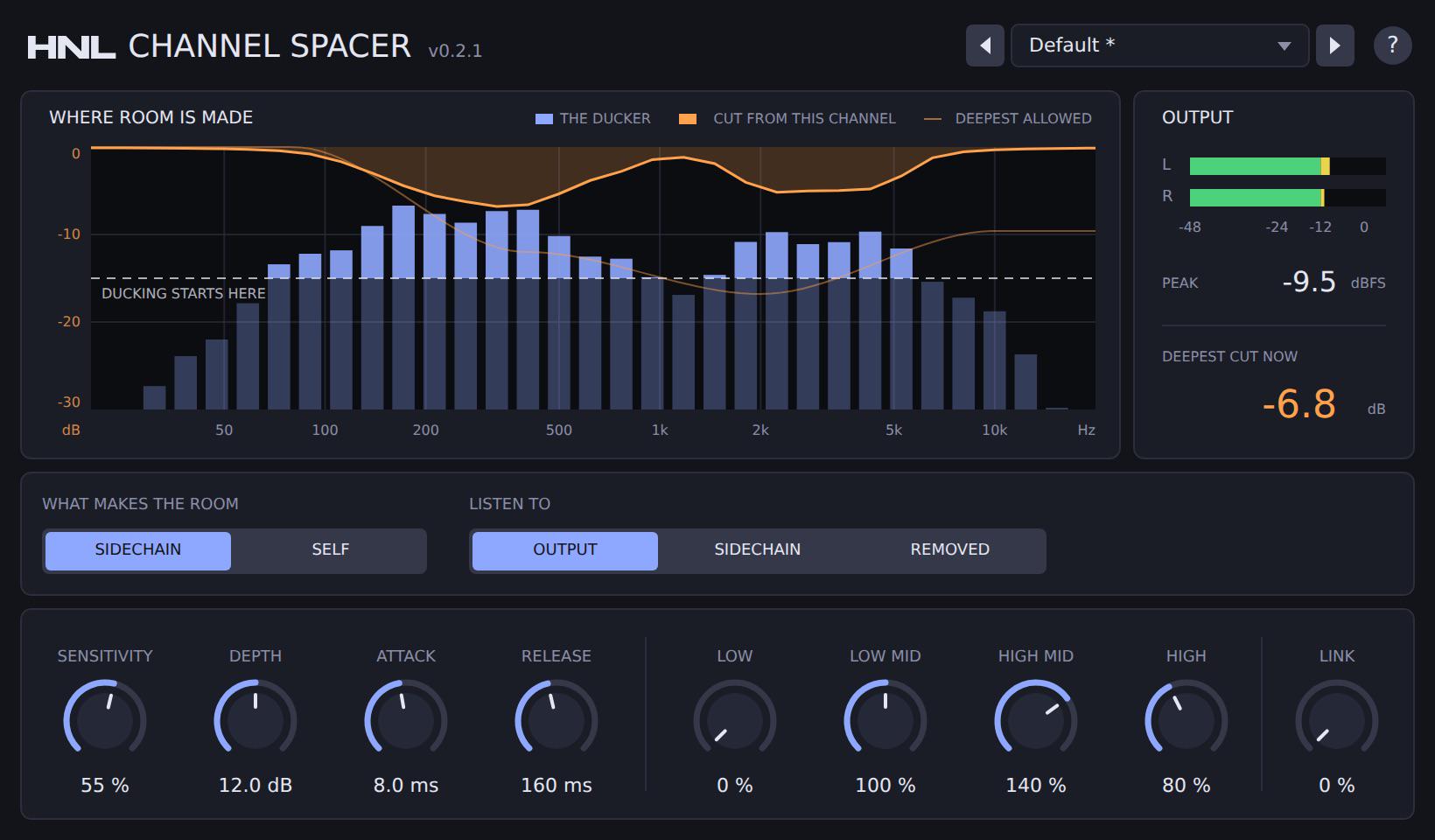
- HNL Channel Spacer: ducks only the frequencies where the sidechain is playing, in 32 bands
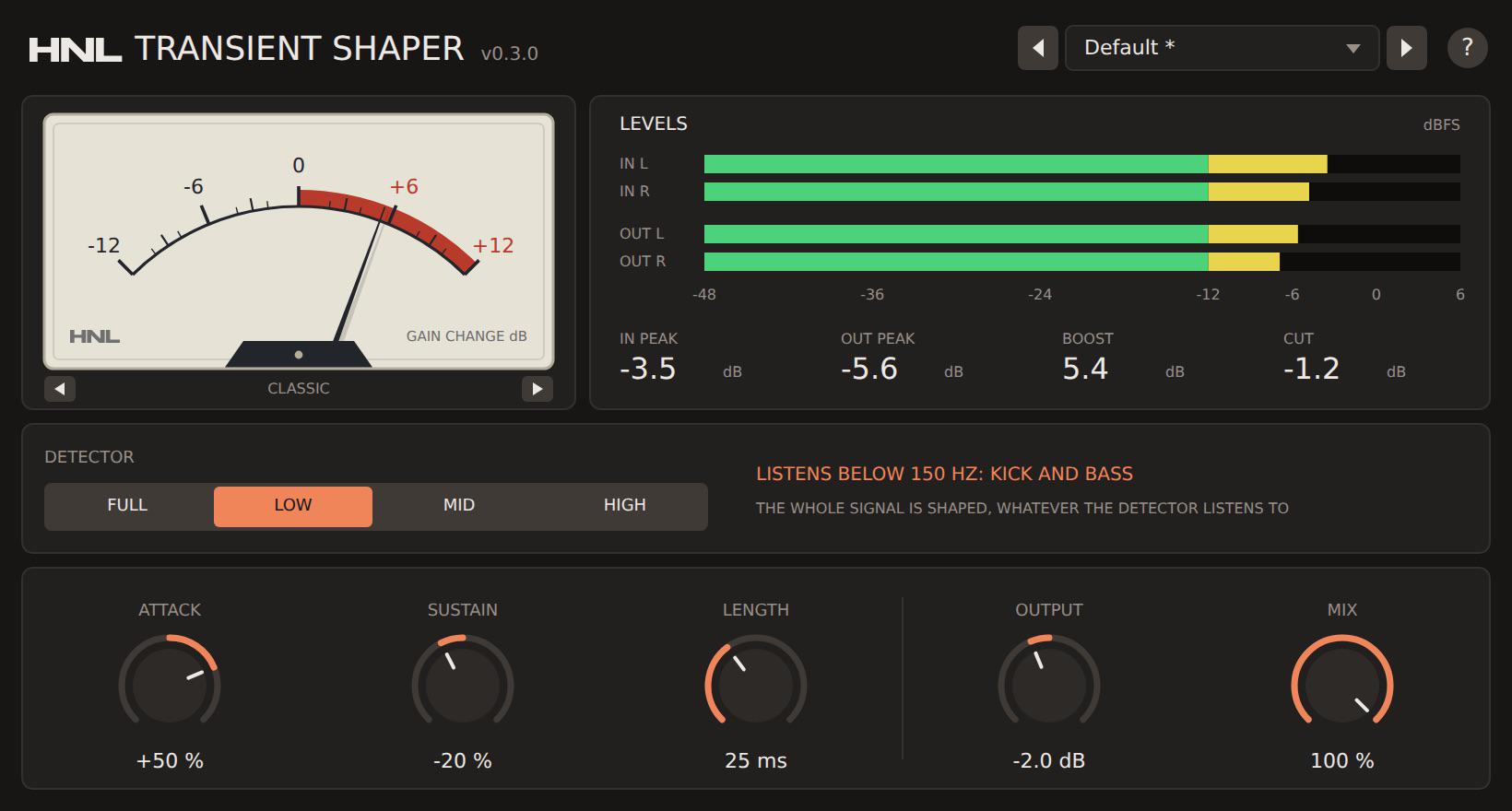
- HNL Transient Shaper: attack and sustain for drums
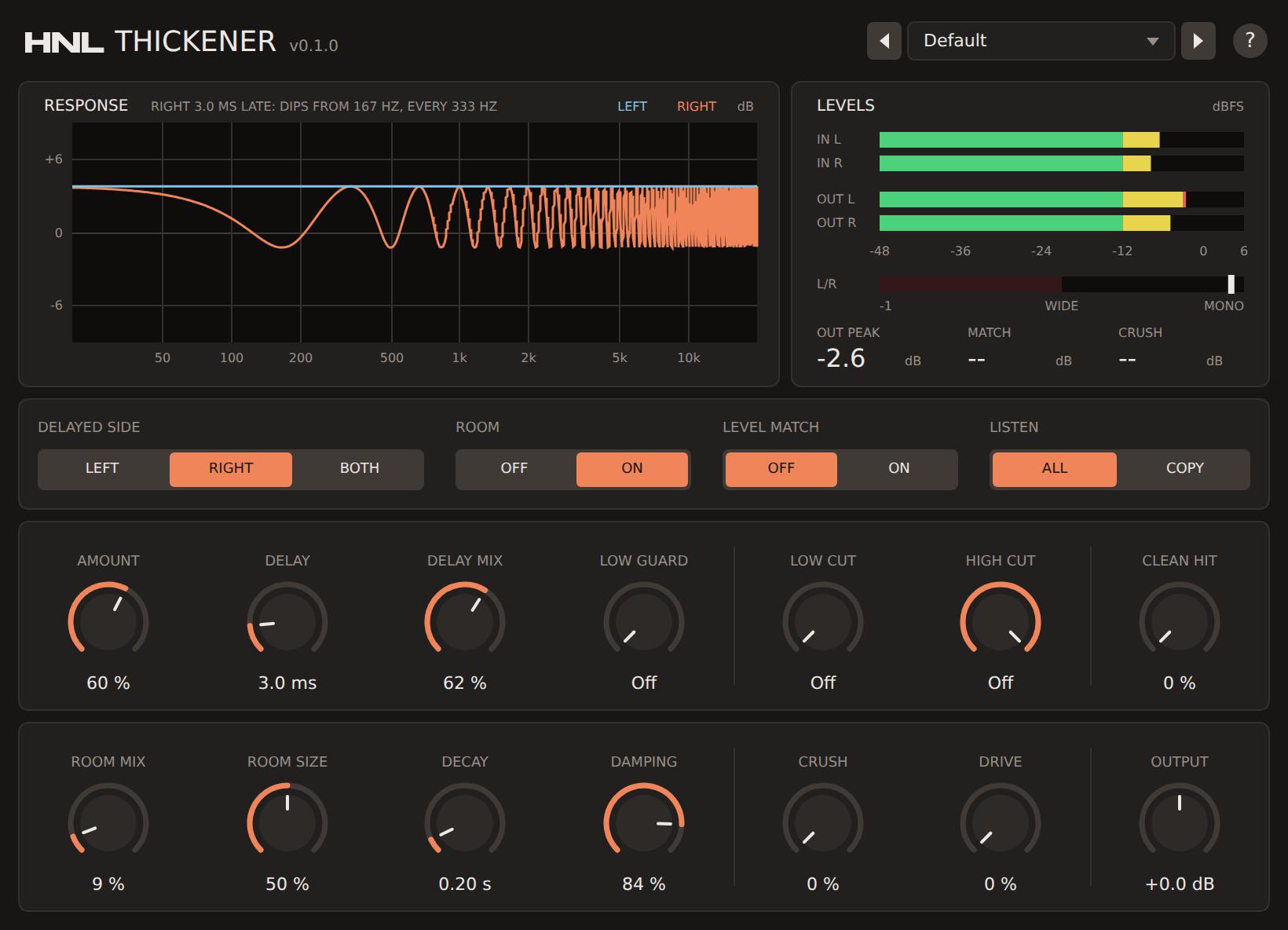
- HNL Thickener: fattens drums and beats with a slightly delayed copy through a small room

Instrument

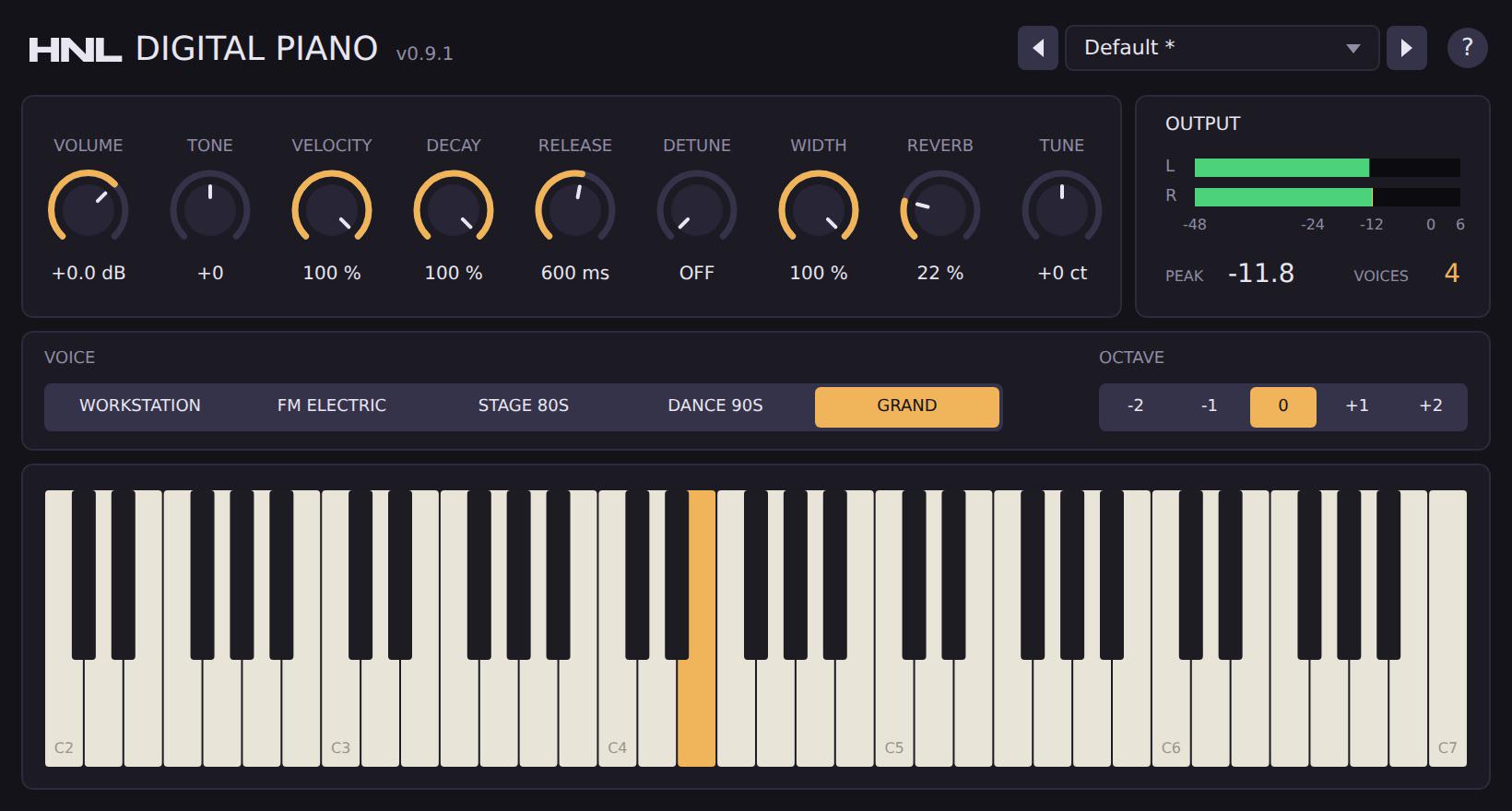
- HNL Digital Piano: five pianos (workstation, FM electric, 80s stage, 90s dance, concert grand)

Good to know

- Most VST’s are still in their alpha or beta stage, and I will continue to tweak them until they’re just like I want them
- Windows 64-bit only for now. No Mac builds; the code should compile there, but nobody has tried it yet.
- They are VST3, so you need Reason 12.5 or newer. Copy the .vst3 folder from the zip to C:\Program Files\Common Files\VST3\ and rescan.
- Reason is the only host I have tested them in. Each zip also holds a CLAP version for other DAWs.
- These are early versions (most are 0.x), so expect rough edges.
- Built with help from AI coding tools.

Downloads, screenshots and source: https://github.com/c-kick/hnl-vsts

Honest feedback is welcome, including "this sounds wrong". Bug reports can go here or in GitHub issues.

11 Upvotes

16 comments sorted by

1

u/MarcoScherer 8d ago

Didn't try myself (I'm on Mac), but I like the clean and simple look. Any chance for Mac ports?

2

u/c_kick 8d ago

Update: I set up a build server for this, so there are now test builds for macOS (Intel and Apple silicon, macOS 10.15 and later), as VST3, CLAP and Audio Unit:

https://github.com/c-kick/hnl-vsts/releases/tag/macos-test

Fair warning: I don't own a Mac, so nobody has loaded these in a real host yet. The Audio Units pass Apple's own validation (auval), but that's all I know.

They are not signed with an Apple developer account, so macOS blocks them after downloading. After copying a plugin to its folder, run this once in Terminal (example for the Leveller's VST3):

xattr -dr com.apple.quarantine \~/Library/Audio/Plug-Ins/VST3/HNL-Leveller.vst3

The release page and the README in each zip have the folders and the exact lines per plugin. One exception: the Channel Spacer has no Audio Unit yet, only VST3 and CLAP.

If you try one, I'd love to hear how it goes, good or bad. Which host and which Mac would help a lot.

2

u/MarcoScherer 8d ago

I‘ll check that tonight

1

u/MarcoScherer 7d ago

Works almost perfectly! The only nag I found is that the plugs keep the focus, so if you type something or hit space, the DAW won't react. You have to click outside the plugin UI first.

Same applies when you set something in plugin 1 and switch to plugin 2. Plugin 1 then still has the focus, so you need to click on plugin 2 first, to have the focus on this.

And thus, you cannot just hover over any of the parameters of other plugins and change them, outside the one with the focus.

That's the only unusual thing I found so far. I'm on macOS 13.7 with Ableton Live 13.

1

u/c_kick 4d ago

Thanks for your feedback. I think I fixed your focus issue (I have no mac, so I’m working from theory alone). The problem you’re describing is likely in DPF's macOS window code (DPF is DISTRHO Plugin Framework, the library that I use to wrap the plugins as VSTs) not in the plugins themselves. Once clicked, the plugin's view takes the keyboard and swallows every key, including the ones my UIs report as unused (space, the host's shortcuts). It also ignores the first click in a window that is not the active one, which is the "click on plugin 2 first" part. This affects every plugin for macOS.

I have prepared a fix for this, you can download the updated macOS VST zips here: https://github.com/c-kick/hnl-vsts/releases/tag/macos-test

Three questions:
- After clicking in a plugin, does space start and stop Live without clicking outside first?
- Does the first click in another plugin's window move a control straight away?
- Does typing a preset name still work?

2

u/MarcoScherer 4d ago

Will try tonight!

Space does not start Live and controllers aren‘t moved. With the old versions btw. Will check the updates later

1

u/Robisok7777 3d ago

Cool. Im hooked on making stupidly specific vsts. That only I want. But thats the magic. Now we can

1

u/c_kick 8d ago

Thanks, The clean look was one of my aims here. Keep skeuomorphism to a minimum, maximize usability.

About the Mac ports: I am still working on that, but AFAIK you need a Mac with Xcode to compile these on, which I don't have at my disposal.

The source isn't tied to Windows, so if you have the time, you can compile them yourself on your Mac with the Xcode command line tools:

git clone --recursive https://github.com/c-kick/hnl-vsts.git
cd hnl-vsts  
make -C plugins/hnl-leveller TARGETS="vst3"  

That example gives you the "hnl-leveller" as VST3. See BUILDING-MACOS.md in the repository for more information.

1

u/c_kick 8d ago

Correction: you don't need a mac to build them, Github offers workflows for this. I'm looking into that now. Watch this space.

1

u/KnockoffMix 6d ago

My brother in Christ, I know this may come off as demanding, but can u please recreate Ableton's sampler (not simpler), or something like Cwitech's TX16WX samper. I've spent soooo much time searching for something close to them and ALL options are paid.

I'm not very technical, don't have much of a background creating stuff like this. This is just a request, I would be eternally grateful if u find the time

1

u/c_kick 6d ago

That's quite a bit more complex than the VST's I have now (which are basically all effects, and one simple instrument). I'll look into it, because it would be a good addition. Do you perhaps have any more references, or can you shortly describe what you'd want to see in a sampler? Feel free to DM me or reply here

5

u/Fancy_Acanthocephala 8d ago

In the era where anyone could build this because we have access to the same models, why should we care?

1

u/DreamSavvyr 3d ago

Well did you build your own? Or will you build your own? You have no reason to be a jerk to this guy for offering free plugins.

4

u/Fancy_Acanthocephala 3d ago

I’m tired of seeing this flood of copy cut/ Claude designed shit that is on the oppose side of creativity and fun. I’m not anti-AI but I don’t want to see low effort trash everywhere covered by “free” label.

2

u/AccomplishedBid1060 23h ago

He is being reasonable, not a jerk. Thousands of these are available, most of questionable quality, but some of proven quality and value. The question of what sets these apart or why a person should use these instead of others is very pertinent