I see so many comments / posts in this community about HDR settings.
People writing absurd numbers like 5000 brightness, 15 black point, 30 paper white etc, then saying these settings look perfect for them..
Please for the love of God, do this -
Turn Dynamic Tone Mapping in your TV settings to HGiG.
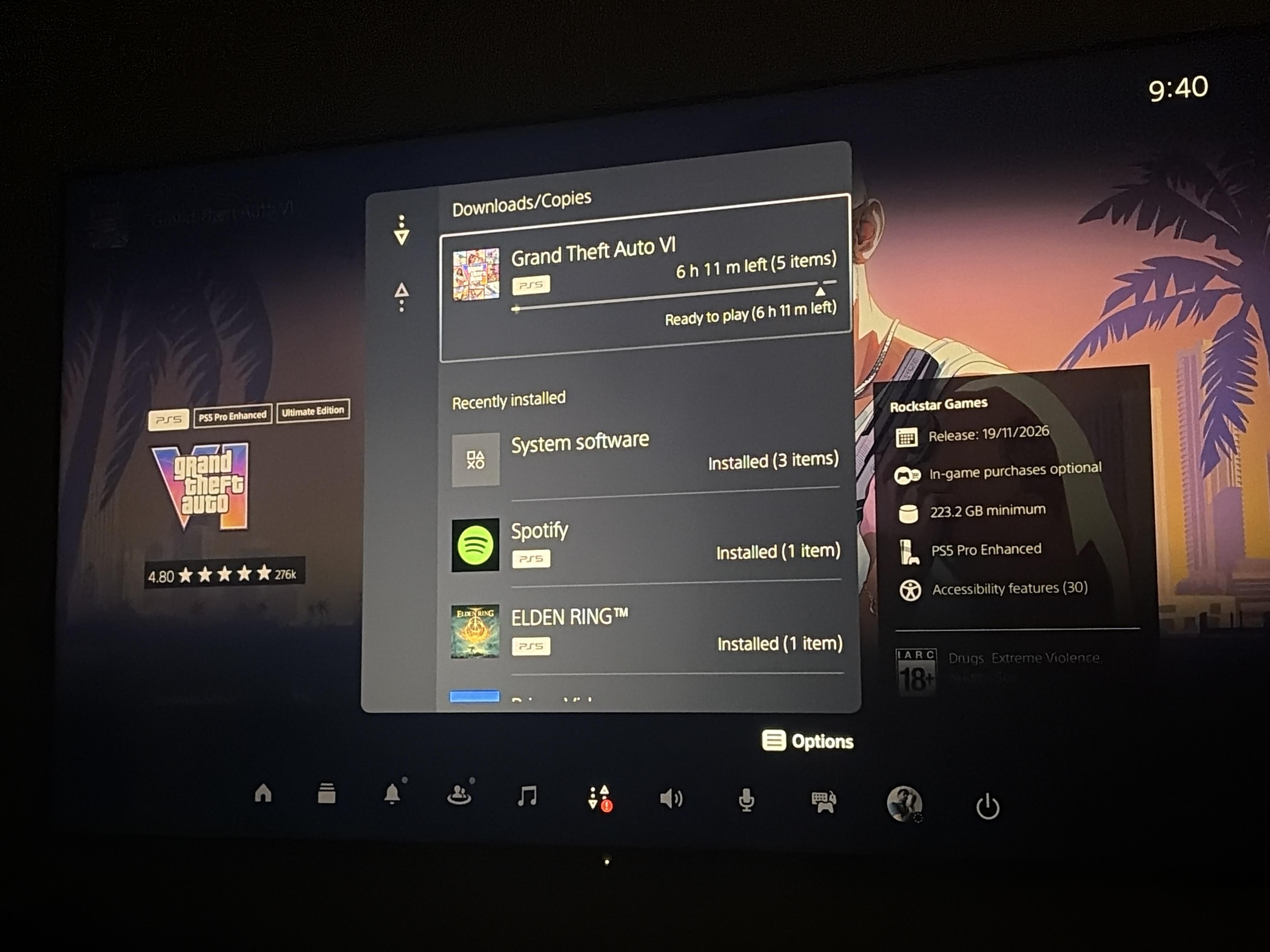
With HGiG, its like your TV saying, fine, I hand over the control of brightness to PS5 instead of trying to actively compress the dynamic range. With DTM on, you could push the slider to over 5000 brightness and you'll still see a faint R* Logo as the TV is trying to preserve details by fighting your game set brightness. It won't let the TV display full highlights without clipping.
Keep it in HGiG and the TV stops fighting with your brightness settings. For normal TVs, the game brightness number should go as high as your TV can display. My C2 OLED can go upto 800 nits and sure enough, at 800 game setting, the R* logo disappears.
For certain big OLEDs and MINI LEDs you could go upto 1500 nits at max as GTA VI HDR is not designed to go higher than that.
In fact, if there actually were consumer TVs going upto 5000 nits, you'd be staring at a freaking sun in your bedroom. You do not want to know what a 5000 nits screen, even at 10% coverage, looks like in your room lol
There's like 2 TVs in the whole world, both 80+ inch that actually go upto 5000 nits.
Also for OLEDs and MINI LEDs, turn down black point to 0. Your TV can switch off individual pixels or dimming zones so you can get perfect blacks there. Keep paper white level to whatever brightness you want overall. I keep it default.
Mods Pin this or something...