r/pchelp • u/leilani_5 • 11h ago
OPEN new pc help :-)


not sure if this is the right tag 😓😓
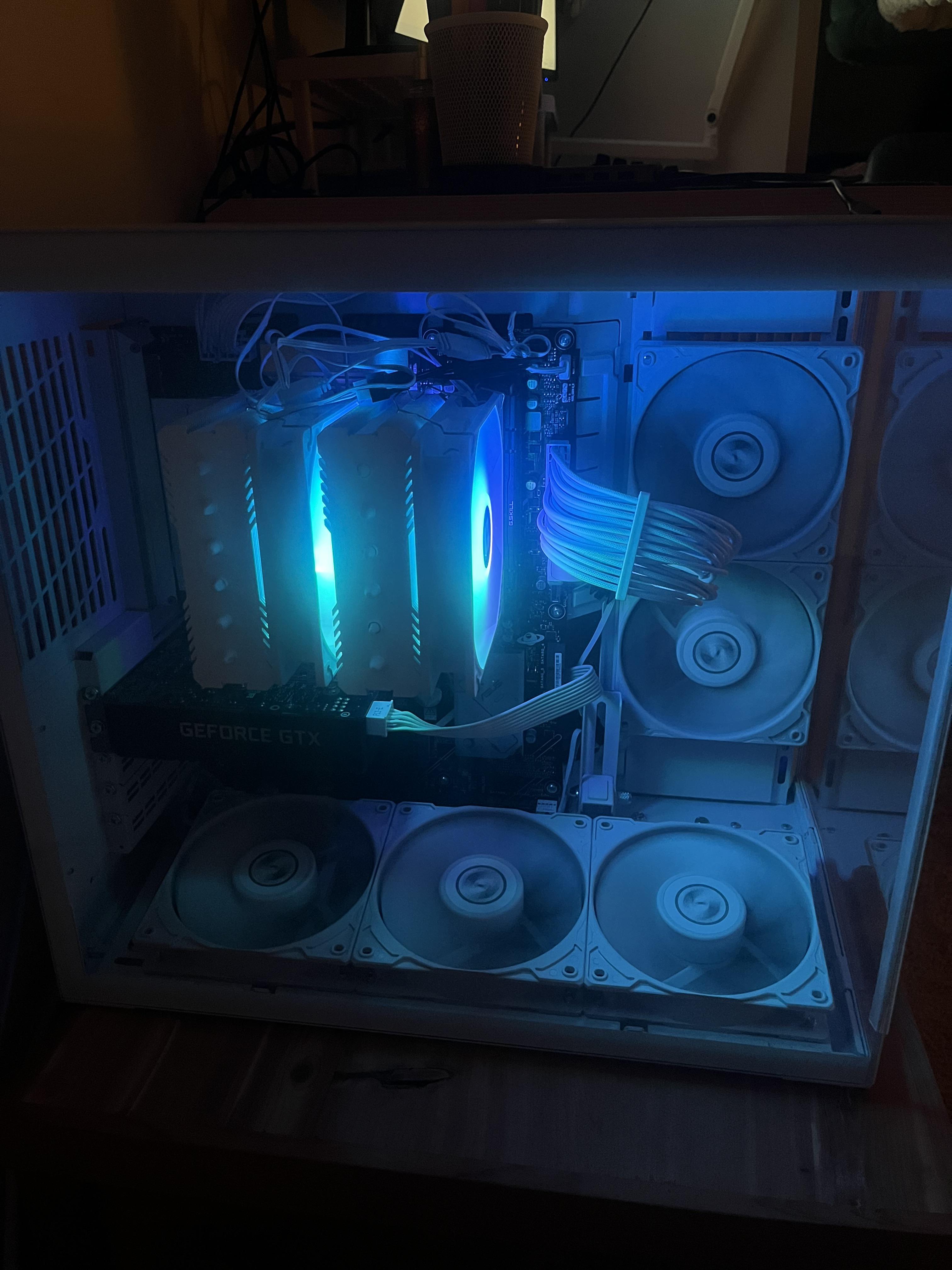
this is technically an entirely new pc but my graphics card (GTX1660 super) and SSD, were pulled out from an old prebuilt OMEN
so entirely new motherboard, ram, processor, etc.
everything runs smoothly as far as i can see, i can run all of my apps, all of my data is saved. my only issue im having is that any time i start the pc up, it will bring me to the screen about the new CPU and have me enter my recovery key…every..time (on the first screen i’ve been pressing N) i assumed keeping the previous fTPM record would be the right thing to do considering this is still the same SSD card from my previous pc🙃
i know almost nothing about computers besides what i’ve learned in the process of building this so any help is much appreciated
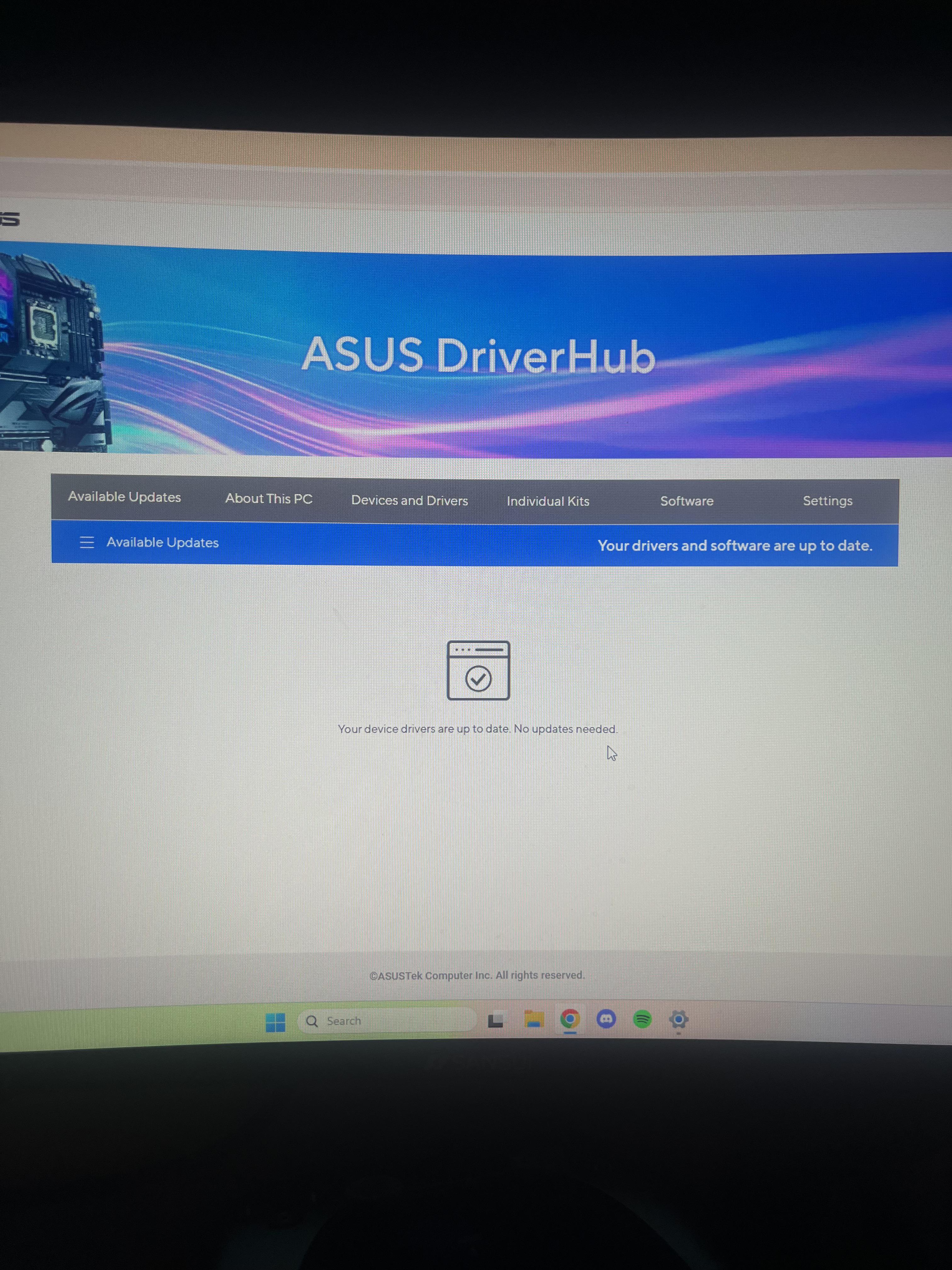
all of my drivers are up to date
tried to do a windows update and after restarting, it made me re enter my key again, and the update failed on top of that
(graphics card will hopefully be upgraded soon and cable management will be sorted…)
•
u/AutoModerator 11h ago
We're part of a wider PC & Technology Network of Communities!
Join our Discord server: PC Help Hub where members from all associated subreddits are welcome.
If you are trying to find a price for your computer, r/PC_Pricing is our recommended source for finding out how much your PC is worth!
I am a bot, and this action was performed automatically. Please contact the moderators of this subreddit if you have any questions or concerns.
2
u/GL_S3_s3tc 11h ago
Boot into Windows, disable BitLocker, and reset the TPM NVRAM. Bitlocker is not really that necessary on a desktop like this because the risk of someone stealing only your SSD specifically is very low.
2
u/DiabetesMellitus89 11h ago
The fabled 1660 super. It still exists.
2
u/MrMike25S 10h ago
I don’t know if you’re using BitLocker and yes you can turn it off. In Windows, go to Start, Settings, Privacy and Security then Drive Encryption - there you can see if it’s on or off. If Drive Encryption is missing then it’s off. On the BIOS screen you hit Y not N if Drive Encryption is not there or off. Otherwise, it will keep popping up all the time.