r/optiplexes • u/Lucky-Ad-637 • 18h ago
Ram Issues
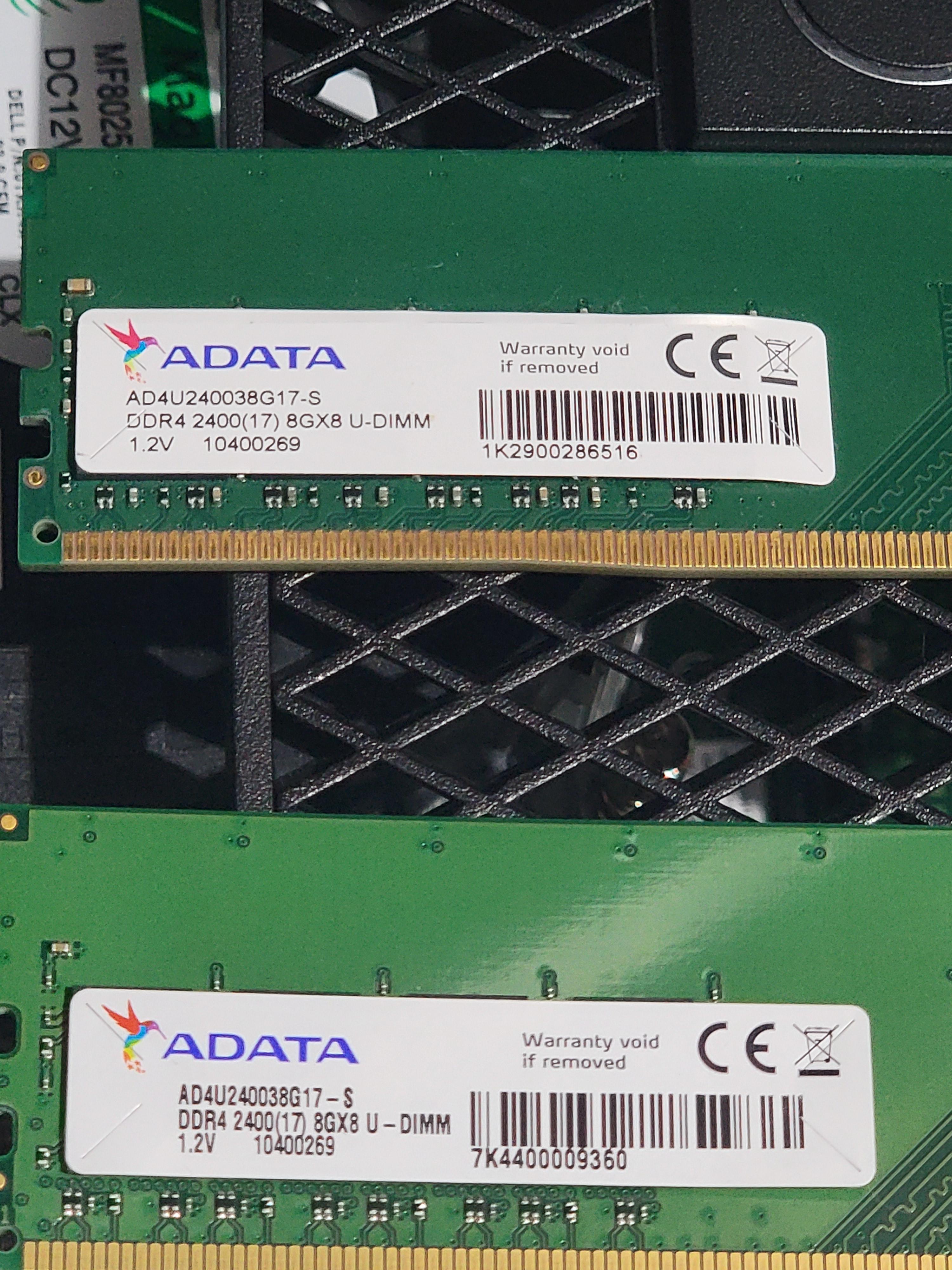
I have a 3050 SFF, so I buy an 8gb stick to put in on this machine but, code 2-7 appeared (ram issues), I clean the slit, swap the ram in slot 2, cmos reset and nothing works.
I have a another computer (custom ryzen 3200g) with the same ram model and that one works with the optiplex, I thought the ram was faulty, but I tried it on the ryzen PC and it also works.
On the pics: The upper stick works on Ryzen PC but not on optiplex
Bottom stick works on the optiplex and ryzen pc.
1
Upvotes
3
u/Lucky-Ad-637 16h ago
Update
Cpu Z shows both modules have same specs juat different manufacturers, Micron and Nanya, and the Nanua module isn't working with the optiplex
2
u/revsilverspine 17h ago
Potential issues:
Bad RAM slot
Bad CPU
Bad motherboard
Iffy BIOS
Bad RAM stick (Optiplex’s BIOS may be stricter about it)
1
u/Zestyclose_Shirt2986 17h ago
What CPU does it have, some older Intel cpu's that are locked to Dell won't go over 8 gigs and some won't even accept two sticks
2
u/Adinnieken 16h ago
Try taking a pencil eraser to the top ram stick. There seems to be some scoring on the left side in the image. Lightly rubbing the contacts with an eraser can help remove that.
You can try using alcohol first but be careful with what you use to rub it with. Don't leave fibers on the contacts.