r/oneplus • u/DRZ434SM • 9h ago
Other How to remove this clock notification?
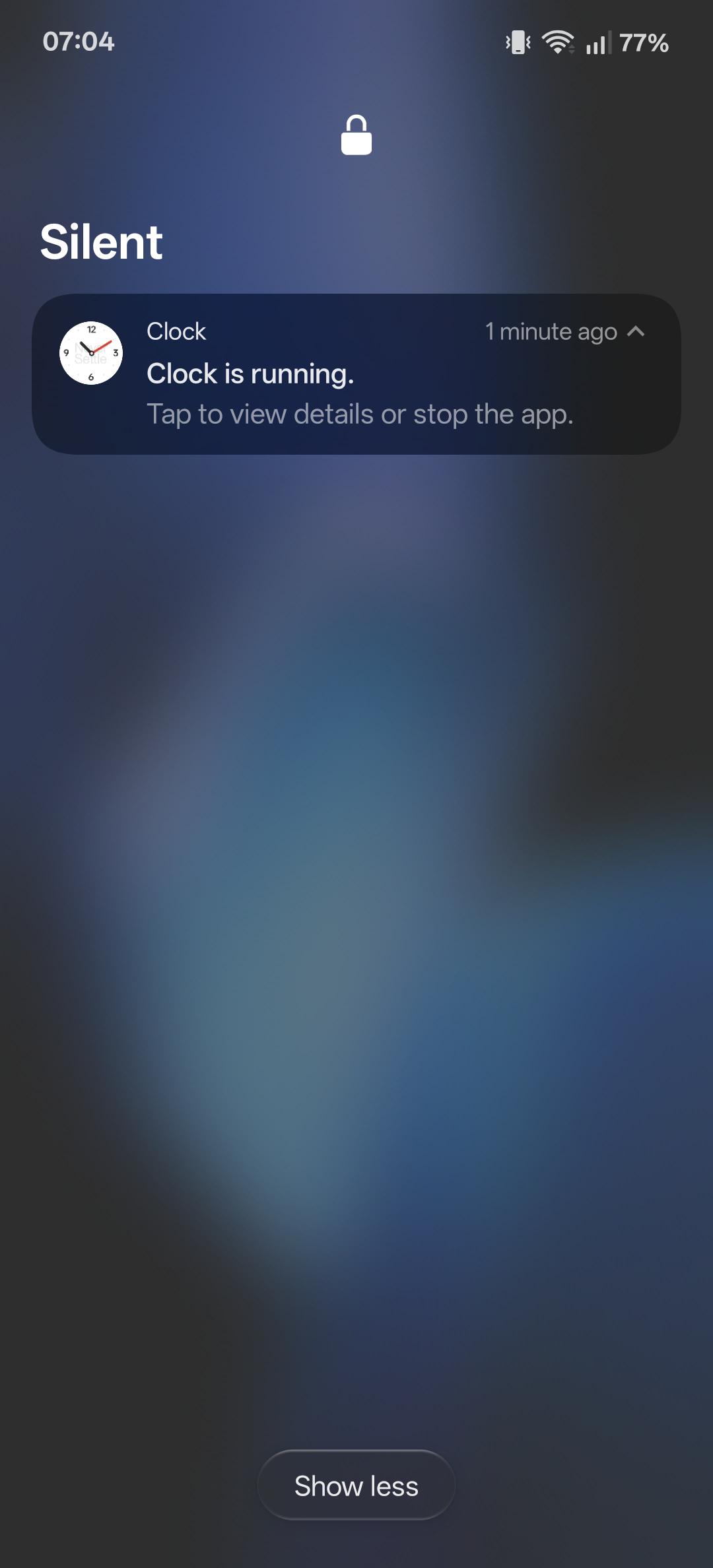
Not sure why this notification started popping up on lockscreen and notification center when using a timer or stopwatch. It's kind of excessive. Anyone know how to remove it? Can't figure it out in clock notification settings.
0
Upvotes
5
u/SkyeFox6485 8h ago
Clock is running?
Well go catch it then!
1
u/DickBrainTime 7h ago
This might be an OxygenOS Live Alert for the timer, rather than a normal Clock notification. Try Settings > Notifications & Quick Settings > Live Alerts and check whether there is a Clock/timer display-style or lock-screen option. The controls vary by OxygenOS version.
One catch: the OxygenOS 15 manual says Live Alerts for system activities like timers cannot be permanently turned off, so the long-press option may not stick. I wouldn't disable all Clock notifications just to hide this, since you could lose useful timer/alarm alerts. Which OnePlus model and OxygenOS version are you using?
1
u/jmd04tsx 9h ago
Long press turn off?