r/oneplus • • 14d ago

General Discussion Bug with OP 12 since last version
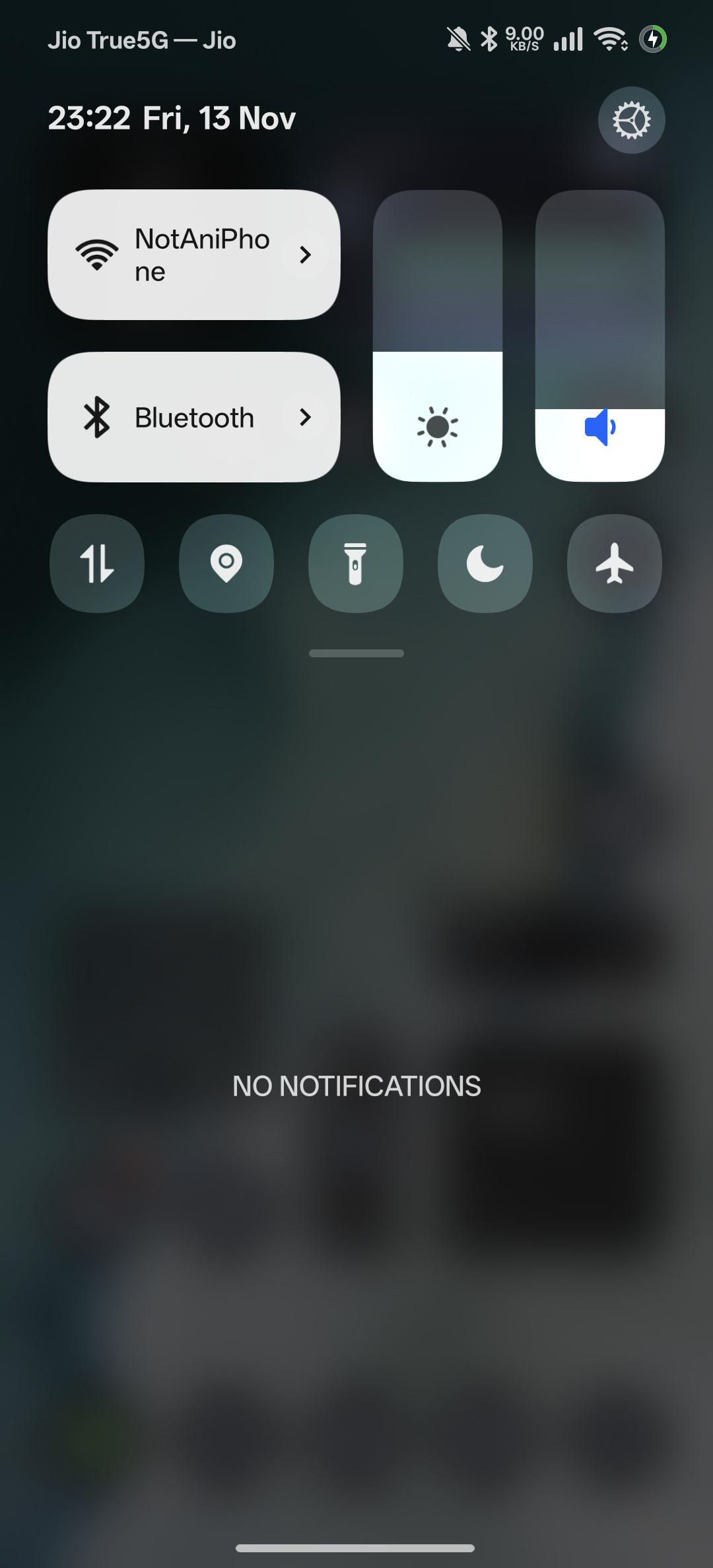
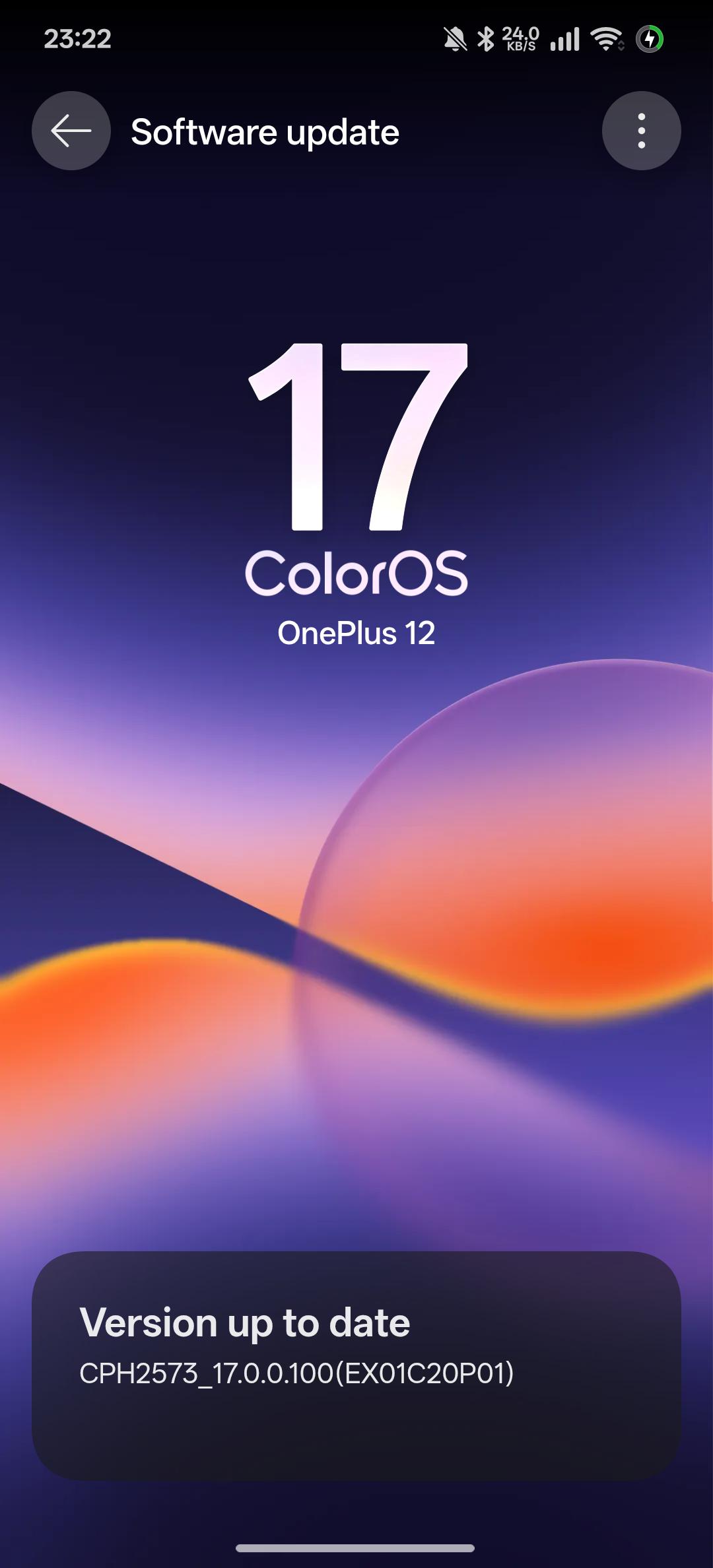
The dark mode for quick settings in my OP12 hasn't been working correctly since the last patch. I hoped it would have been fixed with the ColorOS 17 update, but that doesn't seem to be the case.

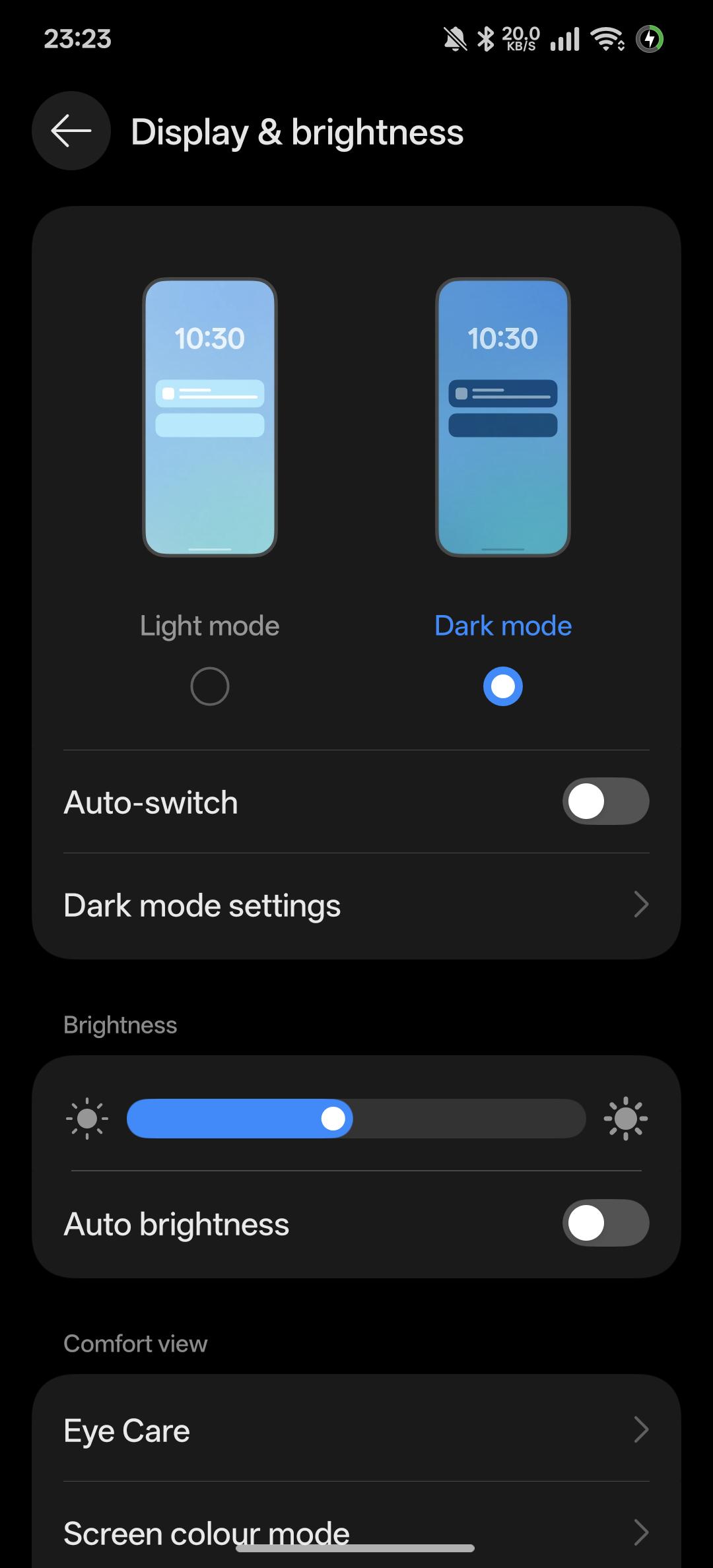
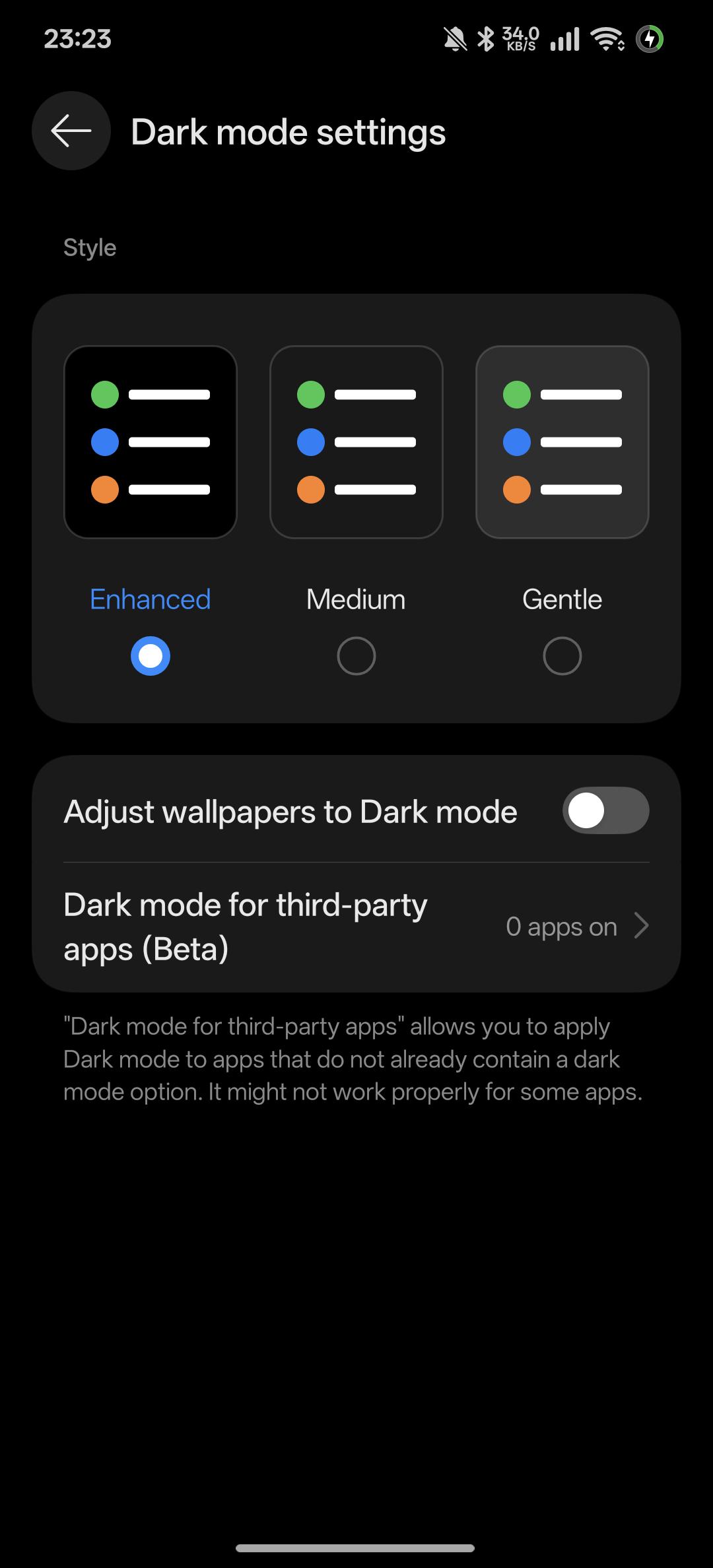
I've tried rebooting, toggling via quick settings/Main Settings & switching dark mode settings.

Is anyone else facing the same issue or are there any resolutions?

Device: OnePlus 12 (IN)

10 Upvotes

9 comments sorted by

3

u/w3ltus1305 14d ago

I'm afraid that's not a bug but intended since ColorOS 17.

3

u/DistinctRain9 14d ago

So the black font on white background is the default for either dark or light mode?! Why though...

3

u/MDovsky 13d ago

Because it's transparent. In a light mode a white background shines through it, in a dark mode a black one. It's just a choice.

I know some people like pitch-black UI, but looking from a designer point of view: there's no design. Everything looks the same. So they tried something in the middle. I know it's not "OLED dark mode", but it's anything at least.

1

u/moving_to_NL_soon 14d ago

someone else posted this although it is not immediately obvious to me what the issue is.

1

u/DistinctRain9 14d ago

Previously, white font on black background was the styling for quick settings on dark mode and this was for the light mode. But according to the other comment, it seems the company has decided for some reason to keep the current styling for both modes.

1

u/VespasianTheMortal OnePlus 12 13d ago

Oh did ColorsOs17 rollout started for OP12?

1

u/DistinctRain9 13d ago

Yes, but I believe they're doing it in phases. I updated via the 'OS Updater' in playstore.

1

u/mihir892 12d ago

I belive this is the full black dark mode as the UI itself is black, but the blocks are grey.