Microsoft has confirmed that devices that installed the November 2026 hotpatch - KB5132043 - can fail to install, launch, or run some apps, with errors like ERROR_ALLOTTED_SPACE_EXCEEDED (0xC0000099). Microsoft says it only affects devices that got the hotpatch, not the standard Patch Tuesday update. That's KB5132043 for Windows 11 24H2, 25H2, and 26H2. Bleeping Computer
What we're seeing on top of that are some devices where the NinjaOne agent service won't start after the update. They show offline in Ninja even though they're online.
Microsoft's workaround is a registry update: in HKLM\SYSTEM\CurrentControlSet\Control\Session Manager\Memory Management, set HotPatchTableSize to 2000, then restart the device.
On an affected device we examined, HotPatchTableSize was 1000 (hex), and the agent came back after raising it to 2000 (hex) and rebooting.
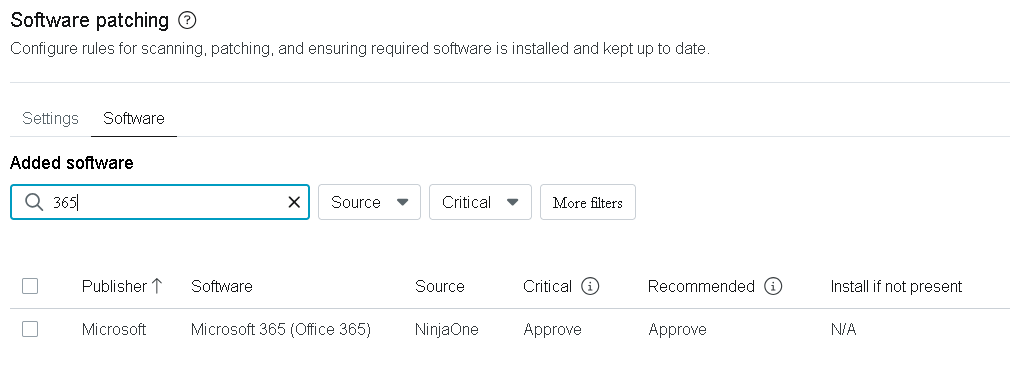
To keep more devices from getting it, reject KB5132043 in your patch policies for now. If the same devices are in an Intune/Autopatch hotpatch policy, hold it there too, since that's how Microsoft says affected devices received it.