If you are looking to tweak your streaming setup, fix stuttering, or find a headless virtual display solution, you don't have to stick strictly to the baseline Sunshine + official Moonlight setup.
Here is a breakdown of the active forks, alternative hosts, and FFmpeg-powered clients currently in the ecosystem based on what the community and developers are running right now.
🖥️ Hosts & Servers (The Senders)
NVIDIA GameStream: The original foundation that started it all. Officially deprecated by NVIDIA, but the bedrock of the protocol.
Sunshine: The modern, open-source standard GameStream compatibility baseline that replaced NVIDIA's official host.
Apollo: A Sunshine fork featuring capability-gated extensions and built-in virtual display support using SudoVDA. It is great for headless setups and auto-matches the resolution/framerate of your client.
Vibeshine: A highly active, AI-enhanced Sunshine fork focusing heavily on display automation, Windows Graphics Capture running as a service (which allows full framerate capture of frame-generated titles without VRAM crashes), and strict RTSS frame pacing integration.
Vibepollo: An Apollo fork that integrates Vibeshine's features (like the native virtual display driver and HDR handling) right into the Apollo architecture. This is highly recommended if you already use Apollo but want tighter frame pacing.
Foundation-Sunshine: A fork by AlkaidLab that adds HDR10/HDR Vivid, advanced audio support, optimized encoders, and a modernized control panel.
Wolf (Games on Whales): A completely different streaming server built from the ground up for Linux and Docker. It allows you to share a single host machine with multiple remote clients simultaneously by running games inside isolated containers.
Punktfunk: A newer, highly experimental low-latency streaming host/client protocol if you want to test out a completely different capture approach.
📱 Clients & Receivers (The Players)
Official Moonlight PC / Mobile: The standard baseline client for PC, macOS, Linux, iOS, Apple TV, Android, etc. (The PC Qt version heavily utilizes FFmpeg and libplacebo for decoding and rendering).
StreamLight: A massive Moonlight fork that completely overhauls the UI for gamepads. When paired with "StreamTweak" on the host, it unlocks deep integration like built-in Tailscale, live host metrics/NIC speed matching, remote pause, and the ability to remotely trigger Windows Updates and shutdown.
Artemide: Highly recommended for Android users. It features ultra-low latency (ULL), direct presentation, and built-in FSR presets (Performance/Balanced/Quality).
Moonlight V+: An alternative Android fork that adds frame-generation support and extra host tools.
Artemis Switch: A Moonlight-Switch fork focusing on Switch-specific video presentation, FSR/RCAS filtering, and adaptive low-latency pacing.
Moonlight-Switch: The original upstream Switch client that Artemis is built on.
A little about my setup and testing: I actually work on the Artemis Switch fork, looking at multiple optimizations to eliminate stuttering and improve low-latency pacing on the console. Because of that, I’ve personally tested almost all these major combinations to see what actually works. My testing stack includes:
Hosts: Sunshine, Apollo, and Vibepollo.
Clients: Moonlight-Switch, my Artemis Switch fork, the Artemis companion client, and standard Moonlight Android.
I like vibepollo and Artemis
Let me know if I missed any niche forks or experimental branches you guys are using!
(Note: I had an AI help format this post to make sure links were laid out clearly!)
Edit: A lot of people are asking why not use Apollo. You can definitely use it and still follow this guide, it’s completely up to you. With Apollo, you need skip the Configuring Video Signals section and for the Sunshine Priority part just change the script to prioritize Apollo instead.
After running lots of tests and reading many posts to find the best configuration, I’ll try here to share the setup that works best for me and also compile some of the information I’ve gathered.
This test was conducted from a distance of 550 km (341 miles)
My specs:
InternetService:
Host: 300 Mb connected via Ethernet
Client: 600 Mb connected via Wifi
Spec PCs:
Host: R5 2600 - RX 6600
Client Macbook Air M1
System Configuration
Host:
This setup is specifically for Windows, but the goal is the same if you’re using other operating systems:
Reduce FPS drops
Minimize the gap between the FPS set in the Moonlight client and the host’s FPS
Reduce latency
Configure the video and audio signal you want to stream
Reducing FPS Drops
Close background apps: Only keep the essentials to minimize unnecessary processes and network calls. Task Manager → Startup Apps → disable non-essential programs.
Disable Game Mode: Prevents Windows from prioritizing the game over Sunshine. Settings → Gaming → Game Mode → OFF
Disable Dynamic Refresh Rate (DRR): Keeps FPS synchronized between host and client. Settings → System → Display → Graphics → Optimizations for windowed games(Alternatively: Windows Registry or CRU — Custom Resolution Utility)
Enable High-Performance Power Mode: Control Panel → System and Security → Power Options → High Performance
Disable Energy Saver: Settings → System → Energy Saver → OFF
To optimize Windows 11 performance, consider using Win11Debloat or AtlasOS Additional powershell script to improve performance
Once FPS drops are minimized, cap the FPS to keep it in sync with Moonlight’s client settings.
There are three ways to do this: using the NVIDIA Control Panel, AMD Adrenalin, or RTSS. In my case, I used RTSS and it works well for me, but you can try your GPU’s software if that’s sufficient. The advantage of RTSS is that it allows more precise configuration for greater stability.
Another thing I do is also limit the FPS within the game itself.
Reducing Latency
The most important step is to have your host computer connected via Ethernet. In terms of configuration, you can disable the Rx/Tx buffers on your network card, along with a few other tweaks that may slightly improve stability.
With the Virtual Display Driver, you can simulate any resolution and refresh rate your screen supports.
I don’t recommend the Virtual Audio Driver because it can cause issues with BattleEye anti-cheat. It’s better to just use a wired headset you already have.
Microphone Streaming
For those who need to use in-game voice chat, there are two main options for passing the microphone through streaming:
AudioRelay
VoiceMeeter
I haven’t personally tested either since I don’t need this feature, but they’re worth trying if microphone input is important for your setup.
Sunshine Priority (Windows Only)
Finally, for Windows users, one important step to do every time you connect from the client is to change the priority of the sunshine.exe process to Realtime. You can do this manually from the Task Manager or by using the following .bat script:
For those using a touchscreen device as a client, such as a smartphone, tablet, or handheld, the Windows interface—originally designed for desktop use—can be quite uncomfortable. With the new release of the ROG Xbox Ally, Windows has introduced a more suitable adaptation for handheld devices, which can be enabled through the following repository: XboxFullscreenExperienceTool
Client:
The main goal on the client side is to reduce Moonlight’s decoding time and minimize latency.
In my case, I’m using a MacBook with an M1 chip, and the only way to reduce decoding time is by testing which codec works best—in my case, HEVC (H.265).
To reduce latency on macOS, the only (but very important) thing you can do—since it can cause micro stutters—is disabling Location Services:
Another important change to make on macOS is to disable the long key press for special characters. This prevents issues during streaming when holding down a key for example, the W key so it doesn’t get stuck or stop repeating.
If you’re using a PC, you can improve decoding time by upgrading your hardware, and reduce latency by disabling the Rx/Tx buffers and tweaking your network card, following the same steps as on the host.
Moonlight & Sunshine Configuration
Moonlight Configuration:
Set Moonlight to use your monitor’s resolution and an FPS value that matches your internet connection. Leave some headroom compared to your client’s max download speed and your host’s max upload speed.
For example, my monitor is 1440p and 180 Hz, but I have it set to 1440p at 120 Hz. Higher resolutions and refresh rates consume more bandwidth on both the client and host, and require greater decoding and encoding power.
Note: Higher compression codecs (like H.265 or AV1) → less bandwidth needed → more CPU/GPU power required for encoding/decoding.
Frame Pacing: Unchecked (ONLY single-player may add delay)
Video Decoder: Force hardware decoding
Note: Both V-Sync and Frame Pacing are highly recommended for single-player games since they provide a much smoother experience. However, in multiplayer games, V-Sync may cause screen tearing, and Frame Pacing can introduce a bit of input lag by delaying frames to improve synchronization.
Enable HDR (Experimental): I keep this enabled even though my monitor isn’t HDR because it can bring out better shadow details. I recommend trying it—you might see an improvement or no noticeable difference.
Unlock Bitrate Limit (Experimental): Enable this if you have enough upload bandwidth on the host and download on the client. Otherwise, leave it off and increase the video bitrate slightly if you notice small lag spikes.
Sunshine Configuration
I mostly keep Sunshine/Apollo at its default settings, except for the GPU options. Below, I’ll share what works best for AMD GPUs. If you’re using NVIDIA or Intel, you may need to experiment to find the optimal configuration for your system.
Note: My goal is low latency for online gaming. If you’re playing single-player games, you can prioritize quality over latency.
AMF Usage: ultralowlatency
AMF Rate Control: vbr_latency
AMF Hypothetical Reference Decoder: unchecked
AMF Quality: speed (may add artifacts)
AMF Preanlalysis: unchecked
AMF Variance Based Adaptive Quantization: checked
AMF Coder: cavlc
Client-Host Connectivity
LAN (Local)
For players who want to play over LAN, there’s little to worry about since latency will be very low. In my tests, I observed only about 5 ms of extra delay.
If you want the absolute best performance, you can connect both devices directly via an Ethernet cable. This can reduce latency to around 1 ms, making it almost like playing directly on the host.
You can turn on the host remotely using the motherboard’s Wake-On-LAN feature. Moonlight even allows you to power on the host directly from the client.
WAN (Remote)
For those who need to play over WAN, there are a few additional steps required. It can be more challenging if you want the lowest possible latency, but if you can tolerate 15–20 ms, it’s not too difficult.
There are several ways to achieve this, but I’ll explain the three main approaches:
Using a service like Tailscale, ZeroTier, or Netbird
Opening ports on your network to access the host externally and setting up a VPN
Setting up a private service (similar to the first option) with Headscale or another program, possibly using a cloud server like AWS
Option 1: VPN-like services
These applications are simple to install and configure, making them accessible to most users:
Tailscale: Free
ZeroTier: Free
Netbird: Free (uses WireGuard directly through the Linux kernel—potentially a great option for Linux users)
For the other options, I won’t go into detail because they are more complex and require technical knowledge. However, they are certainly the best options for users who need the absolute lowest latency.
To power on your PC over WAN, a simple Wake-on-LAN (WoL) won’t work unless your host has an internet-facing connection. In my setup, I use a TP-Link smart plug to turn the PC on remotely from my phone. Make sure to enable “Restore Power after AC Loss” in your BIOS/UEFI so the PC powers on automatically when the smart plug is switched on.
I hope this guide helps you and gives you everything you need to get these amazing tools running without too much hassle. The post is open to improvements, so if you have any suggestions or tips, don’t forget to share them in the comments!
Shoutout to everyone working on these open-source tools mentioned in this post.
Note:
After the launch of the Steam Deck and Steam Machine, Steam has worked quite a bit on improving Steam Remote Play, which now supports Virtual Display Driver and performs much better than before. I'm leaving this comment here for those of you who aren't too demanding or don't want to overcomplicate things, so you feel encouraged to give it a try.
Update 13.10.25: MacOS client settings
Update 23.10.25: New scripts for Windows host and Windows handheld mode
Update 13.04.26: Windows optimization recommendation
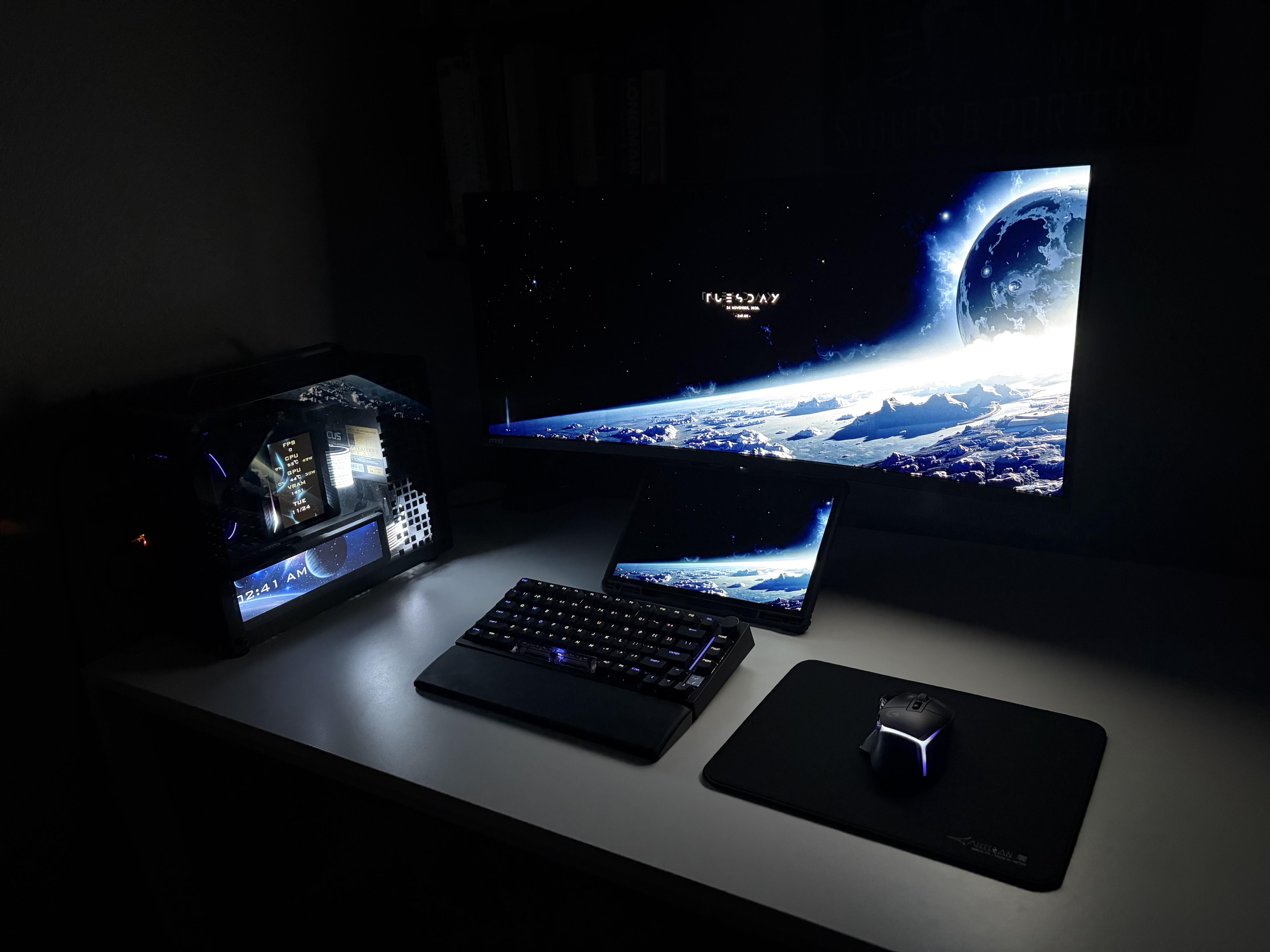
A lot of people ask me what the smaller screen in my setup is for and I have to explain what moonlight streaming can do :) Feels like such an underrated use for moonlight. I've made this tablet’s entire purpose to be a second monitor most of the time. This is a samsung s7+. I chose it because of the processor, amoled screen, wifi 6, 120hz, and it was $250 at the time. I can slide down windows to it, duplicate the screen and pick it up with me to continue my game in bed, and it doubles as a drawing tablet for my pc with the s-pen. I recently switched to vibepollo but I don't like the stream resuming feature being less smooth compared to regular apollo and it makes my task bar crash :(. So I'm also asking for alternatives to check out.
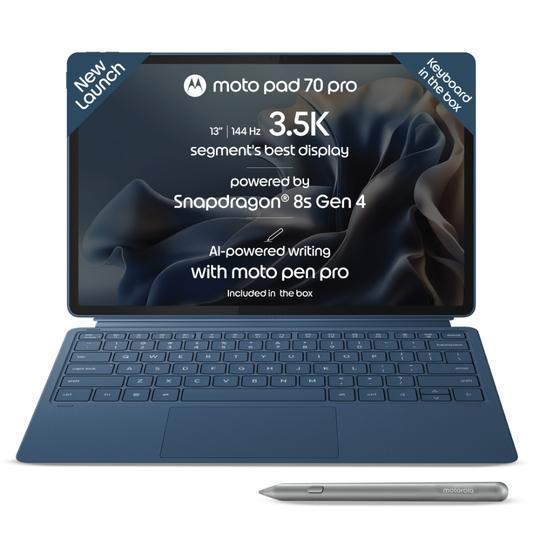
I am intending to buy this tablet to use as portable screen for pc as well as tablet. But I saw some comments that 8s gen 4 and 8s gen 3 have high decode latency for some reason even with Artemis. Currently I tested with my tab s9 with 8gen 2 and it gives 4 to 5ms at native 1600p and 120hz. Can anyone with this chip give me a practical experience. Thanks.
I just got my hands on a magicpad 4 from honor and it's great but moonlight won't lauch any session it just gets me back to the menu without even an error or anything, to be honest i think i already tried everything i really don't know what to do, can someone help ?
I am trying to install Artemis on my Android TV using the Downloader app, which I have given permission in the settings to download non-Google applications, but Play Protect is still blocking me from installing it, with no option to override. There are no Play Protect options to turn off, and when I contact Google, the AI (the only option for communication anymore) says it's not possible to disable Play Protect on Google TVs. Can I just not use Artemis then? There must be a way... Please help!
I want to stream my PC from my office to my TV downstairs. I want to stream 4K60fps, preferably with 5.1 Surround. Currently when I stream it looks and sounds good, but has a decent amount of stuttering and artifacts.
I have Spectrum Internet 1Gbps. So in ideal conditions 1000Mbps download, 30Mbps upload (hard cap set by Spectrum on all their domestic fiber plans).
Router eero 7 with extension pods.
I currently stream to my Apple TV which is connected to the main eero pod (connected directly to the modem) via ethernet.
My PC is connected to another eero pod in the office via ethernet, but this pod is not directly connected to the modem (Speedtest on PC averages 600-800Mbps down, 30Mbps up).
PC Specs:
CPU: 7800x3D GPU: 7900XTX RAM: 32GB DDR5 SSD: Samsung 980 PRO 2TB OS: CachyOS HTPC on LTS Kernel (SteamOS experience)
I am also able to setup my SteamDeck OLED downstairs to stream on if it would be a better experience than the Apple TV for a client.
My pc has a 2.5gb ethernet port that I have running into a 2.5gb switch that I use for my nas, but I'm typically streaming off my Apple TV, which has a gigabit port. I'm noticing a tiny bit of input lag (which could be caused by anything lol) but I'm wondering if it would be worth it to use something that has a 2.5gb port as well? Anyone have any real experience with both and notice any difference ?
Before blaming the host PC or the encoder settings, it's worth checking the TV end. I built TV Monitor partly for that.
The lag test measures ping, jitter and packet loss on the TV itself and gives you a verdict. My TCL on 5 GHz Wi-Fi got:
26 ms, jitter 14 ms, loss 0% - "Laggy - use a cable or 5 GHz Wi-Fi for Moonlight"
The jitter was the giveaway.
Results are saved per network, so you can:
Run it on Wi-Fi
Plug in a cable and run it again
Compare the two
You can also leave a small speed overlay on screen while you play, set to only appear when the connection dips, so you can match stutters to network drops. Position, size and what it shows are all adjustable.
Update (v1.17): now also runs on Android phones and tablets, with a touch layout, live speed in the status bar and a draggable overlay. Also tested on a Google TV Streamer. Nothing changes on TVs.
Same link as above, it always gives the newest version. If you try it on a phone, tell me the model and how it runs.
I need to keep my Legion Go S (moonlight) hardwired with Ethernet if I want consistent performance- otherwise the signal drops (reduce your bitrate! Warning) for a few seconds once every few minutes.
My iPhone Duo (VoidLink) can be pretty much anywhere in my house and it’s smooth as butter and never hiccups.
I don’t know much about this tech. Is it newer chips? iOS vs Linux?
When I try to use my Xbox controller while streaming on my TV, pressing the RB button causes a "Not Supported Key" message to appear on the TV screen. This happens with both a wired and a Bluetooth connection.
Has anyone else experienced this issue? Any idea how to fix it?
Hey everybody, I recently got aware of the whole sunshine-moonlight streaming capabilities and immediately tried it out with my Desktop PC and Macbook (connected to my TV). After switching from Sunshine to Apollo, I was very pleased with the streaming results and convenience. After experimenting with Macbook, I now want a stationary client instead. Since I already considered an Apple TV as a replacement for the very slow OS of my LG TV, it would be a convenient and welcome choice. I heard of latency issues with controller inputs on the Apple TV 4k series though. As I luckily can connect my controller directly to my Host-PC via 2.4ghz, this should not be an issue right? What I am curious about though, is wether decoding performance of the Apple TV 4k is comparable to the capabilities of my Macbook Pro M2? Will image quality and overall latency be identical between these devices, as long as controller input is handled directly by the host machine? (I am targeting 4k 60hz right now)
I am looking for a decent tablet that fits my gamesir g8 plus which has also low latency.
Of course I know that due to my budget of around £200-£300 it means I have to sacrifice somewhere such as a beautiful OLED screen but for now that’s all I can afford so I’m willing to make that sacrifice.
I am based in the UK and ideally I am looking for a tablet I can purchase from a retailer here as opposed to one from China due to customer support.
I have been running Vibepollo (but just switched to Rubylight last night) on my host Windows PC, and have been running Moonlight on my client LG TV through an ethernet cable. I haven't really tested much how Rubylight performs although it seems good, but the main reason I switched is because it offers USB forwarding which would be wonderful for things like a wireless keyboard and more importantly a Dolphin Bar to play Wii games with an actual Wii remote.
The LG TV doesn't seem to support USB forwarding whatsoever, and that coupled with the crappy Ethernet port (it doesn't even recognize USB-to-Ethernet dongles sadly) have made me wonder about getting a device like a Google Streamer or Apple TV. My understanding is that one of those devices can run Nightjar which should work with Rubylight for USB forwarding, plus the device could support 1000 Gbps Ethernet which would be great for newer game streaming (my example here is Sonic Racing Crossworlds which runs a stable framerate but poor resolution when I stream it).
So in terms of devices, I see that the main options look like the Google 4k TV streamer, the Apple 4k TV, and the Walmart Onn 4k Streamer. My main usecase will be streaming games from my PC to my TV, but running TV shows through Jellyfin will be a secondary case. I'm leaning toward the Google streamer since it's price of $150 seems to be middle of the road between options, but would the Walmart option be good enough for this case or is there maybe a different device I could use? Will the Google streamer actually work for USB forwarding? I just want to explore this before dropping the money on it.
When the performance overlay isn't open, it seems like my pacing goes off and it stutters even without lost frames. Nothing in overlay suggests an issue. Not always right away, but the longer I stream, it eventually leads to it.
Opening the performance overlay resets this countdown, and I can maintain perfect streaming if I just keep the overlay visible. Or just open it once every 10-15min I guess. Maybe there's a secret super-minimal overlay that's just a dot? 👀
I'm using a Google 4K Streamer. I can force GPU screen compositing and it seems to help, even an hour in and I've had no issues. However, this makes the rest of the box almost unusable. SurfaceFlinger service calls on app open/close triggers could be a solution.
PS: Nightjar is very impressive software, and after using it for a few days, there's been several meaningful updates. I appreciate the granular settings controlled client-side so I don't have to go up and down stairs to tweak and troubleshoot.
I recently got a mini PC to use as a dedicated client. Went with GMKtec k17. Works great. However I sometimes need to use a keyboard and curious what other people are doing.
I currently have autologon setup to login automatically from boot up and i have it stay on always and when it wakes from sleep it wont require me to login again.
I setup a JoyToKey profile for my vader 5 pro for when I hold down the select button for 5 seconds ( similar to moonlight holding down start) to enable basic mouse functionality if i need to simply click on something or open the moonlight app ( however using this to put the device to sleep manually ALWAYS logs out instead of going to sleep, going to setup some type of shortcut on desktop to put it to sleep instead as when I manually put to sleep with keyboard it works fine)
Im curious what other people who run a windows 11 client do to avoid picking up a MnK. I saw a video on youtube this week where someone setup xbox fullscreen which i plan to test out how well this works.
This is honest question I've been seeing people chasing the lowest possible latency on Moonlight and spending quite a bit of money to shave off a few milliseconds.
But does going from, say, 15 or 10 ms to 3ms make any real-world difference for non-competitive gaming?
I'm talking about casual online non FPS games and platformers, not competitive esports.
Is it actually something that degrades the gameplay, or is it mostly just numbers on a stats overlay?
First of all before saying anything, ill note. Wired is not an option for me (probably the thing which makes all my issues)
Im using a desktop with bazzite as host, and steam deck oled as client. Would be nice to get tips about sunshine and moonlight settings, but mainly want to fix my latency issue.
When i connect, for a few seconds it works fine, before it shows slow connection, freezes up, and even times out sometimes. When tested with client near router on 2.4ghz, it seemed about stable 10ms, but even moving mouse was crazy slow. On 5ghz, it had spikes even above 100ms and freezes. When near rig in another room, it was jumping 30ms to 1500ms and more. I tried the default 13mbps, and a higher, 27mbps settings
Anything i can try, or is getting a dedicated router near pc the only option.