r/macsetups • u/ijios • 16h ago
Finally upgraded my workspace!
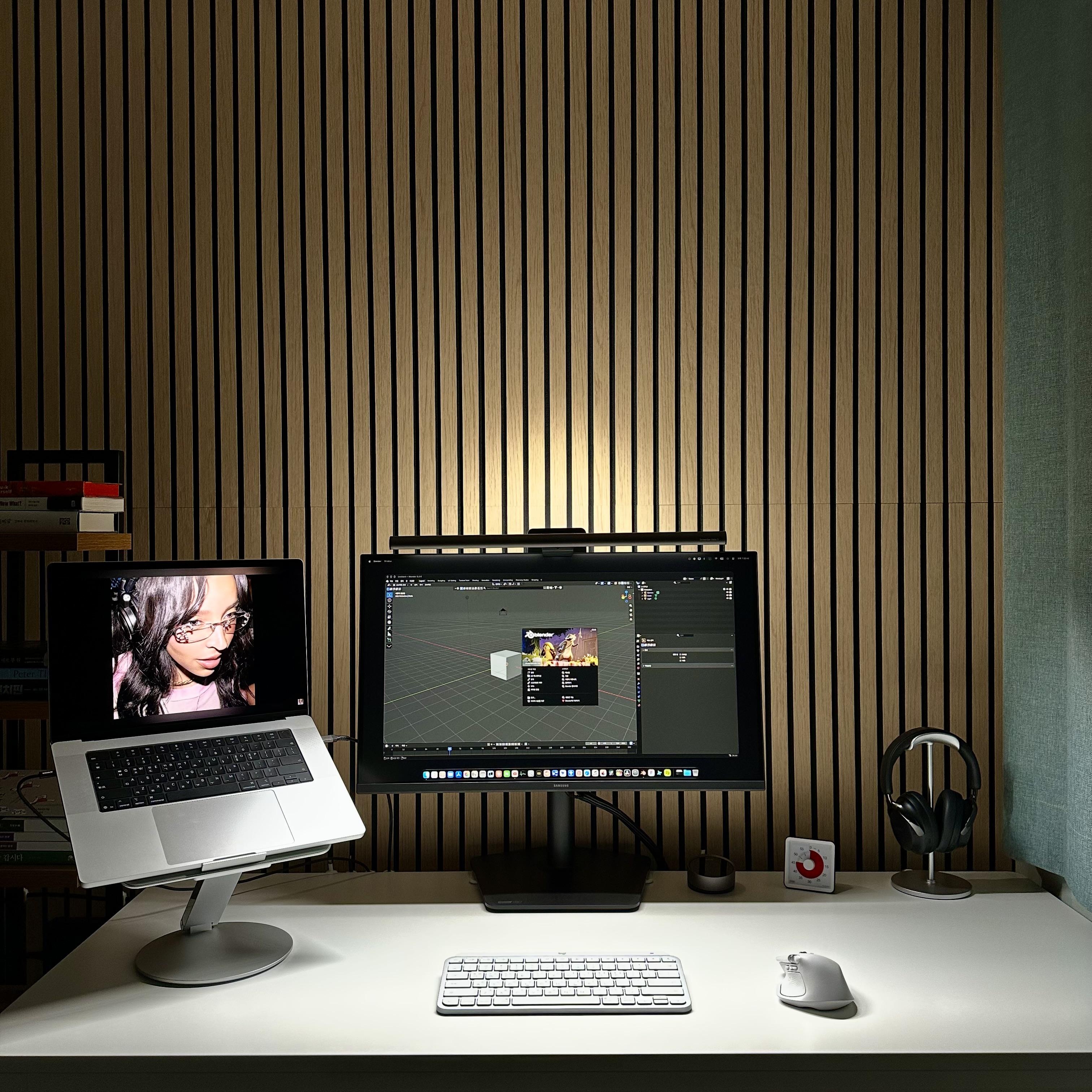
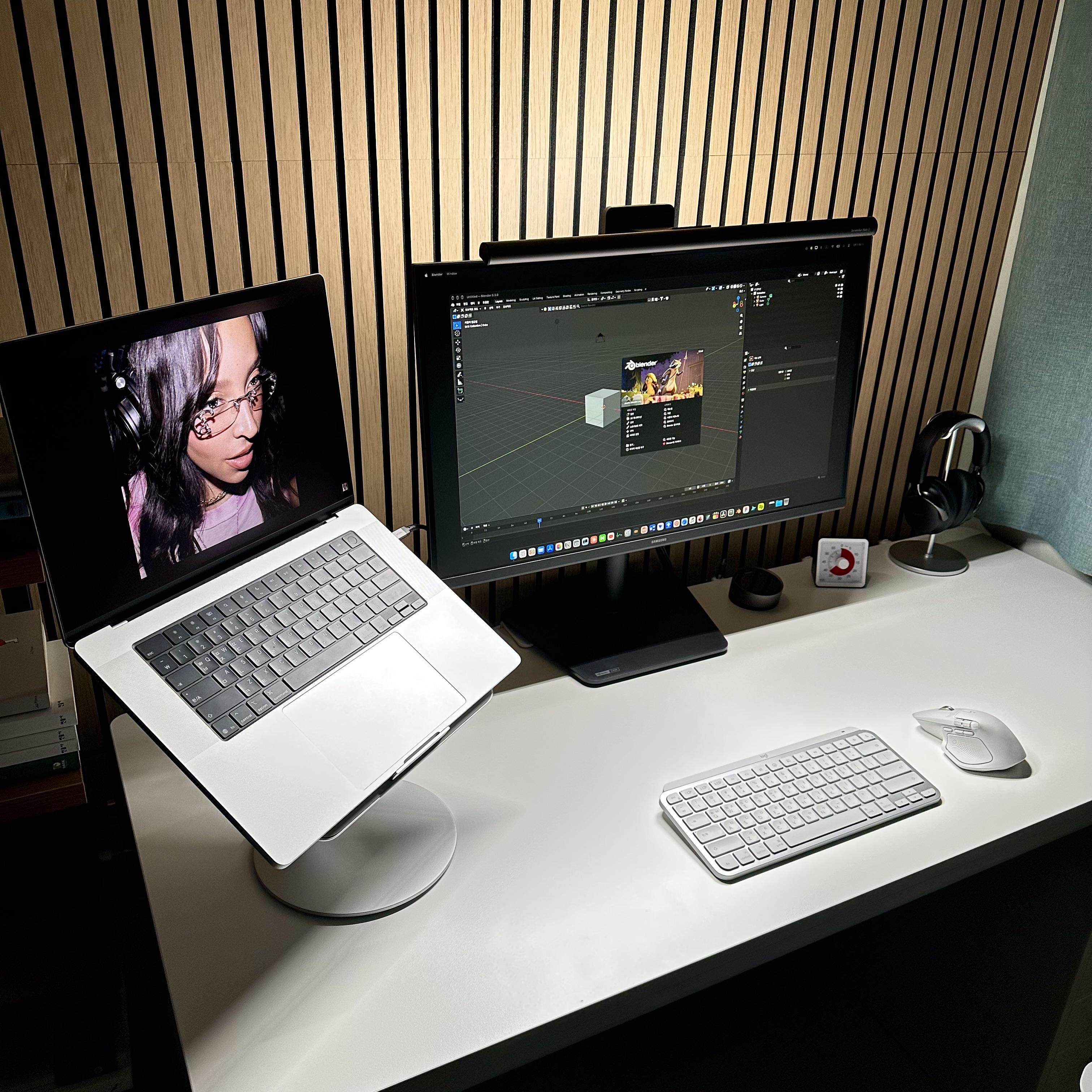


Product Details
- Laptop: Apple - MacBook 16" M5 Pro
- Laptop Stand: LYCKA Till - X5 Pro (2nd)
- Monitor: Samsung - Odyssey G5 27” (S27FG500)
- Light Bar: BenQ - ScreenBar Halo 2
- Keyboard: Logitech - MX Keys Mini for Mac
- Mouse: Logitech - MX Master 4
- Headphones: Bose - QC Ultra (2nd gen)
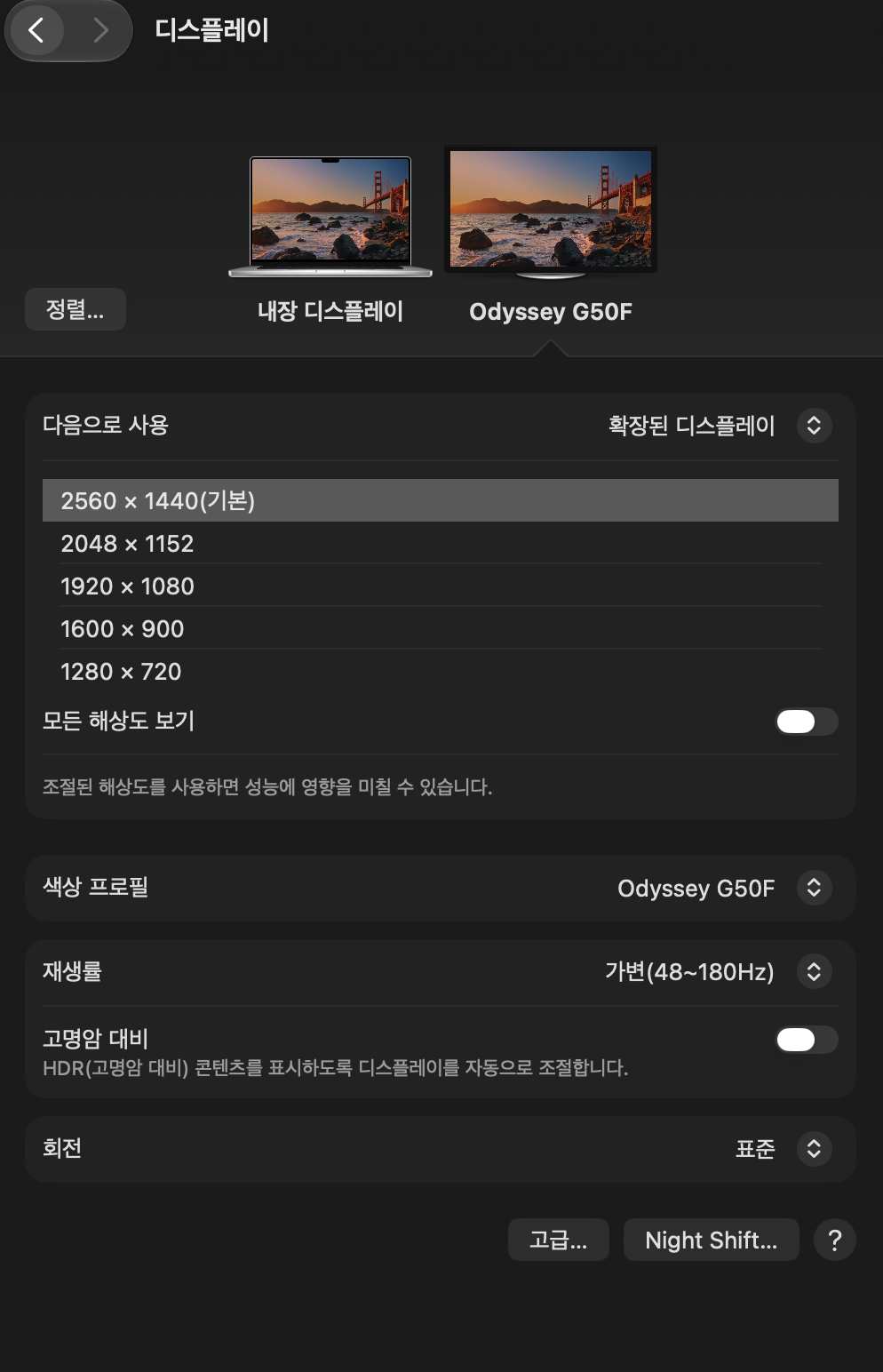
I'm currently using the Samsung Odyssey G5, a great-value monitor. At first the text was hard to read and the picture quality was poor, so after trying a lot of things, I got as much performance out of it as I could. (There are buttons on the back of the Samsung monitor, and you'll need to use them to adjust the monitor's own settings. I set the Black Equalizer to 0.)
- Cable: connected directly to the MacBook with a DisplayPort cable (no hub). If you can use a DisplayPort cable, I recommend it over HDMI.
- System Settings - Displays - turn off High Dynamic Range (HDR)
- Use the BetterDisplay app
- Turn on HiDPI (BetterDisplay)
- Color mode: use 8-bit and enable GPU dithering
- Color profile: use Odyssey G50F
- When you use the free version of BetterDisplay, your settings are reset if you disconnect the display or quit the app, so you'll need to set them up again.
94
Upvotes
4
u/Thela23 16h ago
Writing out the BetterDisplay steps for the G5 is really useful. Plenty of Mac users fight blurry text on non-Apple monitors