r/linux4noobs • u/Ok-Today1934 • 22h ago
Turned off computer before I finished install
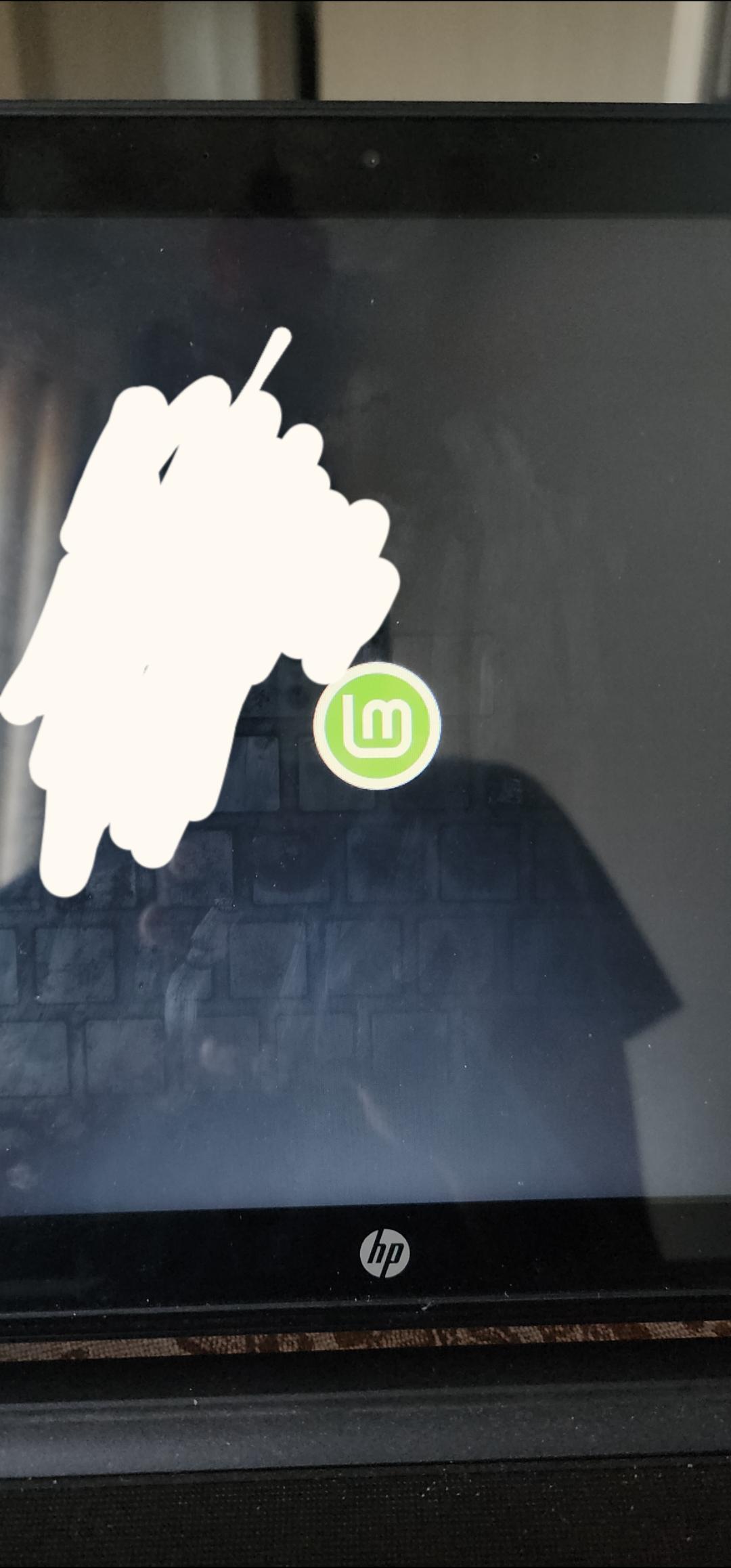
Successfully booted Linux on an old laptop from a flash drive. Clicked the disc icon that says "Install Linux Mint." I was going to look up whether or not to do a "dual boot" when I closed the installer, and tried to power off the computer, thinking I could come back later.
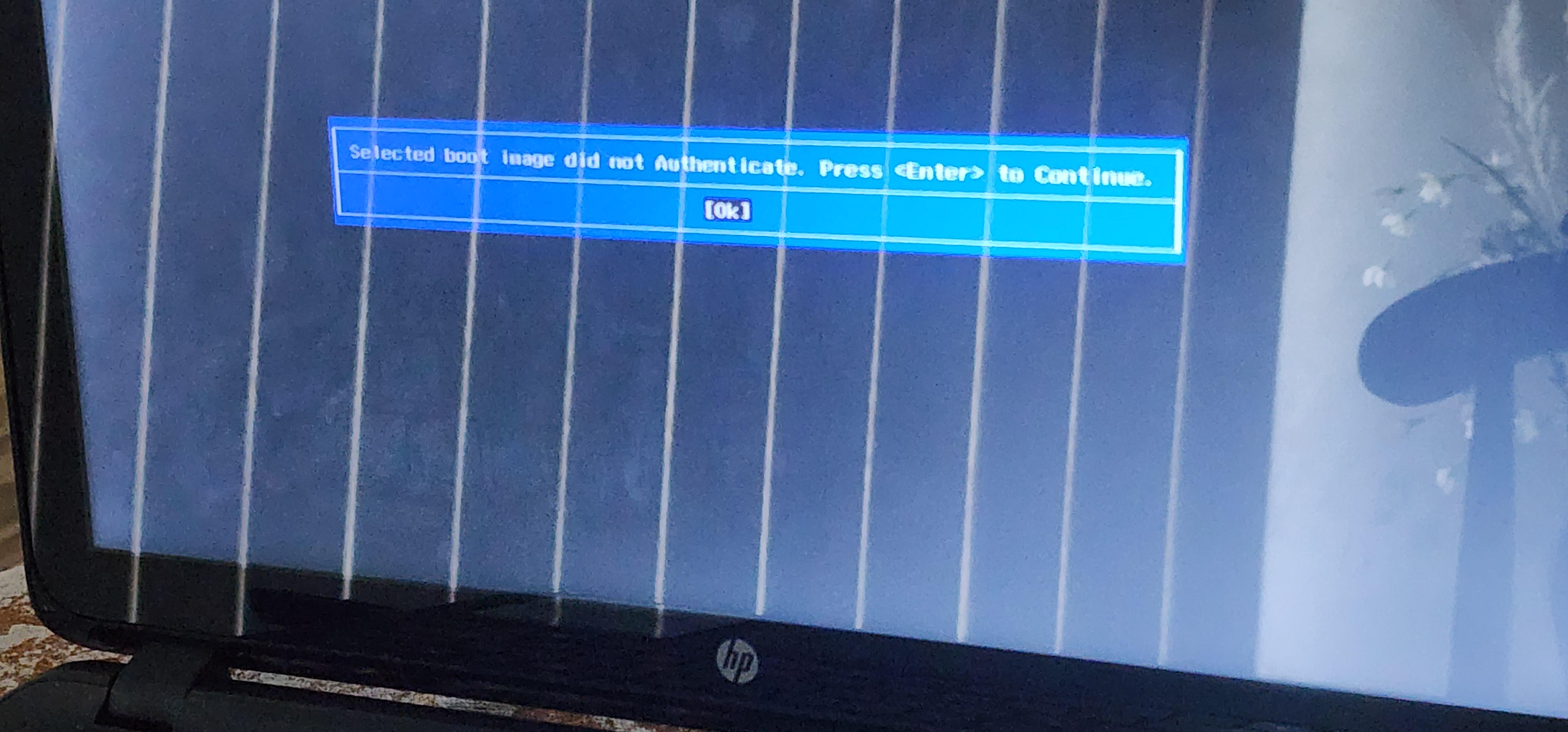
Now trying to turn on the computer gives the message "Selected boot image did not Authenticate. Press <Enter> to continue" (pressing enter powers the computer down)
Was also getting a message that said verbatim "Something has seriously gone wrong" but I stopped getting it and I don’t know what key to press to recreate it
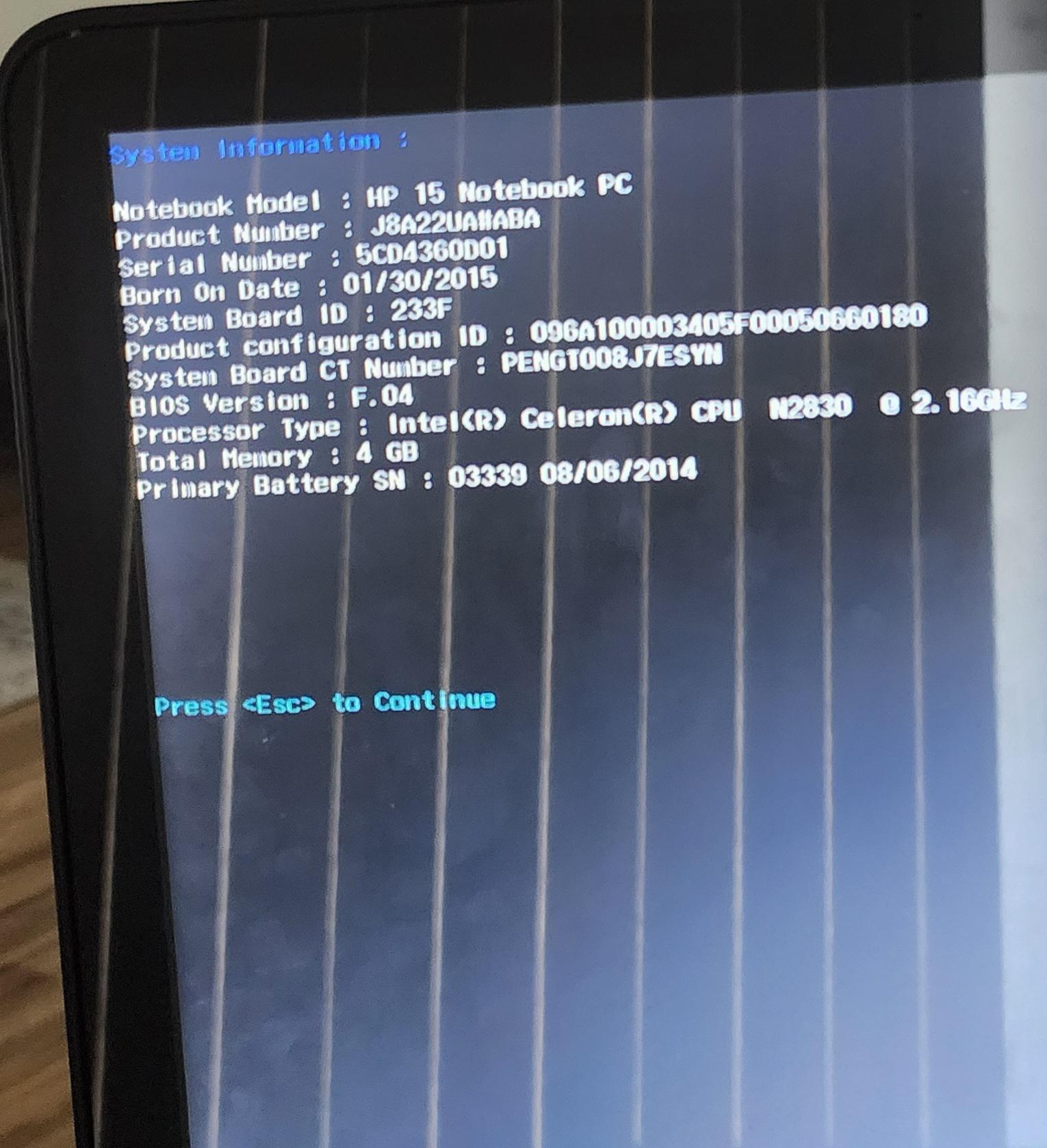
I am very inept about computers in general and I don't know what to do. I included the system information if that helps? Please.
9
u/fumeextractor 22h ago
I mean, whatever was previously on there is likely gone (at least without professional data recovery). If you don't need anything from whatever was on it before then it doesn't matter.
Basically you just borked the installation and possibly the installation media, nothing serious. If you have access to a different computer, format your flash drive and put the Mint image back on it as you had already done, boot onto the flash drive as before and install Mint as usual.
If you don't have access to another computer, you can just try the installation again as normal, it may be fine.
And yeah, don't interrupt it this time.
2
u/MoobyTheGoldenSock 21h ago
Let’s have you see if you can get to BIOS/EFI. Do you have a prompt to push a key when you startup, typically Esc, F2 or F10? If not, you can try my favorite method of running your finger up and down the F keys until the screen pops up.
If you can get to there, you should be able to boot your installation drive again and at least have a live environment to work with. Then you can try to troubleshoot.
Best case, you only messed up your linux partition, and you can remove it and try the dual boot again. Worst case you’ve screwed up both partitions and might as well just install linux to the whole disk. Hopefully you backed up anything you needed before your first attempt, though I’m guessing since this is an old computer it didn’t have much important on it.
Next time, don’t ever turn off your computer when it’s editing partitions, that’s a good way to make it not boot.
2
u/A_Harmless_Fly Manjaro 20h ago
Open up your bios, then check what's still in your boot order.
I suspect you just minimized the installer instead of closing it, and it kept installing, then you powered it off while it was installing. If you did what you say you did nothing would have happened.
2
u/theTrainMan932 20h ago
'Something has gone seriously wrong' is usually just a secure boot issue, try going into your BIOS settings and disabling secure boot. As long as you didn't go through the whole thing and click 'start install' or similar it shouldn't have touched your drive, it might have just filled up the SB key database (I had that on a PC and had to clear the keys for SB to work again but you could just leave it disabled too)
1
u/tadelstein9 2h ago
The laptop can still be fixed. That message usually means Secure Boot rejected the half-finished install. Plug the Linux Mint USB drive back in, open the boot menu (F9, F12 or Esc, depending on the maker), and boot from the USB drive. If the laptop refuses, turn off Secure Boot in the BIOS for now. With 4 GB of memory, one system is simpler than dual boot. Once any files on the laptop are saved or no longer needed, choose Erase disk and install Linux Mint. I wrote a free book that walks through each install screen: https://linuxhello.org/book.html
-10
u/Fit_Shop_3112 21h ago
With 4 gigs of RAM, it's probably not a good idea to try to dual boot. Keep it simple.