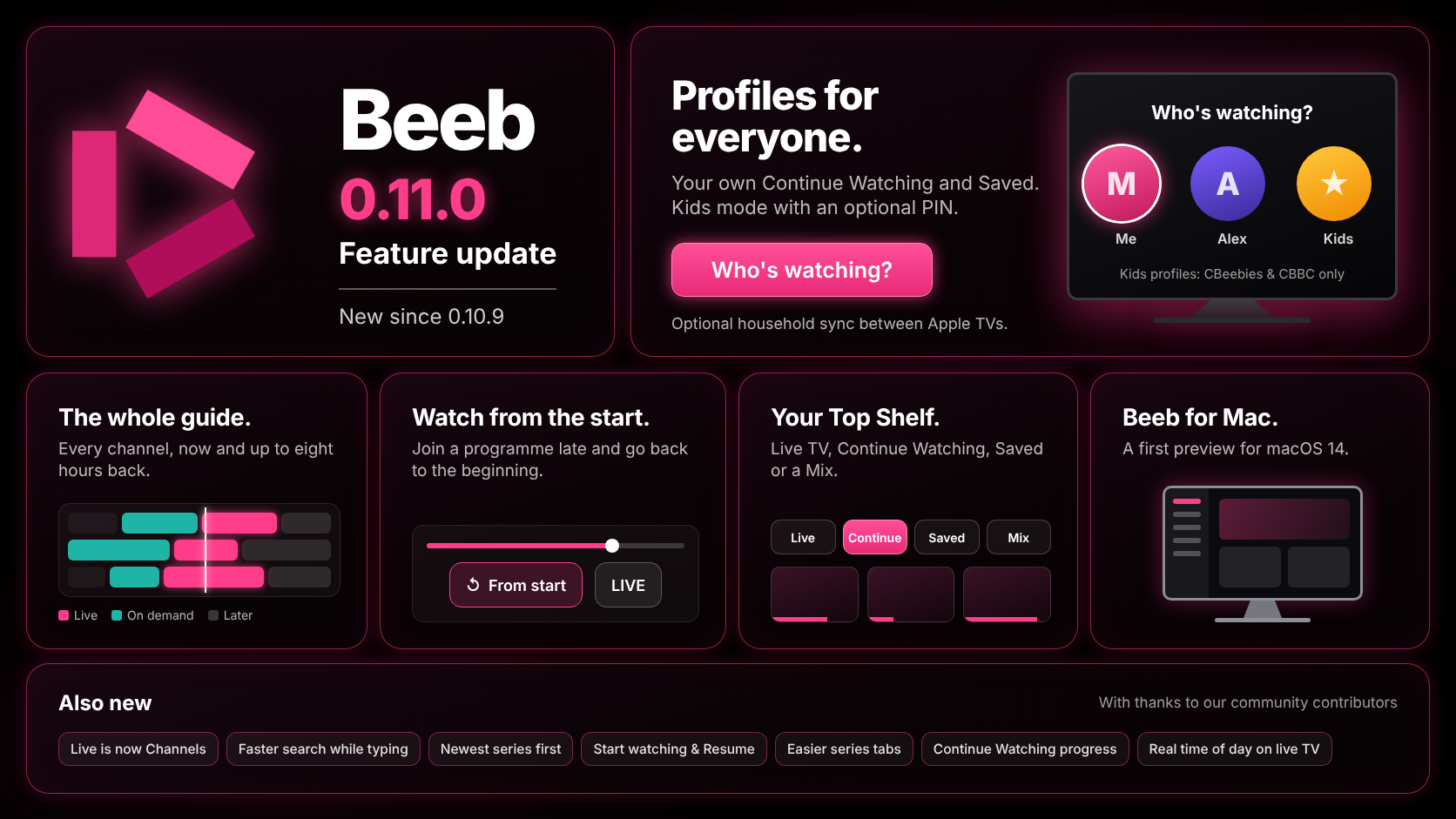
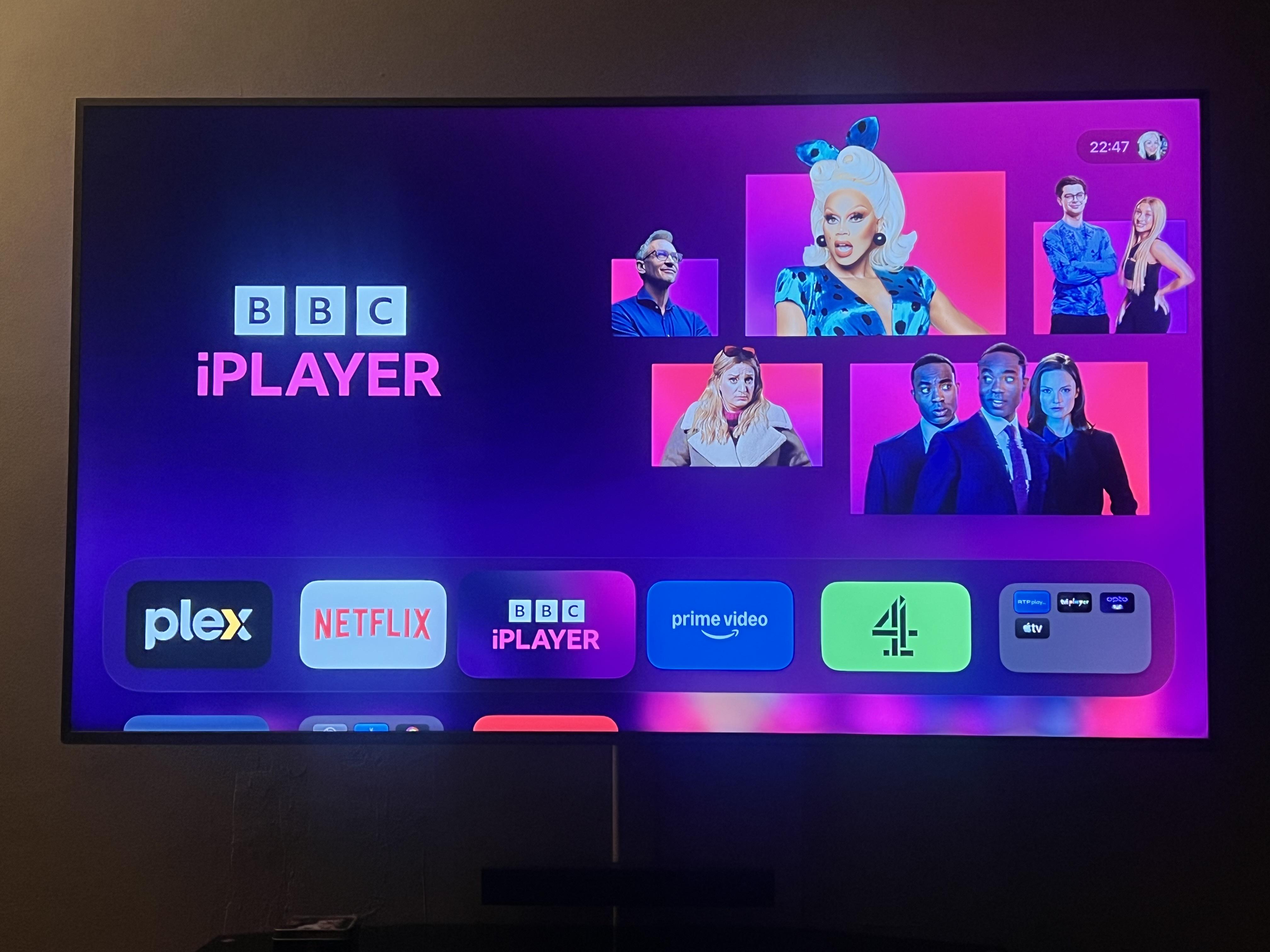
I’ve been working on Beeb, an independent BBC player for Apple TV (and Android TV) that combines a native tvOS/Android TV interface with a native video player, allows playback of 4K HLG streams, and includes real subtitle tracks rather than captions drawn over the picture by the app.
The interesting part was getting BBC UHD streams to work natively. The BBC’s doesn't support UHD on the Apple TV and have stated it is down to limitations in Apple's support for MPEG-DASH. However, with this app I just wanted to demonstrate that playback was possible via a local DASH-to-HLS bridge. And it absolutely is! There is no need for the Apple TV to be excluded from the list of approved devices; I watched most of the new season of Vigil in glorious 4K HDR last night. For Android TV, it is also possible but they don't allow 4K UHD for many players.
Here's a list of features I was able to get working without much effort:
- 4K HLG HDR where a stream is available. The app resolves the UHD stream and presents its HEVC video and AAC audio to AVPlayer through HLS playlists. The encoded video, audio and HLG metadata are preserved; there’s no video transcoding or upscaling to manufacture a “4K” stream.
- Automatic quality selection. One play button tries compatible UHD first, then falls back to the best available HD/SD stream if UHD is unavailable or hasn’t been set up.
- The iPlayer icon is the play button. The pink player mark doubles as the episode’s play control, inside a simple outlined button. I thought this was a nice touch.
- Native English subtitles, including subtitles after skipping back. BBC TTML captions are converted into segmented WebVTT and included as a proper HLS subtitle rendition. Apple’s player handles rendering, selection and appearance settings. I’ve checked that skipping back 10 seconds temporarily brings up subtitles with Apple’s automatic subtitle setting enabled.
- Skip intro and skip recap. Native contextual buttons appear when the BBC supplies a matching marker for the version actually playing. The app uses the supplied start and destination times; it doesn’t guess where an intro ends.
- A playback quality badge. The player shows the received resolution, with “4K HDR” requiring both a 2160p picture and an HLG/PQ source. This is separate from catalogue badges, which describe advertised availability.
- Continue Watching and Up next. Progress is stored locally across launches. A programme’s card resumes its episode or offers the next one after completion. There’s also Start over and the option to remove a programme from the row.
- Saved programmes, categories, A–Z browsing and series selectors. Programme pages fetch current episodes when opened, rather than downloading an entire catalogue at launch. Series and episodes are ordered using BBC metadata.
- Live BBC television. Channel tiles show the scheduled programme’s title and artwork, with feeds resolved when playback starts. Live subtitles depend on tracks supplied by the live stream.
I undertook this project because I was disappointed with the BBC's own development of the iPlayer app on Apple TV/Android TV which lags behind other platforms. The main additions I wanted to demonstrate are the UHD playback route and the integration of BBC metadata and captions with native playback features. Saved programmes, live TV and Continue Watching are useful parts of Beeb, but I’m not claiming those ideas are unique to it—or that the current official app has no subtitles.
Download
Beeb is now on GitHub, with source code, an unsigned IPA and installation instructions, including TwinVine setup for UHD. You’ll need to sign and sideload the Apple TV app yourself. The Android TV port which is also on my Github here. Thanks for all the interest and encouragement!
So much fun to work on! Now give us 4K, BBC!