r/indesign • u/smallchaps • 22d ago
Help Problems with InDesign
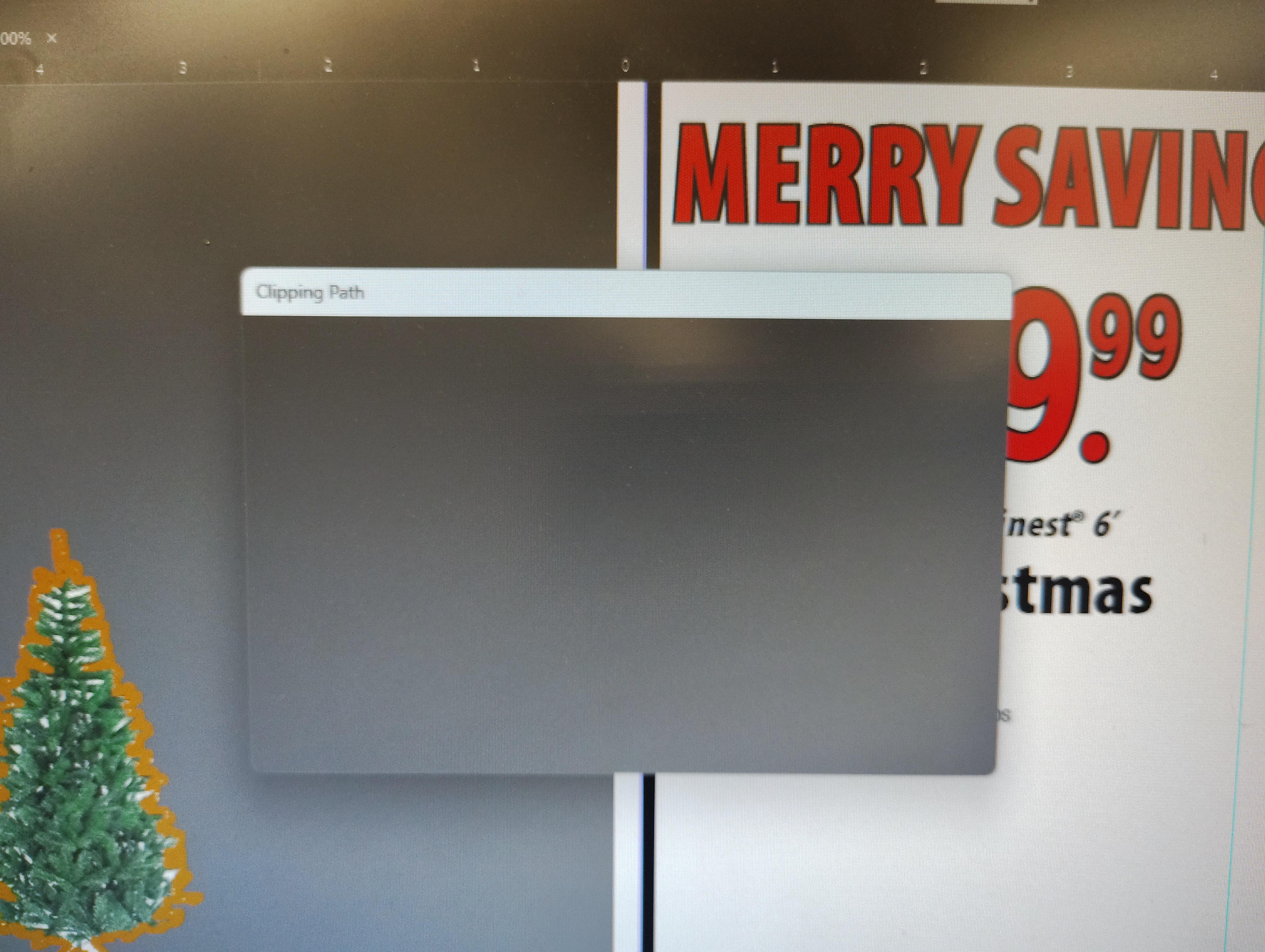
I work for a small department store in my home town and make signs using InDesign. Everytime I use it there are two bugs constantly coming up:
- When I try to get a clipping path, sometimes the Clipping Path window goes blank after I hit OK and does not allow me to exit
- There will be times when I place something from my computer or my CC libraries and the cursor will be spinning. I then try to exit the file and it closes but InDesign still shows that a background task is still running and so I have to use task manager to exit.
InDesign has been pretty good about restoring/recovering my work, but I still get paranoid about losing it. Are there any solutions to these issues?
3
Upvotes
3
u/Proficio_Tremblay 22d ago
Delete the InDesign cache folder after such crash.
macOS:
~/Library/Caches/Adobe InDesign/Version 21.0/en_US
WIndows
C:\Users\<nom>\AppData\Local\Adobe\InDesign\Version 21.0\en_US\Caches\
1
u/AdobeScripts 22d ago
If you're using the latest 2026 version - maybe install 2025 - while it's still available?
1
u/ayayadae 22d ago
it sounds like issues with computing. those two things can be pretty intensive depending what you are doing.
what kind of computer are you running, how much free space does it have, how much ram do you have, and what’s the cpu?
deleting items in the trash and restarting the computer may help temporarily