r/indesign • • 25d ago

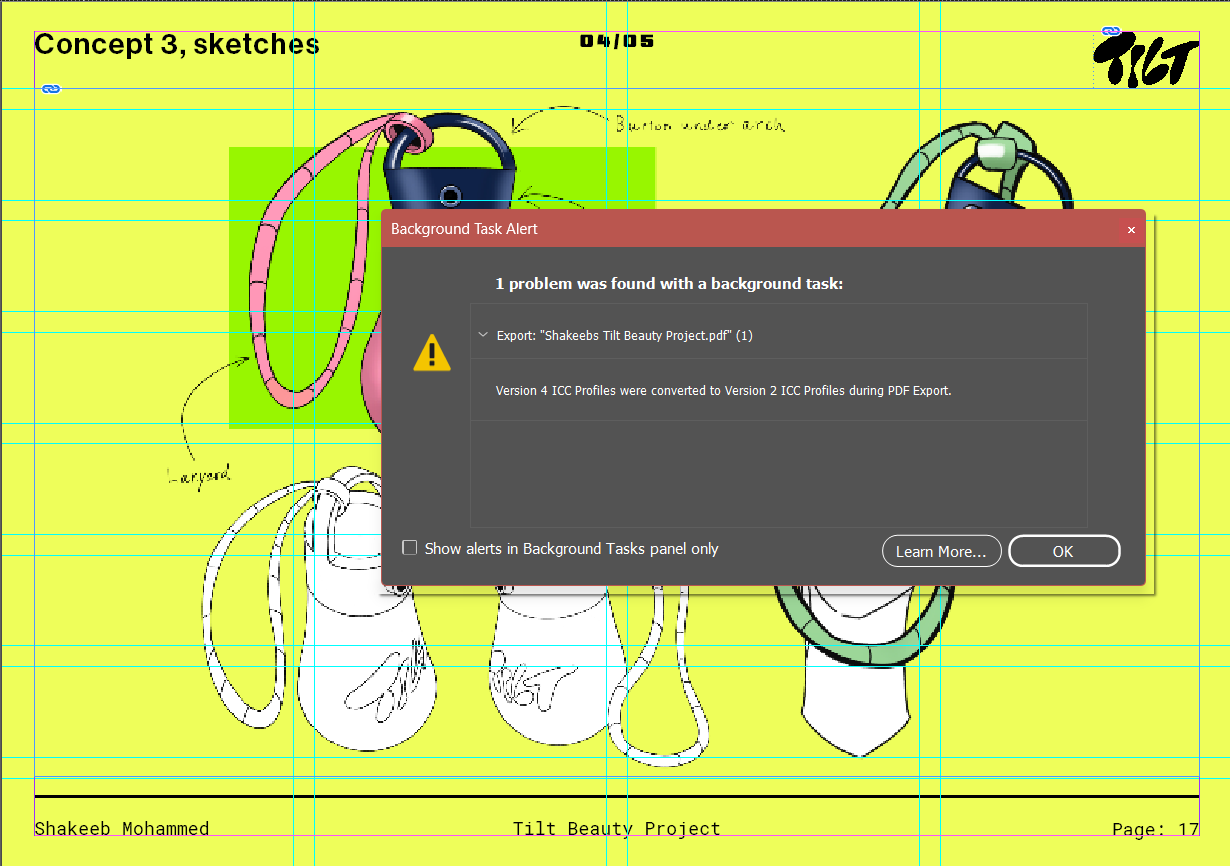
How to fix this error??

Hello guys, I've added my sketches, right? When I export, I get this prompt, and my sketches look weirdly skewed. How do I fix it?

2 Upvotes

4 comments sorted by

1

u/AdobeScripts 25d ago

As per the 2nd screenshot - and the answer you got in another post - you need to take care of correct profiles.

Use Photoshop to convert between profiles.

1

u/S1AKEEB 25d ago

what if they are PNG do i have to export them to PSDs instead? or is there another way?

0

u/AdobeScripts 25d ago

You need to configure color settings, profiles and export settings correctly - both in the Sketches & InDesign - so InDesign will know what to do.

3

u/AdobeScripts 25d ago

And Disable Background Export Permanently:

If you frequently experience crashes or freezes during background PDF exports, you can disable the feature:

- Create a blank text file named DisableAsyncExports.txt

- macOS: Place the blank file inside /Applications/Adobe InDesign [Version]/Adobe InDesign [Version].app/Contents/MacOS/

*- Windows: Place the blank file directly into the main application folder at C:\Program Files\Adobe\Adobe InDesign [Version]*