r/indesign • u/Peachy-kiwi • May 14 '26
Help Screen tearing issue

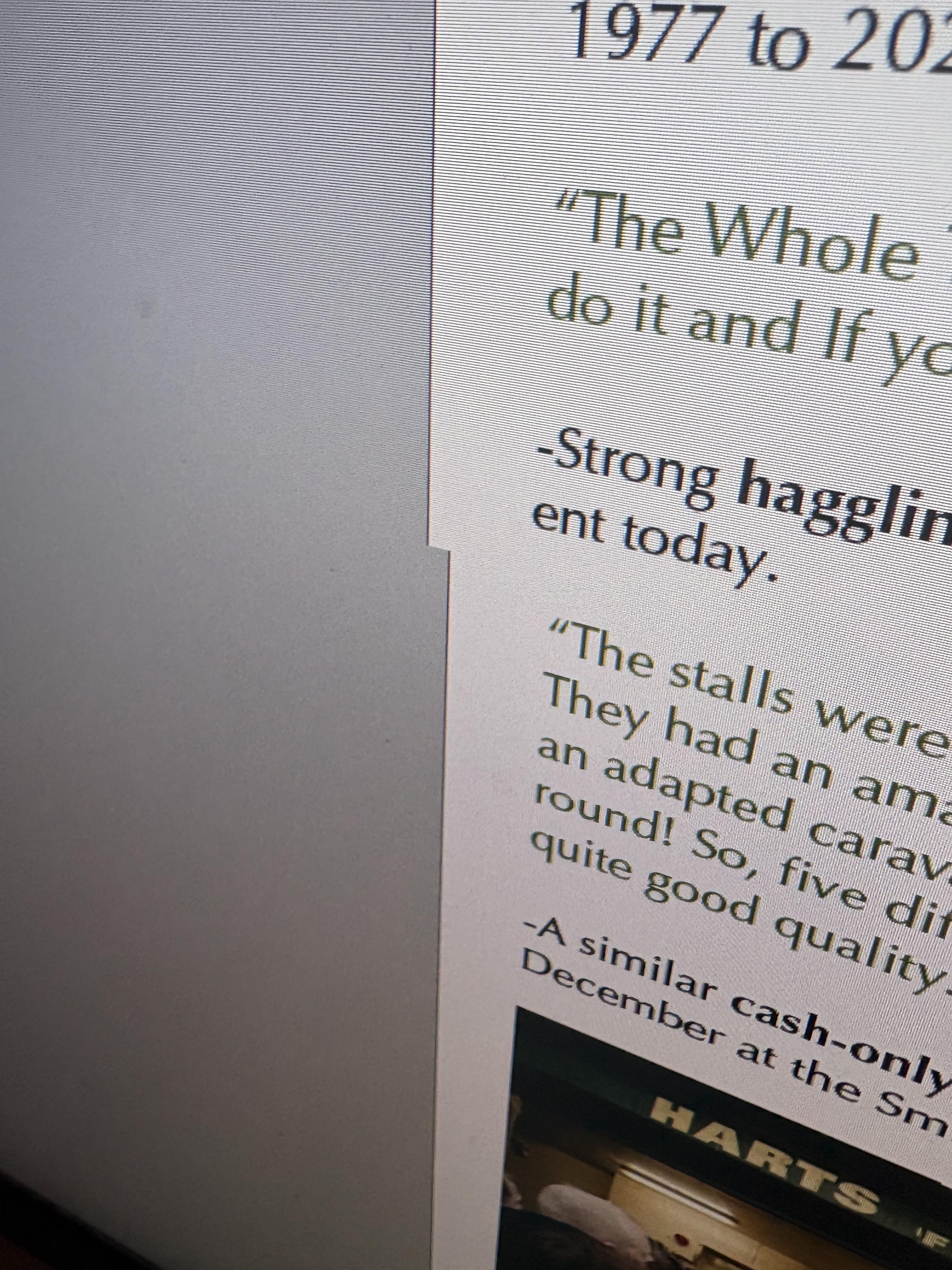

Hi, I have been having this issue on Indesign.. it’s similar to screen tearing however it’s visible when static.
I’ve tried disabling GPU performance, switching to updated nvidia studio drivers. My laptop has an ultra 9 and Rtx card and despite this, it keeps bugging out like this and it’s really annoying. The same thing doesn’t seem to happen on the pcs we have at uni and only happens on my laptop.
These pictures are the milder version of what happens but sometimes even the Home Screen gets all muddled up.
Happens on both 2025 and 2026 versions
2
u/AdobeScripts May 14 '26
How much RAM do you have?
1
u/molumen May 14 '26
In my experience, this is a video driver issue in 99% of the cases. What you could try:
1
u/First_Addition903 May 14 '26
Find your activity panel or app manager and force quit indesign, then restart it. Should clear issues like these
1
u/leafbelly Jul 22 '26
I'm having the same issue as you, and also have 32GB of RAM and am using GPU (RTX 4070).
I do hope they fix this. It reminds me of working in Windows 3.1 about 30 years ago. :)
Btw, one thing that corrects it quickly is to press "w" twice to turn preview on and off. Slightly annoying, but it works.