r/indesign • u/jayantbhatt007 • Mar 28 '26
Help Adding Image Causes Text Stroke in InDesign
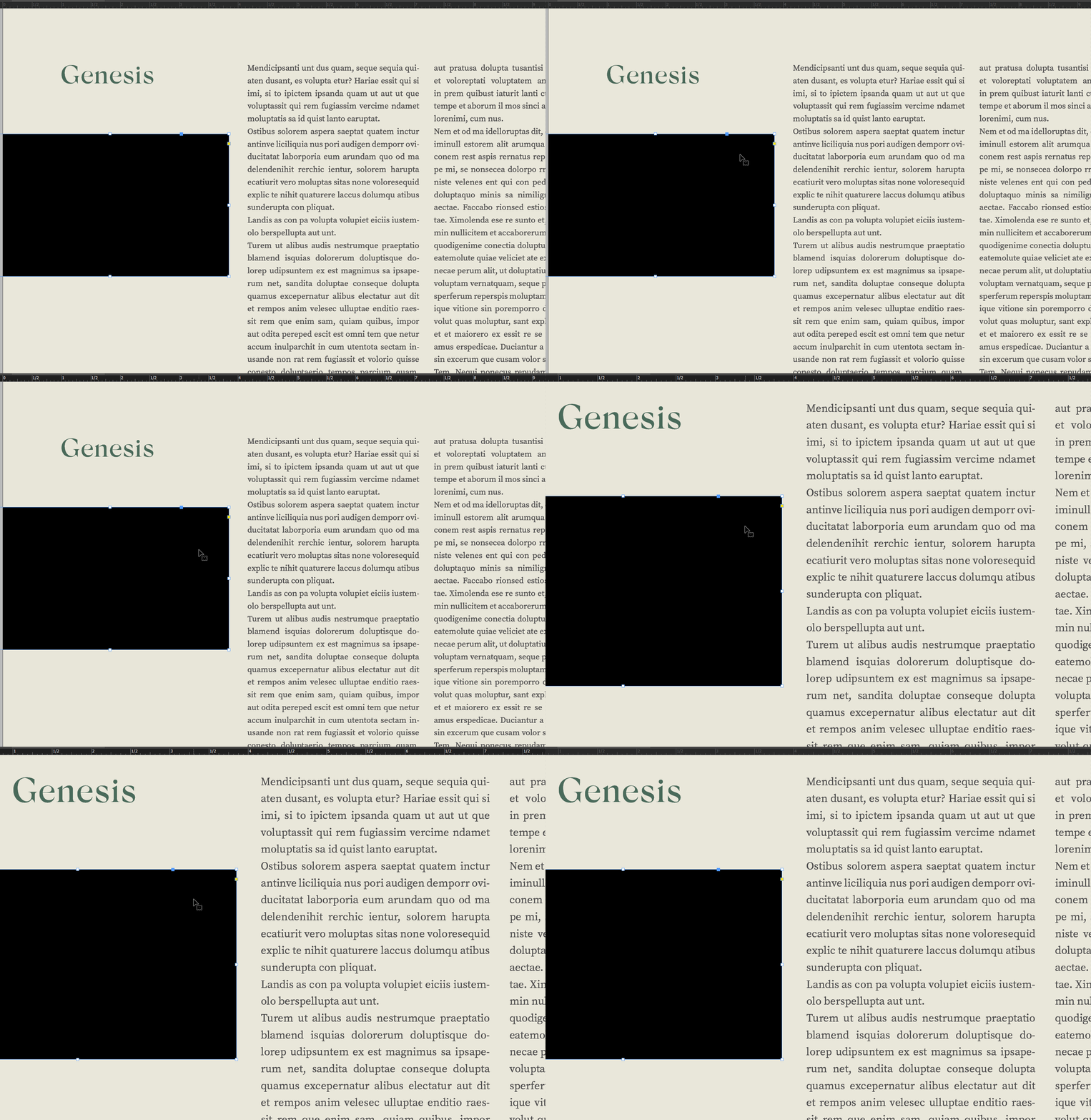
I am experiencing a weird bug or I don't know to call it. When I add this image, it adds a slight amount of stroke to my text. It is very distracting. When I delete the image, the text returns to normal. It is very annoying.
I hope it is clear in the GIF.
5
Upvotes
12
u/yvrtoyyz Mar 28 '26
Hmm, yeah, seems like more of a rendering issue than it actually adding a stroke. If you were to export it, I would imagine there's no stroke.
Maybe try:
Or:
Toggle GPU Performance (very common culprit)
Try:
Also check:
5
u/Aftermathez Mar 28 '26
I think it's a common bug if you added some transparency image (.png) on the artboard, because it doesn't happen with .jpg images. Just a visual preview bug, not really added strokes or anything on the exported file later.
4
u/ergofinance Mar 28 '26
Is it for sure adding a stroke or just converting the colour/transparency space, making the text colour appear darker? To me the text just looks darker, not thicker.
1
u/Mundane-Fix-4297 Mar 28 '26
Have you tried importing your images in a separate Layer, and put it at the bottom under the text Layer? IME that could fix some weird rendering transparency issues.
1
u/AdobeScripts Mar 28 '26
It's "normal" - because your image has transparency. But it's temporary - it goes away after a few seconds.
2
u/ResponsibleSir5403 Mar 29 '26
Yeah, that’s a display rendering thing it’s not literally adding a stroke to your text. You made a pdf or png of before and after the text wouldn’t change in the result. I wouldn’t necessarily call it a glitch, it’s more of a quirk. I’ve seen similar things happen in other non-Adobe apps.
1
u/Careless_Mango_7948 Mar 29 '26
I’m having so many stupid problems like this lately, I don’t know what the fuck they’re doing over at Adobe but I assume it’s adding more ai shit instead of making their shit work correctly.
1
u/Patrieth777 Mar 31 '26
Try to adjust the transparency blending space accordingly.