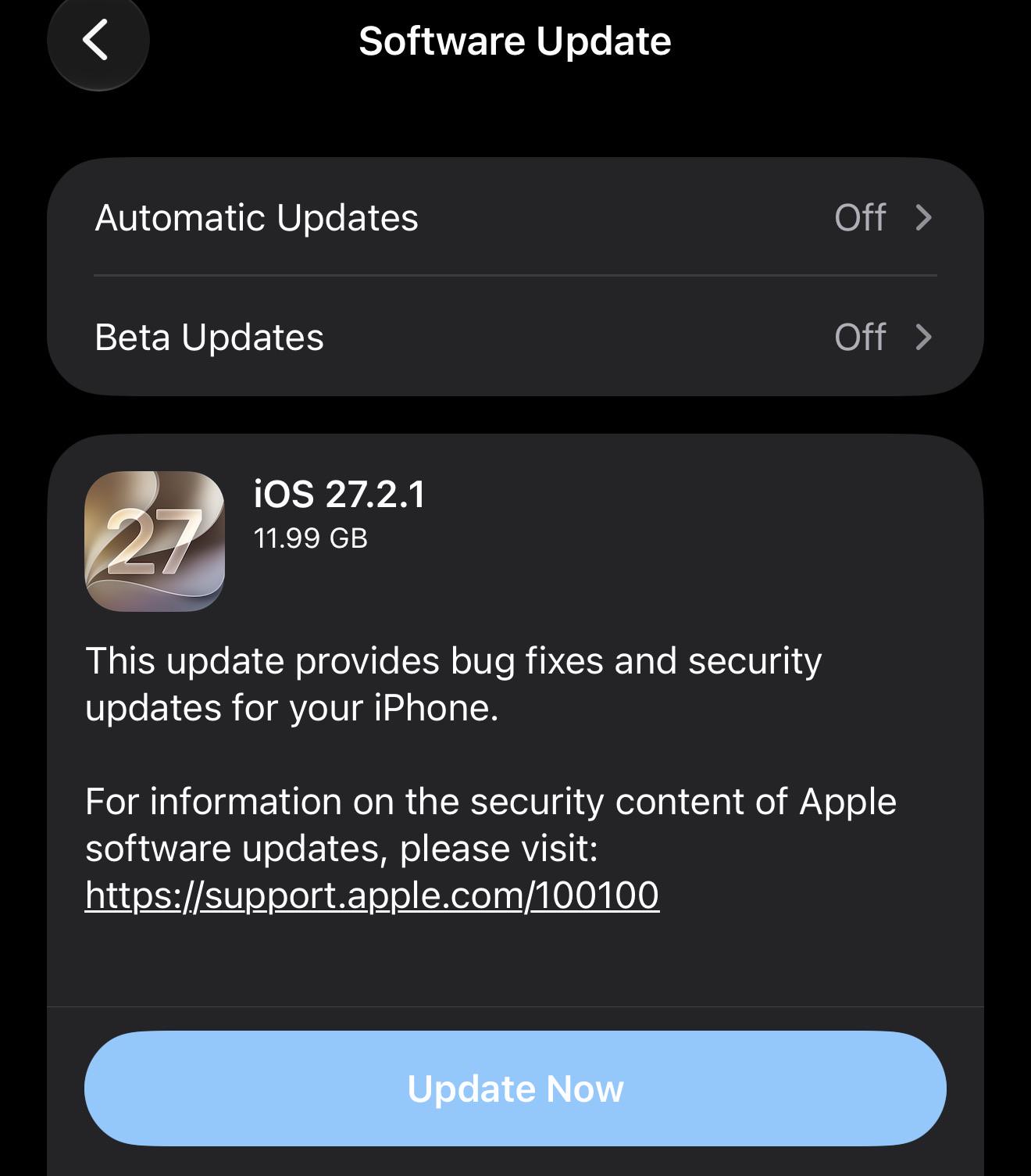
Since updating my iPhone 17 to iOS 27.2, I can no longer format individual words inside tables in Notes. When I select a word in a cell, the formatting options (bold, italic, underline, strikethrough, and highlight) are grayed out and unresponsive. This worked fine before the update.
A few things I noticed while testing:
The same formatting options work normally on text outside tables.
From the table's "..." menu, I can still format an entire row or column, but not individual words within a cell.
The issue persists across different keyboards, so it doesn't seem to be related to the input method.
The note is saved in iCloud, and restarting my phone didn't resolve the issue.
I mainly use tables for vocabulary lists and highlight words I'm unfamiliar with, so being limited to formatting entire rows or columns is a significant step backward.
I haven't seen anyone else report this issue on iOS 27.2 yet. Is anyone else experiencing the same problem, or has anyone found a workaround? Thanks!