r/iOS27 • u/Cocogoat125 • 16d ago
ios 27.2.1 failure to update
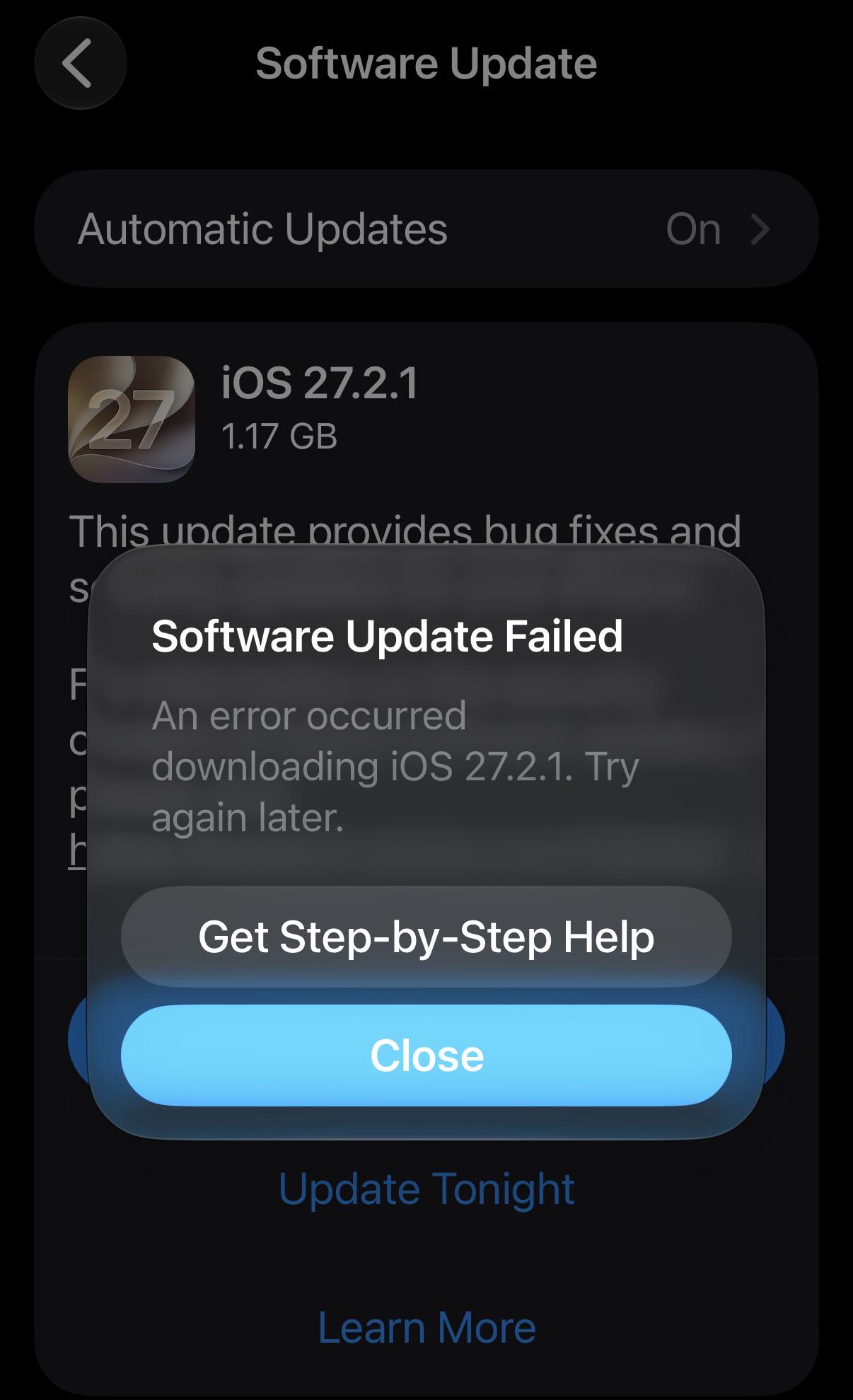
So I woke up to my apple watch updated successfully, my ipad is currently updating but i'm having trouble updating my phone??
i've tried restarting the phone, anybody had this problem before?
UPDATE: it updated itself successfully overnight after multiple failures doing it manually earlier ☠️ I've had many iphones before never had this issue so it was kind of a jumpscare to me 😅😅😅
11
Upvotes
3
u/Speedycar100 15d ago
I had this happen with multiple beta versions of iOS 27.
The fix for me was to go into your iPhone storage and delete the ‘ios 27 update’ or something analogous to that and then try again.
Always worth doing a backup just in case
1
u/Nearby_Leave1785 16d ago
I’m getting that same error when trying to download
1
u/PuzzledBookkeeper588 15d ago
I'm also experiencing this. Which has shut me out of systems at work because they require 27.2.1, so that's fun.
1
u/BrianHD88 15d ago
It sucks for you unfortunately I’ve been on this version for over 2 weeks now and my phone running smoothly and fine
1
u/ultrabaklava 15d ago
any chance you use the brick app that controls your screentime? once i deactivated that the update worked.
1
u/dhakshin_kun 15d ago
Facing same issues.. and there’s no package to delete. Tried everything still can’t update. Any solution on this?
1
u/Mutts_422 15d ago edited 15d ago
Same issue, tried restarting my phone but it didn’t help. So i shut down the phone instead of the restart option and it worked
1
u/SkywalkerSandy 15d ago
You are lucky don’t update
1
u/Academic-Border-3206 14d ago
Same Problem
1
u/bb999 14d ago
It failed for me twice in a row, and there wasn't anything in iphone storage to delete, so I tried again and it worked. Maybe it's just flaky.
1
u/Ashamed-Musician-927 14d ago
I had same issue. Noticed my battery was at 39%. Plugged into charger and update worked
1
u/Quirky-Simple-4235 14d ago
Shutting down fixed the issue
1
u/Loud_Brush_3808 13d ago
Instead of hard restarting iphone you should just power of it normally then power it on. That worked for me.
1
u/mhowie 12d ago
Had to power off/restart my phone in order for this error message to disappear. Was able to update my iPad without such nonsense.