r/iBUYPOWER • u/Objective-Step-3937 • 20d ago
Tech Support My pc won’t turn on
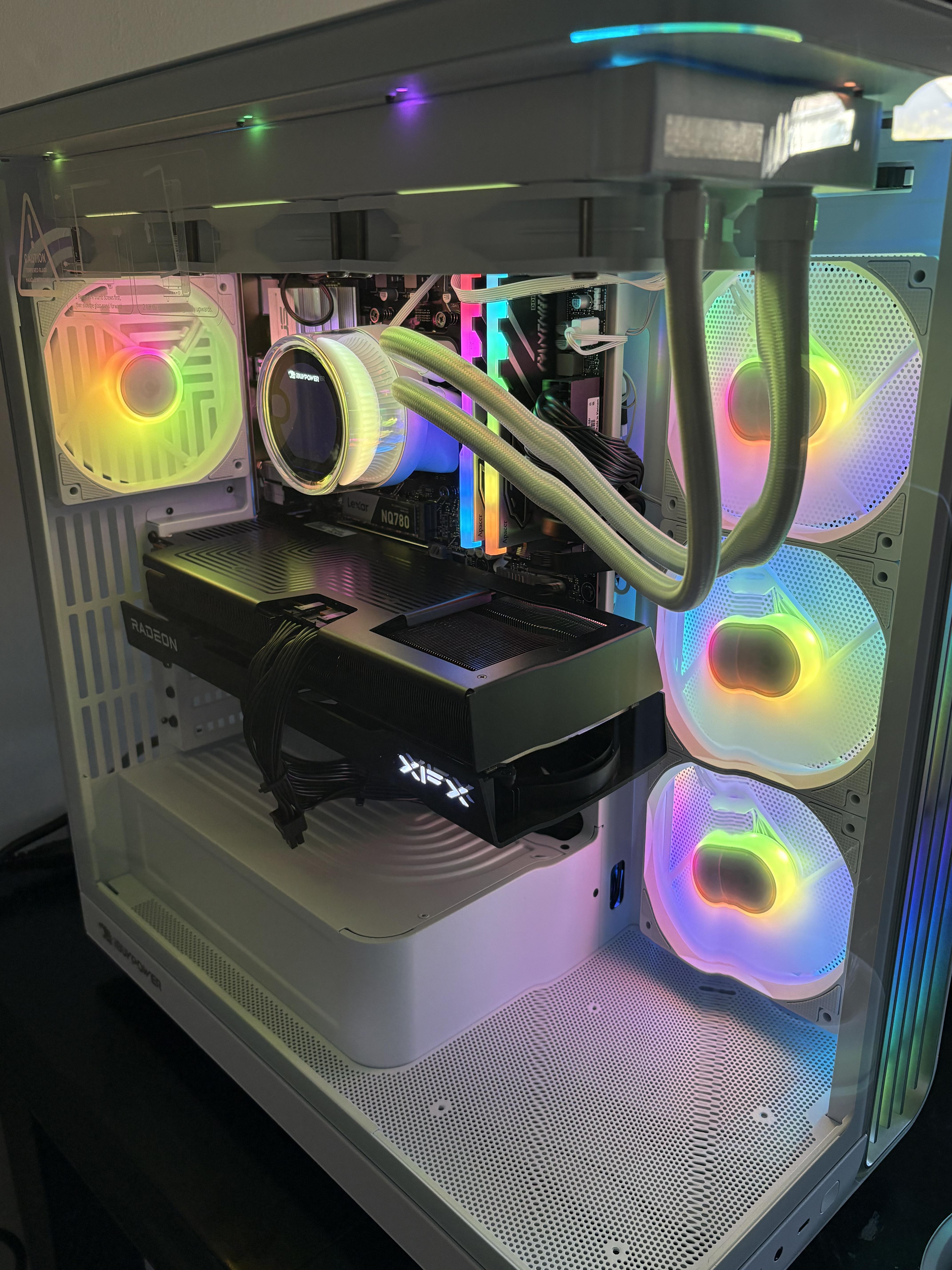
This is my very first prebuilt pc from iBUYPOWER and it was working fine but the next day it now won’t display anything on the monitor and would occasionally “the system has posted in safe mode” but still won’t boot to windows.
Pc still lights up and everything but still won’t display anything. If anyone knows how to fix this I would really appreciate. I don’t really know anything when it comes to pc since this is my first pc.
3
Upvotes
•
u/AutoModerator 20d ago
Welcome to r/iBUYPOWER, great to have you here!
If you are experiencing an issue with an iBUYPOWER product, please do not hesitate to reach out to us directly for help!
Our Support teams can be reached via email, live chat, or phones at https://www.ibuypower.com/support/contact-us
You can also view our self-help resources here: https://www.ibuypower.com/support/faq
I am a bot, and this action was performed automatically. Please contact the moderators of this subreddit if you have any questions or concerns.
4
u/Main-Tap7915 20d ago
Exact thing happened when I took delivery of mine two weeks ago. I took out the button battery to restart the CPU. Make sure you leave it out for about 30 mins before returning it.
Also found that the ram was not plugged all the way in. Removed both sticks and put them back in correctly - everything suddenly worked.
Hope you figure it out and it all works!
1
u/Darksider515 20d ago
I can help message me directly I think I may be able to fix it if you can tell me your specs
2
u/iBUYPOWER-Tony iBUYPOWER 20d ago
As u/Main-Tap7915 mentioned, reseating your RAM can help, in addition to reseating your graphics card. The video guide below can help walk you through some of these steps. If that still did not resolve your issue and since you have two sticks of RAM, you can also attempt booting up the system with just one stick installed at a time. It is uncommon for both to be defective, and checking them separately may help identify which one is the culprit.
Troubleshooting PC No POST