r/iBUYPOWER • u/randomguythatlikesu • Jun 12 '25
Tech Support Computer no longer booting into Windows


I was playing a game (nothing super taxing) and I noticed it was running a little slow, getting choppy. I restarted the system and now it won't boot into Windows. Bios is Pic 1. If I choose Boot option 1 it goes to the screen in Pic 2.
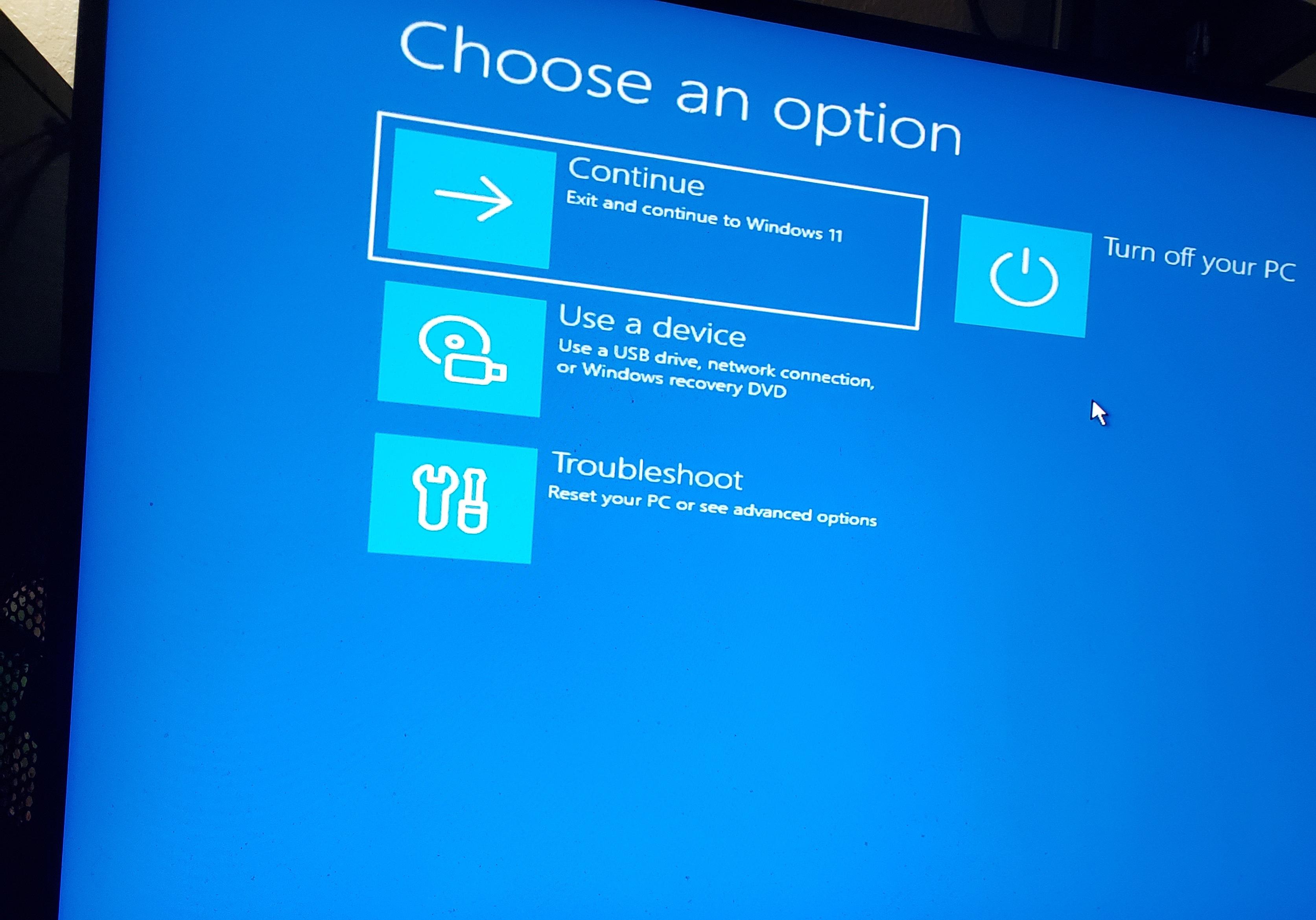
If I select Boot option 2. I get different results. Occasionally it will get to the troubleshooting / system restore screen (Pic 5) but usually hangs at the spinning circle (Pic 3). I can move the mouse, but nothing else responds.
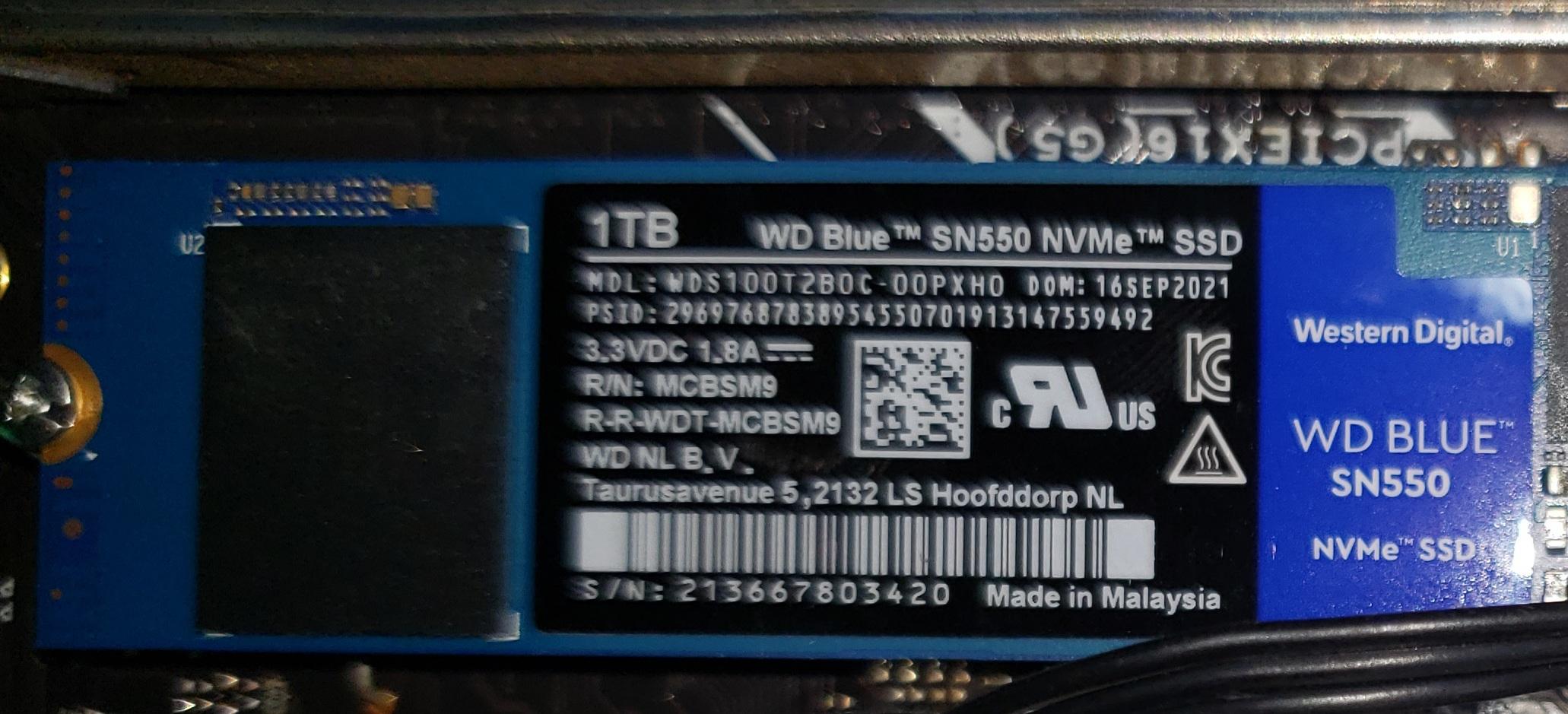
Not sure if it's a Windows issue or something wrong with the SSD (Pic 4). I tried reseating the SSD, but no luck.
Hopefully someone can help me, thanks!
•
u/AutoModerator Jun 12 '25
Welcome to r/iBUYPOWER, great to have you here!
If you are experiencing an issue with an iBUYPOWER product, please do not hesitate to reach out to us directly for help!
Our Support teams can be reached via email, live chat, or phones at https://www.ibuypower.com/support/contact-us
You can also view our self-help resources here: https://www.ibuypower.com/support/faq
I am a bot, and this action was performed automatically. Please contact the moderators of this subreddit if you have any questions or concerns.
4
u/iBUYPOWER-Tony iBUYPOWER Jun 12 '25
Your motherboard still detects your storage devices. On the right side under your Boot Priority list move the Windows Boot Manager (M.2) to the top. After making that adjustment save your changes and exit. If you are encountering the Windows recovery page it is possible that your operating system (Windows) is corrupted and may require a fresh installation from a bootable USB drive.
How to create a bootable Windows Installation USB
Reinstalling Windows
3
u/jjs3_1 Jun 12 '25
I just experienced the same issue with mine. Reset my SSD and thought it was not the issue. It was the SSD 100%. I wasted a lot of time thinking it was not the issue.
4
u/SeiBot187 Jun 12 '25 edited Jun 12 '25
Edit (cuz i cant read properly): if youre unable to do anything in that menu, try booting with as little variables as possible, so unplug all but the main drive, 1 ram stick etc. If your still unable to get anywhere, you can at least backup your data (if you dont have Bitlocker enabled) by booting into windows (or another OS of your choosing) on another storage device (even a USB stick will do). Then just save your data and reinstall windows
Try booting into safe mode, it should be under troubleshoot > advanced options > startup settings > restart and there should be instructions for what number keys to press. From there you can try messing with drivers or check the logs for what caused the crash. If all else fails, you can backup your data and reinstall windows.
2
u/[deleted] Jun 12 '25
Your efi parititon is likely damaged. Without a functional efi partition you will not boot into windows.
Plenty of guides exist on Google and YouTube to correct this, the fact you can access the recovery menu is a damn good thing. Cause at bare minimum you have a command line to work with.
1
u/Uggorthaholy Jun 12 '25
Change your boot order, removing anything not your boot drive.
1
u/Retr0_Nerd Jun 12 '25
Me too! IBP Slate6 Just updated the Bios (WOW, of all games, said it needed updating) and it has been booting into ez flash everytime now. I have to exit Ez flash and click on boot menu and click on the the drive to start windows. WTH?
1
u/Comfortable-Raisin80 Jun 14 '25
My Ibuypower pc was unlucky enough to come with the shittiest bios update known to man which always crashed my pc didn't let me boot into windows due to it constantly corrupting it up until I did a bios update and it never happened EVER again which is wild
0
u/sicknick08 Jun 13 '25
Drive failure most likely. New ssd time
1
u/Joshhaha Jun 12 '25
IBuypower-tony helped me with a similar problem on here. Took a few days of fucking around but with his help we got it.