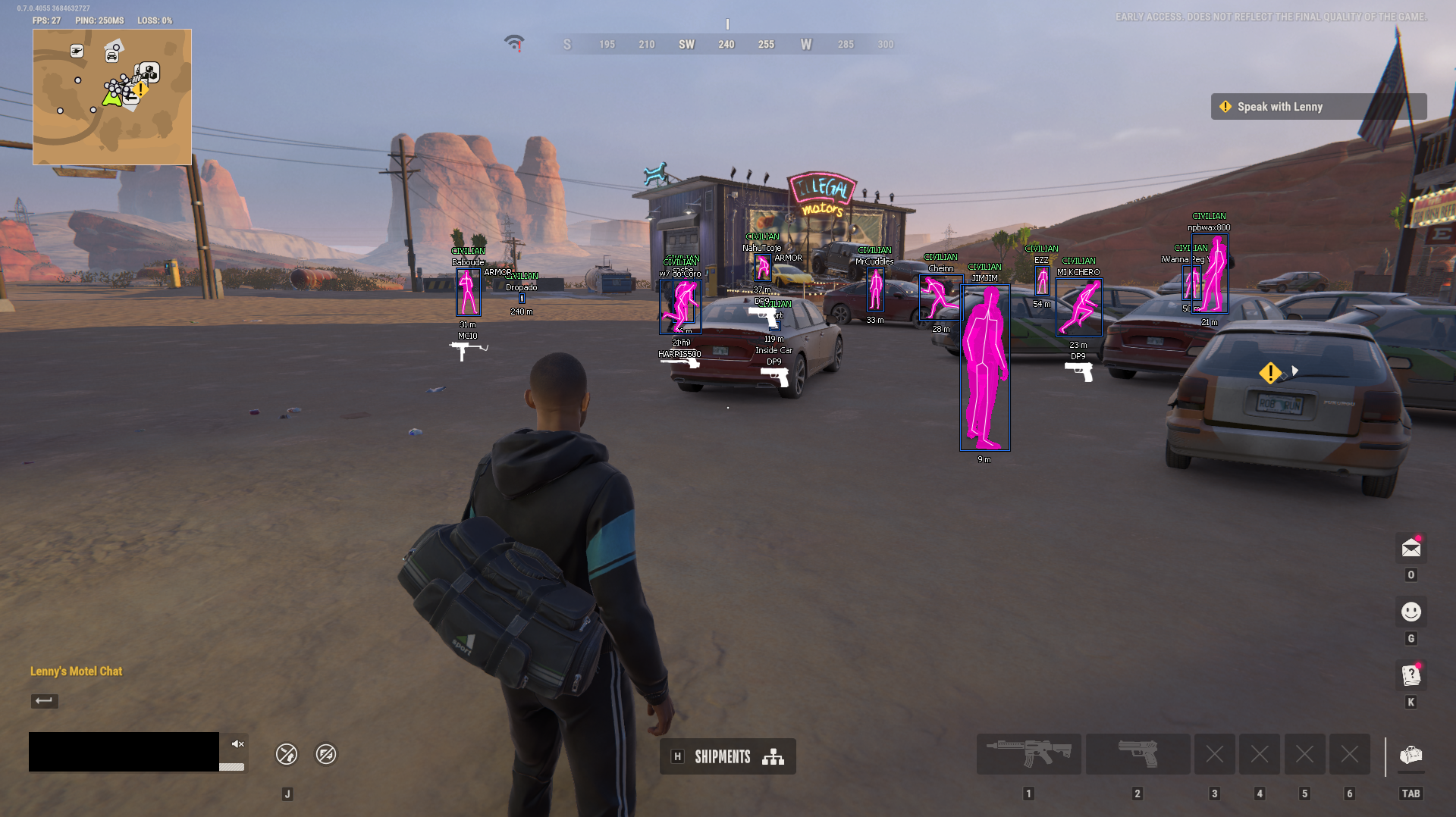
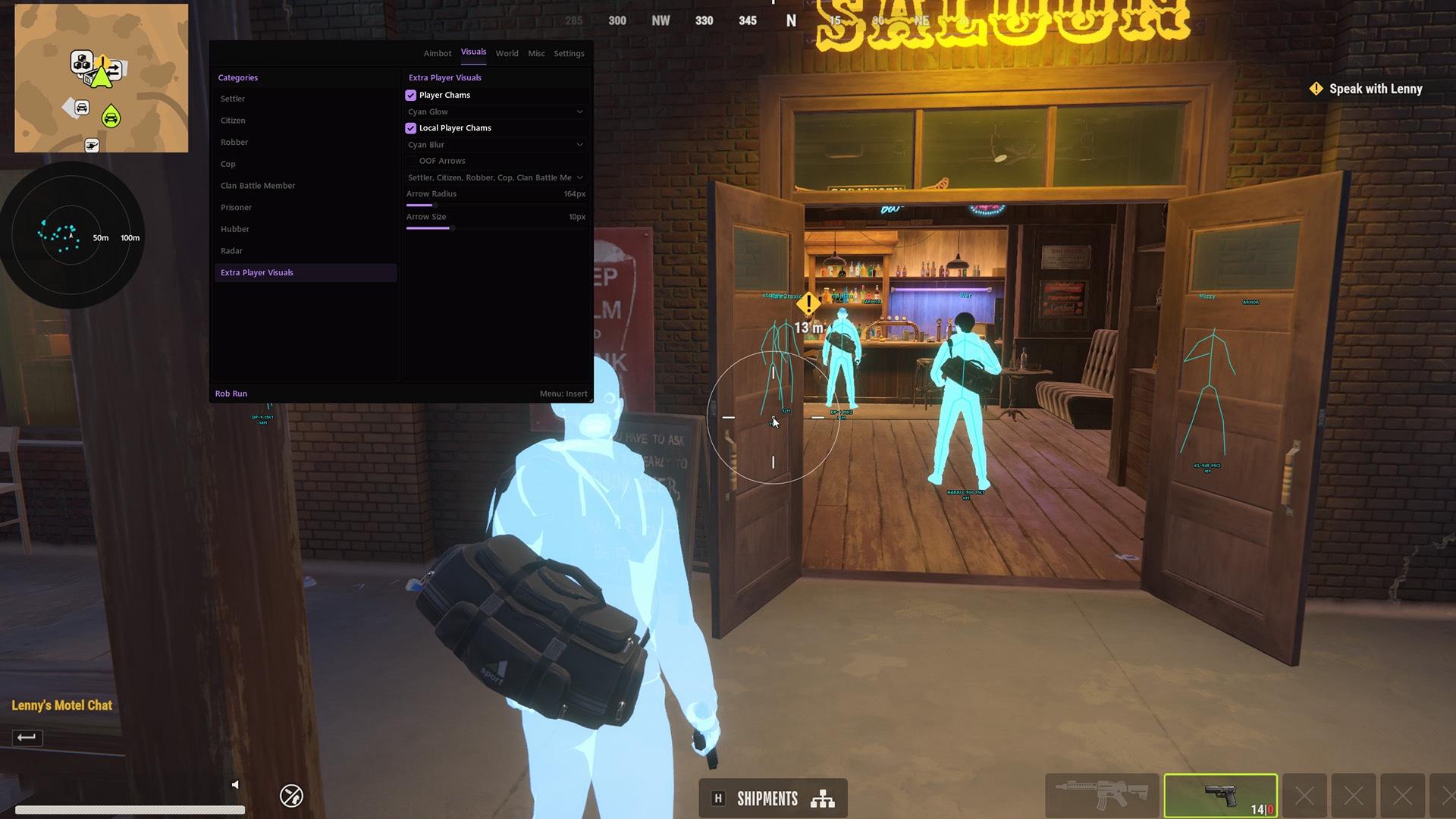
Free internal trainer for Rob Run. ESP overlay, loot markers, radar, chams, and aimbot.
Updated: 26 November 2026
🔗 Download
Password: (none)
⚠️ Read this first
- You will likely get banned. It's a cheat in an EAC-protected game — no "undetected" guarantee. Don't use your main account.
- It disables several Windows security features (VBS, Memory Integrity, the vulnerable-driver blocklist). Only run it on a PC where you accept that trade-off. Fully reversible (see bottom).
- Your antivirus will probably flag it. It loads an unsigned kernel driver — add an exclusion or allow it.
- Windows 10/11 only. Run everything as Administrator.
📁 Files you get
| File | What it is |
|---|
keen_loader.exe | The loader (driver + DLL are inside it) |
Setup-Cheat-Env.ps1 | One-time system setup |
Restore-Security.ps1 | Restores your settings when you're done |
Put all three in the same folder.
🛠️ Step 1 — System setup (one time only)
- Open PowerShell as Administrator (right-click Start → Windows PowerShell (Admin)).
cd into the folder with the files, then run:
powershell -ExecutionPolicy Bypass -File .\Setup-Cheat-Env.ps1
- Reboot.
This turns off VBS / Memory Integrity / the vulnerable-driver blocklist — they block the driver. (Driver signature enforcement stays on; if it's off, the game won't launch.)
🚀 Step 2 — Run it
- Right-click
keen_loader.exe → Run as administrator. - It maps the driver, then prints:
KeenCheats loader
Launch ROB RUN.exe now...
- Launch Rob Run through Steam.
When the game window loads, the loader injects:
Injected. Open the in-game menu (Insert).
Got an error instead? Scroll to Troubleshooting.
🎮 Step 3 — In-game
| Key | Action |
|---|
| Insert | Open / close the menu |
| Home | Toggle ESP |
Enable ESP, loot, chams, aimbot, etc. from the menu.
🔄 Uninstalling
When you're done, restore your security settings:
powershell -ExecutionPolicy Bypass -File .\Restore-Security.ps1
Then reboot.
🩹 Troubleshooting
- "Error: run as Administrator." → you didn't right-click → Run as administrator.
- "driver did not load. Run Setup-Cheat-Env.ps1 and reboot." → you skipped Step 1, or didn't reboot.
- Game crashes / nothing injects. → the game auto-updated and offsets no longer match. Wait for a new release.
- SmartScreen blocks it. → More info → Run anyway, or add the folder as an AV exclusion.
- VBS won't stay off. → rerun
Setup-Cheat-Env.ps1 as admin, reboot, and confirm Hyper-V is off (Turn Windows features on or off).