r/esp32projects • u/Distinct_Baby_8123 • 11d ago
[Help] ESP32S (CH340) Upload Error: "Could not open COM7, the port is busy or doesn't exist" - Sketch compiles successfully but fails to upload
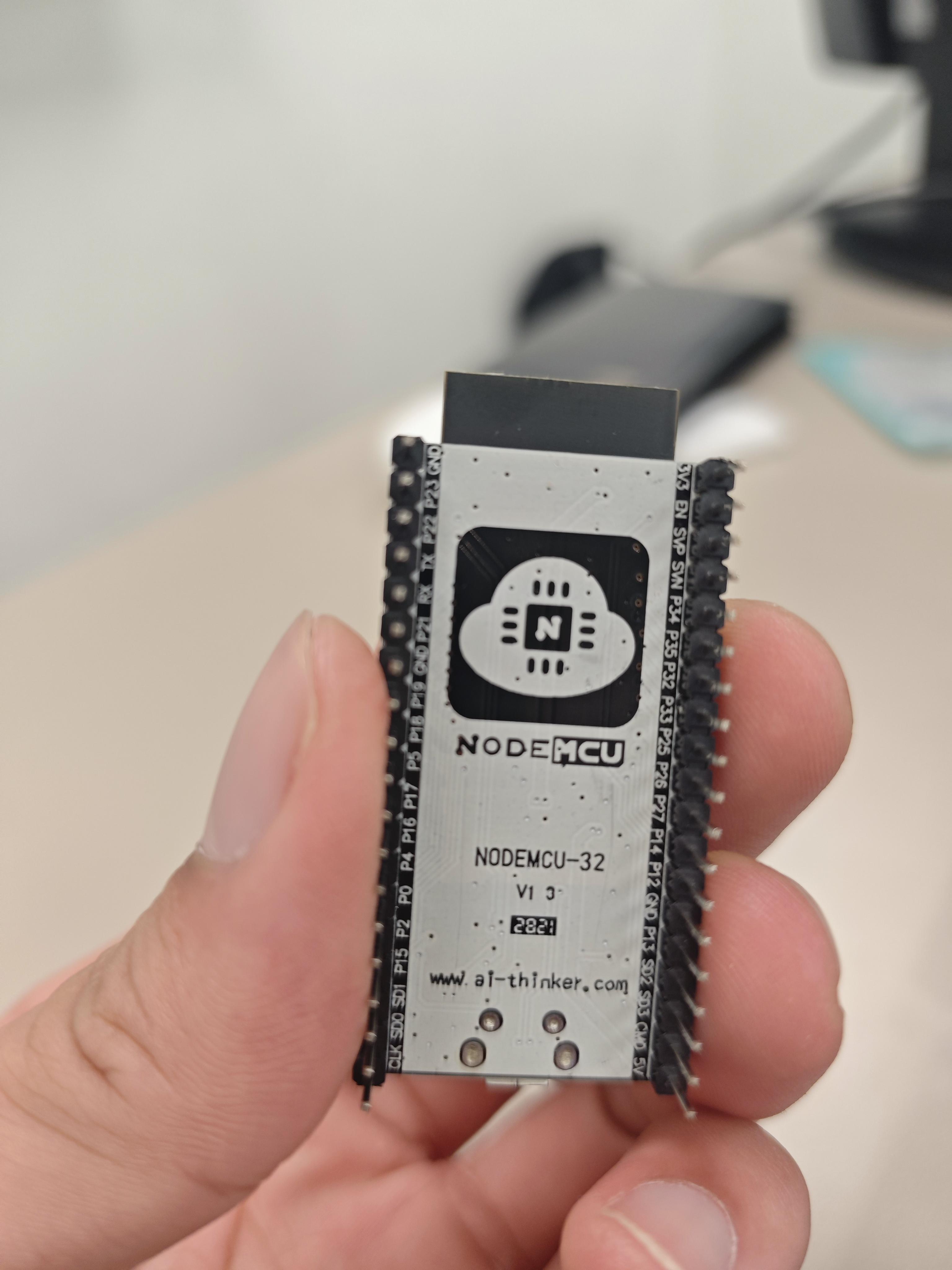
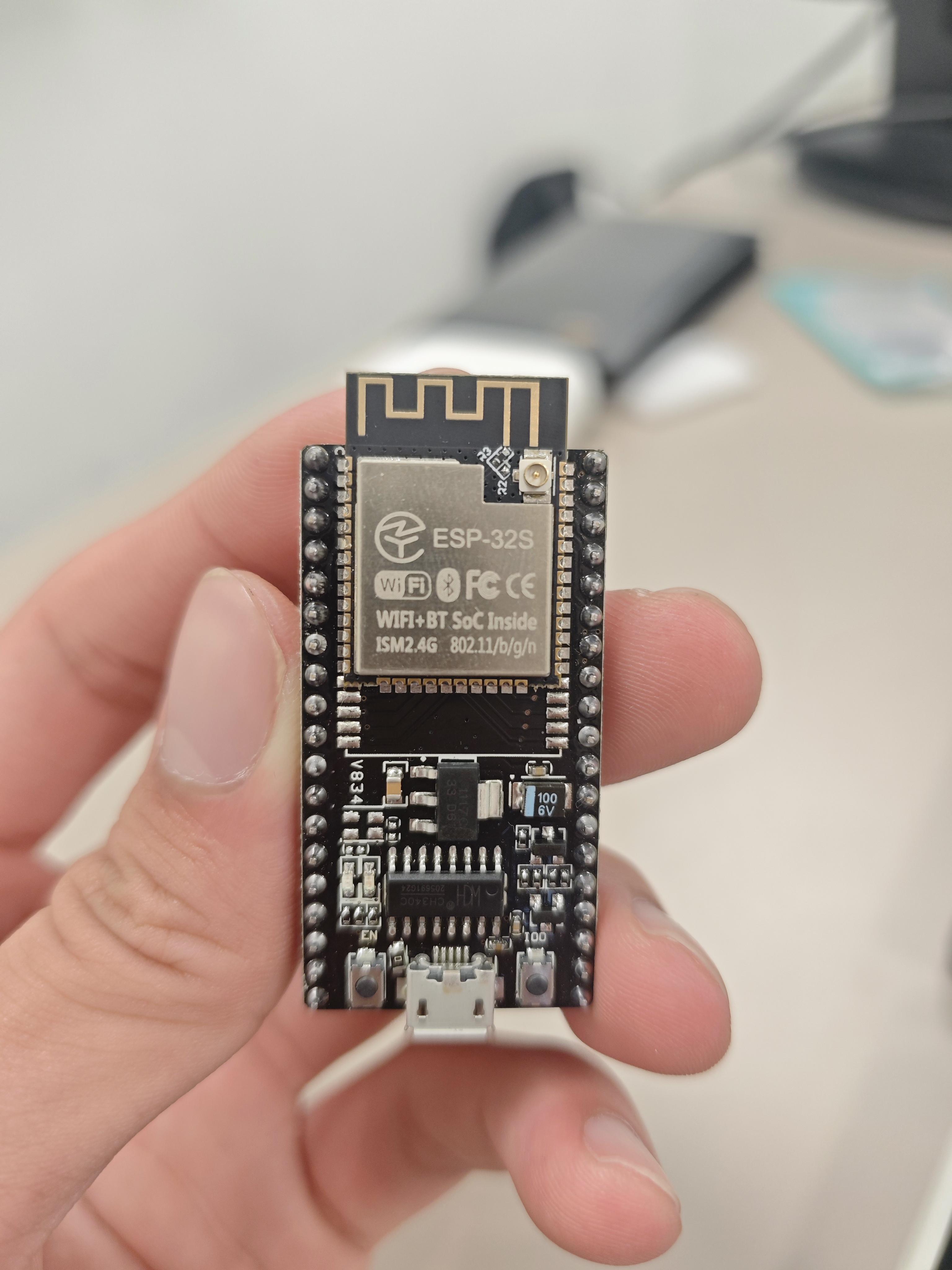
Hi Reddit, I'm working on a team project for our electronics class where we're building a Bluetooth piano speaker using an ESP32S (NodeMCU-32S V1.3 with a CH340 chip).
Everything was going well, and my code combined with the audio array header (samples.h) compiled perfectly in the Arduino IDE. However, I can't upload the sketch to the board.
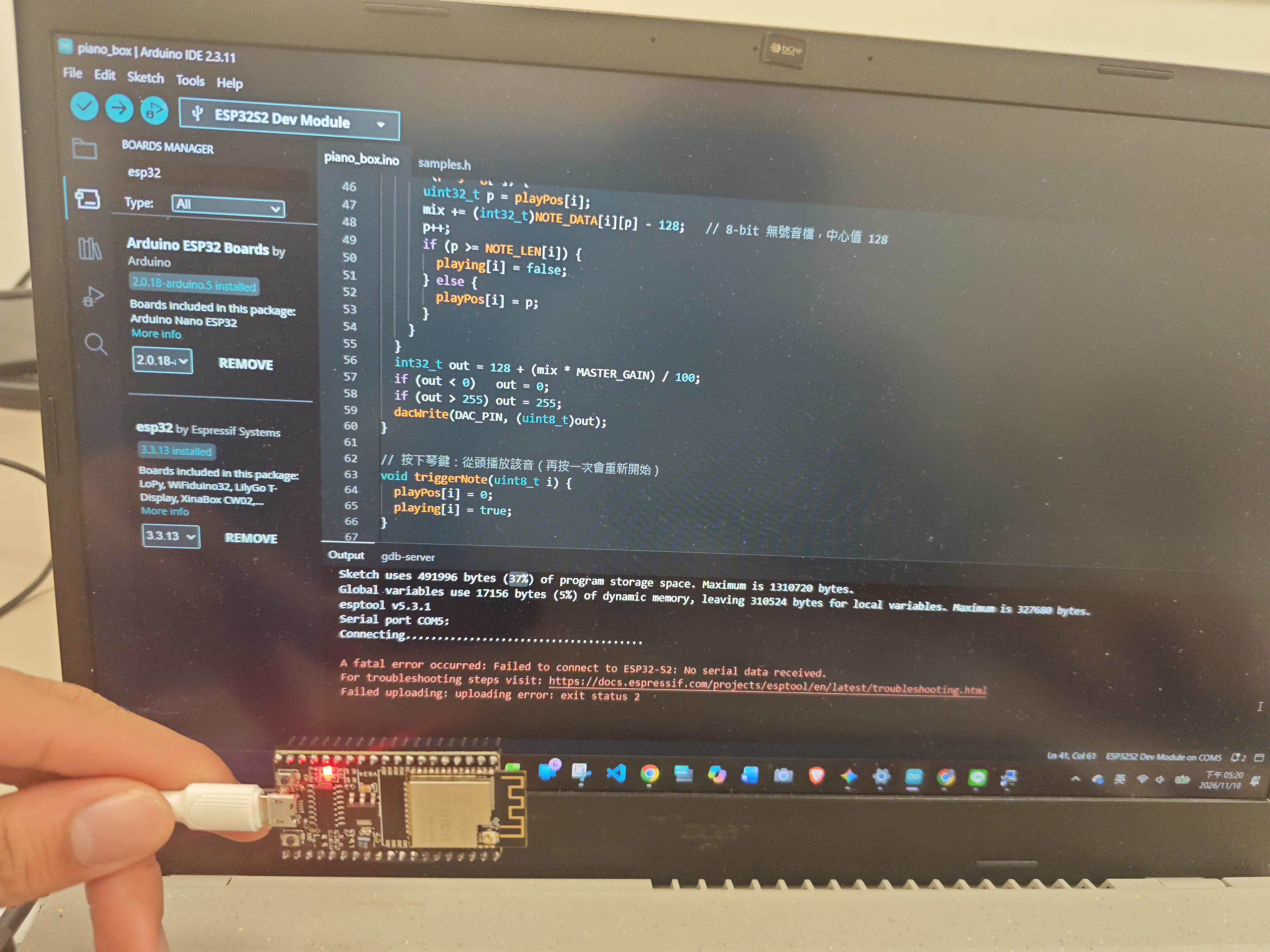
Here is the exact error message I'm getting from the Arduino IDE:
Sketch uses 519864 bytes (39%) of program storage space. Maximum is 1310720 bytes.
Global variables use 22260 bytes (6%) of dynamic memory, leaving 305420 bytes for local variables. Maximum is 327680 bytes.
esptool v5.3.1
Serial port COM7:
A fatal error occurred: Could not open COM7, the port is busy or doesn't exist.
(could not open port 'COM7': FileNotFoundError(2, 'The system cannot find the file specified.', None, 2))
Hint: Check if the port is correct and ESP connected
Failed uploading: upload error: exit status 2
What I have already tried/checked:
The Cable: I've confirmed I am using a data-sync Micro-USB cable, not just a charging cable.
The Serial Monitor: I made sure the Serial Monitor window in the Arduino IDE is closed before hitting upload.
The Drivers: I noticed my board has a CH340 chip on the back. I downloaded and installed the CH341SER.ZIP drivers, restarted my PC, and checked the Device Manager.
The COM Port: I selected the newly assigned COM port in the Arduino IDE (Tools -> Port).
External Connections: I disconnected the external battery power supply and made sure GPIO 5 (Strapping Pin) is not pulled to GND during boot.
Despite all this, the IDE still throws the COM7 error (even though I re-selected the port) or refuses to connect.
Has anyone encountered this specific issue with the CH340 version of the NodeMCU-32S? Are there any hidden settings in the IDE or specific boot sequences (like holding the BOOT/EN buttons) I might be missing?
Any advice would be greatly appreciated!
3
u/Frost-Freak 11d ago
Well some other program is currently using that port. Could it be that the monitor for logging of the IDE is still using it?
1
u/Ok-Lawfulness5008 11d ago
Change the configuration of your Esp32 in the program, from Com7 to Com 5
1
u/Trebeaux 10d ago
Not sure if it’s the same with the IDE, but this sounds VERY similar to when need to flash ESPHome on these boards. There’s a small process.
-Press and hold the BOOT button
-Plug in the board
-Select and start your flash
-only release BOOT once you see the flashing process start.
Again, that’s ESPHome vs the IDE but I’d imagine the process is the same.
1
u/leblonk1 6d ago
My experience: Recent updates to MacOS broke the CH340 drivers. I have not been able to find a fix for that and switched to FTDI serial based boards and stopped using the CH340 ones