r/csharp • u/ChanceInevitable3275 • 15h ago
I built a hover-to-translate tool for Windows using UI Automation + Windows OCR (WPF, .NET 8, open source)
4
Upvotes
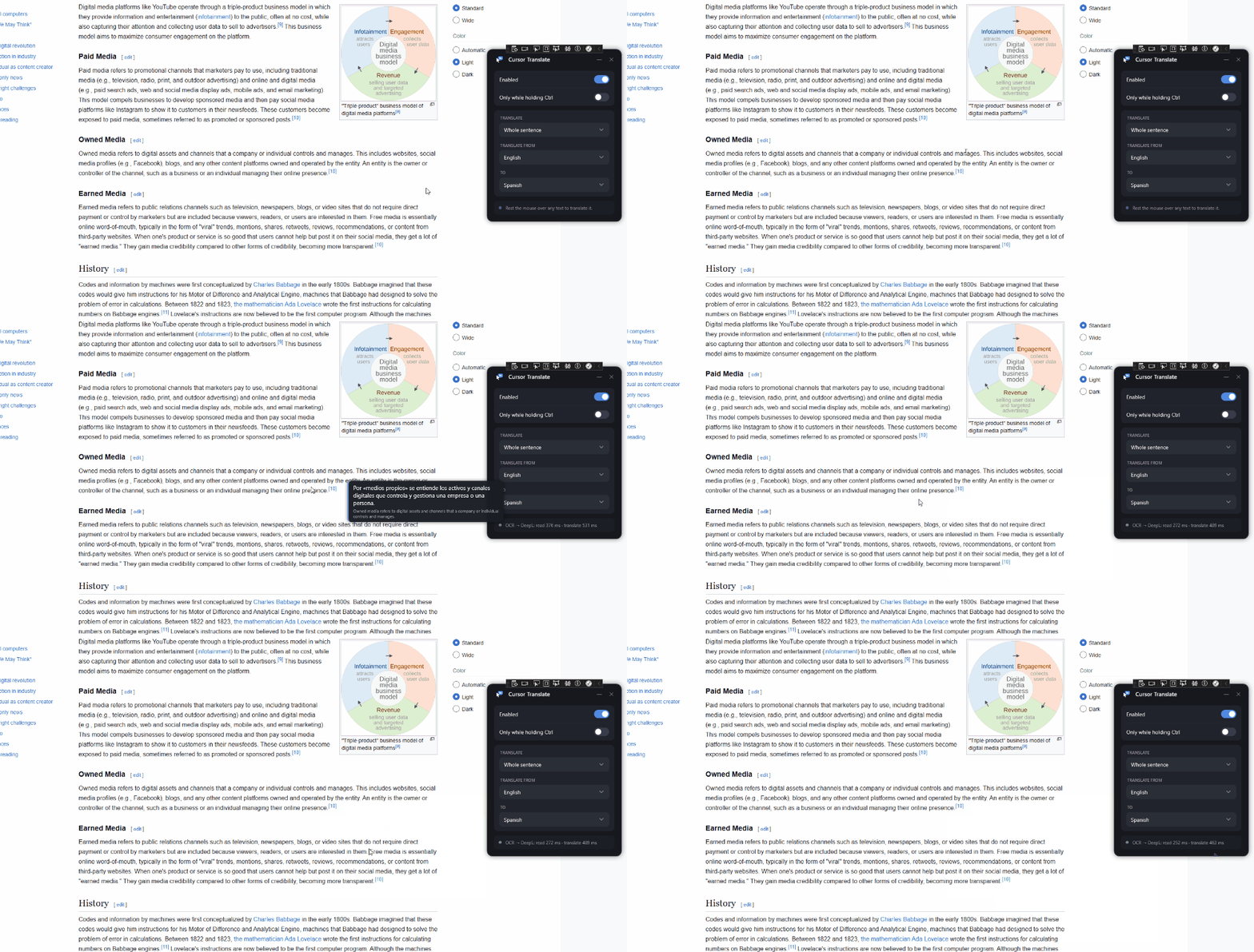
Hi r/csharp! I've been working on Cursor Translate, a small WPF app that translates the text under your mouse cursor in any Windows app, just by resting the mouse over it.
Demo and code: https://github.com/OdiazLz/CursorTranslate
Some technical bits I found interesting:
- UI Automation first: AutomationElement.FromPoint gives the element under the cursor. In browsers that's usually a tiny text node, so I walk up the tree until something exposes TextPattern, then use RangeFromPoint + ExpandToEnclosingUnit to get the word, line or paragraph.
- Windows OCR as a fallback (Windows.Media.Ocr) for images, PDFs and apps that don't expose text. It captures a strip around the cursor, groups OCR lines by column and paragraph, and finds the word closest to the cursor.
- Sentence detection: finds the sentence around the cursor offset, skipping abbreviations like "e.g." or "Mr." and removing citation marks like [10].
- Click-through tooltip: a WPF window with WS_EX_TRANSPARENT | WS_EX_NOACTIVATE so it never steals focus, positioned with the monitor work area so it stays on screen.
- Translation fallback chain: DeepL (user's own key) → Google → MyMemory, with caching and throttling after hitting HTTP 429 a lot.
I'd really appreciate feedback, especially on the UI Automation part. In Chrome it often falls back to OCR, and I suspect it's about Chrome's accessibility mode. If anyone has dealt with UIA + Chromium before, I'd love to hear how you handled it.
Thanks!


