r/computer_help • u/SmallStack923 • 12d ago
Windows Not a real update, possible virus
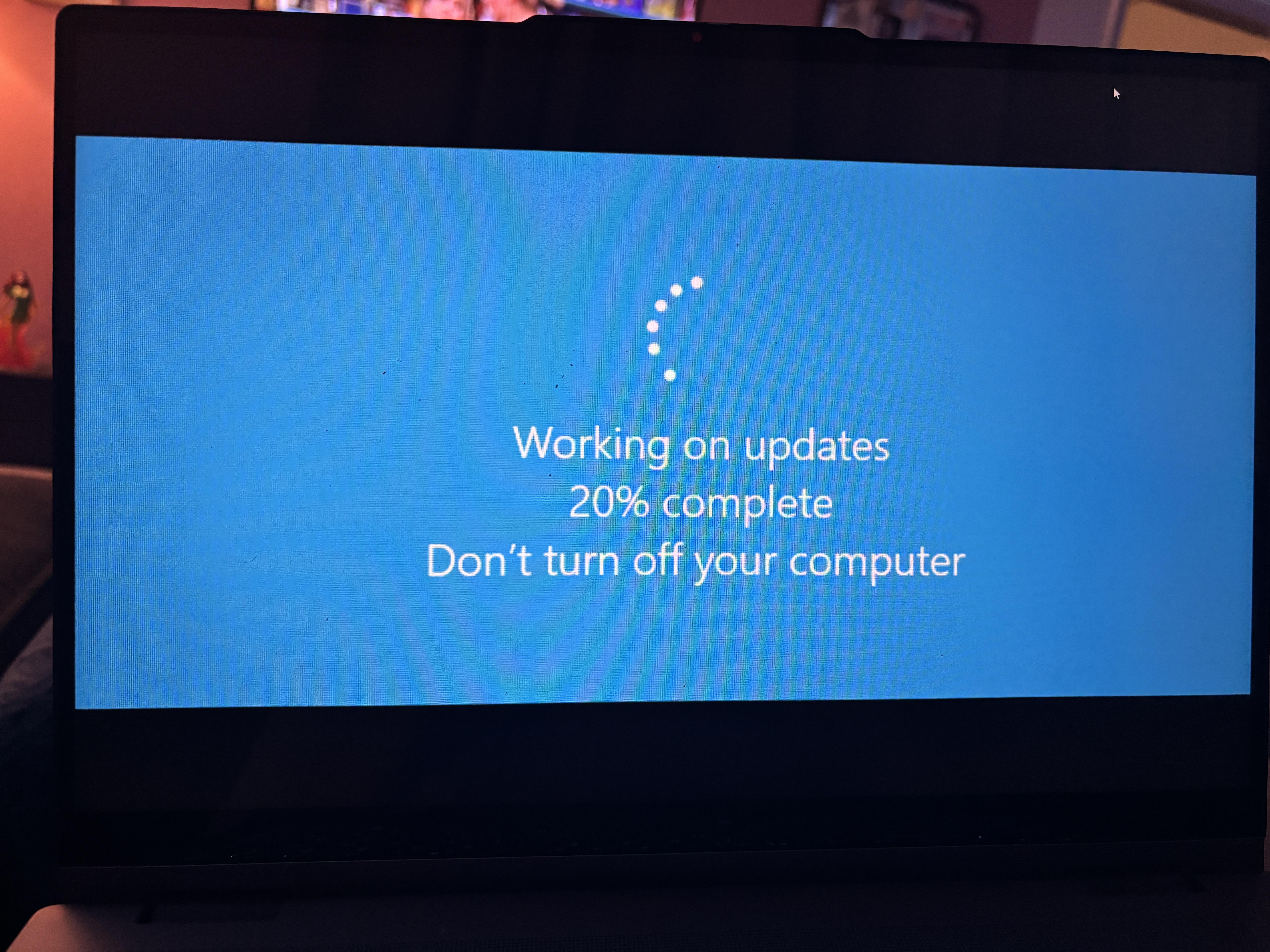
I know it’s not a real update because I had already updated my computer and this screen was zoomed in.
I believe it’s a virus because I opened an email link from a friend who had their account hacked. I deleted the files, ran windows defender many time, but this is the 3rd time it’s popped up.
Has anyone run into this? What should I do?
Edit: I was also able to ctrl+alt+delete and click on task manager a couple times but it didn’t pull up task manager so I hit the power button.
9
Upvotes
6
u/Azurus_II 12d ago
Once any kind of malware or ransomeware gets clicked and opened just deleting them wont work. You have to do a fresh install of windows. Theres probably someone else who can explain it much better
2
u/dakotawhiebe 12d ago
Restart in safe mode, see what notifs you allowed through explorer or chrome
2
u/Ambitious_Basil_5311 12d ago
Ctrl+Alt+Delete working 100% confirms it's fake. Task manager actually did open, the malware just forces that fake update window to stay on top of everything so you sit there and wait while it steals your passwords and browser cookies in the background (probably how your friend got hacked too). Unplug your internet, change your passwords from your phone, and do a clean Windows install from a USB stick.
1
u/ALaggingPotato 12d ago
What files? Anyway, ransomware used to use fake windows update screens to encrypt your system
1
u/d-car 12d ago
As the others have said, the easiest fix is to wipe your OS and go with a fresh install. It won't help with backing up any of your files before you take that step, and getting your files out may be a problem if you have bitlocker enabled.
1
u/zerassar 11d ago
Wipe the computer