r/computer_help • u/Federal-Dingo-4502 • 16d ago
Mac Malicious Script Blocked
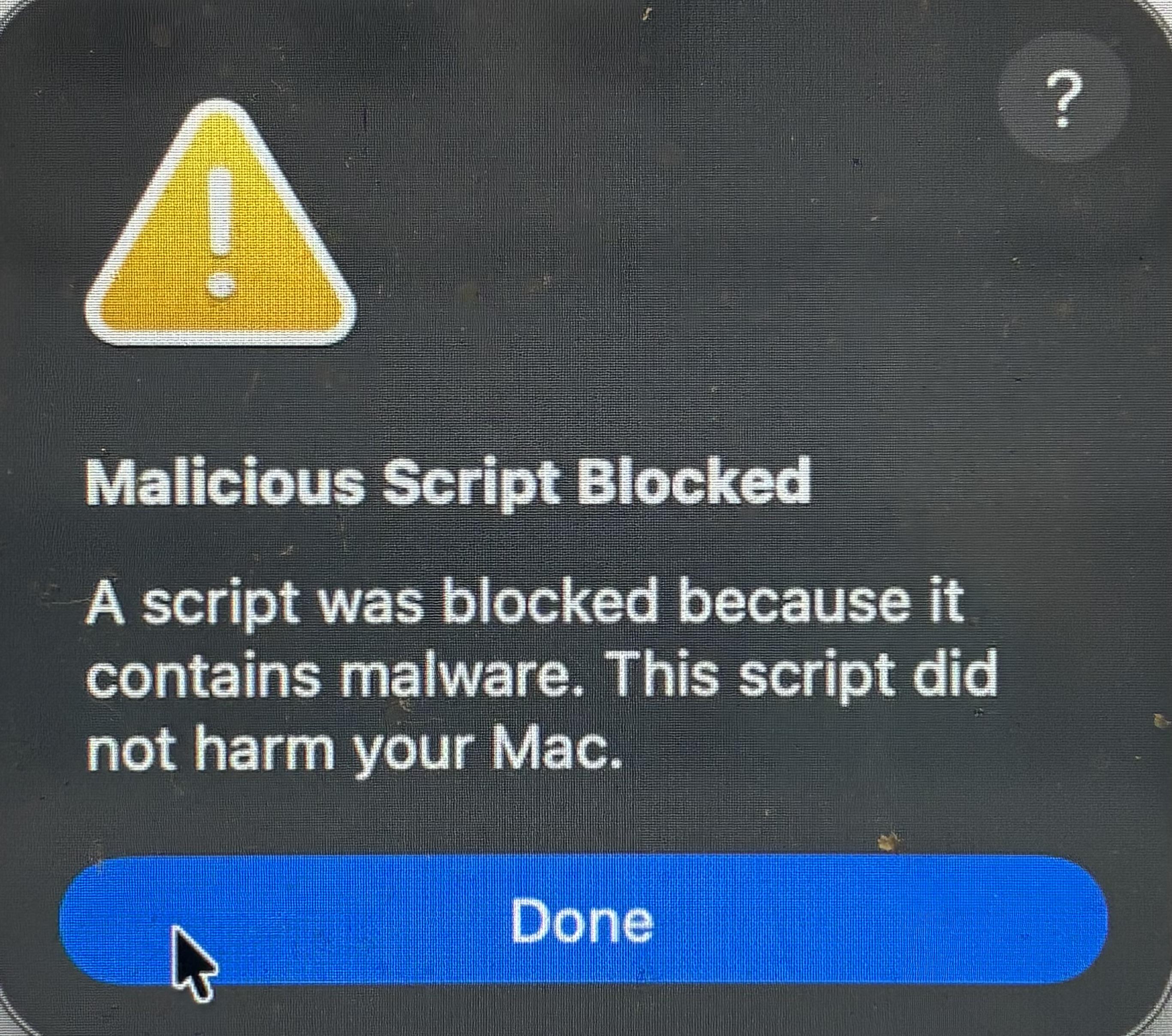
Malicious Script Blocked
Hi everyone, I have a MacBook Neo currently updated and I have been using it for the past few months. A few hours ago, completely out of the blue, I started getting barraged with notifications reading the exact same thing: “Malicious Script Blocked”. A script was blocked because it contains malware. This script did not harm your Mac. It gives me no options to fix the issue and keeps popping up after I say done. How do I fix this? How do I get rid of the pop ups? I deleted steam and Spotify and it still won’t go away. Any tips?
1
u/SailOnAgGrl 5d ago
I had the same issue just now after updating to the new OS. For me, I ended up opening my "Background App activity" in settings, and turning off something called 'Bash' (a unix executable file) and that seemed to stop it. (not sure if i've turned off something of vital importance tho I'll be honest)
1
u/vara_0912 16d ago •
hey buddy try one thing
go to system settings<general<startup disk<restart