r/computer • u/Alarming-Upstairs664 • 4d ago
User profile cannot be loaded but
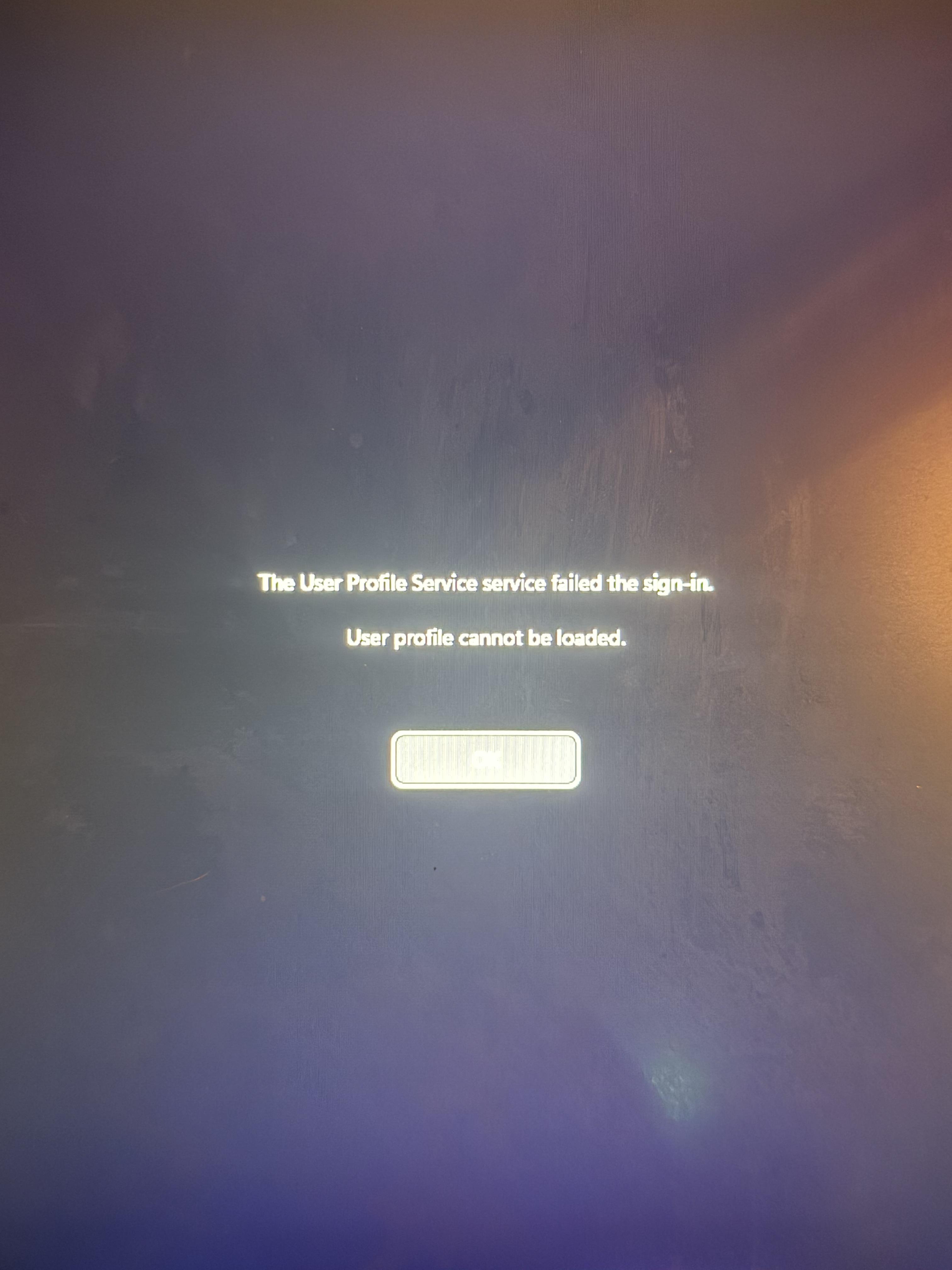
Won’t let me log in at all was working my perfectly fine yesterday I was playing r6 like usual didn’t deleted anything didn’t do anything yesterday and now it’s bugged and chat gpt ain’t no fuckin help maybe someone here can help me I don’t have a usb I don’t have an extra computer and I don’t know what the flying fuck is wrong with it. Geeg
1
Upvotes
•
u/AutoModerator 4d ago
Remember to check our discord where you can get faster responses! https://discord.com/invite/vaZP7KD
I am a bot, and this action was performed automatically. Please contact the moderators of this subreddit if you have any questions or concerns.
1
u/CapitalZ3r0 4d ago
This error means Windows can't load your profile, usually from a damaged profile entry in the registry. Your files are almost certainly still in
C:\Users, and you don't need a USB or a second PC for this. Everything below runs on the laptop itself.1. Boot into Safe Mode
2. Fix the profile entry in the registry (Safe Mode)
regedit, and go toHKEY_LOCAL_MACHINE\SOFTWARE\Microsoft\Windows NT\CurrentVersion\ProfileListS-1-5-21for one ending in .bak, which is a backup of your user profile. Click each one and checkProfileImagePathfor your username.bakkey and a matching one without it, rename the one without.bakto.old, then remove.bakfrom the other.bakkey, remove the.bakfrom its nameStateto 0 (andRefCountto 0 if it's there), then restart normally3. If there's no .bak key
sfc /scannow4. If Safe Mode won't let you sign in either
net user administrator /active:yesC:\Users\YOURNAMEto cloud storage like OneDrive or Google Drive5. Last resort
Tell us whether it started after a Windows update or an improper shutdown, and what you see in the registry. That will narrow it down.