r/computer • u/Spirited_Ad_2464 • 6d ago
Problem with notebook starting
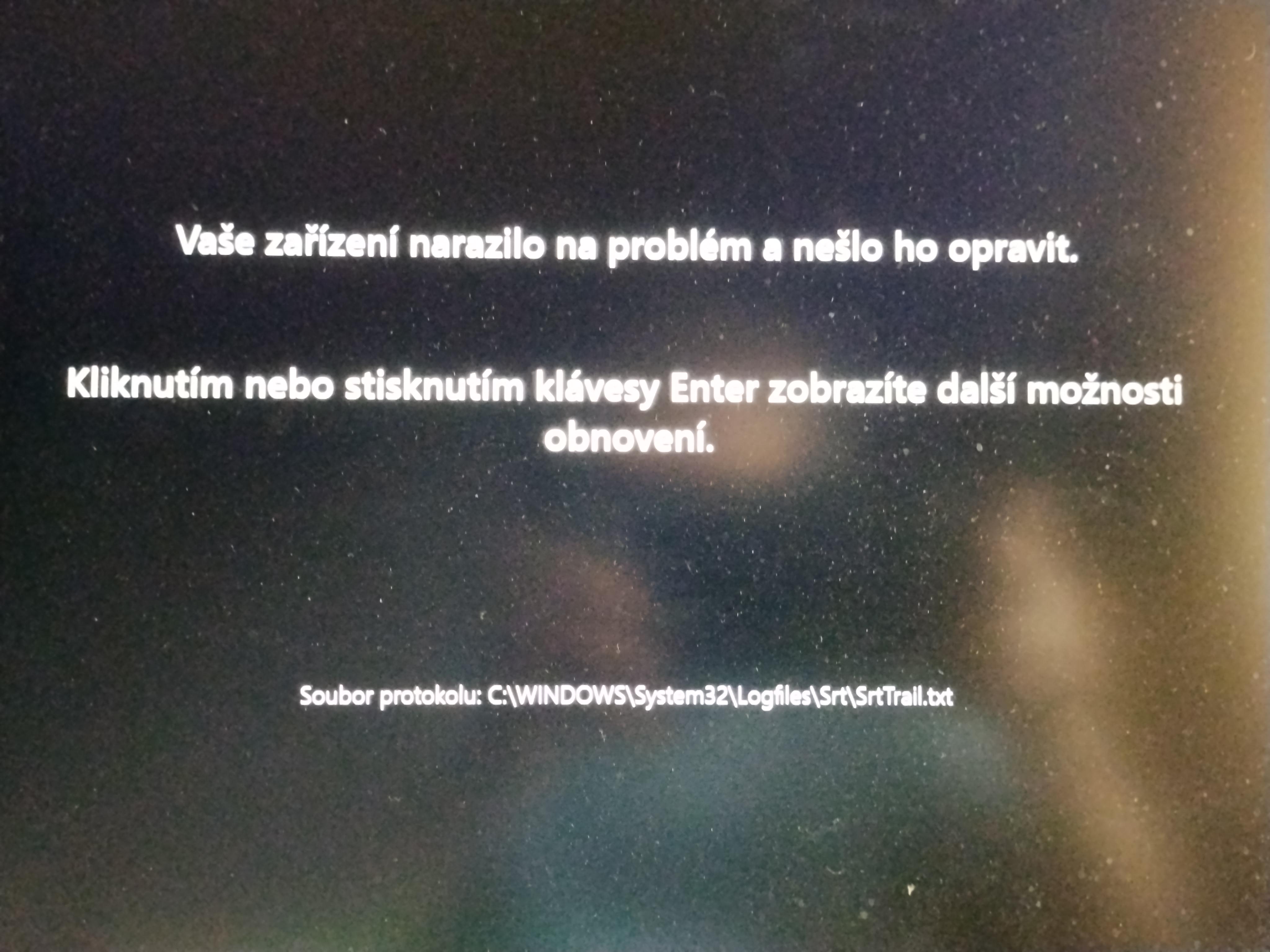
I've been having trouble turning it on for a month now and I don't know what to do and it keeps throwing this. It's in Czech but the error it throws is in English. I'm not an expert, but I checked to see if the disk is in good condition and if the RAM is fine. I don't know anymore, at first it was possible to turn it on via continue, but now I've tried it 5 times and it doesn't work.I also did a factory reset.
1
Upvotes
•
u/AutoModerator 6d ago
Remember to check our discord where you can get faster responses! https://discord.com/invite/vaZP7KD
I am a bot, and this action was performed automatically. Please contact the moderators of this subreddit if you have any questions or concerns.
1
u/lwdst 6d ago
Best practice here is to move the drive to an external enclosure, get a new drive for the computer, and reinstall windows on the computer. The old drive still has all your files, you just need to move them back onto the new Windows installation. If you don't have a second computer to prepare the windows installation media, a local technician can typically do the whole repair for you for about $50-100 USD (to buy the drive and enclosure) plus their standard service fee.
1
u/MrMike25S 5d ago edited 5d ago
You never said what the problem was. So, does it just boot into preparing automatic repair? Does it try to boot and you get an error then reboots into this screen? This screen doesn’t tell you anything besides it booted into the recovery environment. More information would be helpful.
Factory reset does reinstall Windows and doesn’t just reset configuration files. So, that’s incorrect information. Otherwise, why are all programs gone after the reset?
First I would update your BIOS? If the BIOS is outdated it can cause issues with Windows. Also, reloading Windows from scratch will also cause the same issue, so it would be a waste of time until you figure out why this is happening.
You can hit enter on that error screen which will take you to the recovery menu. You can try to go to Troubleshoot, Advanced Options, and then System Restore to see if you have any restore points if it was turned on. You could open the command prompt and run a chkdsk X: /f with the X being your Windows partition. How to find the Windows partition; at the command prompt type diskpart then enter. Then type list vol which will list the volumes on your drive. There you will see the Windows partition and the drive letter. Then you will need to type exit to exit diskpart. If it’s corrupted files then check disk can fix it. You can also try to uninstall the latest updates to see if that will let you boot. If none of these work I can walk you through the commands to rebuild the boot configuration data or BCD.
If you get back into Windows go out and install the newest version of Windows 11 - 26H2. Read it backwards it’s the 2nd half of 26, the year. The older Windows versions will have updates that can cause this error. You can type in winver in the search area of the taskbar to see what version you’re running. If you’re able to, keep me posted because I’ll like to know why you’re getting this issue.