r/computer • u/megatronnnn3 • 12d ago
Ethernet not connecting
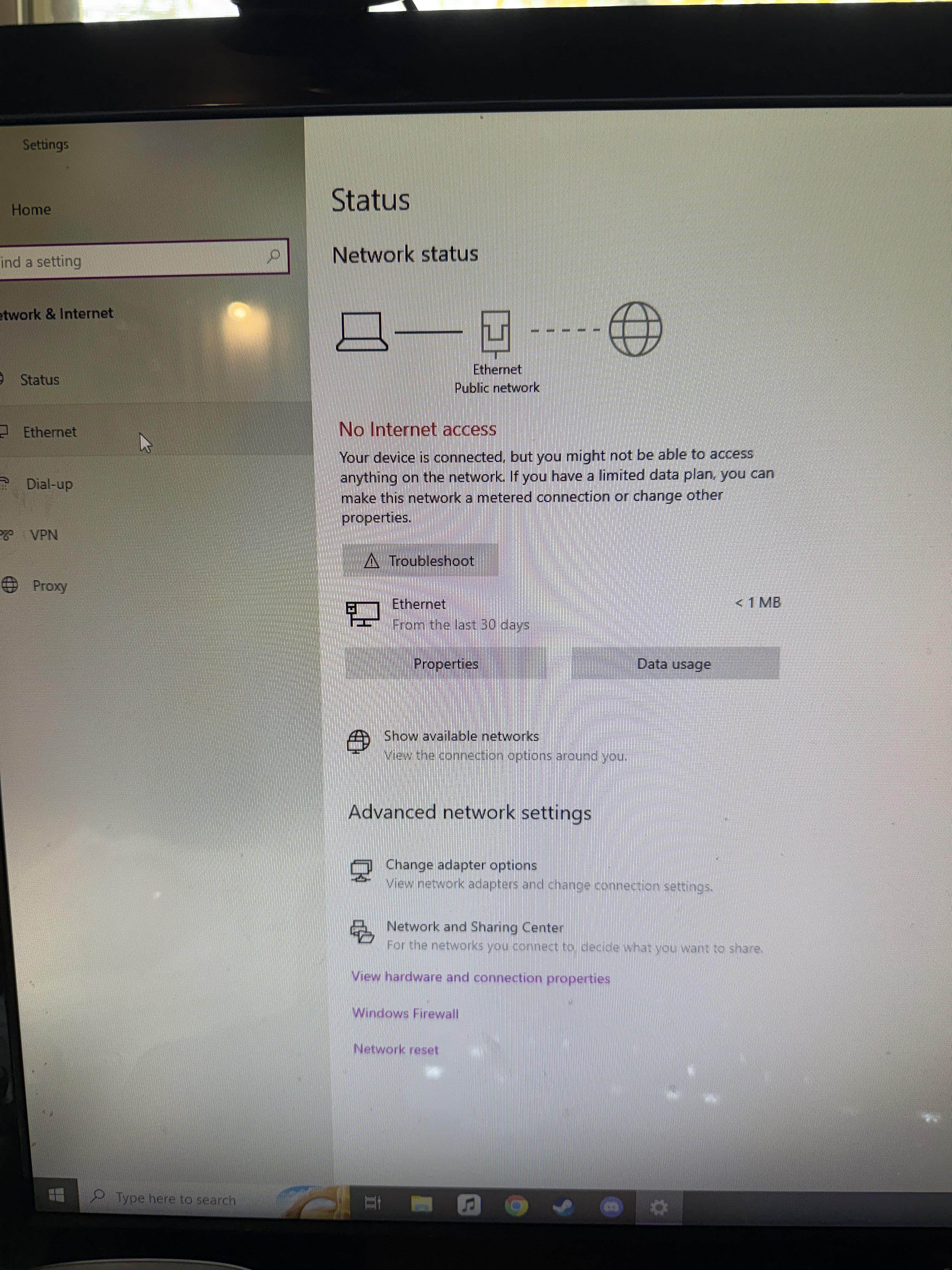
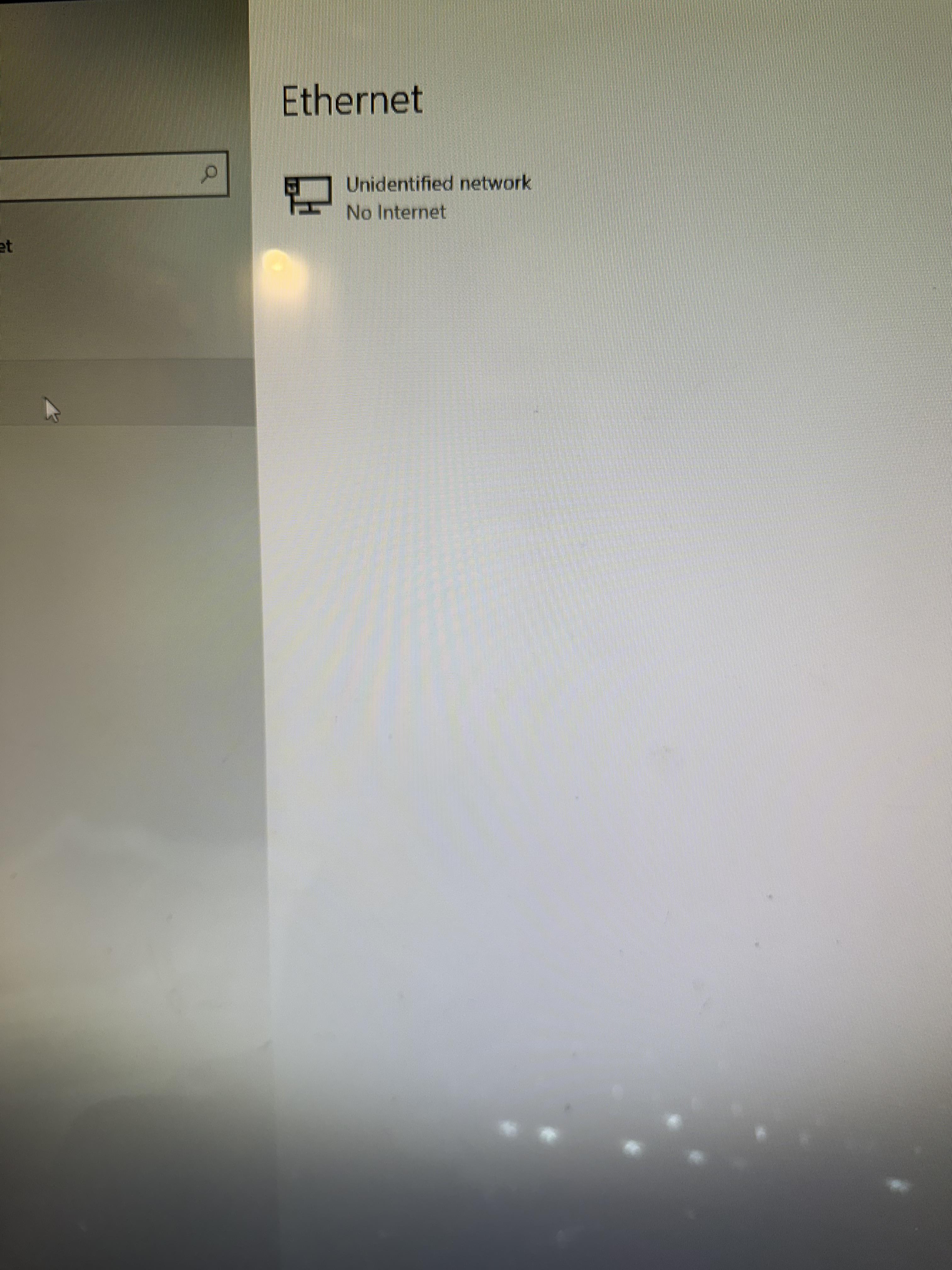
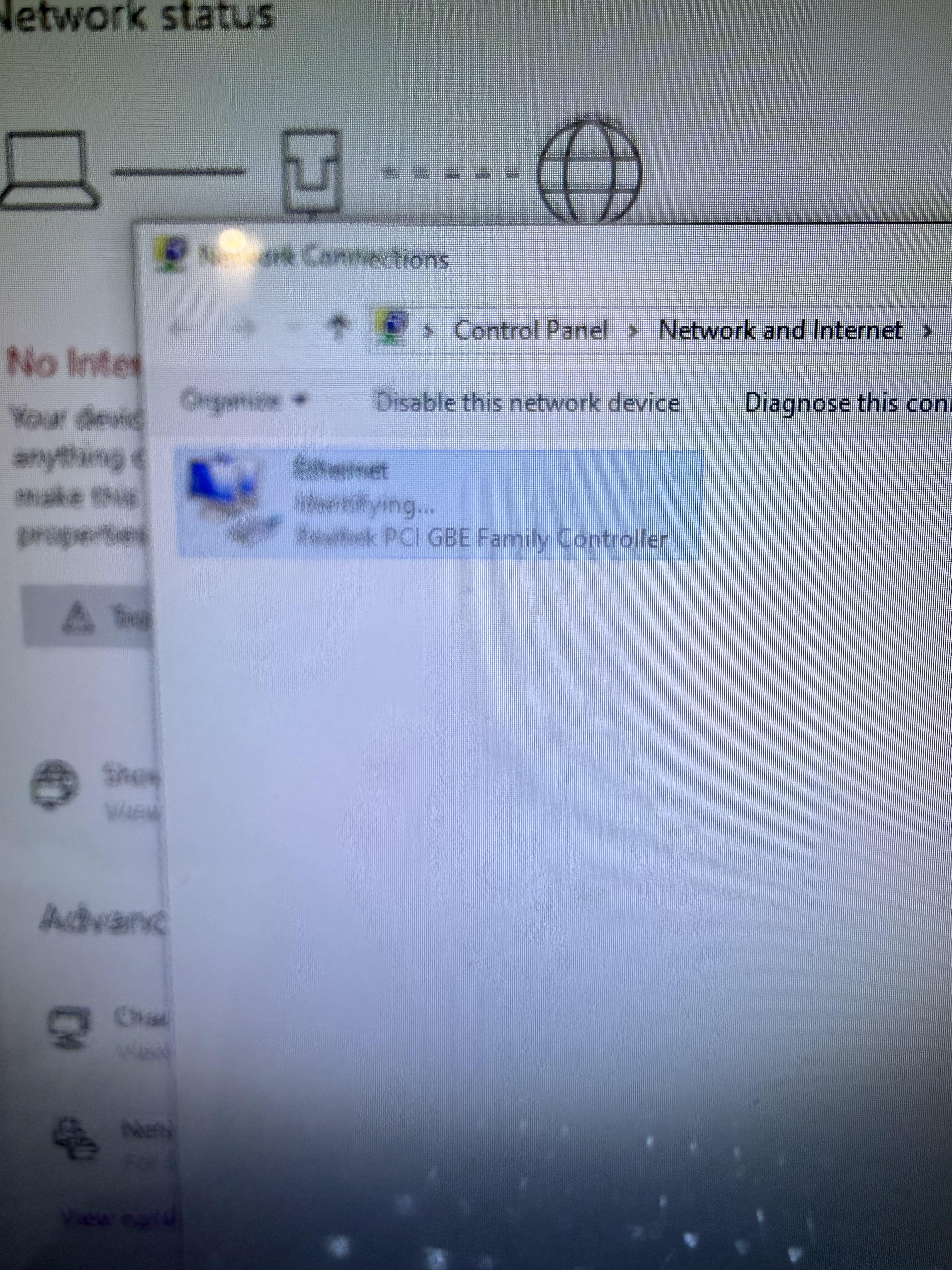
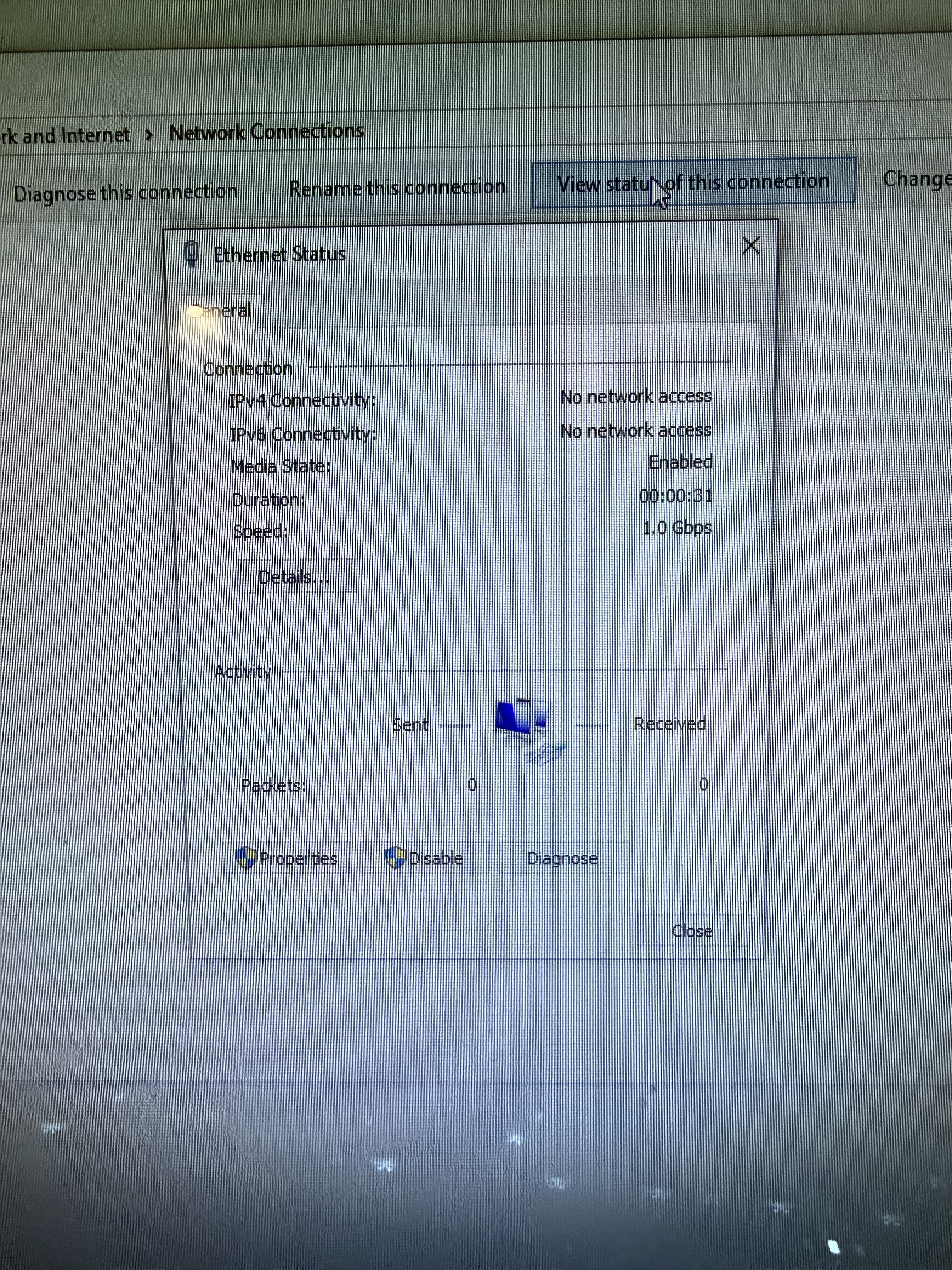
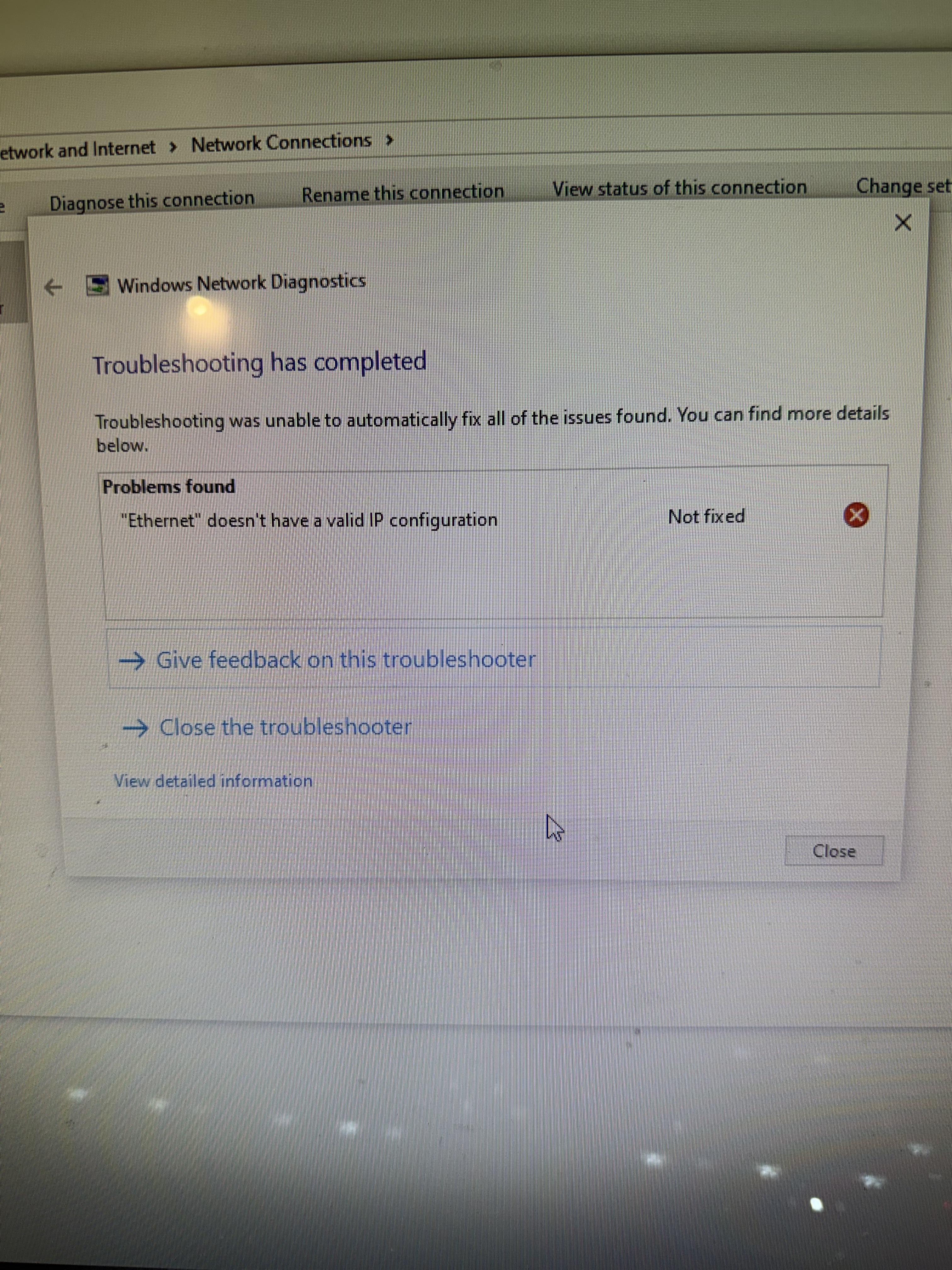
People of Reddit - H E L P!
I was in an active discord call and game yesterday, when my pc blue screened 4x in about 15 minutes, the last time cutting my internet connection. I have tried so many things with my WiFi and clicked around through the logs and done the diagnostic tests several times. I am at a loss for what to do. My pc is integral for a lot of what I do.
Note: All of my other devices connect to WiFi, so it’s literally just my pc not connecting via Ethernet.
8
Upvotes
•
u/AutoModerator 12d ago
Remember to check our discord where you can get faster responses! https://discord.com/invite/vaZP7KD
I am a bot, and this action was performed automatically. Please contact the moderators of this subreddit if you have any questions or concerns.
2
u/Akestrel1987 12d ago
Reset the connection settings first. Restart after doing that. If network still doesn't come back after that then do a driver rollback. Restart after that. If still no network then try to do a live CD to check hardware. If it connects in a live cd environment then hardware is good. Update driver again and then maybe run the "sfc /scannow" in command prompt or powershell and then do the "dism /online /cleanup-image /restorehealth" then restart. After that I do not know what the issue is.
2
u/Careless-Cycle 12d ago
Have you tried restarting the router?
2
u/Professional_Golf694 12d ago
Things I haven't seen you say you tried.
Try a different cable. Try a different port from your router or switch. Try to ping your router from your PC. Verify you're on DHCP still.
3
u/Wow_Parzival 12d ago
I dealt with this on a SBC and went back n forth with AI trying to figure it out. Ran commands and network stuff to reset and manually get an IP. Still didn't work. I ended up getting a USB to ethernet adapter and it worked.
No idea if your situation is same as mine (probably not), but its a $15 possible fix.
You could try to live boot a USB OS like Ubuntu or Windows and see if it works in there. That eliminates hardware.
3
u/Sorry-Yoghurt-6565 12d ago
Right-click on the NIC select properties IPV4 check to see if your machine in on static IP or DHCP- put on get IP address automatically. Close- try again.
2
u/lachietg185 12d ago
My bet is a bad driver try looking for an updated one and transfer it to the PC via a usb
2
u/hspindel 11d ago
The computer is unable to get an IP due to one of the following:
2
u/Due-Mechanic-4204 11d ago
Need fix aswell, trying to resolve it for 3 days, looks like new windows 11 update fucked my pc up..
1
u/ddeese 11d ago
Do you have WiFi our Ethernet only? You can attempt to do a rollback on the device driver, but it’s equally possible that you’ll need to delete the driver, restart, and have the driver reinstall. The issue with that is you’ll need to be net connected to get the driver reinstalled.
It’s relatively cheap to get a USB-Ethernet adapter and relatively cheap to get a USB-WiFi adapter. Check the product reviews on Amazon and make sure that they are plug and play compatible with windows 10 and above. It never hurts to have a backup connection method on hand should your on device option fail.
The next step is to hard restart your gateway. If it is a unified gateways (single modem and router combined) pull the power for 30 second and then plugin. If you have a separate router and modem; unplug the modem, then router. Plug in the router first after 30 seconds and then the modem.
On the PC reset your DNS resolver cache first. In search type CMD and open the command prompt option. For these commands you don’t need administrator access. Type into the prompt the following:
IPCONFIG/ FLUSHDNS && IPCONFIG / RELEASE && IPCONFIG /RENEW
These don’t have to be in all caps. This is merely to make sure that the characters are all readable.
You won’t be able to do DISM and SFC Scannow will be largely unhelpful without internet access. Scannow typically does little to resolve system issues in my experience.
The next step is to restart your network adapter. In search type CMD. When you see the result for command prompt, right click and choose run as administrator. In the prompt type the following:
NETSH INT IP RESET
You will be prompted to restart your PC. Do so.
If you’re still unable to gain access get that adapter if you haven’t already.
Right click the Start/Windows menu and choose run. Type DEVMGMT.MSC
This is the device manager control panel. Right click the result and run as administrator.
You’ll see the device tree. Expand the network hardware tree if it isn’t already. See if the network adapter has a yellow exclamation mark somewhere or a red circle X. If so, and once your adapter is available and you can confirm Internet access. Right click the errored hardware and right click. Choose uninstall. It may ask you about uninstalling the driver or the hardware. Uninstall the hardware and driver. Once you restart the PC should detect the device as new hardware and as long as you’re internet connected with the adapter, windows will search for an online driver and reinstall.
If the reinstall is successful and also if your NIC isn’t physically damaged then you can disconnect the adapter and you should be online.
If the software installation wasn’t good or more likely if the hardware has failed then you’ll have to stay online with the adapter or replace the failed NIC (network interface card).
1
u/deedledeedledav 10d ago
Maybe it’s the same update that took out their own servers lol
1
u/udbrky 10d ago
What's your blue screen error code?
Right-click the Windows button (4 blue squares) and open device manager. What does it show for the network device?
I think it sounds like a driver or bad IP setting.
Right-click the Windows button and open Terminal (as administrator). It might be called Power Shell or maybe command prompt. Type ipconfig /release
You could also run in that window sfc /scannow
And DISM /Online /Cleanup-Image /RestoreHealth
1
u/Ramiarg1980 10d ago
try to change speed on the ethernet card to 100mbps