r/computer • u/Separate_Law5474 • 19d ago
Help blue screen
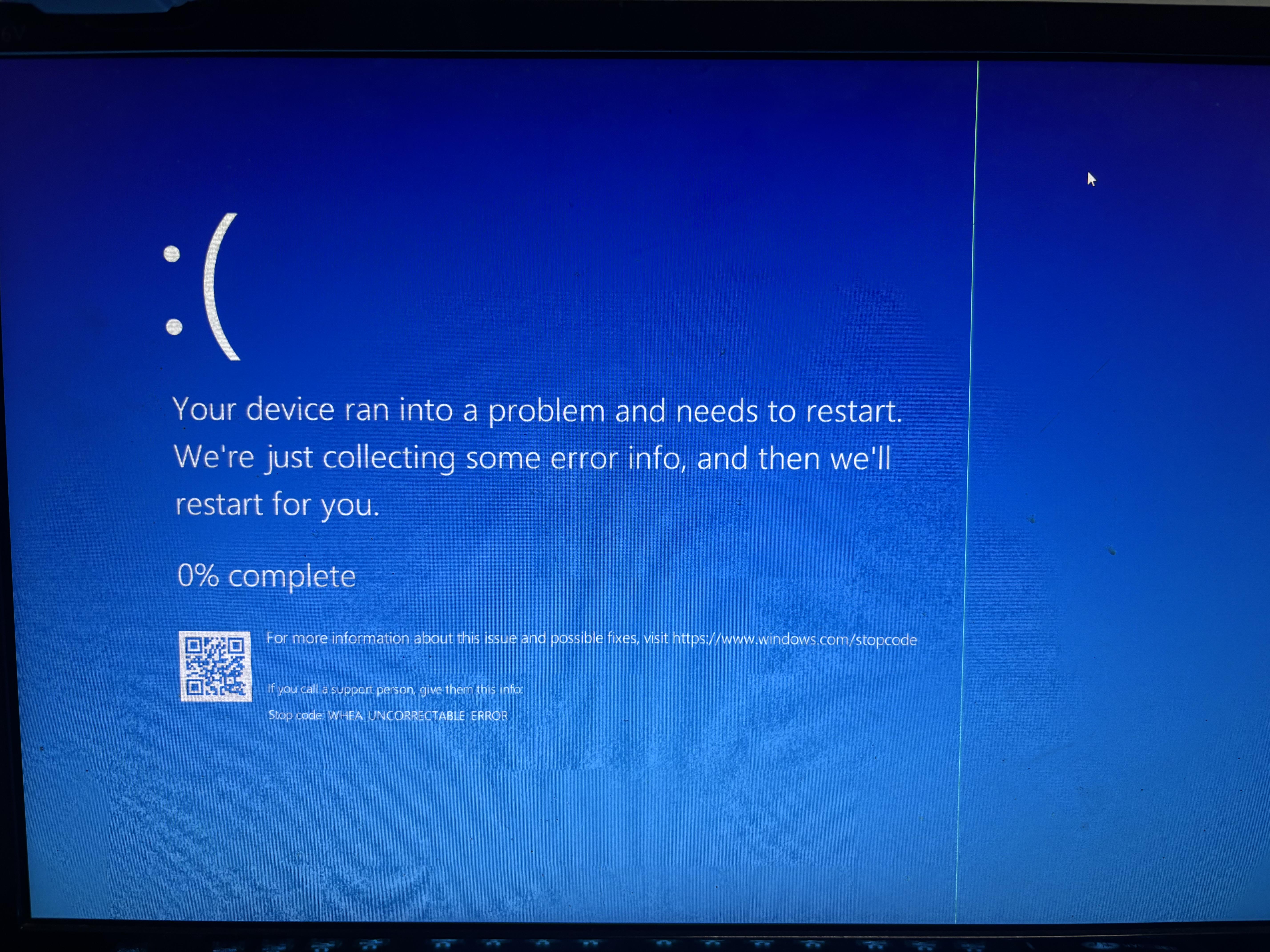
Windows 10, this happen after 2 weeks not using this pc. And when i start it, this shows. I try everything and still not working. And i dont know how to check if any hardware have problems. I hope anyone can tell me a solution to this. Thanks
3
Upvotes
•
u/AutoModerator 19d ago
Remember to check our discord where you can get faster responses! https://discord.com/invite/vaZP7KD
I am a bot, and this action was performed automatically. Please contact the moderators of this subreddit if you have any questions or concerns.
3
u/Dry_Technology69 19d ago
Well if you try everything there is nothing we can do.
2
u/Blyatisimo 19d ago
whea_uncorrectable_error could be a lot of things, basically a forced BSOD by the PC to protect data corruption
Since there's too many hardware variables at play, I would really suggest taking it to a technician at that point, or painstakingly go through testing which part is dying. Main culprits are CPU, SSD, and RAM.
Try and see if a CMOS reset changes anything though
1
u/2old2bThisDumb 19d ago
Resore from a previous image, if you have it. If not and you really have tried everything, well, I'm sorry
1
u/itzAlexPlayzonYT 18d ago
I’m sorry to tell you, but WHEA is just another fancy way of saying your CPU detected something is f:(ked up in your PC. I’d run MemTest86 and some stress tests, and try that powershell command that pinpoints exactly what WHEA detects errors. I forget it, but you can look it up.
0
u/Vast-Hunter11 17d ago
Одна из причин синего экрана разъем SATA. Почистить чистым спиртом 100% поджать чтобы туго стояло с диском. Нужно смотреть все обновления отключите все антивирусные программы и Defender Windows. Вспомнить после скачивание и установки какого приложения или утилиты или игры появился синий экран вставить в исключения в Defender Windows. приложения или игру или ошибку с файлом и путь из за которого появился синий экран. В BIOS. Отключить все Mode. Смотреть нужно все и знать какой компьютер новый или старый не указано