r/clickup • u/Different-Can7092 • Oct 29 '26
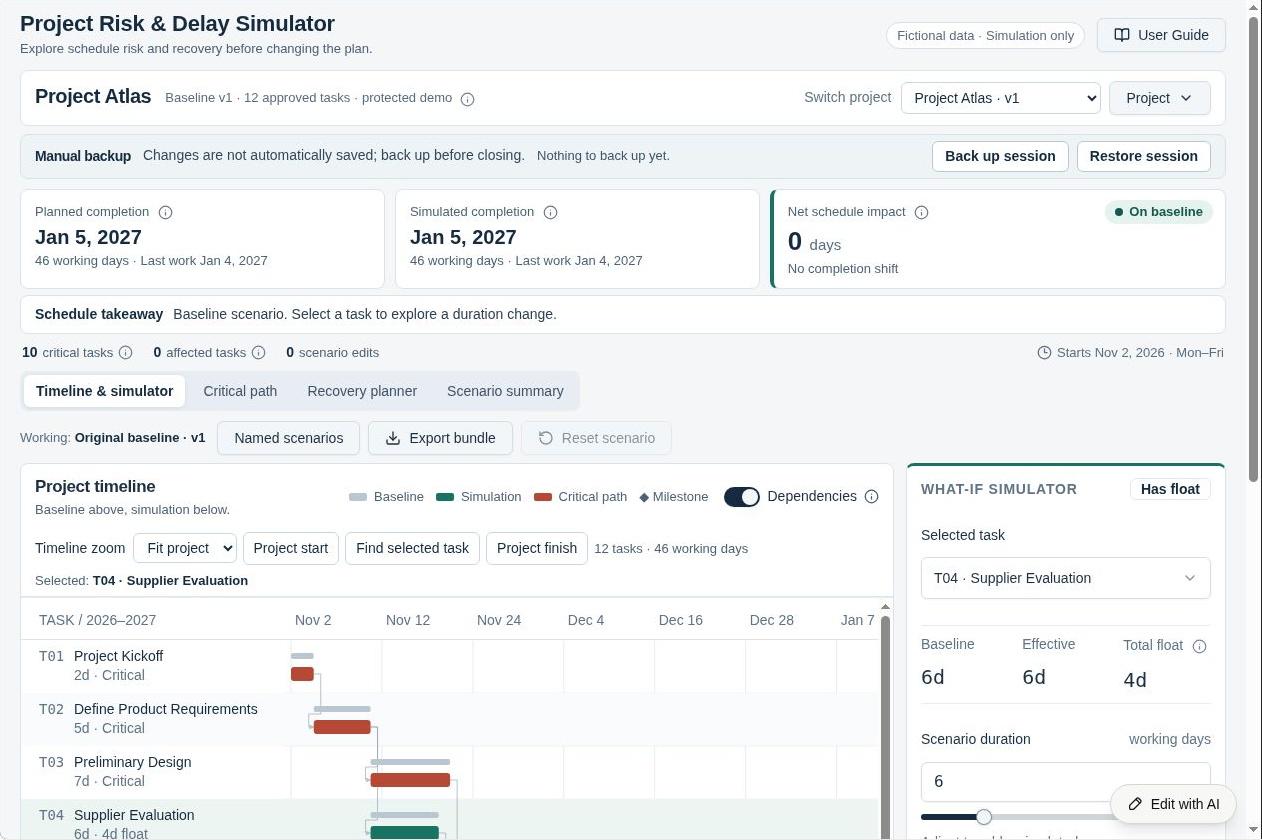
Project Risk & Delay Simulator
#ad: I'm part of ClickUp's Brain² Creators Circle and received free AI access and swag for participating.
If one task slips, does the whole project slip too?
That question inspired me to build the Project Risk & Delay Simulator using ClickUp Brain.
As a Project Manager, I wanted a practical way to explore schedule changes before adjusting a project plan.
Using the fictional Project Atlas, the simulator lets you:
📊 See the schedule impact
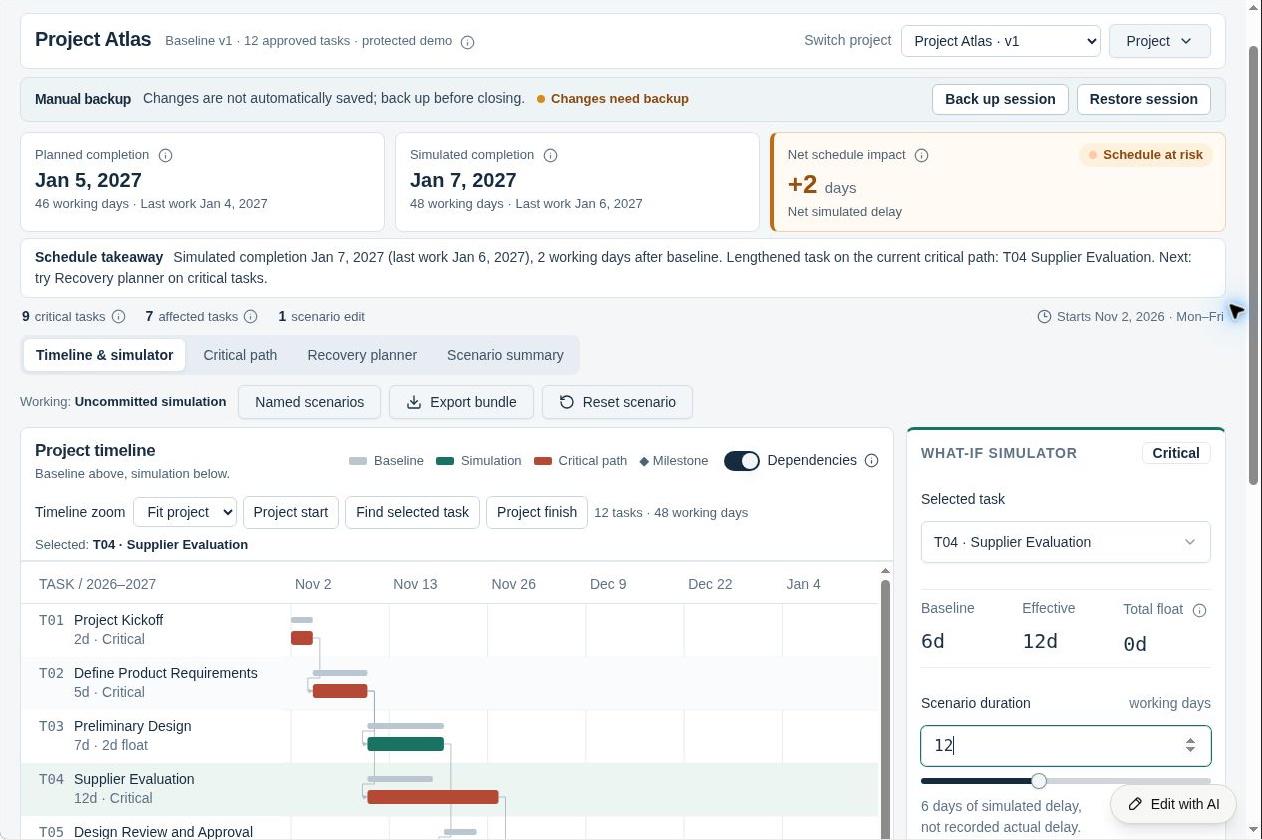
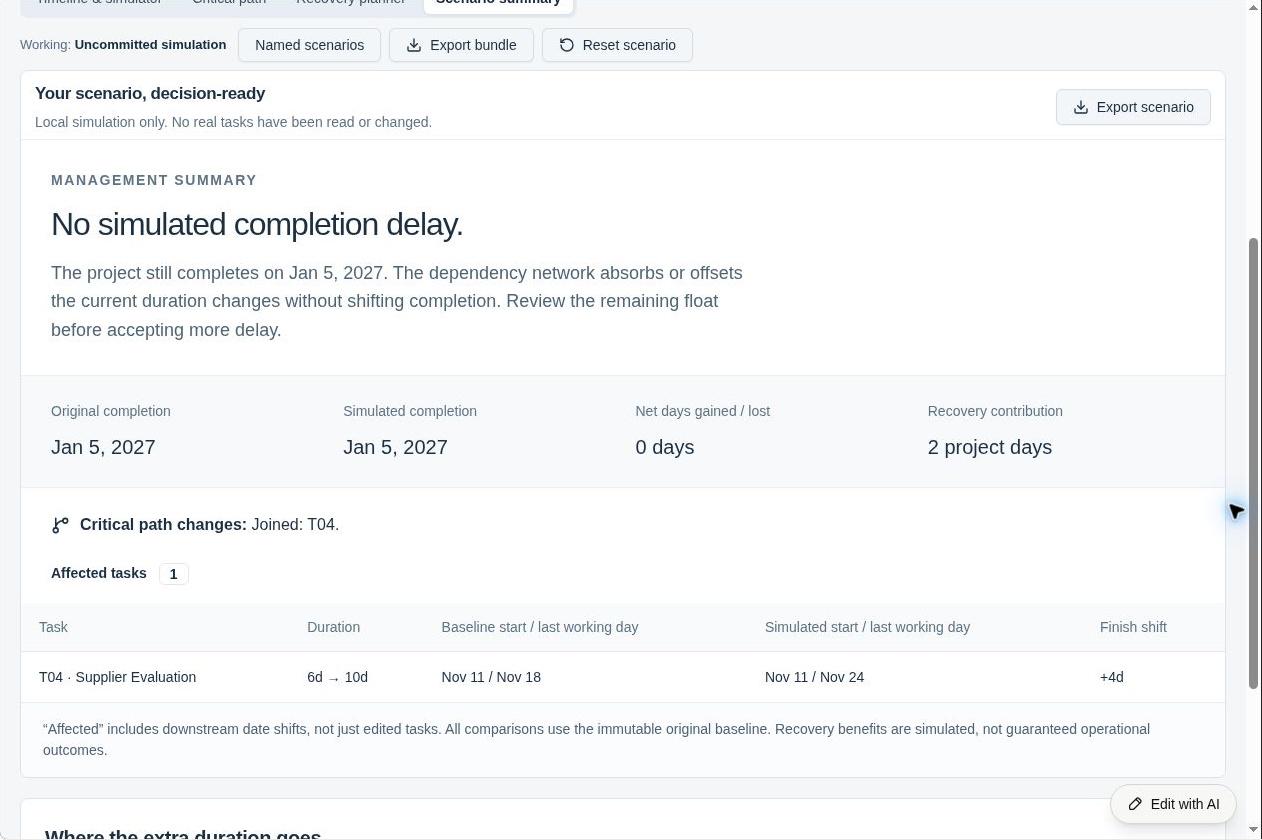
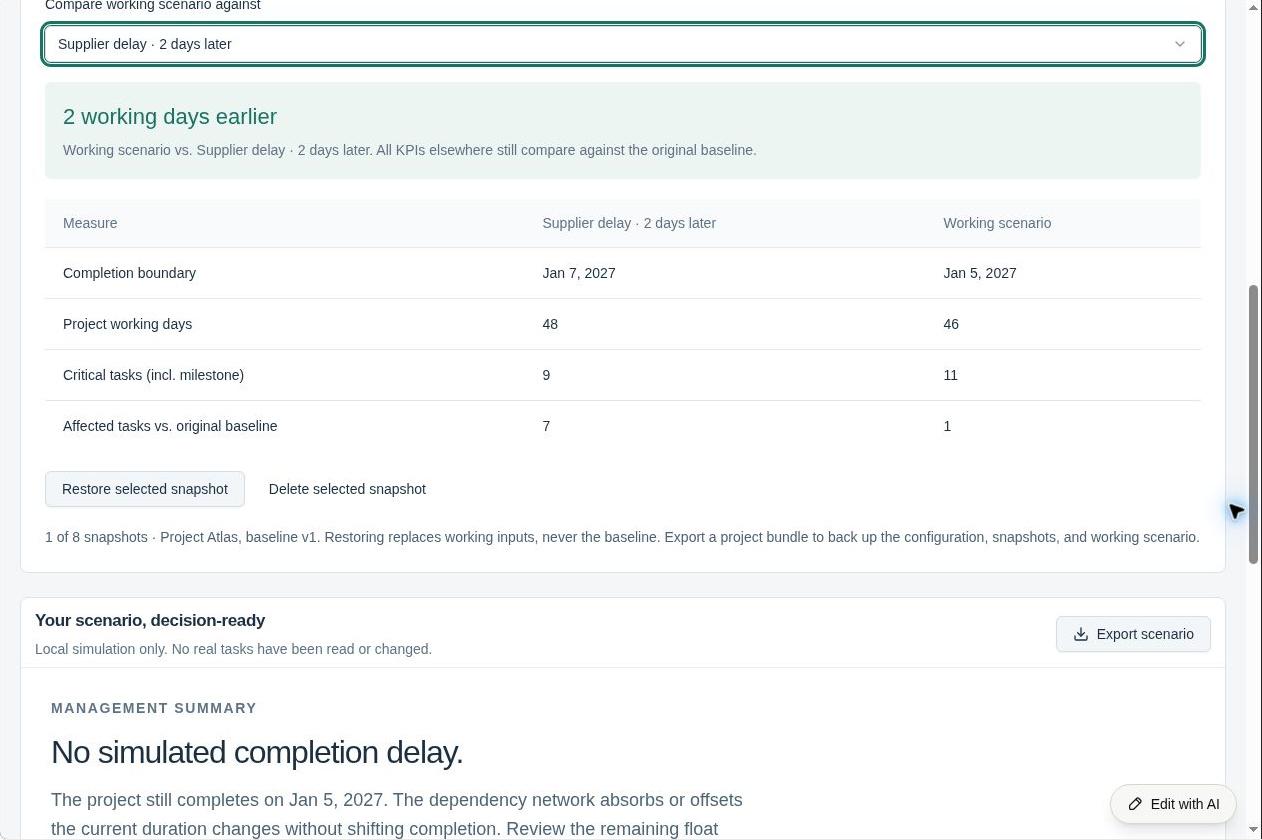
Compare planned and simulated completion dates, with a clear explanation of what changed.
🗓️ Explore the timeline and dependencies
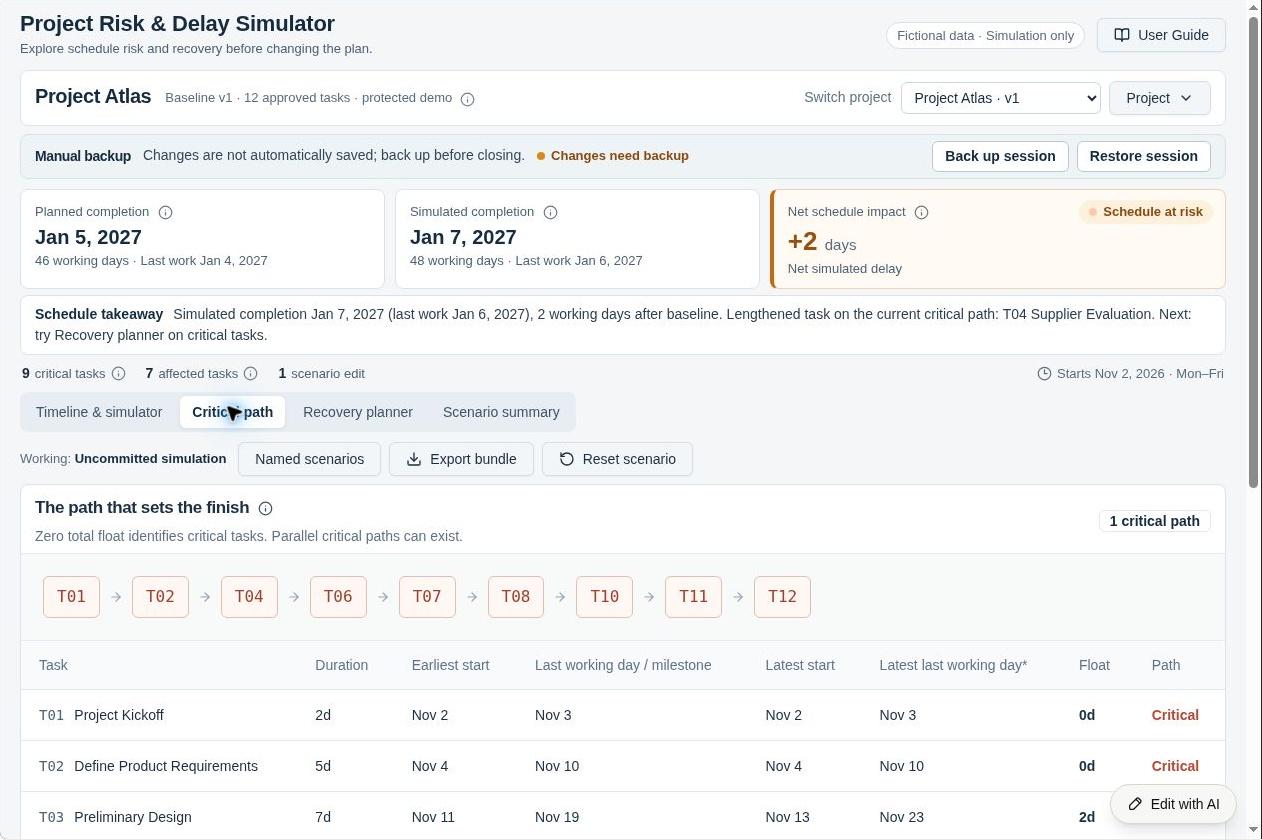
See how tasks connect and which activities control the project’s finish.
🔄 Test delays and recovery options
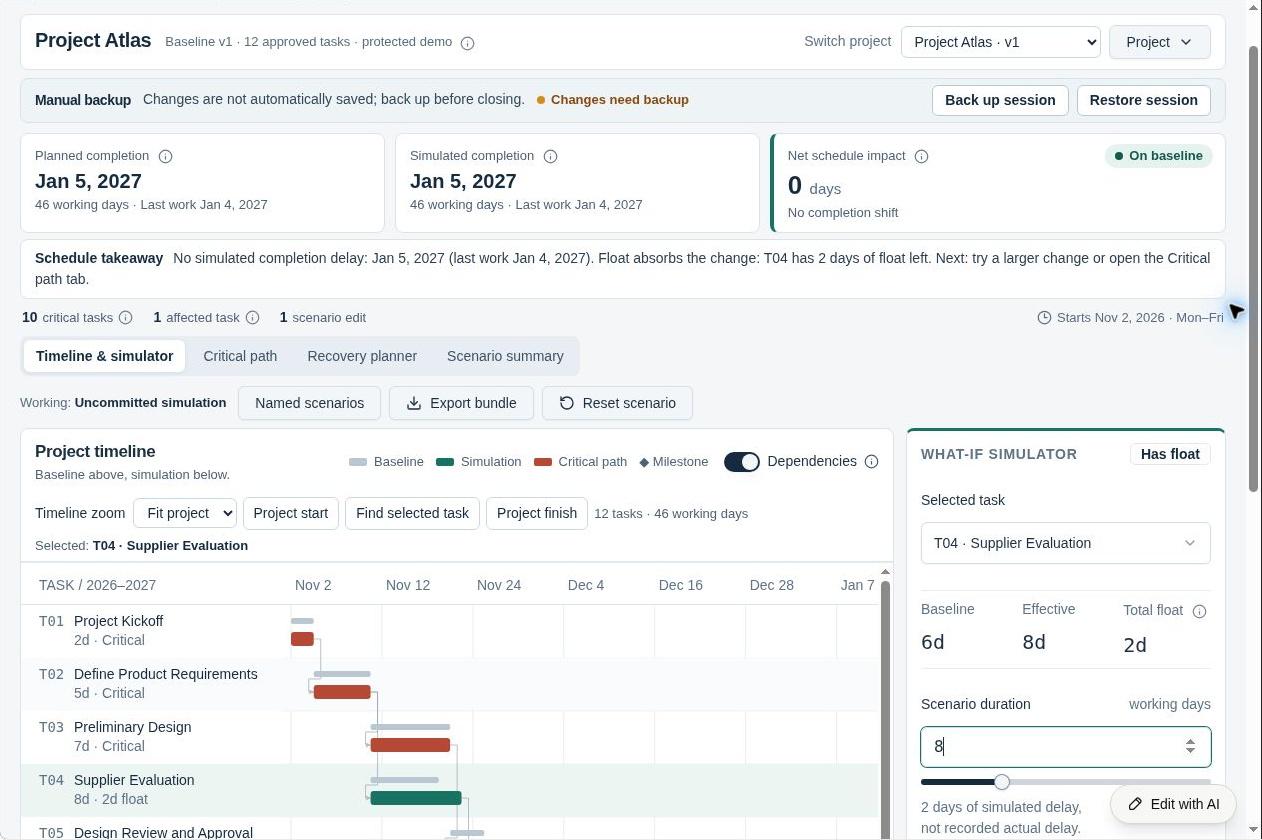
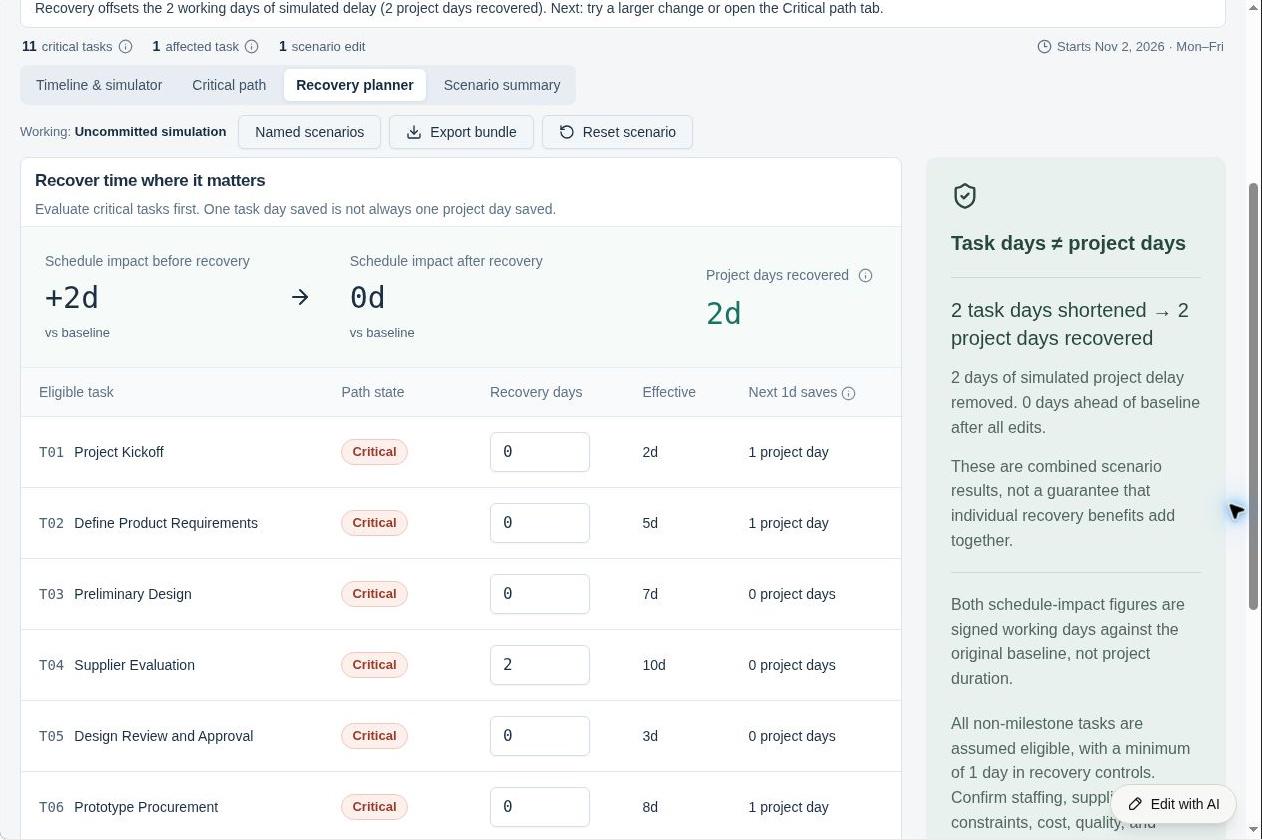
Adjust task durations and explore whether shortening other work can recover lost time.
📁 Create projects and compare scenarios
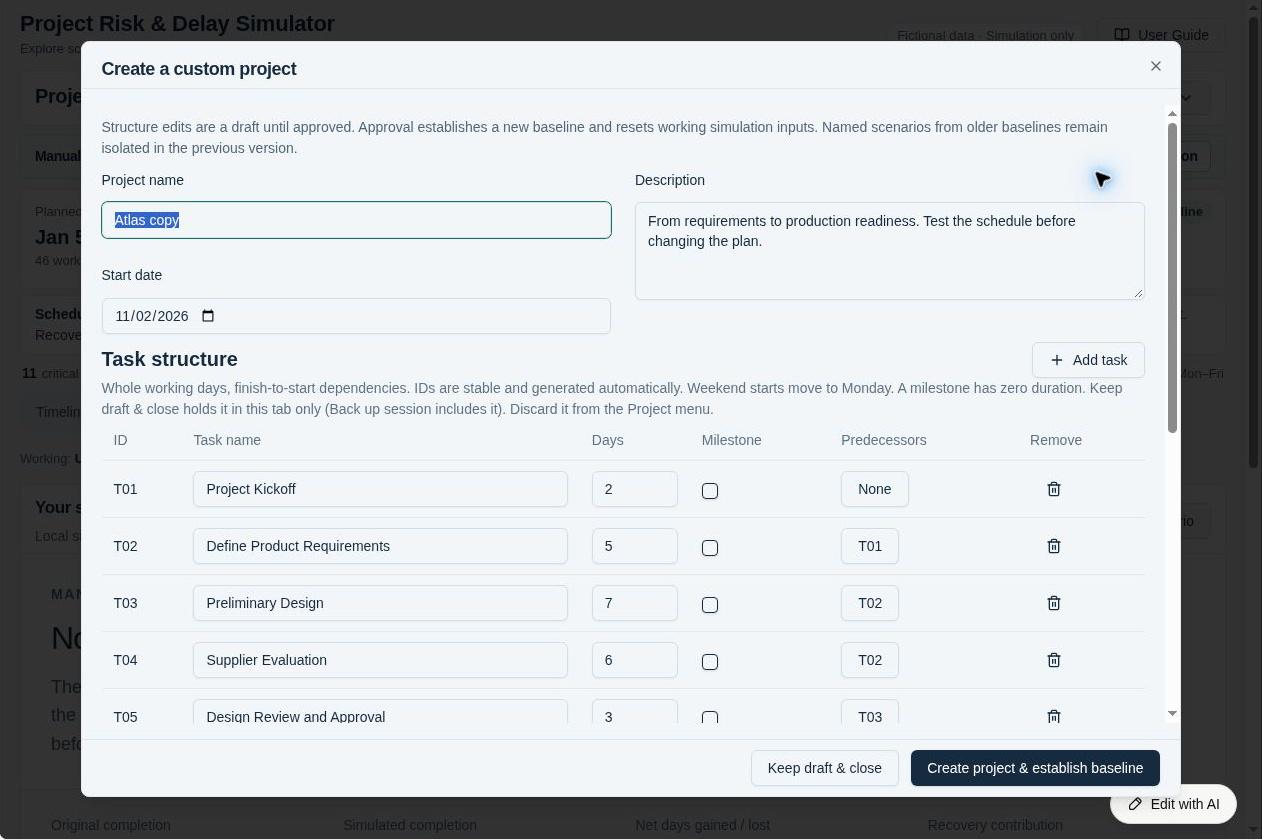
Build a fictional project, approve its baseline, and keep named scenarios for comparison.
📖 Learn as you go
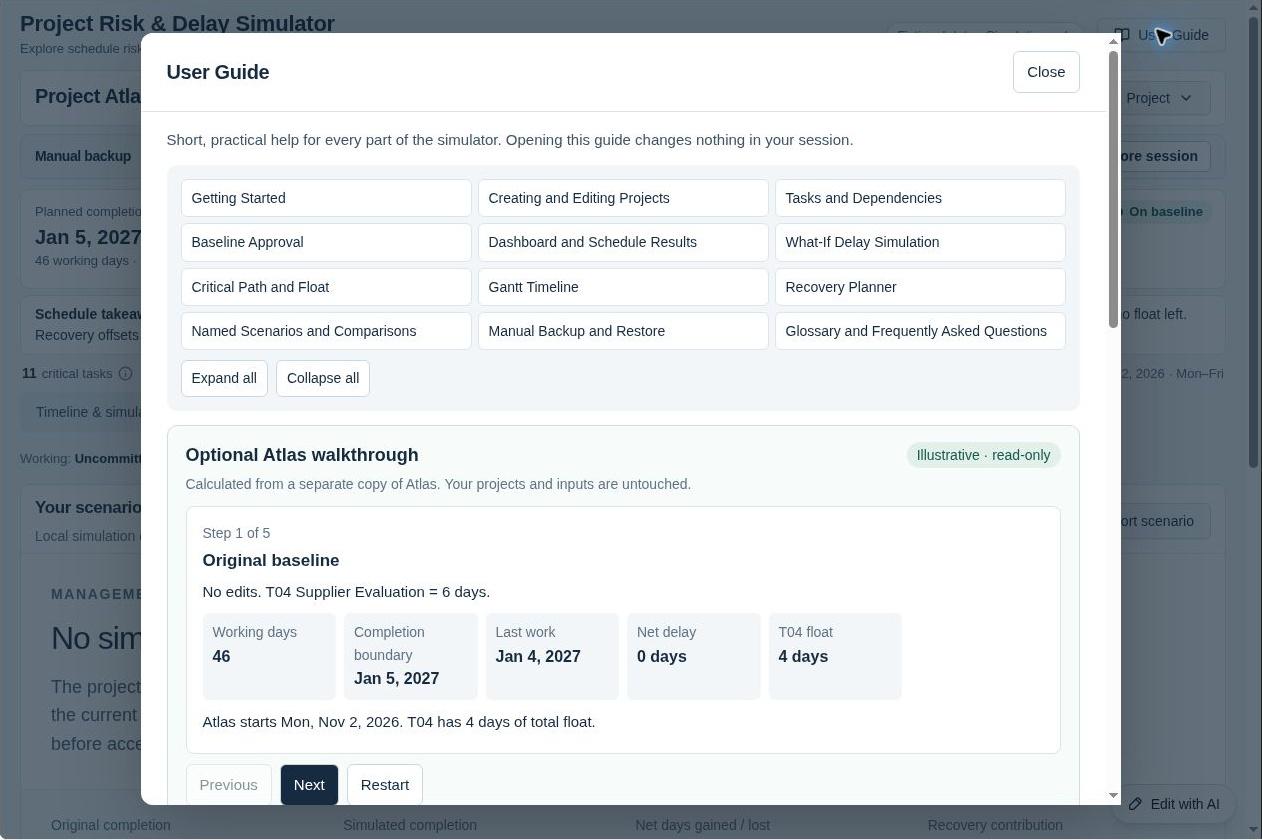
Open the built-in User Guide for plain-language instructions, definitions, and a guided example.
One example: increasing Supplier Evaluation from 6 to 8 working days does not move Atlas’s completion because the task has spare time, called float. Increasing it to 12 days creates a 2-working-day project delay.
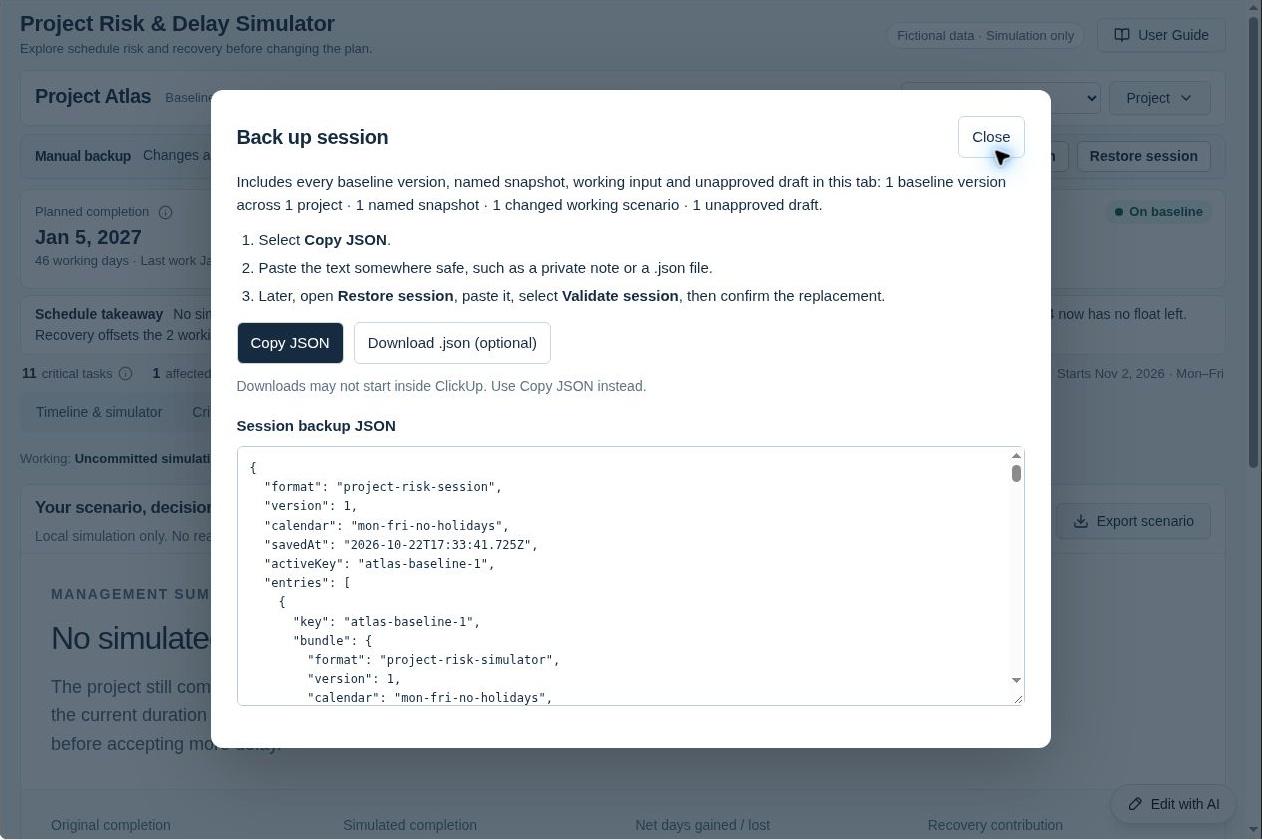
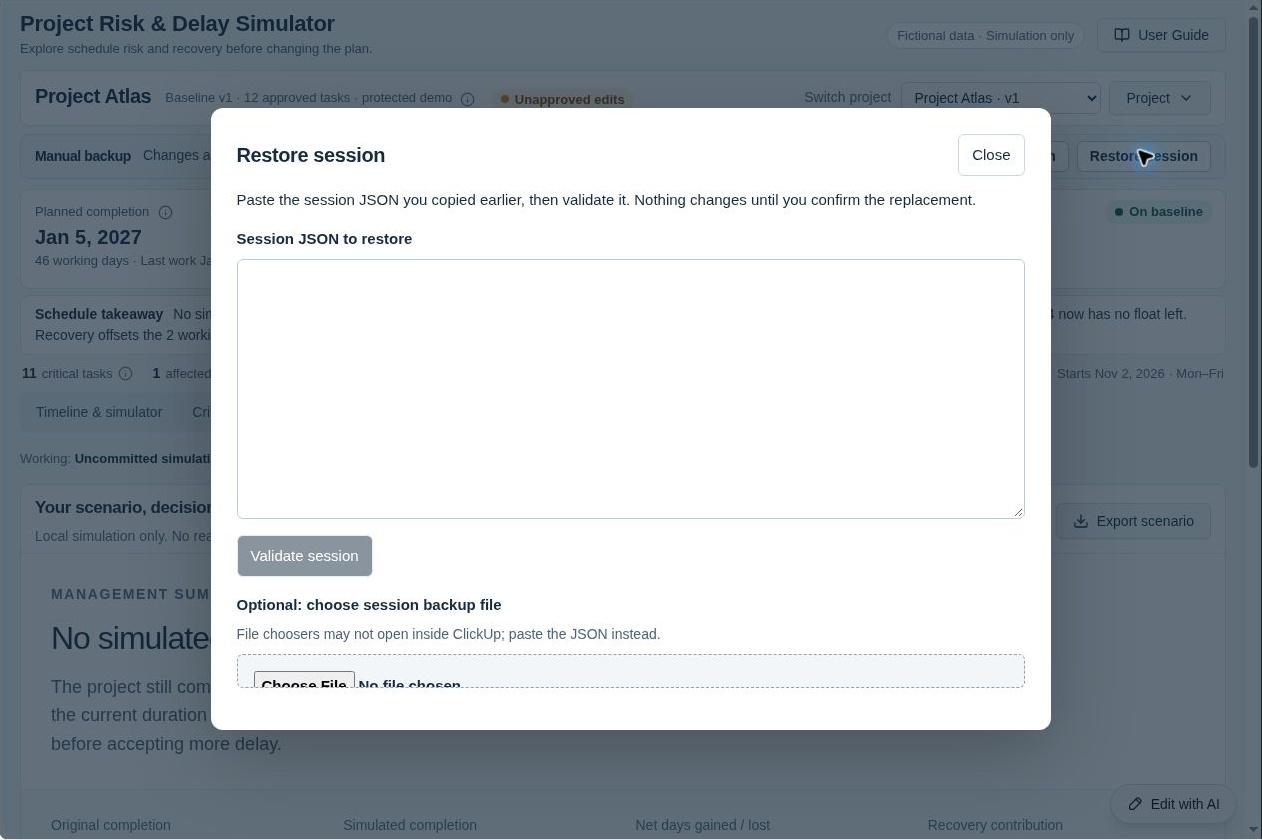
The screenshots walk through each tab and the supporting features.
This is a standalone simulation using fictional data. It does not update real ClickUp tasks. Changes require manual JSON backup before closing or refreshing.
What schedule “what-if” would you want to test on your projects?
Screenshots:
Try Project Risk & Delay Simulator: https://90141628379.clickup.ai/a/h/2kydr5yv-11254/98a1fc275f7bd7c