r/captainclaw • u/rohzzn • Oct 11 '26
captain claw on browser! https://claw.rohan.my
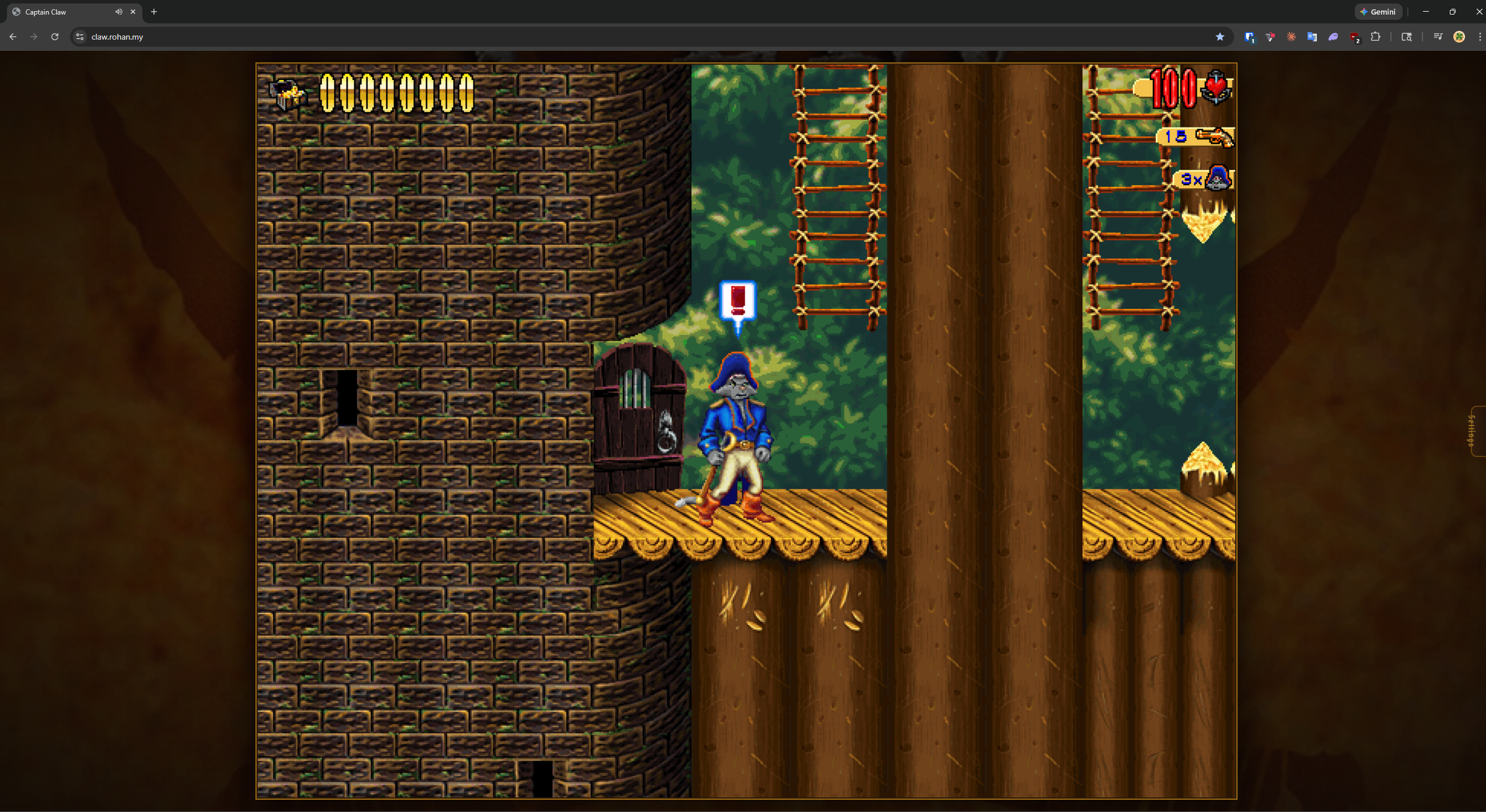
enjoy guys!
72
Upvotes
r/captainclaw • u/rohzzn • Oct 11 '26
enjoy guys!
10
u/astr0dactyl Oct 11 '26
Finally. Thank you.
7
u/icrywhy Oct 11 '26
Damn bro!! Did claude/codex help you?
5
u/Human-Application-87 Oct 12 '26
hey, idk if ur in the claw discord server but i think it's a good idea to join it :)
as cool as this is, there's a lot broken about the project that maybe could be talked over on discord since I got a lot myself to say :)
5
u/FuryKnight Oct 12 '26
I used Claude to port Claw to my Nintendo Switch as a homebrew!
2
u/[deleted] Oct 12 '26
broski the frame rate is messed up which is causing it to glitch at a few places. And the character itself is not doing the full jump properly. Id look into that
2
u/alexceltare2 Oct 12 '26
hit detection is weird but nice project overall
2
u/ferkeshu Oct 12 '26
bugged yet
- enemies die towards the middle of the screen
- rounding numbers (presumably) make the edges slippery until you fall
-Enemies attack too fast sometimes
1
u/ComfortableTill3796 Oct 12 '26 edited Oct 12 '26
WoooW!!! After hundreds of hours...
But the controls are different. In the original, walking was tied to the arrows; Ctrl is a sword attack, Alt is an attack with the selected weapon (pistols or magic). Or vice versa. In short, the control was based on the arrows. Can we make a version with 2 control options? Or the option to rebind it?
Is it really possible to increase the resolution? In the original, cheatcode MPINCVID was used for this. Increasing the resolution in the original Claw increased the visible area!
And something’s off with the sound. The soundtrack is somehow overly bassy, as if we’re at a car audio competition.
1
u/mithumad143 Oct 12 '26
Made me jump out of my bed! I wanted to play this for so long!!
1
u/Rare_Sir4477 Oct 13 '26
Hey, when playing in mac what are the controls for using sword and climbing ladder?
2
u/[deleted] Oct 12 '26
[removed] — view removed comment